
King, NC · Danbury · Pinnacle · Tobaccoville · Germanton · Walnut Cove
Virus and malware removal in King, NC
Hijackers, remote-access tools, and the call from “Microsoft.” We find what is on the machine, remove it, log it, and lock down what they used. Same infection inside 90 days is cleaned again at no labor charge.
Monday–Friday 9:00 AM–7:00 PM by appointment. Drop-off is scheduled when your ticket is near the top of the queue.
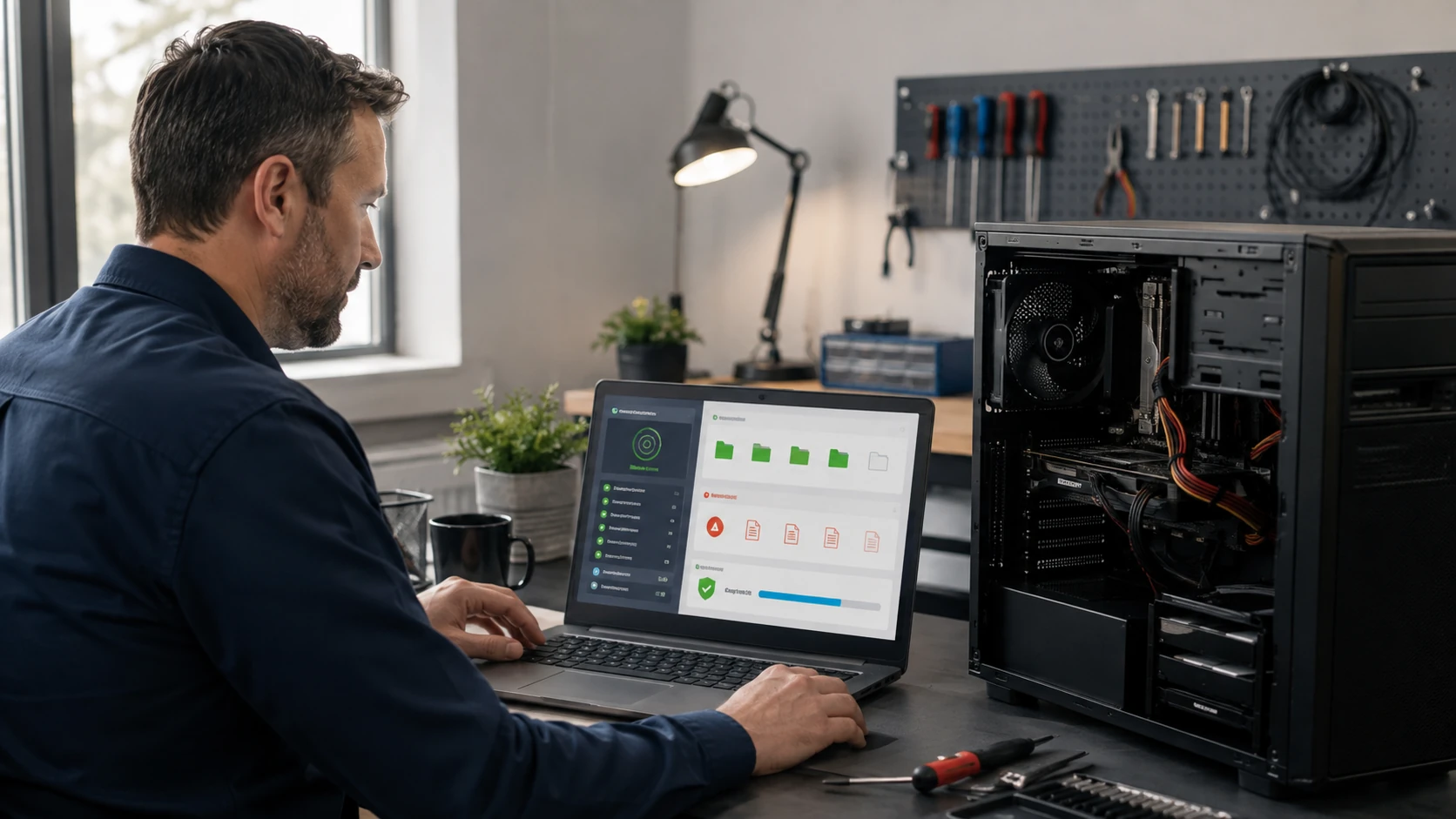
A scan is a step. It is not the whole job.
We diagnose first. Then cleanup, OS repair, and the accounts if credentials moved. Local banks send people here because a wipe is not always enough and a pop-up “remover” is how people get a second infection. If money already moved, say so — that is Digital Security Incident Response, not just this page.
We provide a log of what was removed. Same exact infection inside 90 days, we remove it again with no labor charge. A new click, a new payload, is a new ticket.
What we actually work on
 Diagnosis | 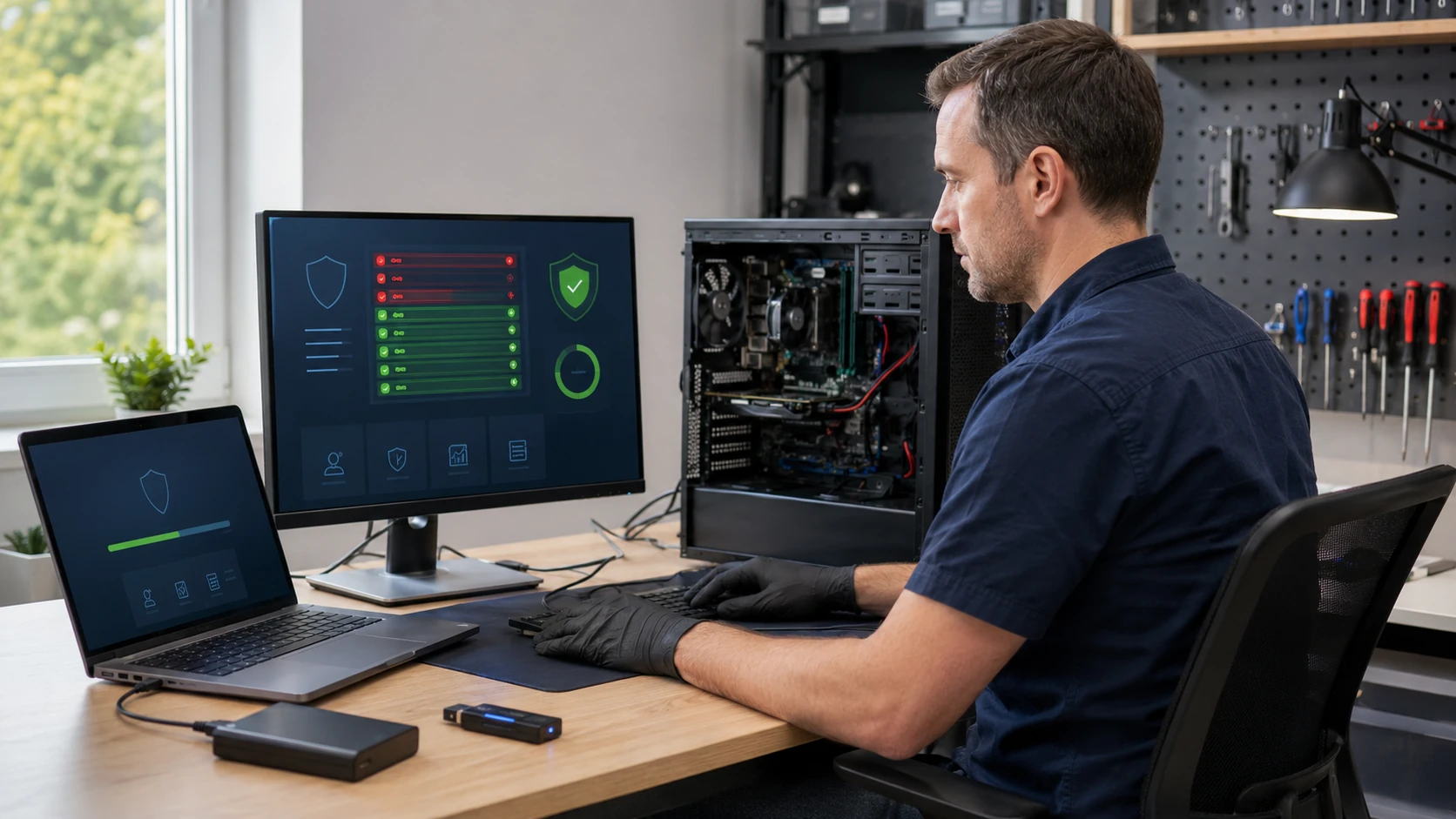 Malware cleanup |
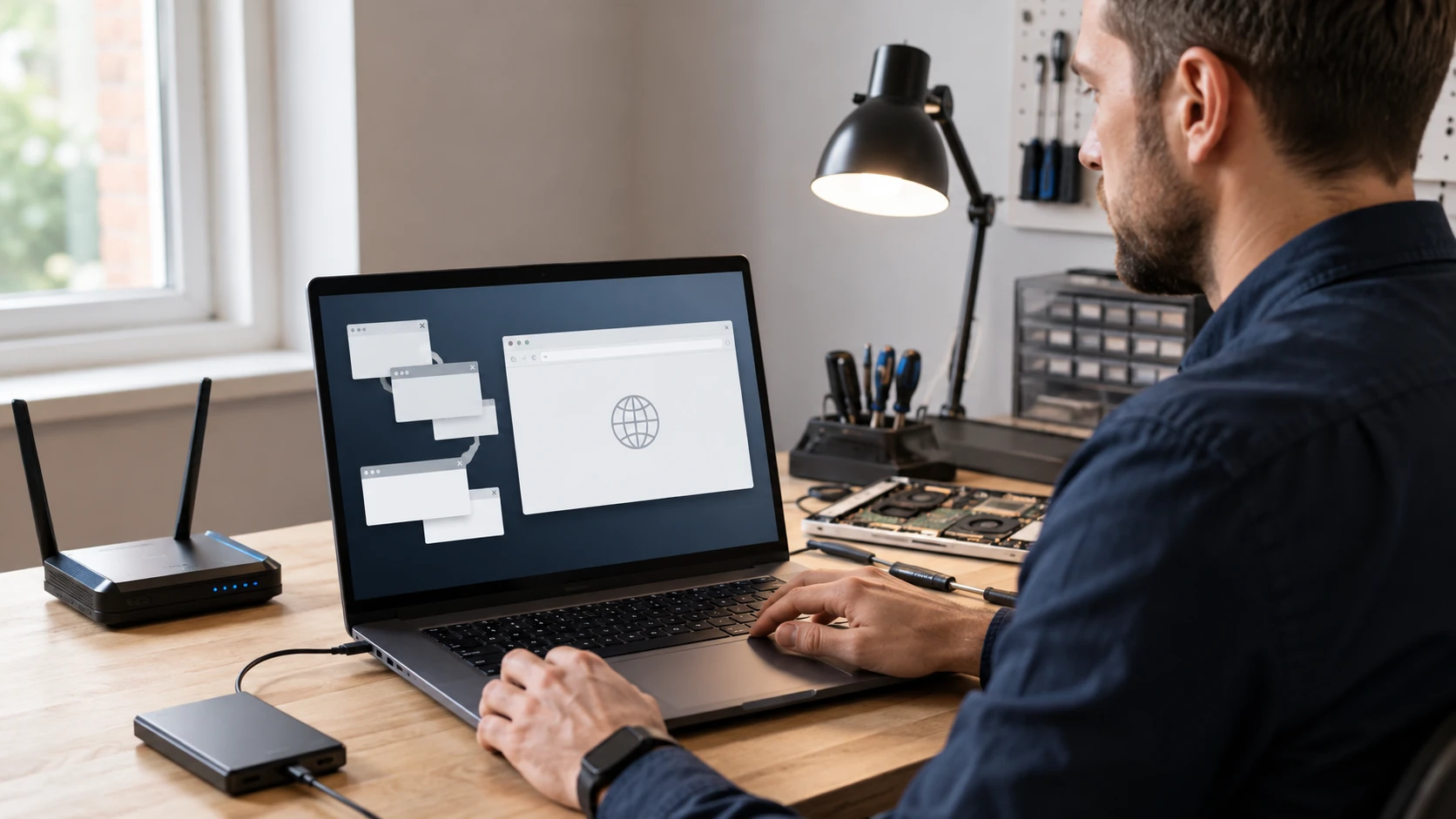 Adware / hijackers | 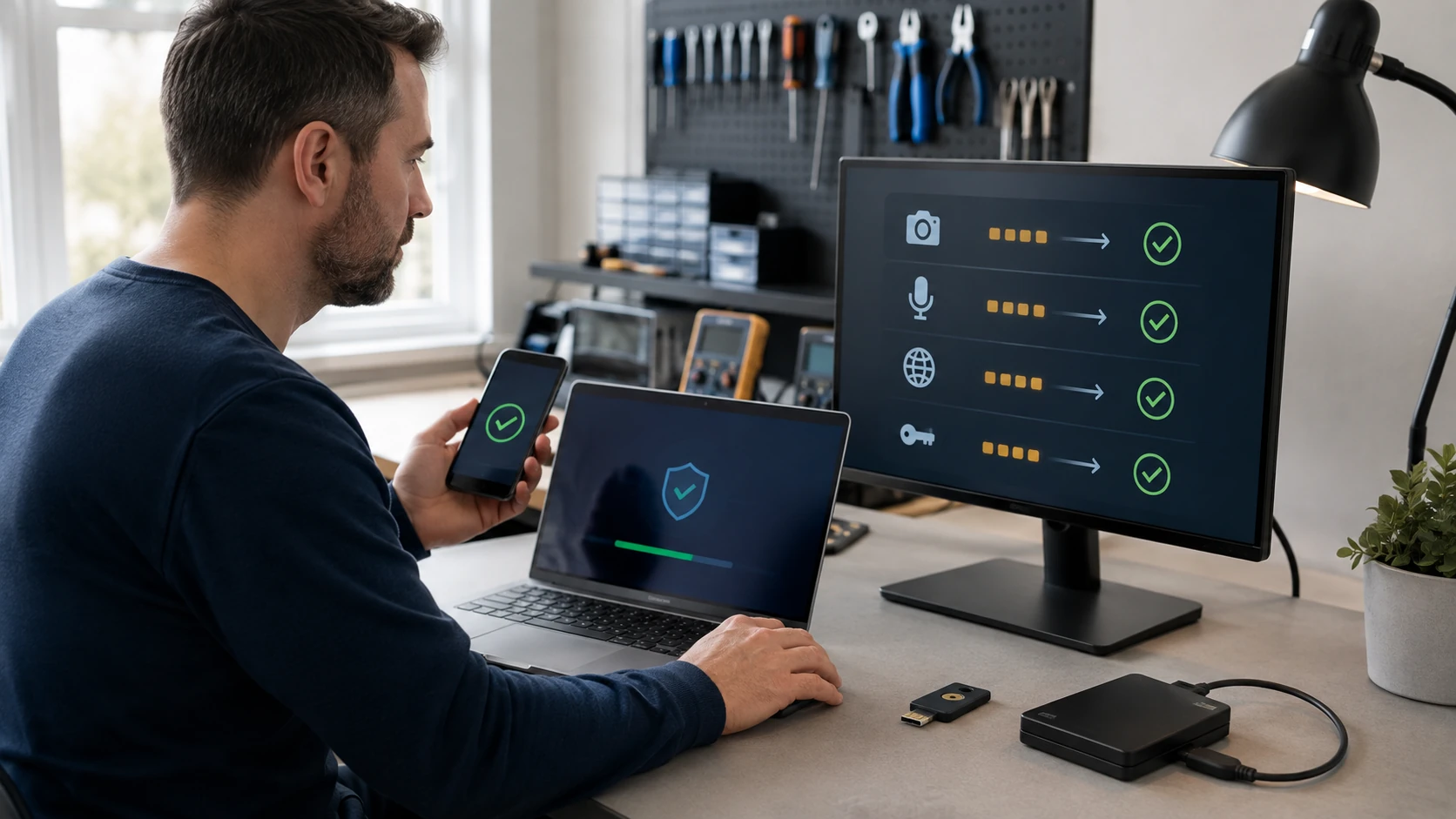 Spyware / accounts |
 Phishing mail | 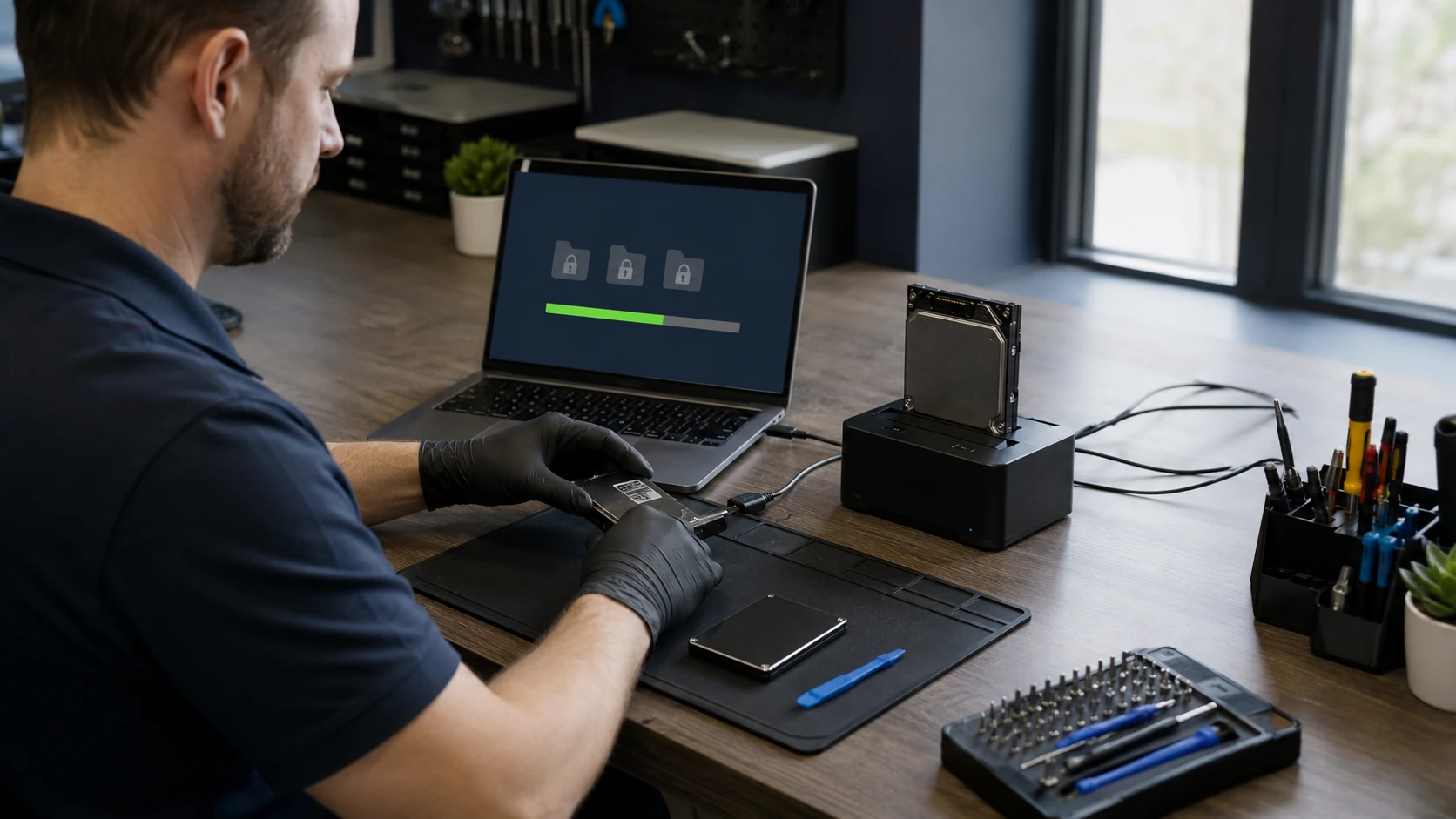 Ransomware |
 Rootkits |  Remote-access / backdoors |
 Patch what they used |
How the work actually goes
Find what is actually on the machine
A pop-up is not a diagnosis. We look at running processes, persistence, browser hijacks, and whether someone is still in the mailbox. Logs go in the report. A single “scan and hope” is not how bank-referred jobs get done.
Cleanup, then prove Windows still stands
Remove what is there, repair the OS pieces it broke, and check that it stays gone. Same infection inside 90 days is cleaned again at no labor charge. New infection from a new click is a new ticket. See the guarantee.
Browser hijackers and adware
New tab is a shopping site, the homepage you cannot change, a search bar you did not install. We clean the browser, the policies, and the scheduled task that puts it back. Then we show you how it got there.
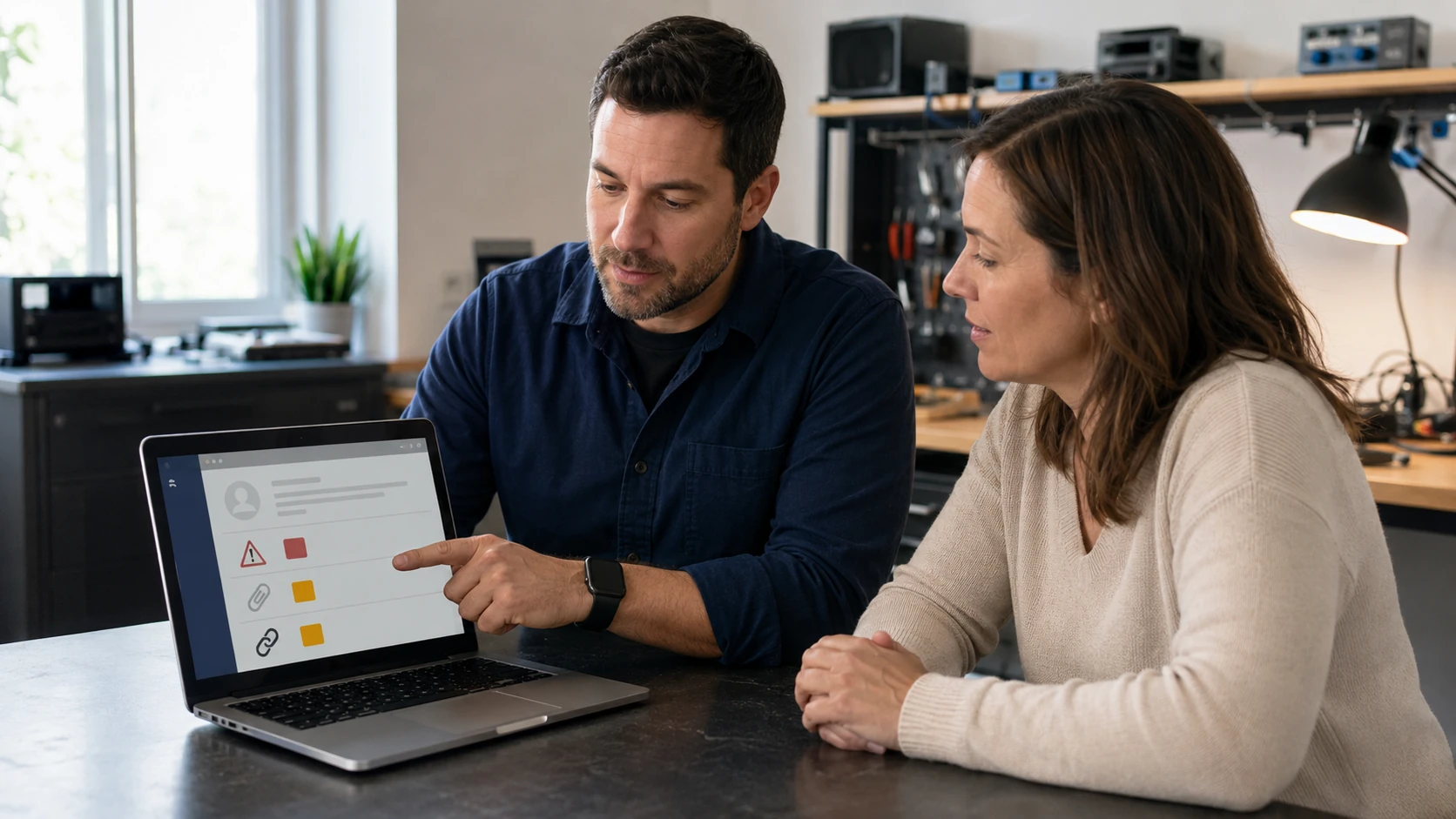
The email that started it
Invoice.pdf.html, a fake Microsoft sign-in, a “your mailbox is full” from a domain that is not your ISP. We look at headers when it helps, kill the rule that forwards the bank, and point you at email if the client is the problem.
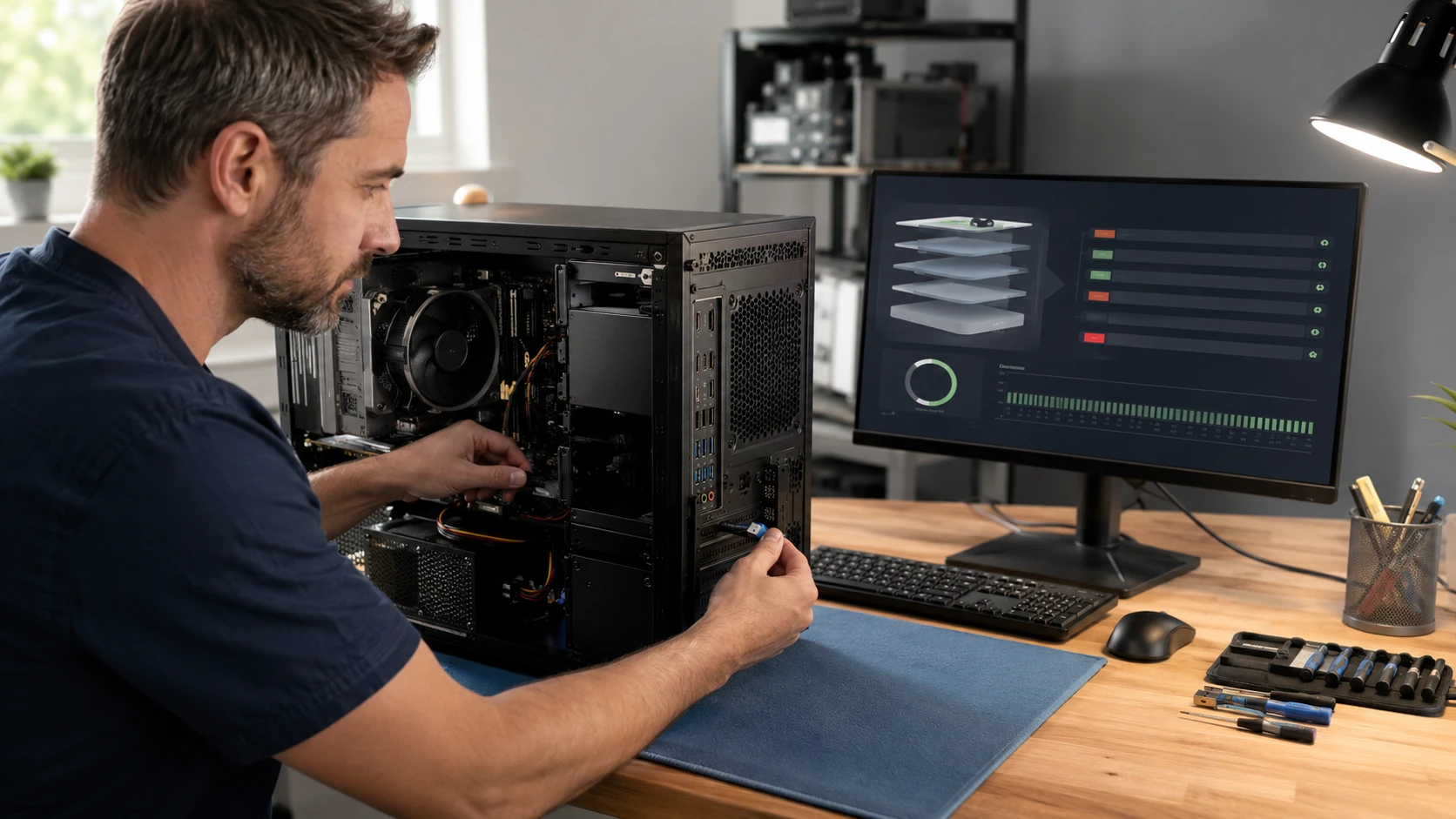
Rootkits and things that hide
If the OS is lying about what is running, we boot from known-good media. Sometimes the honest path is clone-and-reload. We still try to keep your files. We will not pretend a one-click cleaner catches everything.
Someone is in the machine
AnyDesk, a fake Microsoft session, a scheduled task that phones home. We remove the access, we rotate what they could have seen, and we tell you if this is now a DSIR ticket because the bank is involved. Local banks send this work here.
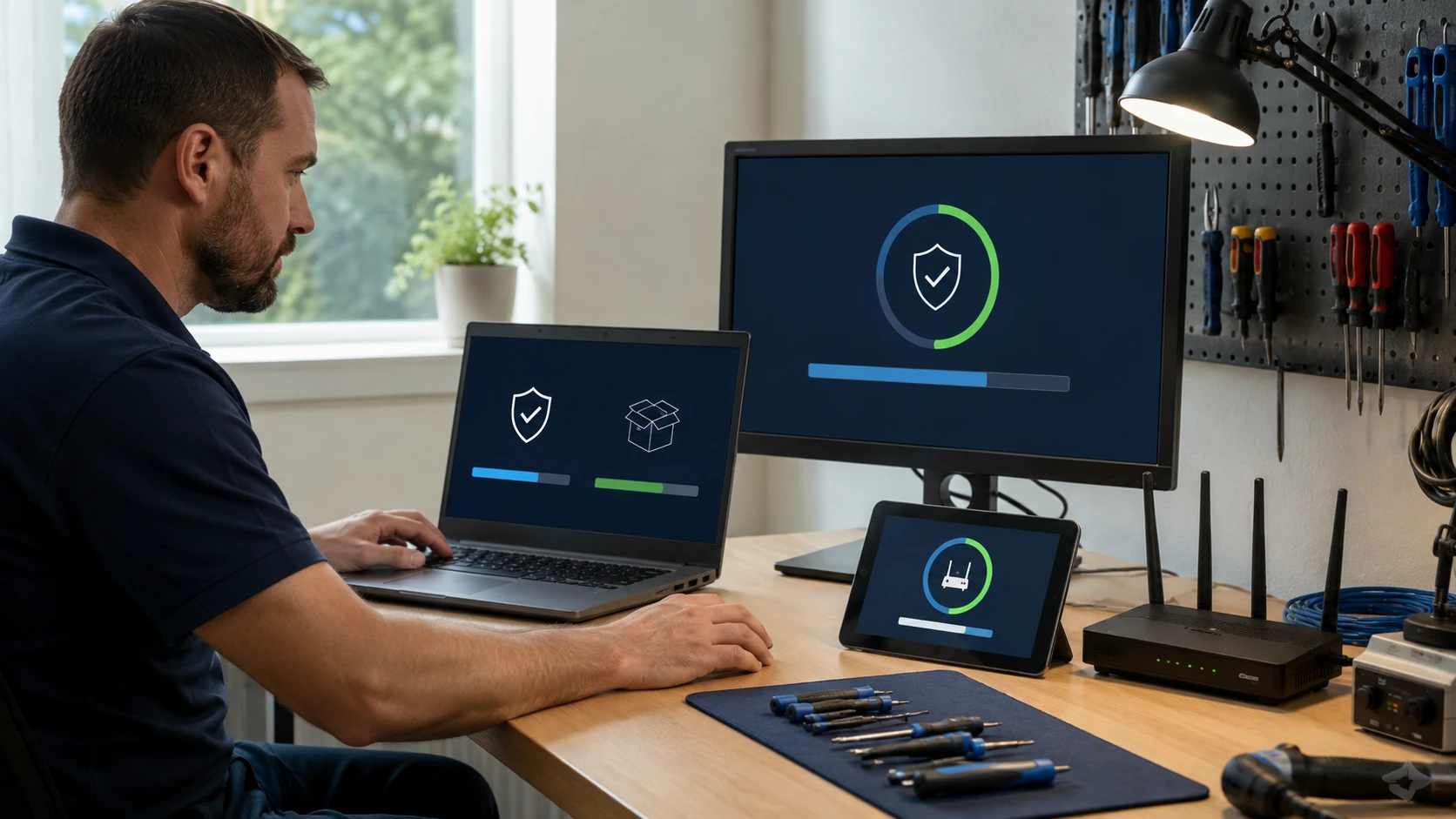
Patch the hole they walked through
An old browser, an unpatched Office, a VPN appliance you forgot. Cleanup without updates is how you get the same call next week. We patch what we can on this machine and we say what else in the house still looks like 2018.
What customers said
Public Google reviews about infections, scams, and getting back in. Names as published. Dates omitted. Google Business Profile · all reviews
“Unfortunately I called the wrong number for PayPal’s customer service and allowed the person on the phone access to my computer. Bringing Your Tech to Life was able to point me to resources on their website and other sources online of how these scams work and steps to prevent them in the future. Most importantly they removed the remote access tools from the computer, reviewed log files of the tools used by the scammer to identity if any potential personal identity issues existed and provided me with the necessary report to give to my bank that the computer was cleaned. Hands down the best virus and malware removal company in the area of Winston-Salem, NC.”
George Dickson
“Paul is amazing!!! You will NOT be disappointed!! He is so very knowledgeable and cares about your devices and customer service is top notch!! I had a tech support virus sent to my Dell laptop and was shut completely out of my device. Took it to Paul same day and he serviced same day and gave me suggestions of what would make my device run better! He does upgrades and maintenance as well as repairs and he has always gone far above my expectations.”
Jaylady S
“I was having issues with apps in Windows 10 disappearing from my computer or opening and then immediately closing or crashing. I was convinced I had a virus! I spoke with the technician who was very knowledgeable and explained the process of their diagnostic. He didn’t rule out an infection or virus as being a possibility but did a quick scan while I waited which didn’t reveal anything. The ability to replicate my issues with the tech during the intake process was nice. I was impressed with how thorough the diagnostic was. My specific issue was corruption in the Windows Operating System that was repaired without having to format my drive or loss of files. Not only did they find the issue and repair it but they also provided some helpful information to keep my online accounts more secure.”
Natalie Summers
Virus removal FAQ
1. Do you remove viruses from Windows and Mac?
Yes. Also PUAs, hijackers, remote-access tools, stealers, scam leftovers.
2. Is a reload the first step?
No. Repair first. Wipe after a clone if the OS is too far gone.
3. 90-day warranty on malware?
Labor on the same infection, yes. Brand-new infection from the same old habits, no. See guarantee.
4. Can you do this remotely?
Light cases sometimes. Severe ones need the machine offline in the shop.
5. Banks referred me — is that normal?
Yes. Several local institutions send this work here.
6. Is this Digital Security Incident Response?
That is the bigger service when accounts, money, or multiple devices are in play. We will say which you are in.
7. Should I keep using the PC until my appointment?
If you think someone is in it, unplug the network. Do not type more passwords. Do not run random “removers” from a pop-up.
8. Do you keep a log of what you removed?
Yes. That log is how we honor the 90-day labor if the same infection returns.
9. Appointment?
Yes. Call or submit a ticket.
Think the machine is infected?
Unplug it from the network if someone is in it. Submit a ticket.