
King, NC · Danbury · Pinnacle · Tobaccoville · Germanton · Walnut Cove
Laptop repair in King, NC
Screens, hinges, batteries, charge ports, liquid damage, and machines that will not boot. Dell, HP, Lenovo, Asus, Acer, MSI, and Apple MacBook — diagnosed before we order a part. You approve the work.
Monday–Friday 9:00 AM–7:00 PM by appointment. Drop-off is scheduled when your ticket is near the top of the queue.
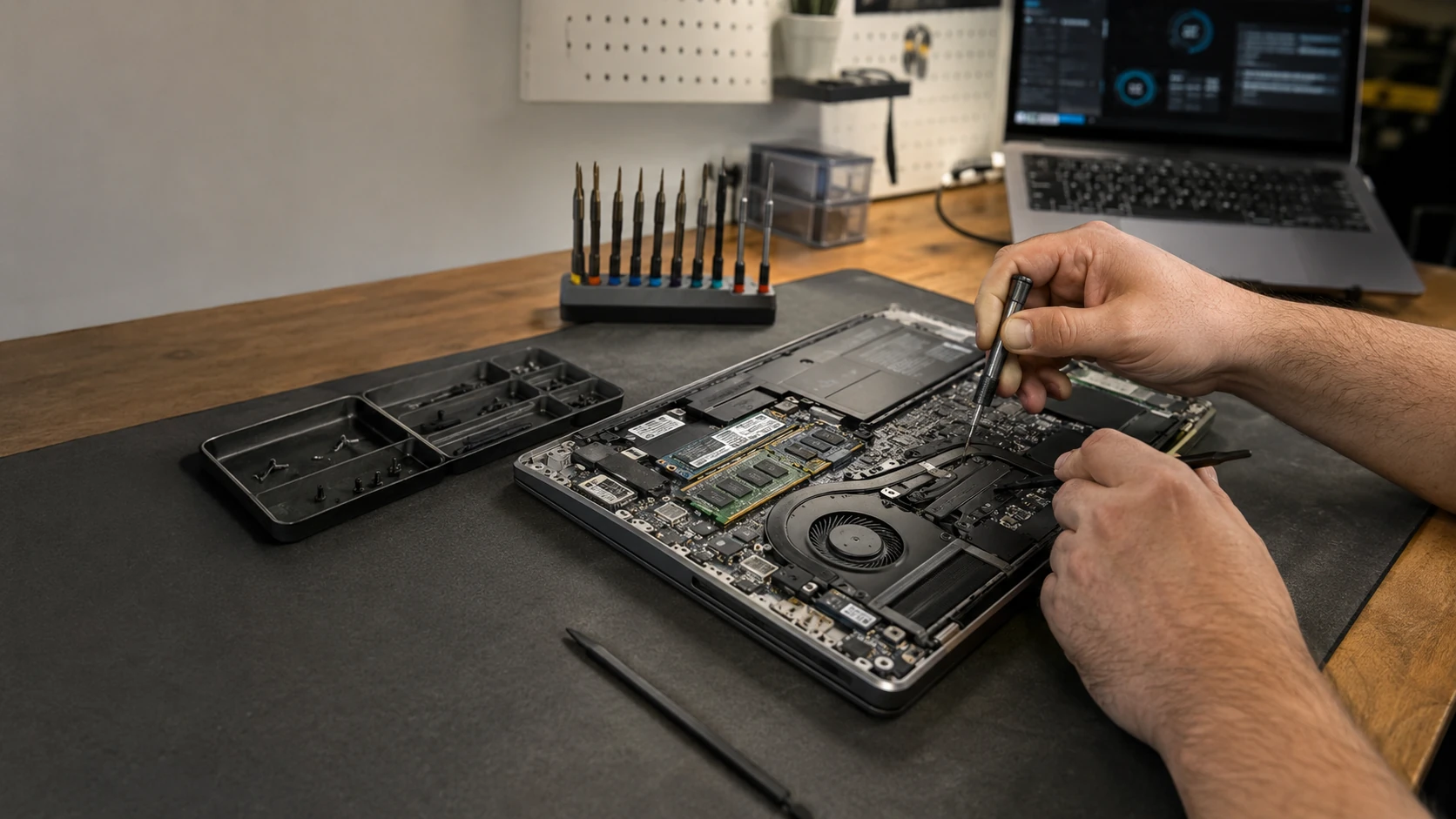
Your laptop is not optional
Work, school, photos, banking — the machine in the bag is how King and Walnut Cove get through the week. When the lid cracks, the battery swells, or Windows never finishes booting, we start with a real diagnostic, not a parts guess. Labor on the completed service is covered for 90 days. Parts we supply keep the manufacturer or vendor warranty, and we file that claim.
Apple MacBook, Acer, Asus, Dell, Gateway, HP, Lenovo, MSI, Samsung, Sony, Toshiba, Microsoft Surface, and machines without a famous name. What matters is parts availability and whether the repair is worth it — not the logo.
Common laptop jobs
Repair versus replace
We can fix a surprising number of laptops. That does not mean we should. Age, what you paid, what a replacement costs, whether the OS still gets security updates, and how you actually use the machine all matter. When we can, we show part pricing, current market value, and the comparable new option. The goal is a decision that still makes sense after you drive back to Pinnacle or Rural Hall.
How the jobs actually go
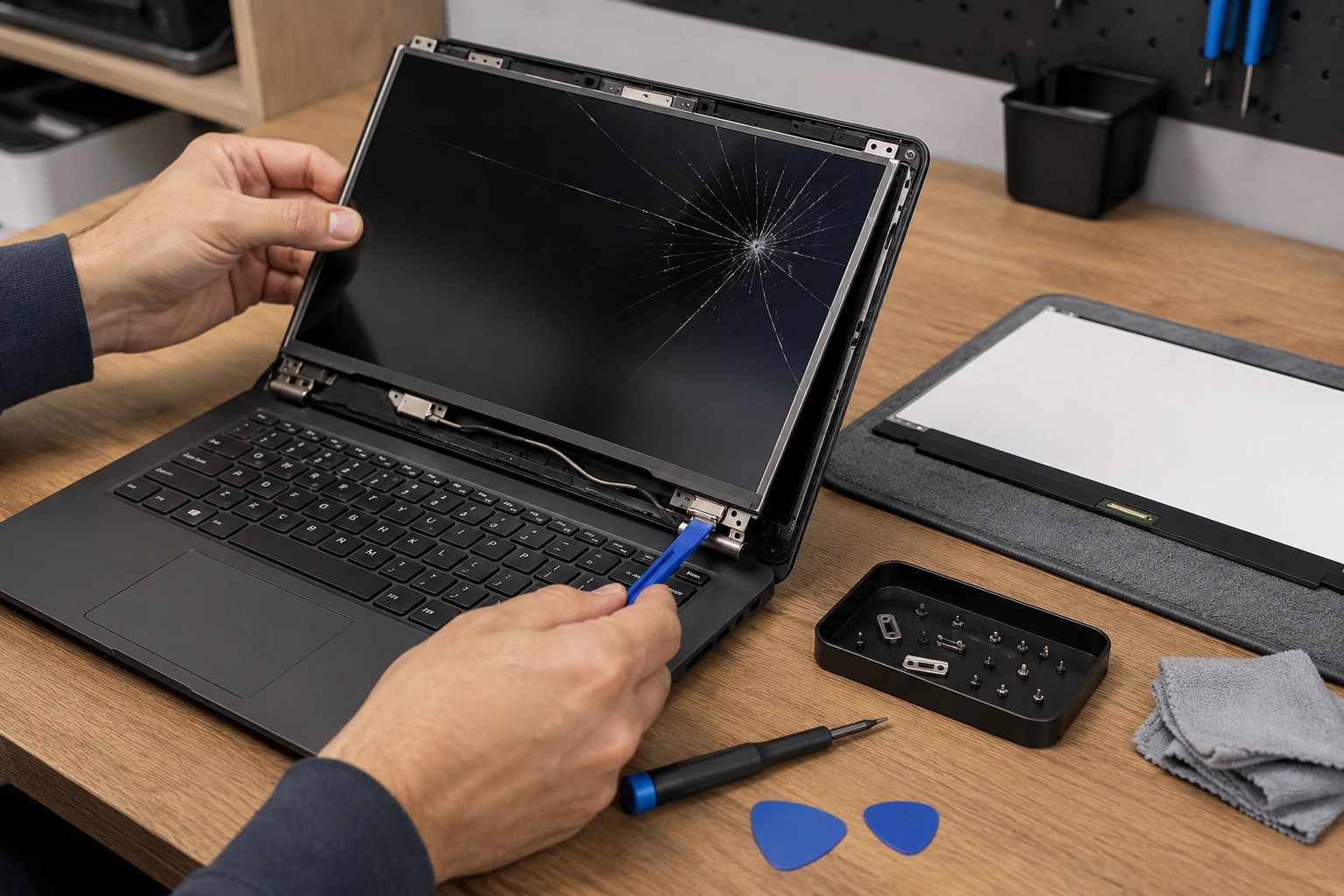
Screen replacement
Dog, kitchen table, pencil in the keyboard — we have heard it. Screens are not universal: size, resolution, refresh rate, touch, connector type and pin count all have to match. Some models let us swap the panel; others need the whole lid. You choose the part. A defective panel after a clean install is a vendor claim. A lid slammed on a pencil is not.
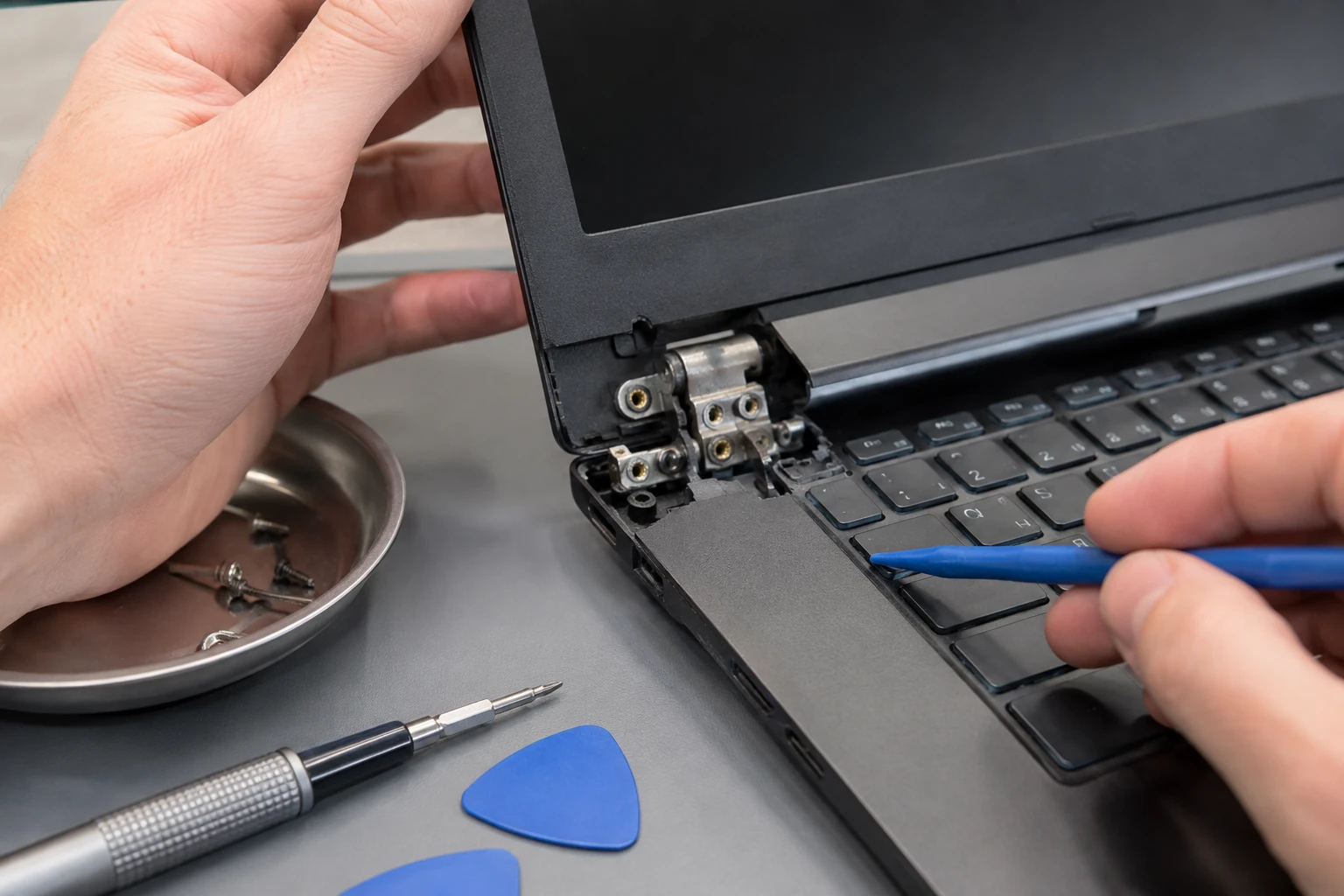
Hinges, lids, and frames
A stiff or wobbly hinge is often dirty, not broken. Extra resistance cracks the plastic mounts, then the lid, then the glass. Catch it early and it can be clean-and-lube. Wait, and you are buying a lid assembly. Falls and cracked frames are repairable on many models when parts exist.
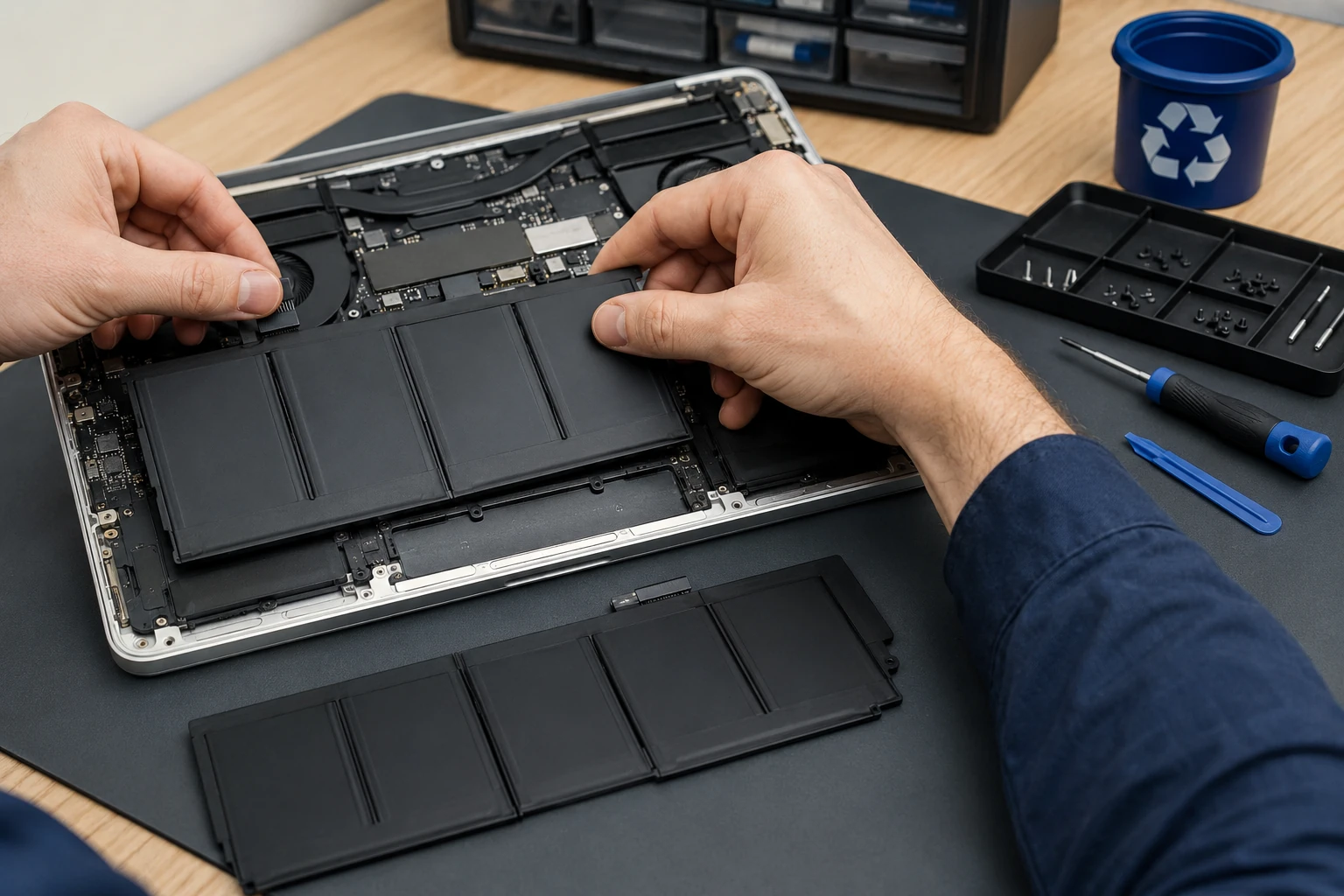
Battery — including swollen packs
Bottom separating, touchpad lifting, keys rising: stop charging it. Do not leave a swollen lithium pack in a hot North Carolina car. We replace the battery and, when it makes sense, check the adapter and charging path — a bad brick can cook the next pack too. Old cells get recycled, not tossed in the household bin.

Liquid damage
Wine, Mountain Dew, a dunk. Power it off. Do not keep charging it. Corrosion gets worse every hour it sits wet. Many jobs are keyboard plus board work. Some need an ultrasonic clean and component-level repair. Some need a new board. We will say which before you spend. New liquid after a dry job is a new diagnostic — see the guarantee.
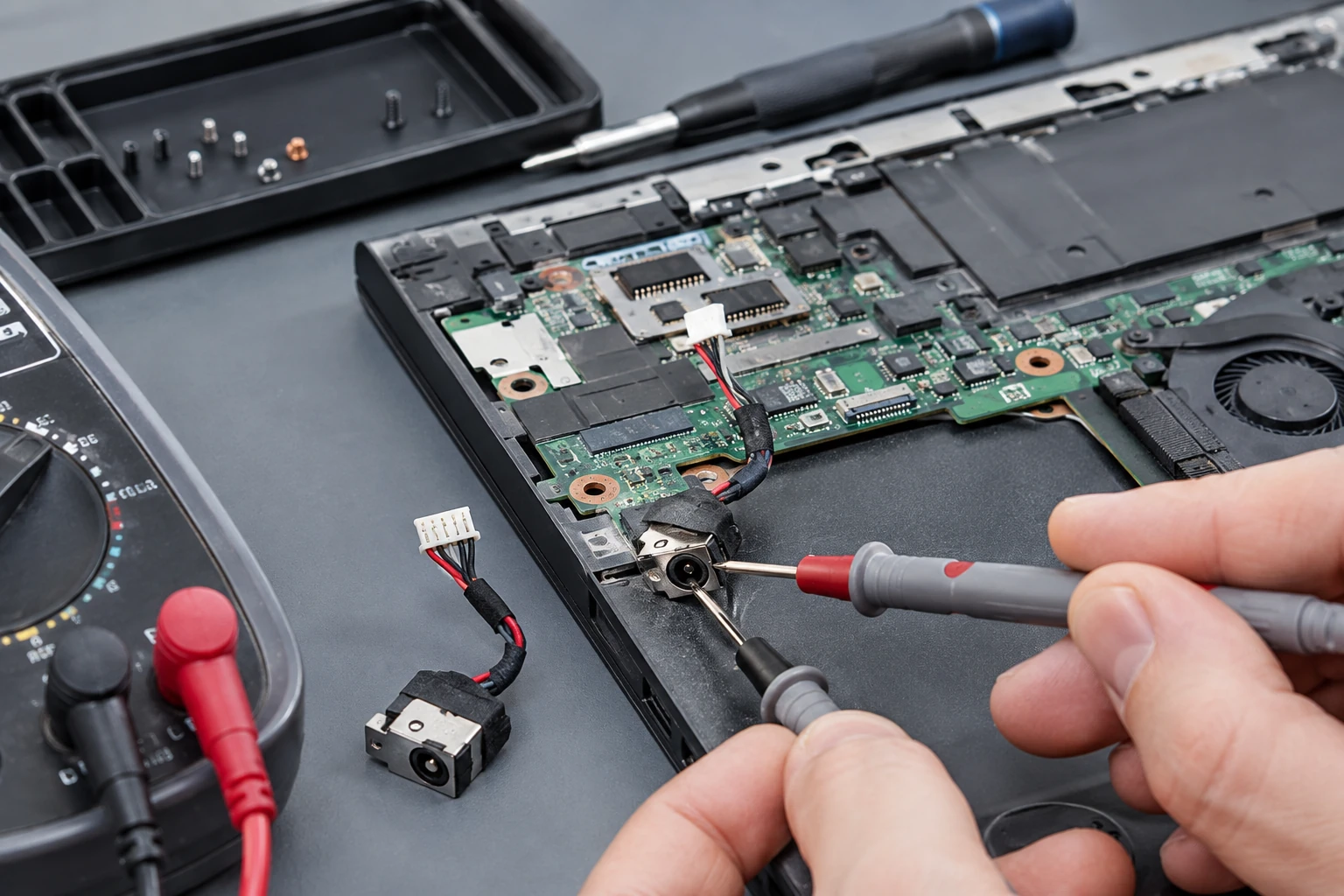
Will not charge
Bring the laptop and the charger. We meter the brick first. If you have to hold the plug “just right,” the DC jack is often lifted off the board — hot-air and solder, not a whole new motherboard, when the board allows it. USB-C charge ports get the same order of operations: adapter, port, battery, then charging ICs.
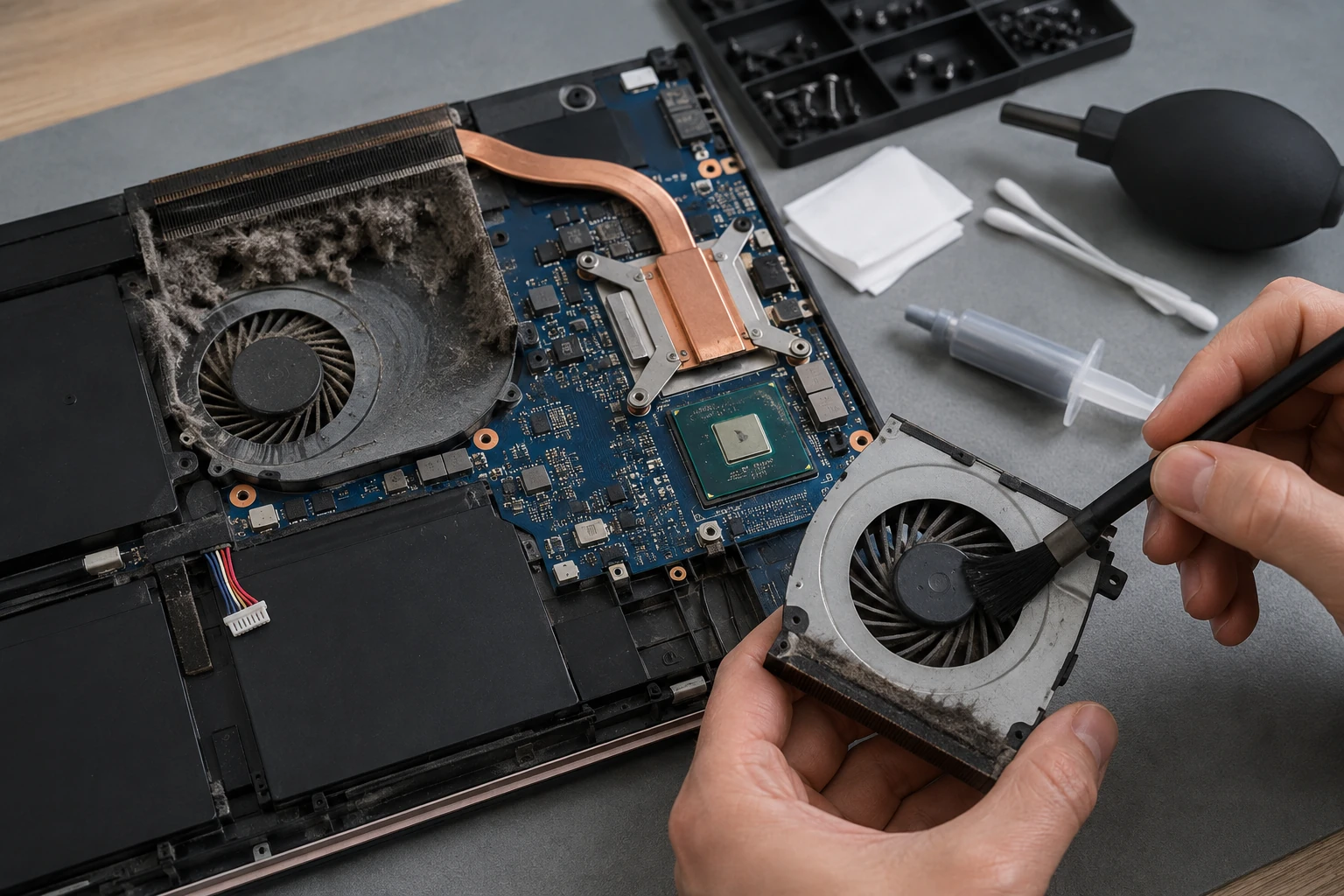
Overheating
Pet hair, dust, and crumbs do not season a laptop. They insulate it. Clean fans and heatsinks, new paste, a fan that actually spins, liquid-metal service when that is what the machine used. Heat that is ignored becomes a dead GPU or a board we cannot save.

Storage that clicks, or will not boot
A dying HDD sounds like a problem you can ignore until it is not. We check SMART, clone when the drive still reads, then replace. If the files matter and the drive does not, that is data recovery — stop writing to it.
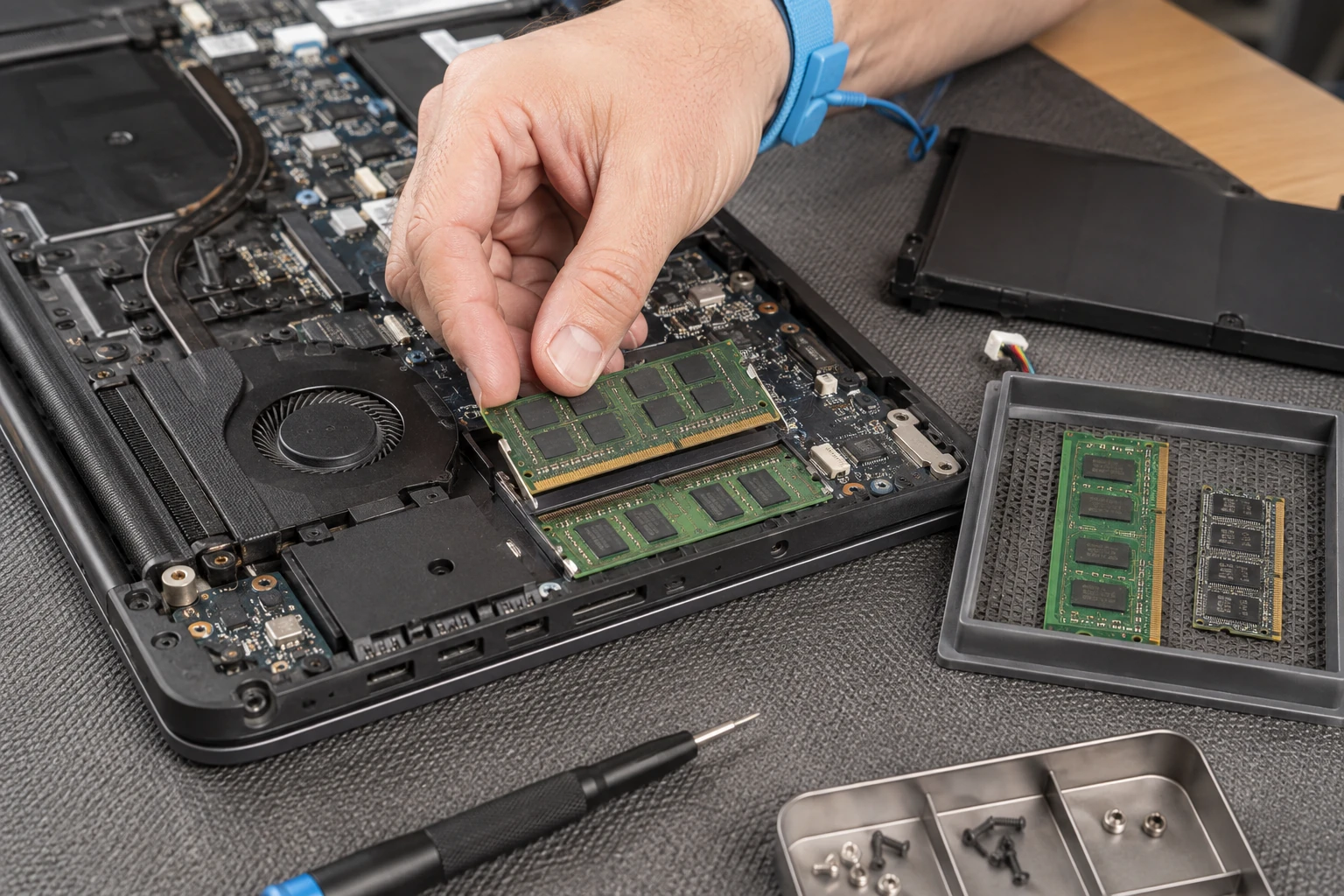
RAM and storage upgrades
Twenty browser tabs and a Word doc is “the multitasker.” More RAM, an SSD instead of a spinning disk, or more capacity — if the machine supports it. Soldered memory is a different conversation. We will tell you when an upgrade is cheaper than a new laptop, and when it is not.
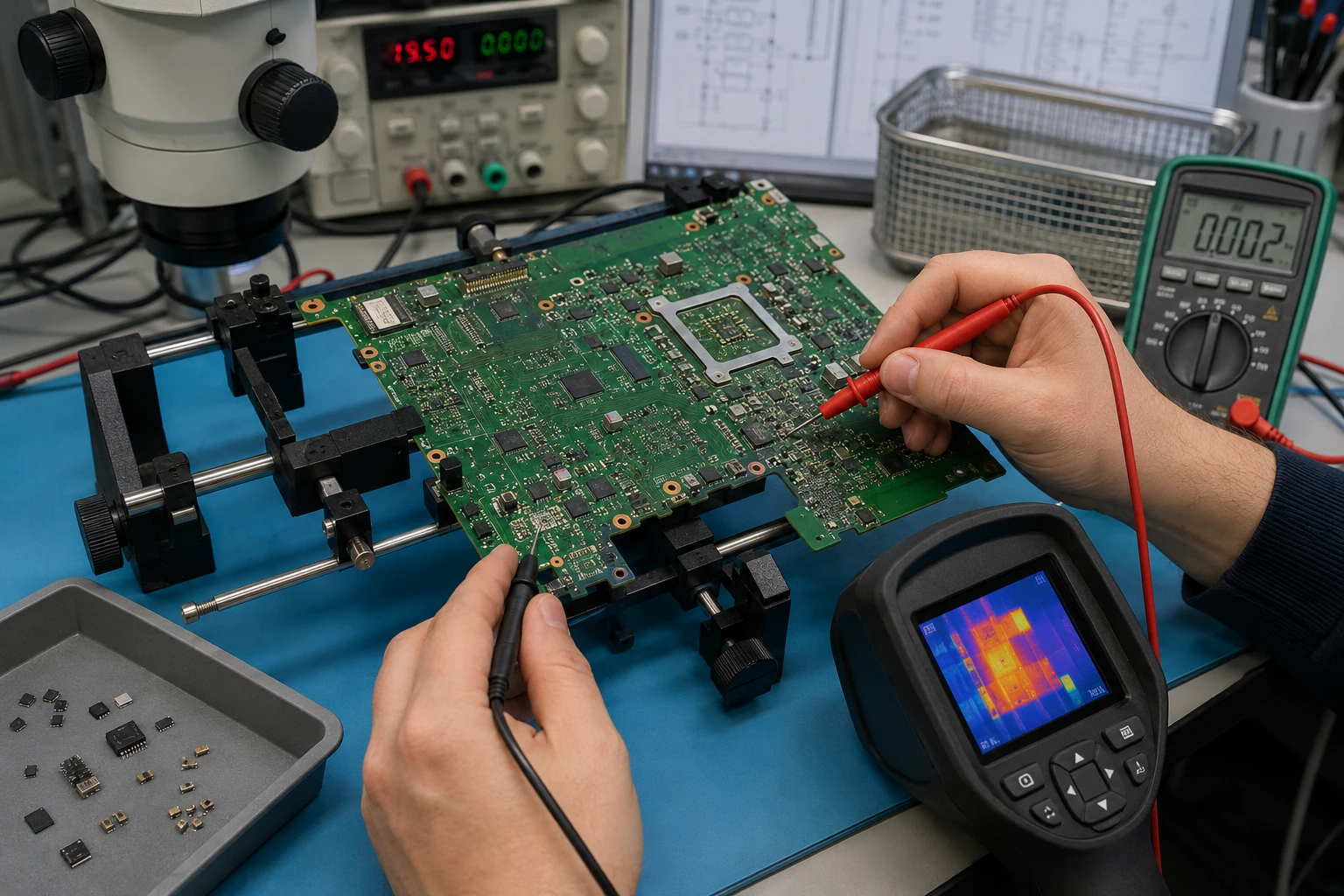
Motherboard repair or replacement
Beep codes, blinking lights, power with no picture. Sometimes the board is repairable. Sometimes replacement is cheaper. On modern machines the CPU, memory, storage, and TPM can all live on that one board — which is why board-level work is sometimes the only way to get your files off.

Microsoldering and board-level work
Shorts to ground, ultrasonic cleaning, capacitors, MOSFETs, DC jacks, and other surface-mount parts. Schematics help when the manufacturer actually publishes them. Larger BGA / CPU work goes to trusted specialists when that is the honest path. Apple machines with soldered storage are often in this bucket if you need the data and have no backup.
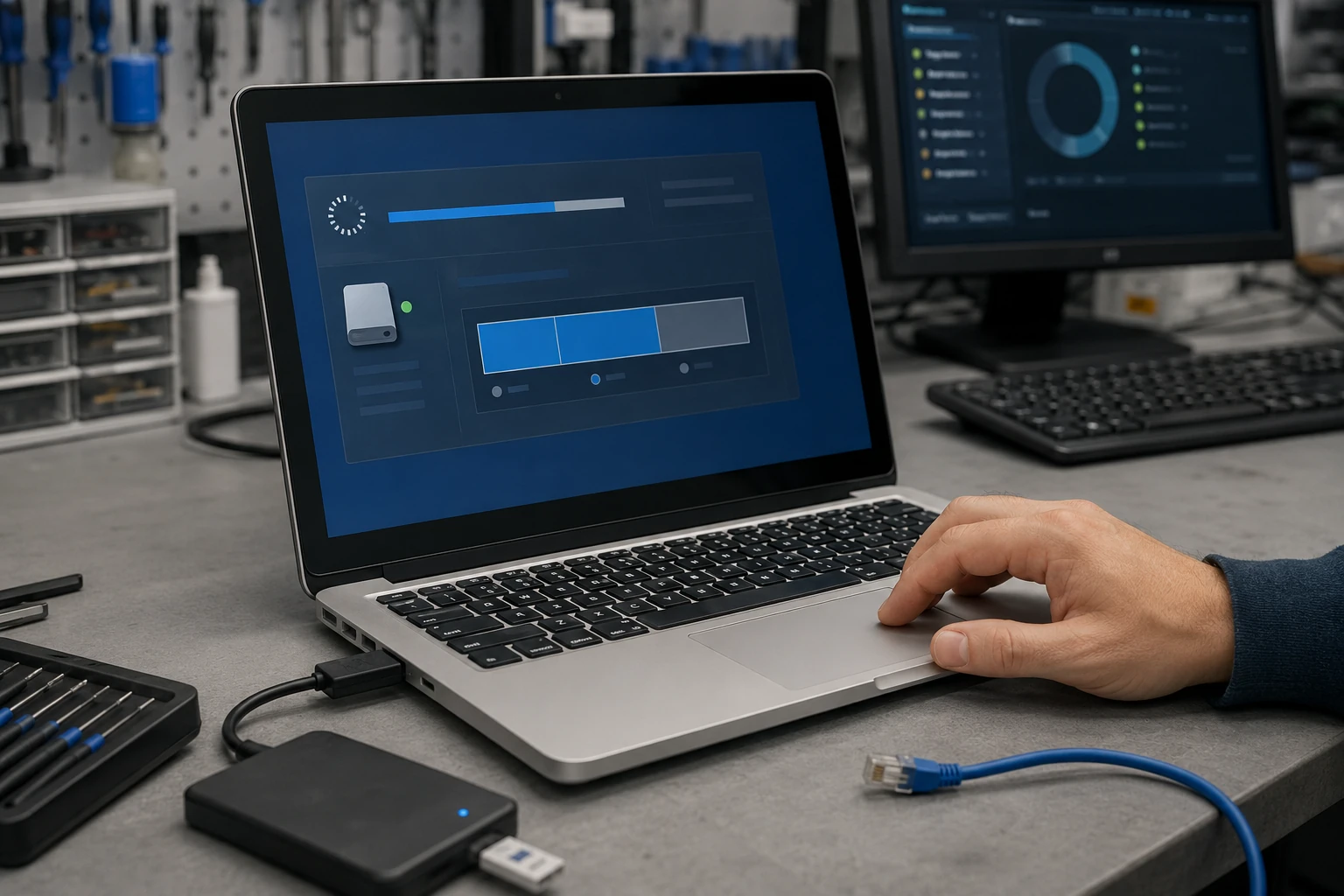
Windows, macOS, and Linux
We try to repair the OS you have. If it is too far gone, a clean install — and we clone first whenever the drive still reads. That clone is kept for 30 days after the job. Licensed software only. Details: operating system install.
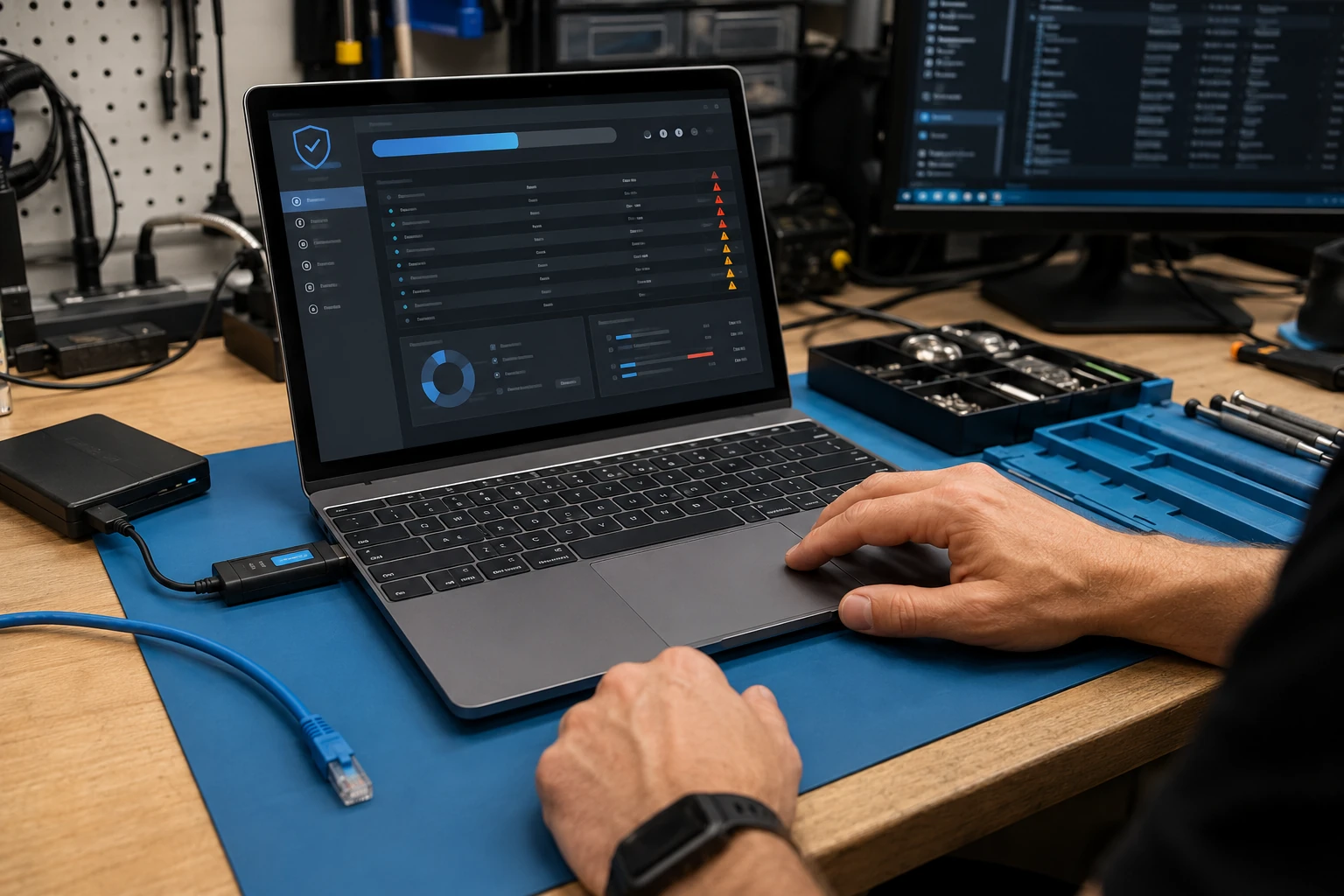
Virus, malware, and “someone remote into my PC”
Hijackers, remote-access tools, and the call from “Microsoft.” We remove what is there, log it, and lock the machine down. Same infection inside 90 days is cleaned again at no labor charge. Local banks send people here for this. See virus removal and security.
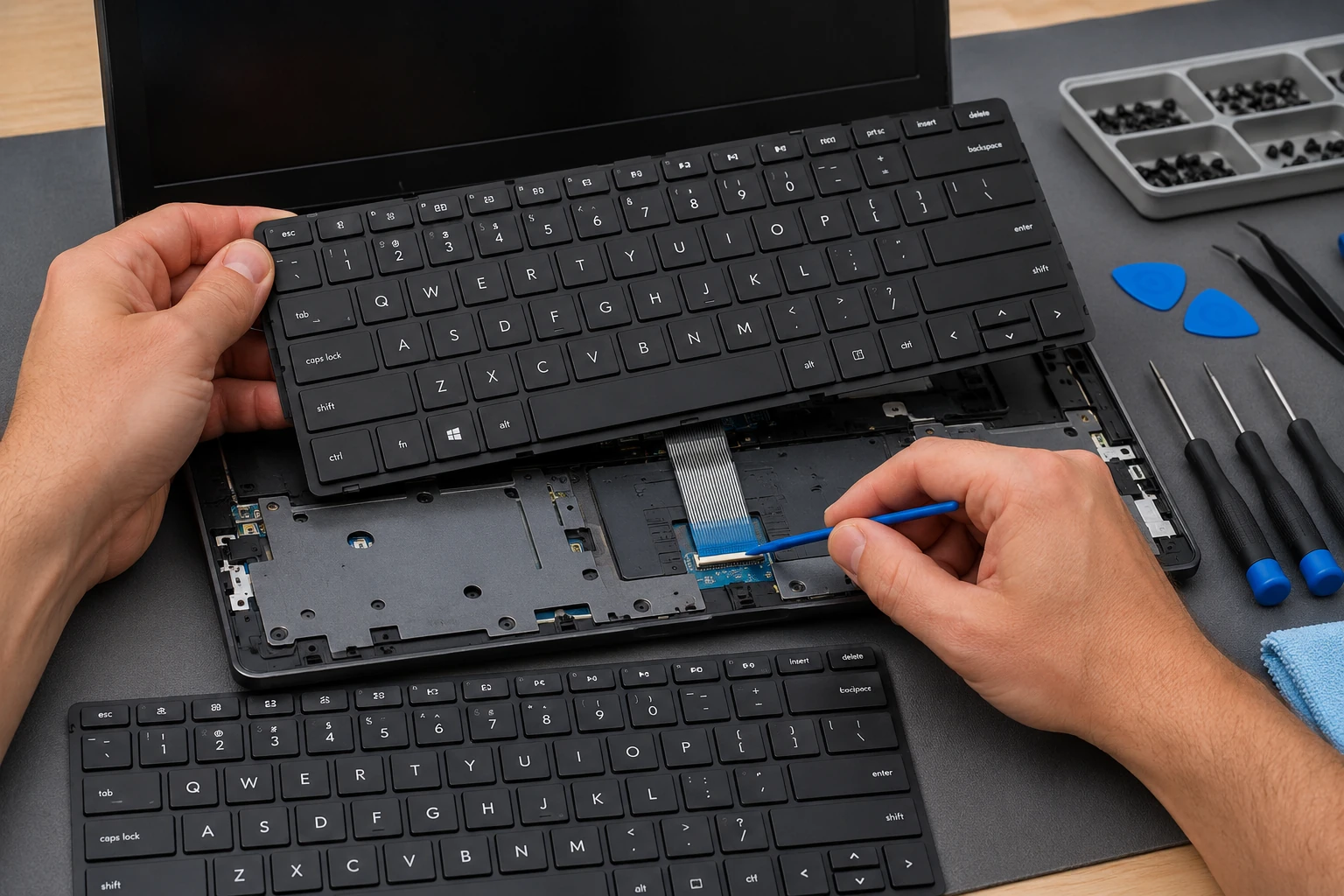
Keyboards, touchpads, webcams, speakers
Stuck keys, a pad that only works with the wrong driver, a webcam the kids disabled in software. Some brands glue these into a whole top case — we will say what actually has to be replaced before you approve it.

Touchpad that jumps, or does nothing
Cursor flying across the screen, no click, or a pad that only works after a reboot. Sometimes that is a driver. Sometimes liquid under the palm rest. Sometimes the module is dead. We will say which before we order a top case you did not need.

AC adapter
We meter it. OEM when we can get it. If we cannot, a third-party brick with the correct voltage, wattage, and tip — not a cheap Amazon surprise that cooks the charge circuit.
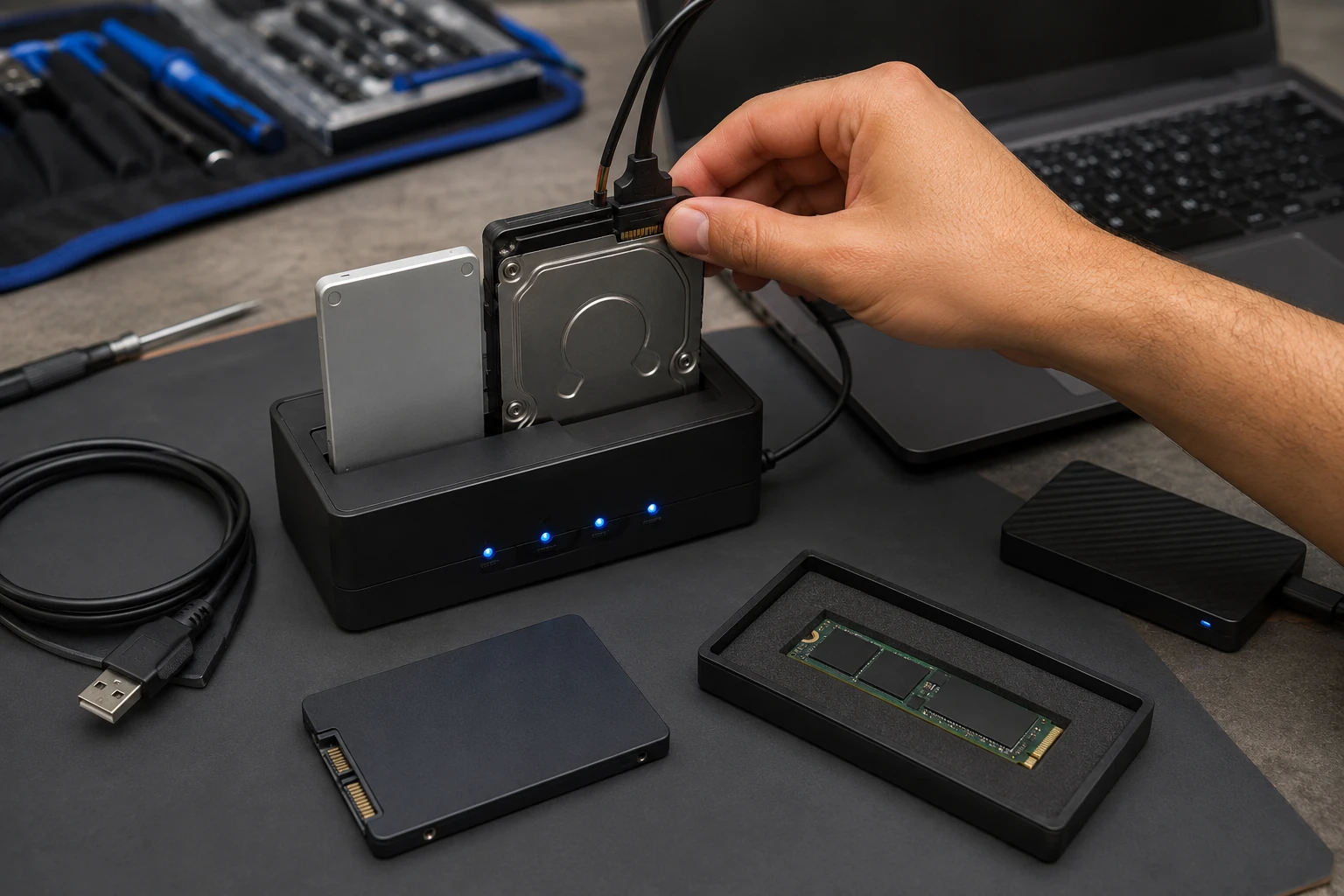
Upgrades, not just break-fix
RAM, SSDs, Wi-Fi/Bluetooth cards, batteries, and other parts the machine will actually take. If the upgrade costs more than a sensible replacement, we will say so.
What laptop customers said
Public reviews that mention laptop or MacBook work. Names as published. Dates omitted. Google Business Profile · all reviews
“My MacBook was in serious trouble. A friend told me to go to Paul who could fix just about any PC. Wow! Was he right! Paul was knowledgeable… He made everything work again, got me more memory, helped my Apple phone talk to my PC. Don’t go anywhere else.”
Renee A. Labrenz
“Bringing Your Tech to Life did a wonderful job of cleaning out and tuning-up my laptop. Very professional and knowledgeable. Technician is GREAT to work with and communicates in a timely and very helpful fashion. The BEST I have worked with!”
Carroll Greene
“Paul is awesome!! He’s one of the only people I trust with my computer. His prices are awesome and he is very thorough. He explains everything so I always know what’s going on.”
Shannon Middleton
Laptop repair FAQ
1. What types of laptop problems do you repair?
Almost everything involving a laptop, from hardware failures to operating-system and software problems — if the part can be sourced or the existing part can reasonably be repaired. That includes screens, hinges and chassis, batteries (including swollen), keyboards and touchpads, charging ports and DC jacks, motherboards and board-level work, fans and thermal paste, RAM and storage, Wi-Fi/Bluetooth, webcams/speakers/mics, USB/HDMI ports, Windows/macOS/Linux, virus and remote-access removal, BIOS/UEFI, data recovery, adapters, and liquid-damage evaluation.
2. What laptop brands do you repair?
We are not limited to a brand list. Apple, Microsoft, Dell, Lenovo, HP, Acer, MSI, Samsung, IBM, Toshiba, and others. Parts availability and the design of the laptop matter more than the logo. On older machines we will also talk about whether the OS still gets security updates and whether repair is the better financial call.
3. How do you decide if my laptop is worth repairing?
Age, original price, current value, cost of a comparable replacement, cost of this repair, OS support, security updates, how you use it, whether it can be upgraded, and physical condition. When we can, we show part pricing and market comparisons. We do not repair something just because we can.
4. Do you upgrade laptops as well as repair them?
Yes — RAM, SSDs, storage capacity, Wi-Fi/Bluetooth, batteries, and other replaceable parts the machine actually supports. We will also say when a replacement laptop is the smarter spend.
5. Can you repair liquid damage?
Sometimes. It depends on what spilled, where it went, how long it stayed powered, and what died. We can diagnose shorts, ultrasonically clean boards, and replace surface-mount parts. Larger BGA/CPU work may go to a specialist. Sometimes a new board is cheaper. On modern laptops with soldered storage and TPM, board-level work may exist mainly to recover your files.
6. Can you repair hinges, lids, or frames?
Yes, depending on model and damage. The hinge is not always the failure — dirt and stiffness overload the plastic mounts. Early inspection can be cleaning and lubrication. Waiting often means a broken chassis and a cracked screen.
7. Can you replace a broken laptop screen?
Yes. The correct panel depends on size, technology, resolution, refresh rate, touch, connector type, pin count, and mounting. Some lids are a complete assembly. We use preferred vendors and explain sourcing before we order.
8. Can you replace a swollen battery?
Yes — and take it seriously. Stop charging. Do not bake it in a hot car. We may also check the adapter and charging system, because a bad charge path can kill the next battery too.
9. Can you repair a laptop that will not charge?
Yes, if parts exist. Adapter, battery, DC jack, USB-C port, charging ICs, or lifted solder. We do microsoldering when replacing the whole board would be the lazy (and expensive) option.
10. Can you repair an overheating laptop?
Yes: fans, vents, heatsinks, paste, liquid-metal service when appropriate. Heat that is ignored shortens the life of the machine and can kill it.
11. Keyboards, touchpads, webcams, speakers?
Yes. Some manufacturers glue those into a larger assembly. We explain what has to come off the shelf before you approve it.
12. Windows, macOS, or Linux problems?
Yes. Repair the existing OS when we can. If we wipe and reload, we clone first whenever possible and keep that clone 30 days. Licensed software only.
13. Do you remove viruses and malware?
Yes — viruses, PUAs, hijackers, remote-access tools, bad extensions, credential stealers, and scam-related access. Financial institutions in the area refer this work. Complicated cases can go through our Digital Security Incident Response process, not “run one scan and hope.”
14. Can you recover files from a laptop that will not start?
Often. A no-boot laptop is not automatically a dead disk. Bootable tools, drive-out, logical recovery, and firmware-level work when it applies. Deleted files are time-sensitive — keep using the machine and you overwrite them. Physical platter labs are partner jobs; we can represent you there so you are not guessing at the jargon.
15. How long does laptop repair take?
Queue plus parts plus the job. Break-fix is first-come by ticket. We usually schedule drop-off so the machine hits the bench within about 24–48 hours of check-in. Diagnostics ~48 hours. Simple software and upgrades often next day. Malware 1–4 days. Parts jobs wait on shipping (often 1–3 business days; expedite if you want it). Board-level commonly 1–2 weeks. We will not promise a fantasy during a county-wide malware wave.
16. Do I need an appointment?
Yes. Call or ticket to enter the queue. Physical drop-off is usually scheduled when you are about in the top five tickets, so the laptop is not sitting here for days waiting on a bench. This is a home-based shop in King — if we are on-site for someone else, nobody is here to take a walk-up.
17. Do you diagnose before repairing?
When the hardware problem is unknown, the machine is unstable, or it will not run normally: yes. Hardware tests, temps, cooling, malware, OS integrity, drivers, firmware, event logs. The in-shop diagnostic applies to the repair if you proceed. Storage-drive analysis and data-recovery evaluation are separate.
18. What warranty is on laptop repairs?
90 days on labor. Parts we supply follow the manufacturer or vendor warranty; we keep the purchase docs and can run the RMA. Full terms: guarantee and terms.
19. Can I bring my own parts?
Yes. If we buy the part, you pay what we paid (card processing passed through), you get the original invoice, we fight the vendor on wrong-ship and DOA, and we handle eligible RMAs. If you supply the part, there is no parts warranty from us, and wrong parts / damaged shipping / returns are yours to sort. Labor still covers our install if we botched it.
20. Will I get documentation of the work?
Yes — written service reports and, when useful, diagnostic logs. We can look up that machine years later: what was done, what was recommended, specs recorded, findings. Passwords are not kept in those records. You will not leave with three handwritten words on a receipt.
Ready to start a laptop repair?
Submit a ticket. We will tell you when to bring it. Do not show up unannounced.