
King, NC · Danbury · Pinnacle · Tobaccoville · Germanton · Walnut Cove
Operating system install in King, NC
Windows, macOS, Linux, and Chromebook restore. We repair the OS you have when we can. When a clean install is the honest path, we clone first and keep that image 30 days. Licensed software only.
Monday–Friday 9:00 AM–7:00 PM by appointment. Drop-off is scheduled when your ticket is near the top of the queue.

Repair first. Reload when we have to. Clone either way.
A wipe is not a personality. We try to repair Windows, macOS, or Linux in place. If the install is too far gone, we image the disk when it still reads, reload, and keep that clone 30 days. macOS is on this page. Linux is on this page. Chromebook restore is on this page. We do not skip them.
Licensed software only. OEM keys, Apple IDs you own, Google accounts you own. School-managed devices are not unlock jobs. Passwords and recovery keys stay with you.
What we actually work on
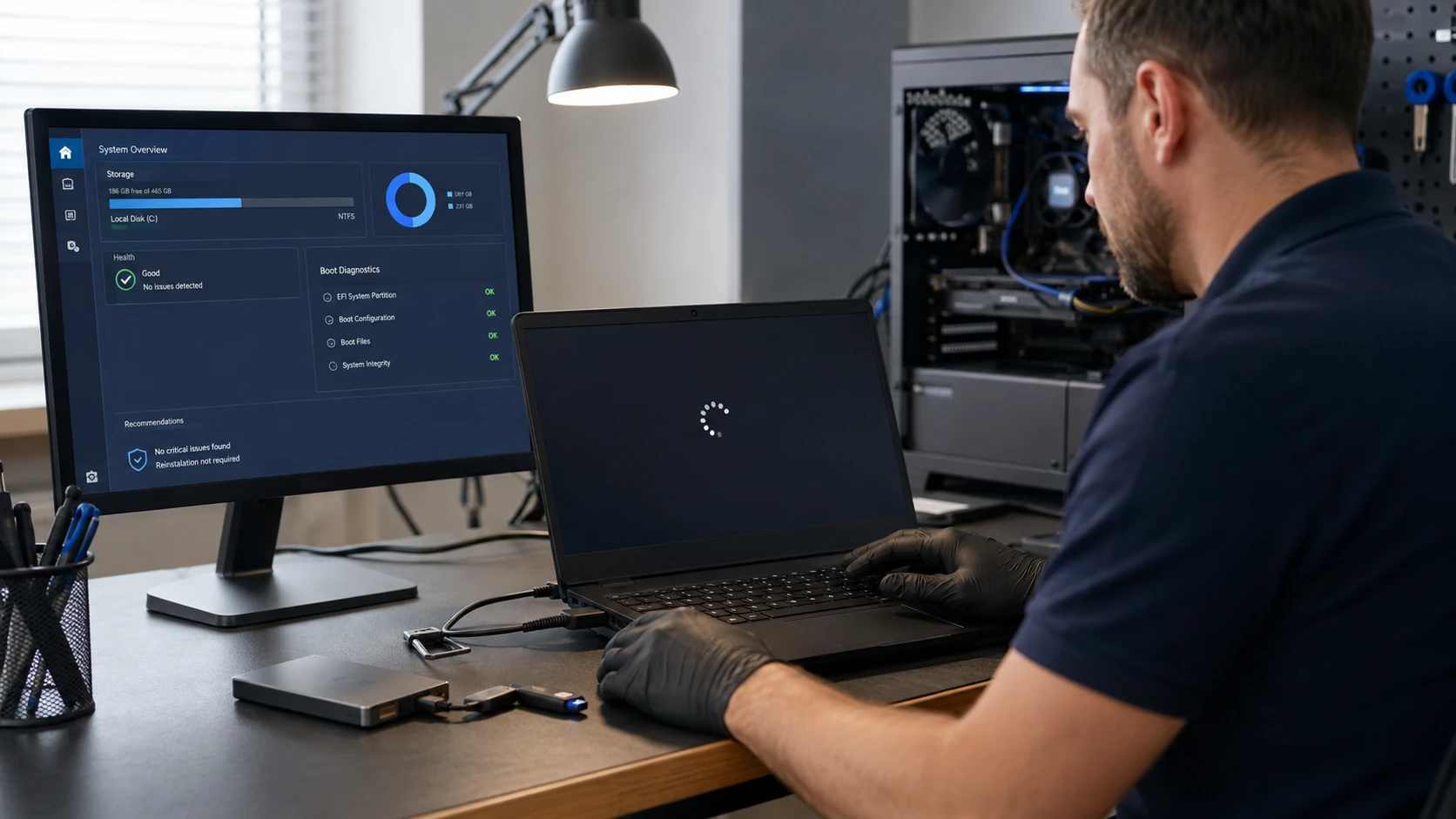 OS repair |  30-day clone |
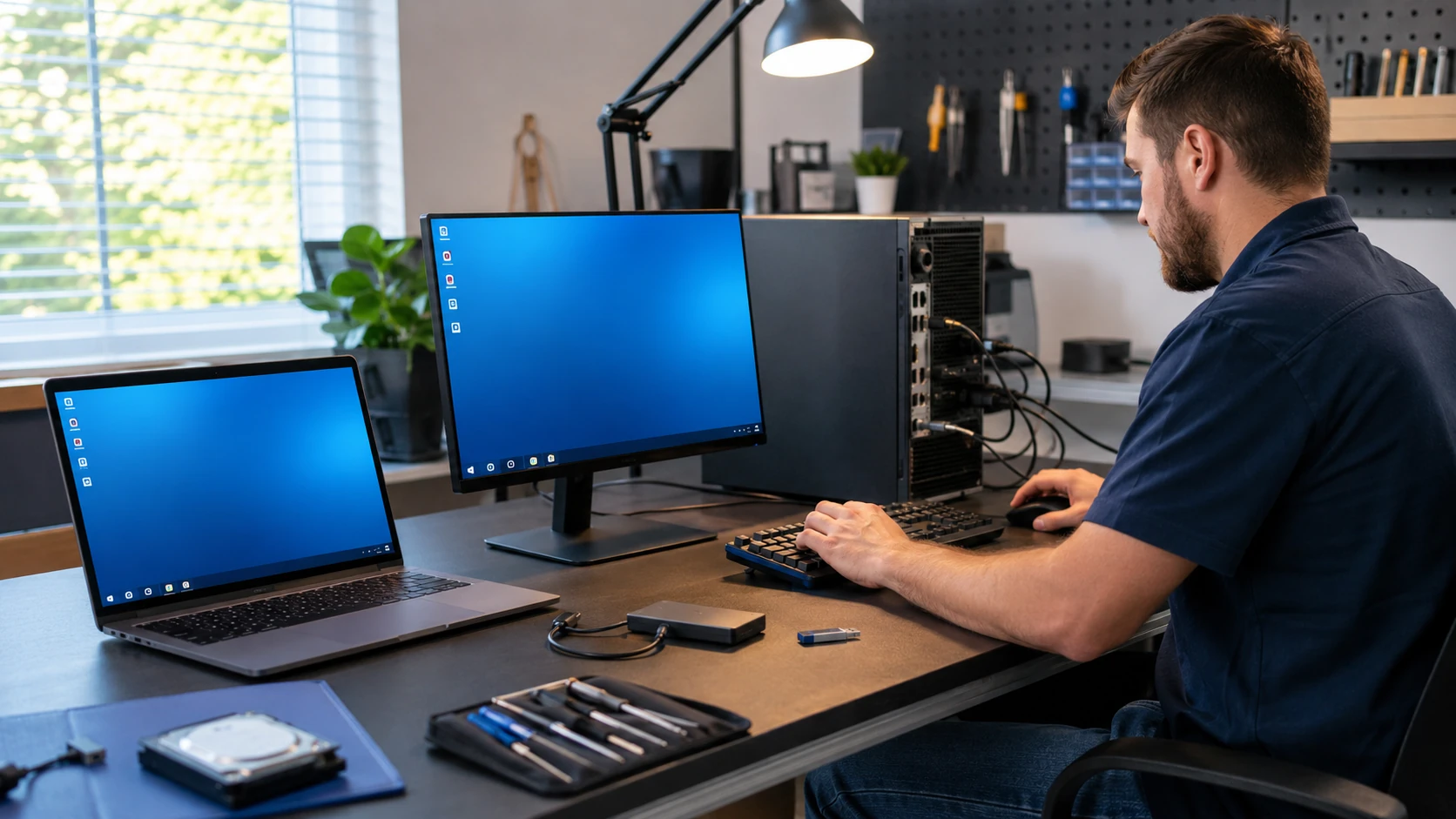 Windows |  macOS |
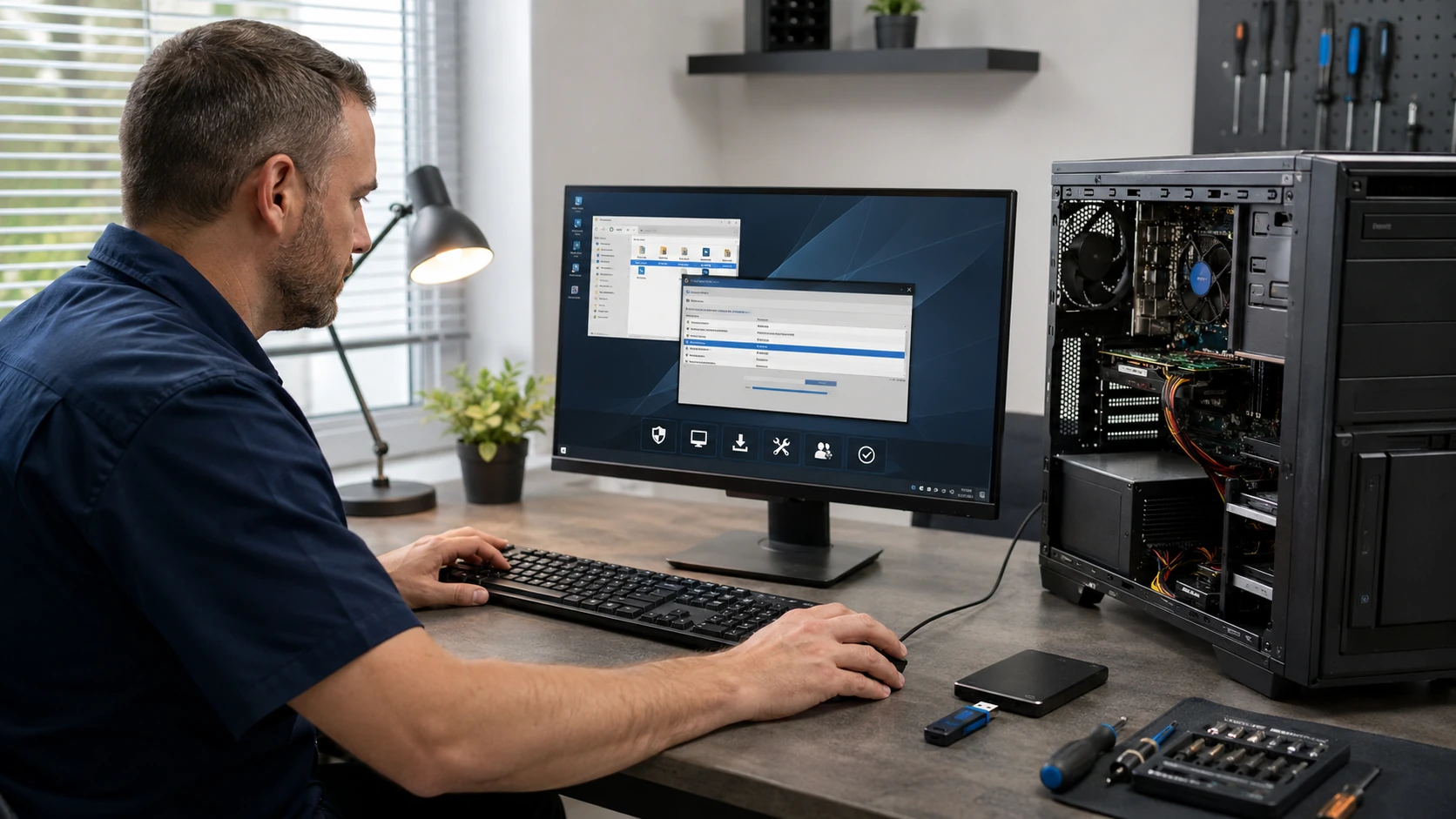 Linux | 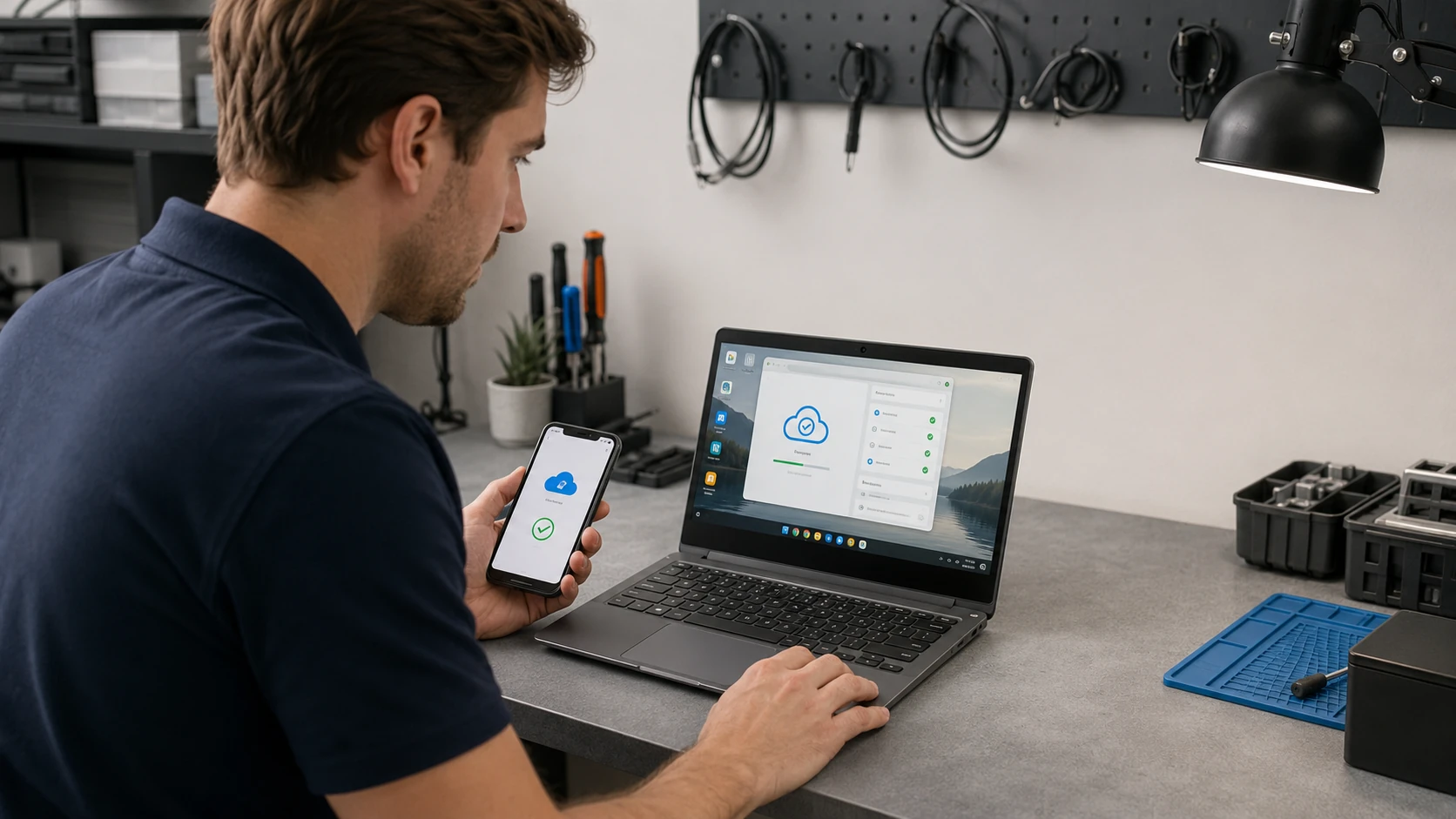 Chromebook |
 Clean install | 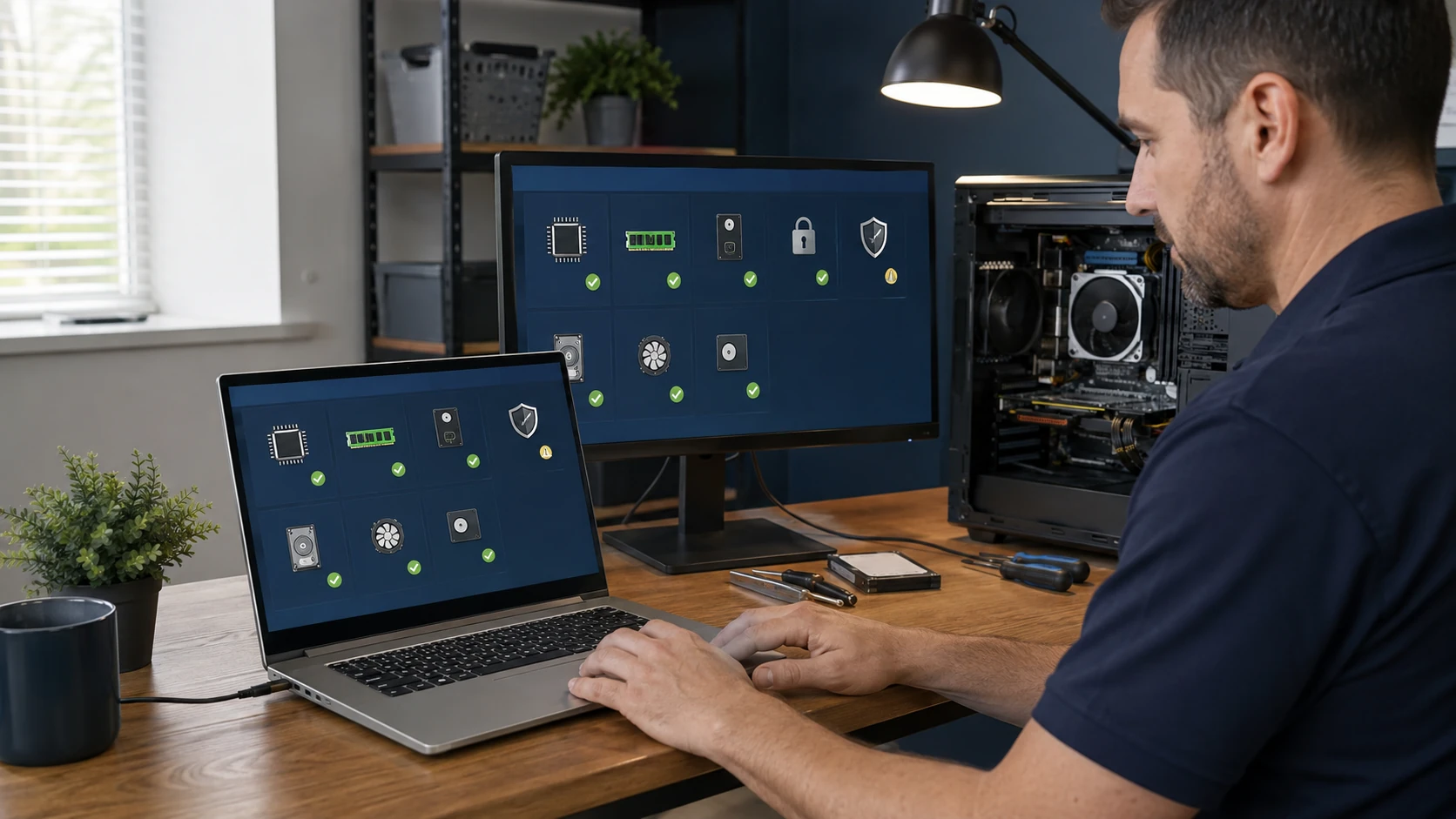 Upgrade check |
 New PC setup |
How the work actually goes
Repair before reload
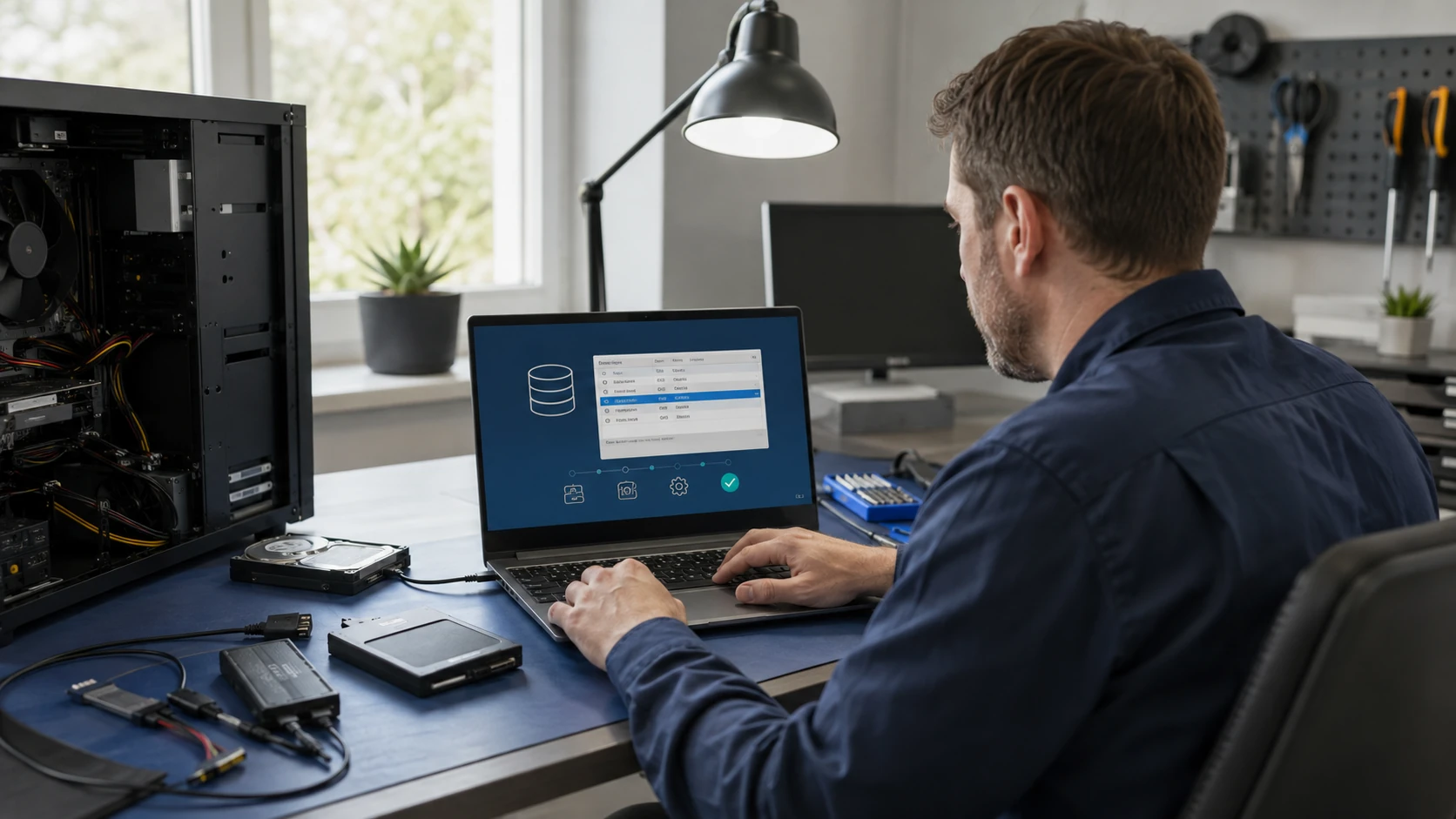
We try to fix the Windows, macOS, or Linux you already have. Startup repair, user profiles, updates that will not finish. A wipe is not automatic. When it is the honest path, we clone first whenever the drive still reads.
Clone first. Keep it 30 days.
Before a clean install we image the disk when it still talks. That clone is how we get files back if something in the reload goes sideways. We keep it for 30 days after the job. If the disk is already dead, that is data recovery — say so on the ticket.
Windows on a PC
Windows 11 when the machine can take it, Windows 10 only when that is still the honest call and you understand the support timeline. Licensed software only. OEM key on the board when it is there. We do not install pirated Windows. Drivers from the maker, not a pack from a random site.
macOS on a Mac
Reinstall in place when we can. A clean install when we cannot. Apple ID, FileVault, and Migration Assistant are part of the job — not an afterthought at pickup. If FileVault is on and nobody has the key, we cannot magically get the old files. See passwords.
Linux, when that is the right OS
A household that does not want Windows, an older tower that will not take 11, a shop PC that only needs a browser. We pick a distro you can live with, we do not pick a hobby for you. Dual-boot only when you actually want two systems.
Chromebook restore
Powerwash and sign back into the Google account. School and work units are often managed — we cannot remove that. Personal Chromebooks we can bring back. Files that only lived on the device may be gone after a powerwash. Say so before we wipe it.
Clean install and partitions
Wipe, partition, install, drivers, updates. We will not leave a 10 GB C: from 2009. Separate data partitions only when they help you. BitLocker / FileVault recovery keys stay with you, not in our records.
Will this machine take the new OS?
TPM, CPU, RAM, disk, GPU. We will say when Windows 11 is a bad idea on that 2014 Dell, and when Linux or a replacement is the adult conversation. “It still turns on” is not the same as “it will be supported next year.”
After the install — make it yours
Printers, email, cloud, browsers, the software you actually paid for. We transfer files from the clone. We do not load trial junk that came on the HP. A sit-down at pickup so you can log in without us.
What customers said
Public Google reviews. Names as published. Dates omitted. Google Business Profile · all reviews
“Super fast and great price! 5 Star Service was performed on my HP Laptop. They replaced the aging and slow hard disk drive to a fast solid state drive and optimized Windows 11 for the best possible performance. I appreciated the fact that they took the time to explain the storage drive options available including brands, speeds and warranty differences.”
william zwigard
“fixed my windows 11 laptop fast”
Bonnie Stewart
“Paul is awesome!! He’s one of the only people I trust with my computer. His prices are awesome and he is very thorough. He explains everything so I always know what’s going on.”
Shannon Middleton
OS install FAQ
1. Do you always wipe the computer?
No. We repair the OS you have when we can. A clean install is when that is the honest path, after a clone when the drive still reads.
2. Windows, macOS, and Linux?
Yes. Chromebook restore as well, for personal units. School-managed Chromebooks and iPads are not unlock jobs.
3. Do you keep a clone?
Yes, 30 days after the OS job when we were able to image. Then it is gone.
4. Licensed software only?
Yes. OEM keys on the board, Microsoft accounts you own, Apple IDs you own. We do not install pirated Windows or cracked Office.
5. Will I lose my files?
Not if the disk still reads and we cloned it. If the disk is dead, say so — that is recovery, not an OS install.
6. Windows 11 on an old PC?
Only if the machine honestly supports it. We will not sneak it onto a 2012 Dell and call it done. Linux or a replacement may be the adult conversation.
7. New PC setup?
Yes — printers, email, cloud, the software you paid for, a sit-down so you can log in.
8. Do you store BitLocker / FileVault keys?
No. They stay with you. Passwords.
9. Appointment?
Yes. Call or submit a ticket. Do not show up unannounced.
Need Windows, macOS, or Linux put back on?
Submit a ticket. Do not show up unannounced.