
King, NC · Danbury · Pinnacle · Tobaccoville · Germanton · Walnut Cove
Virus, malware & security in King, NC
We remove viruses and malware. We also do the job wipe-and-reload shops skip: a full audit of the device and the accounts the scammer may already be sitting in. Local banks send people here for that reason.
Monday–Friday 9:00 AM–7:00 PM by appointment. If someone is on the computer right now, unplug it and submit a ticket. Do not factory-reset it.
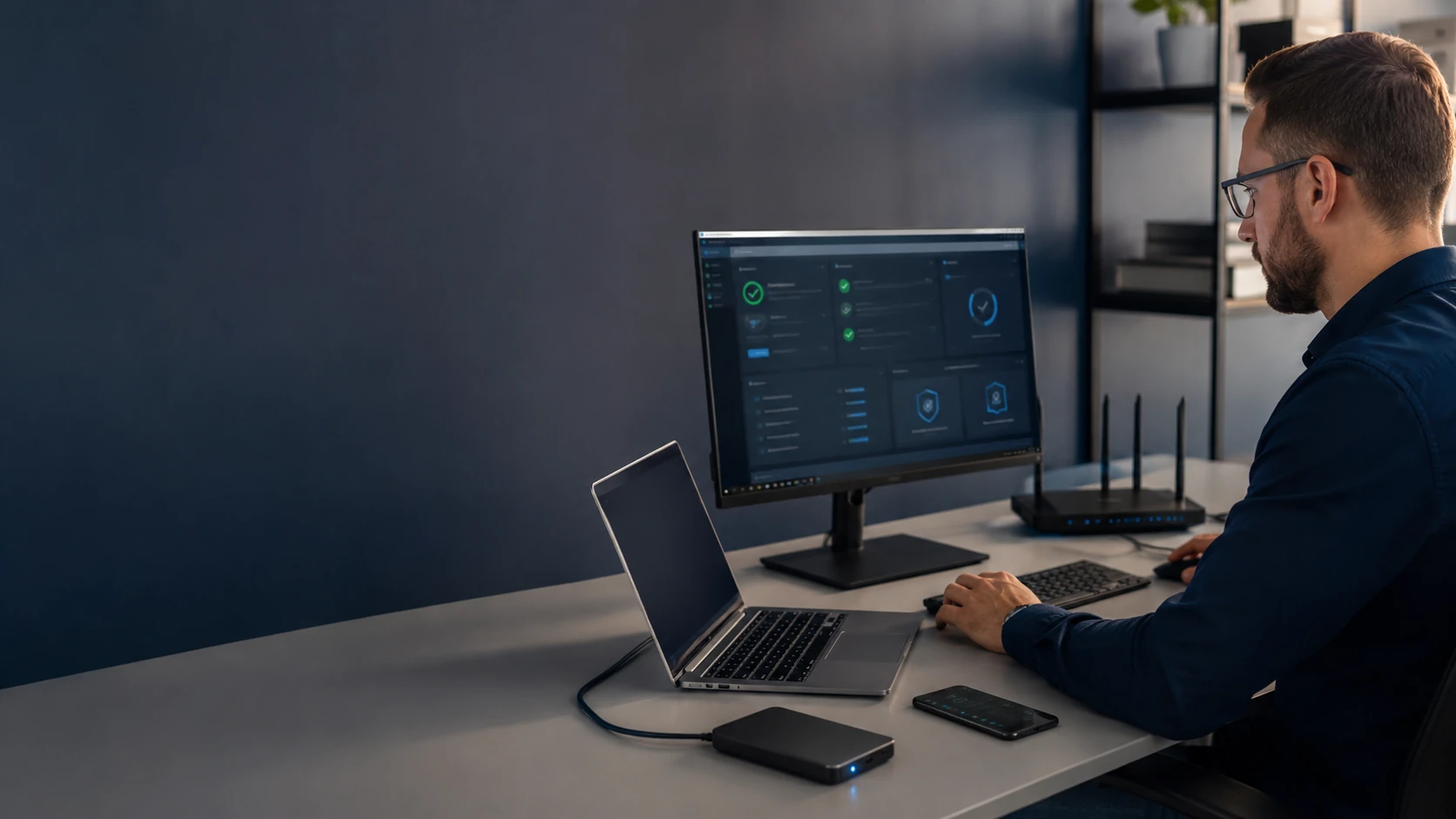
A clean PC is not the same as a closed incident
Virus and malware removal is the start of most security tickets. We scan with multiple tools, isolate and remove what we find, and install reliable security software so the machine is harder to reinfect. If the operating system has to come off, we say so — and we clone first when the drive still reads.
That is not always enough. Wiping the drive kicks the scammer off this computer. It does not close an active Google or Microsoft session on their phone. It does not find the email forward that sends every bank 2FA code to them. It does not change the passwords they already copied. Local banks and credit unions refer people here because the last shop “cleaned it” and the fraud kept going.
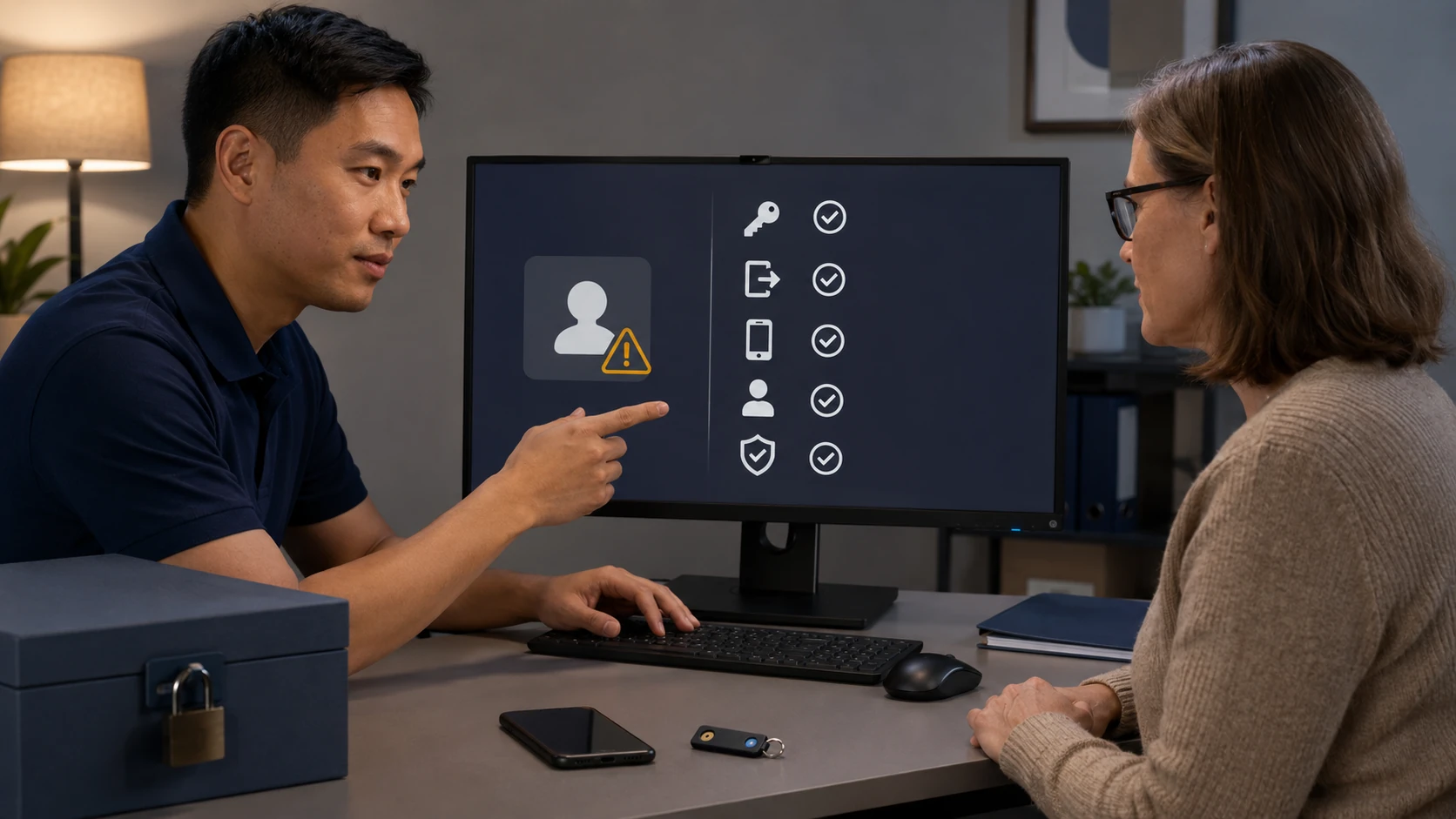
When the incident is bigger than one scan, we use our Digital Security Incident Response (DSIR) process. We reconstruct what happened, look at the devices and accounts you authorize, remove what we can, and write it down. You leave with a service report, next steps, and our Recovery Guide — not a three-word receipt. We do not publish the entire DSIR playbook on this page.
We also sit down and talk about the devices in the house — PCs, Macs, phones, tablets — and recommend a security suite that fits that life. We are not a big-box counter. We do not pick Norton, McAfee, or Webroot because those brands pay the highest kickback.
Typical DSIR pieces, quoted before we start: Device Security Inspection and Cleanup, and Online Identity and Account Security Review. Some tickets need one. Some need both. Extra devices, extra accounts, or a full OS reload are separate, and we ask before we do them.
What we actually work on

How the work actually goes
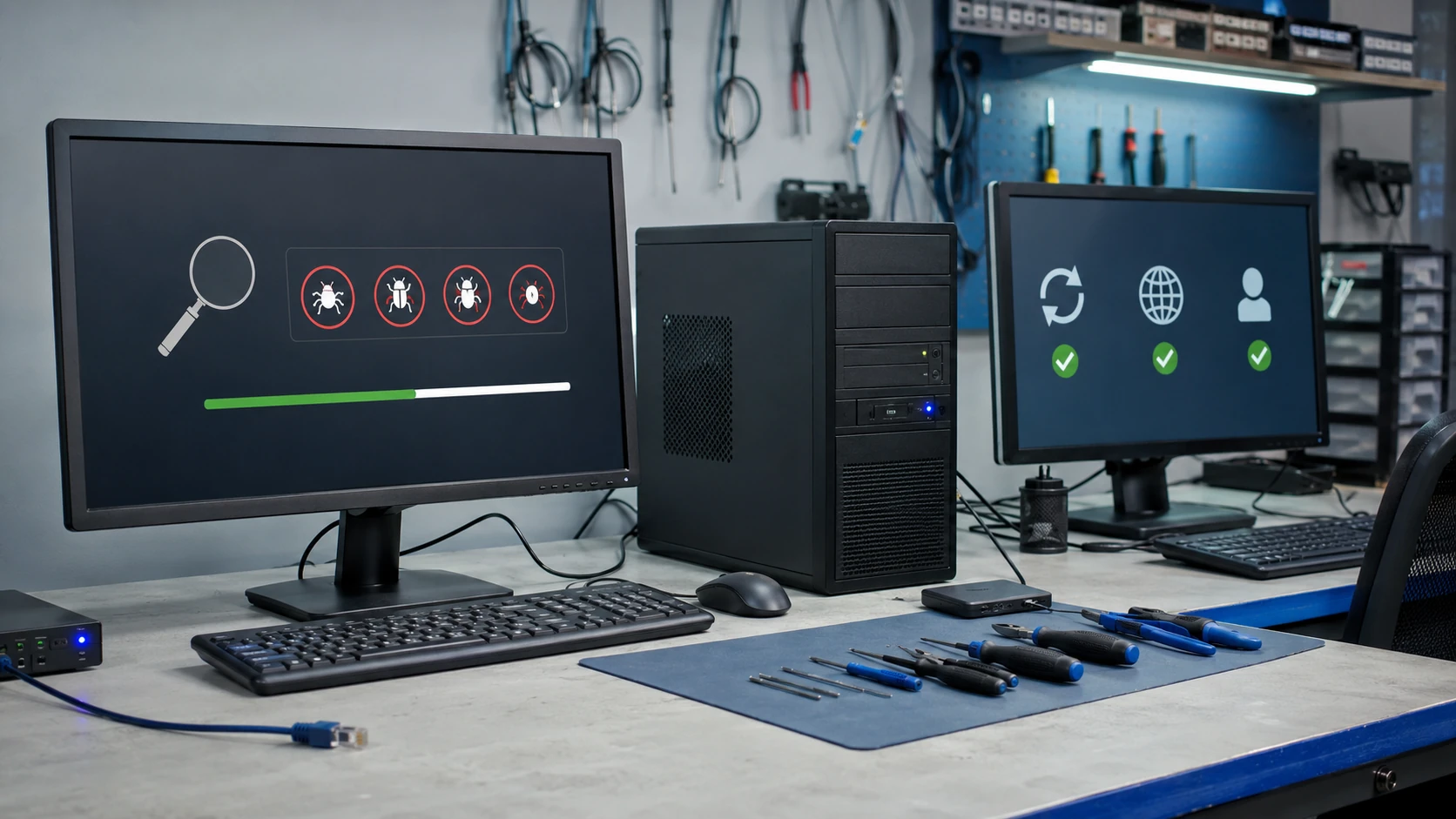
Virus and malware removal
This is the job people call about. We scan with more than one tool, isolate what we find, and remove it. If the operating system is too far gone, we reinstall — after we clone, when the drive still reads. Then we install real security software so the next attachment is not a second ticket. Same infection inside 90 days is cleaned again at no labor charge. A wipe is not automatic. A wipe also is not the whole job. Details: virus removal.
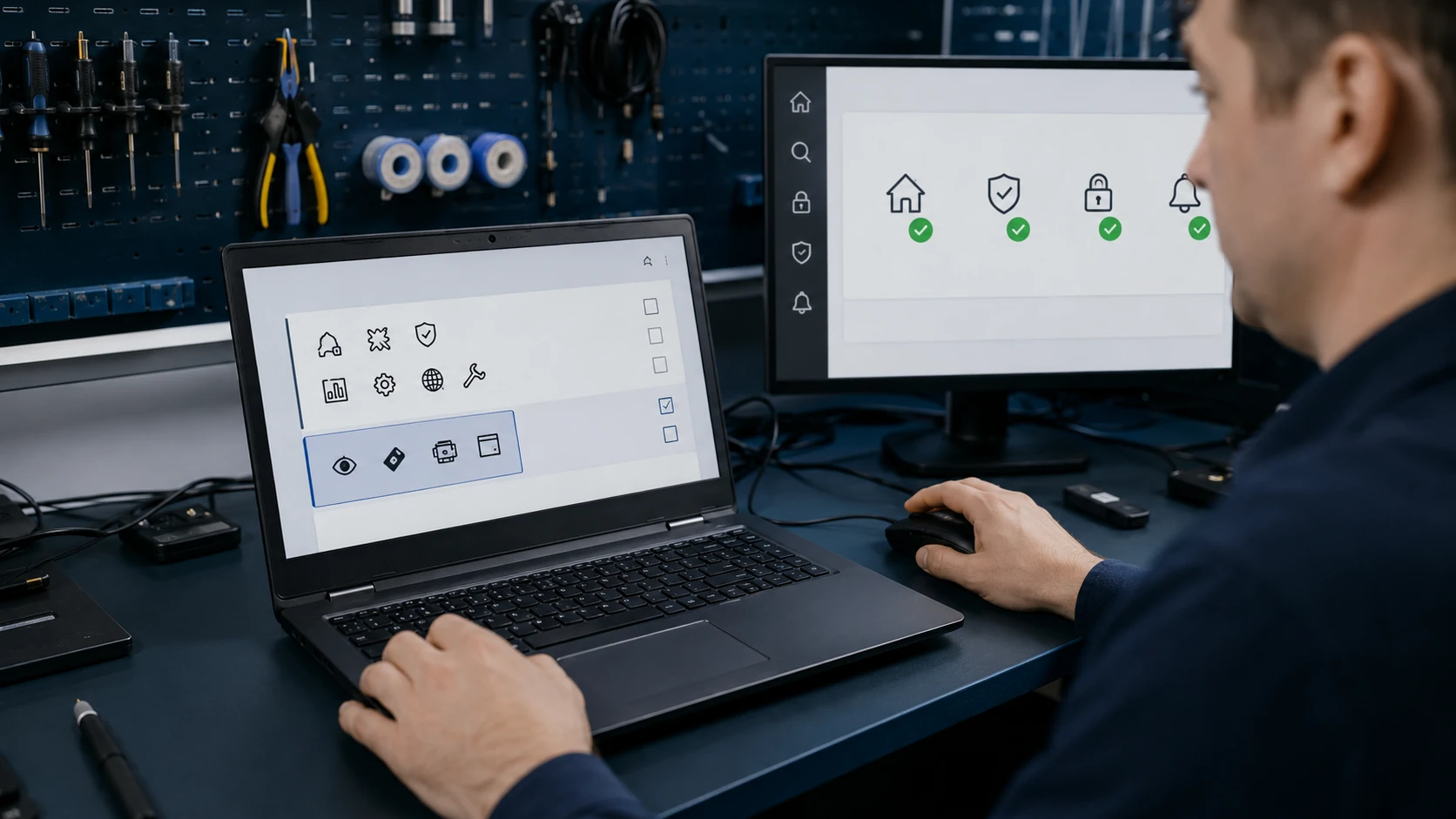
The toolbar you never installed
The browser only opens to shopping. Search is a company you have never heard of. A “PDF helper” is serving ads. That is adware and spyware, not always a named virus. We strip the PUAs, reset the profile when it is toast, and show you which “free utility” invited them in. Leaving that junk in place is how a cleaned PC feels infected a week later.
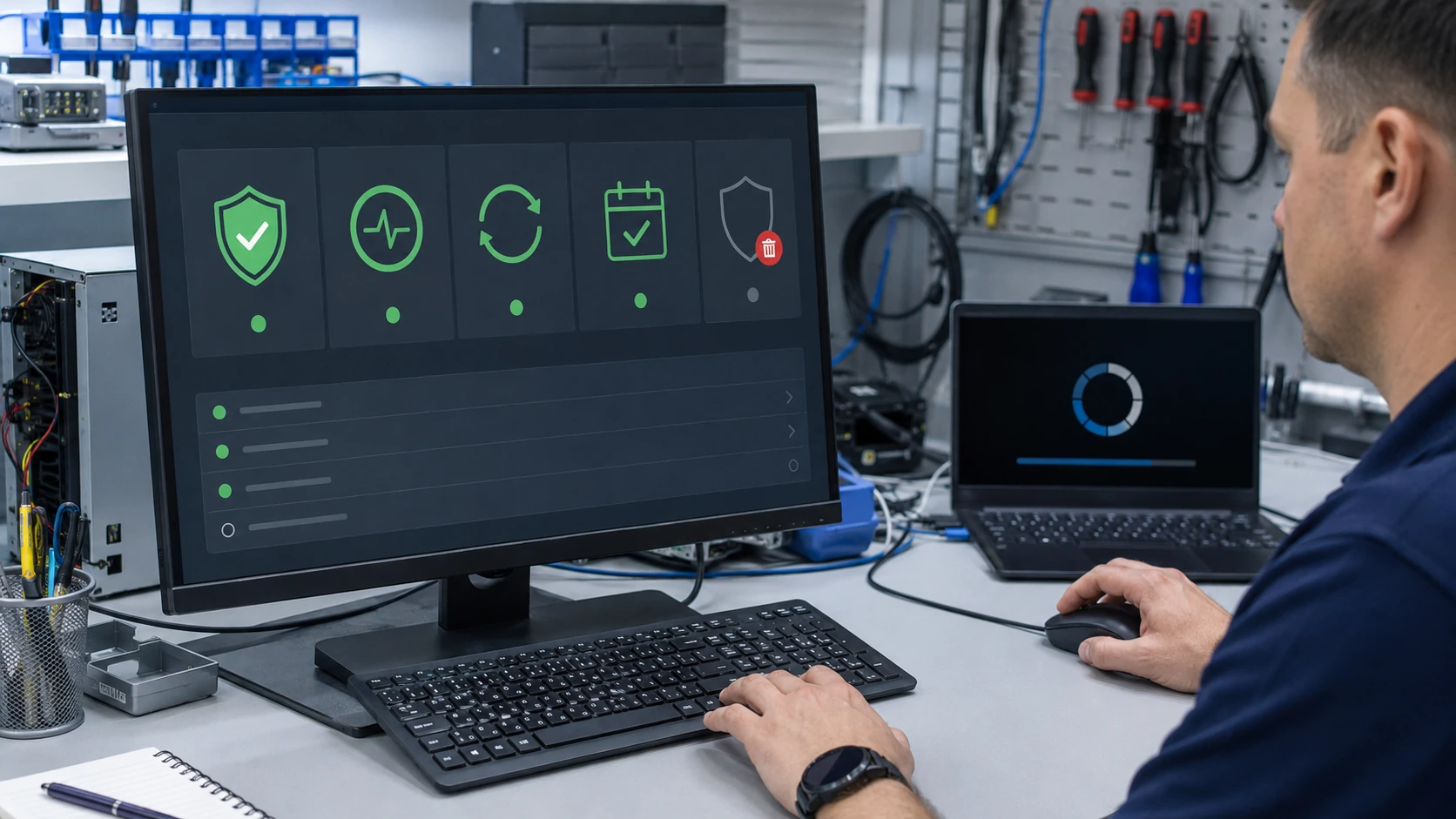
One product. The one that fits your life.
We ask what you use — Windows PCs, a Mac, phones, a tablet — and we install a suite you can actually live with. We are not a big-box counter. We will not put Norton on it because a chain store gets a kickback, or McAfee, or Webroot, just because those boxes sit by the register. Two AV products on one PC is a common reason it is slow. Licensed software only. Trials that came on the HP get removed.
The email, text, or pop-up that started it
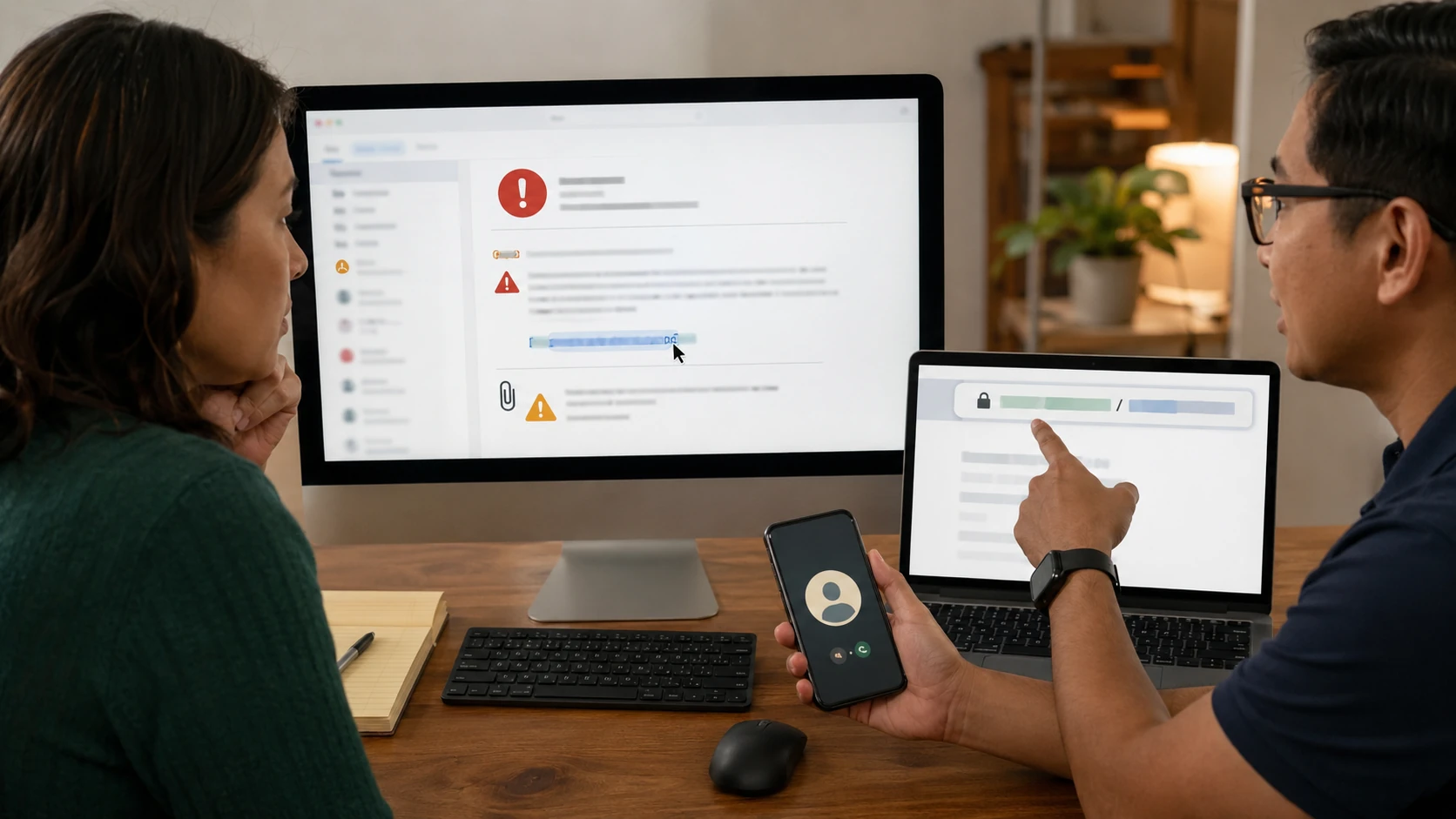
A fake invoice. A “your index is locked” screen. A number on a full-screen alert that is not Microsoft. Phishing is how most of our security tickets begin. We clean the machine, then we look at what you typed, clicked, or read aloud. If money already moved, we document what the logs show so you have something the bank can actually use. Do not call the number on the pop-up.

2FA you can still use next Tuesday
We turn on two-factor the way you will actually use it. Authenticator apps beat text messages when we can. We will not lock a 78-year-old out of email for a gold-star setup they cannot repeat. Backup codes get printed and stored somewhere that is not the same laptop. 2FA does not help if the scammer already forwarded your email.
A password change is not the finish line
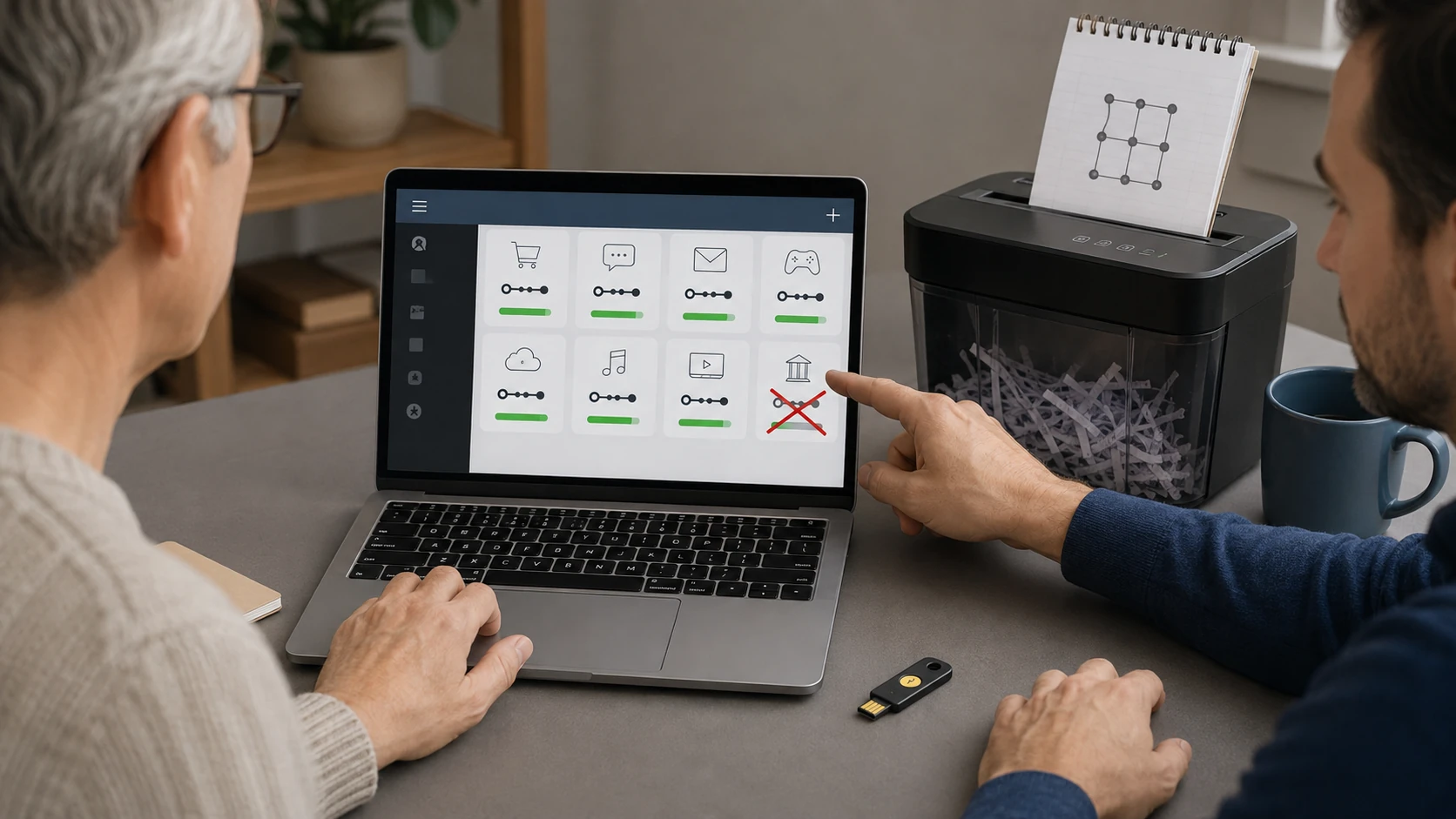
If the same password was on the bank, Amazon, and the email, one phishing click is three drained accounts. We help you rotate what was exposed, in the right order — email first — and we do not keep those passwords in our records. A password manager when it fits. Changing the password while the scammer still has an open session, or a silent forward, is how people get locked back out the same night. Password help.
The Google account is still theirs
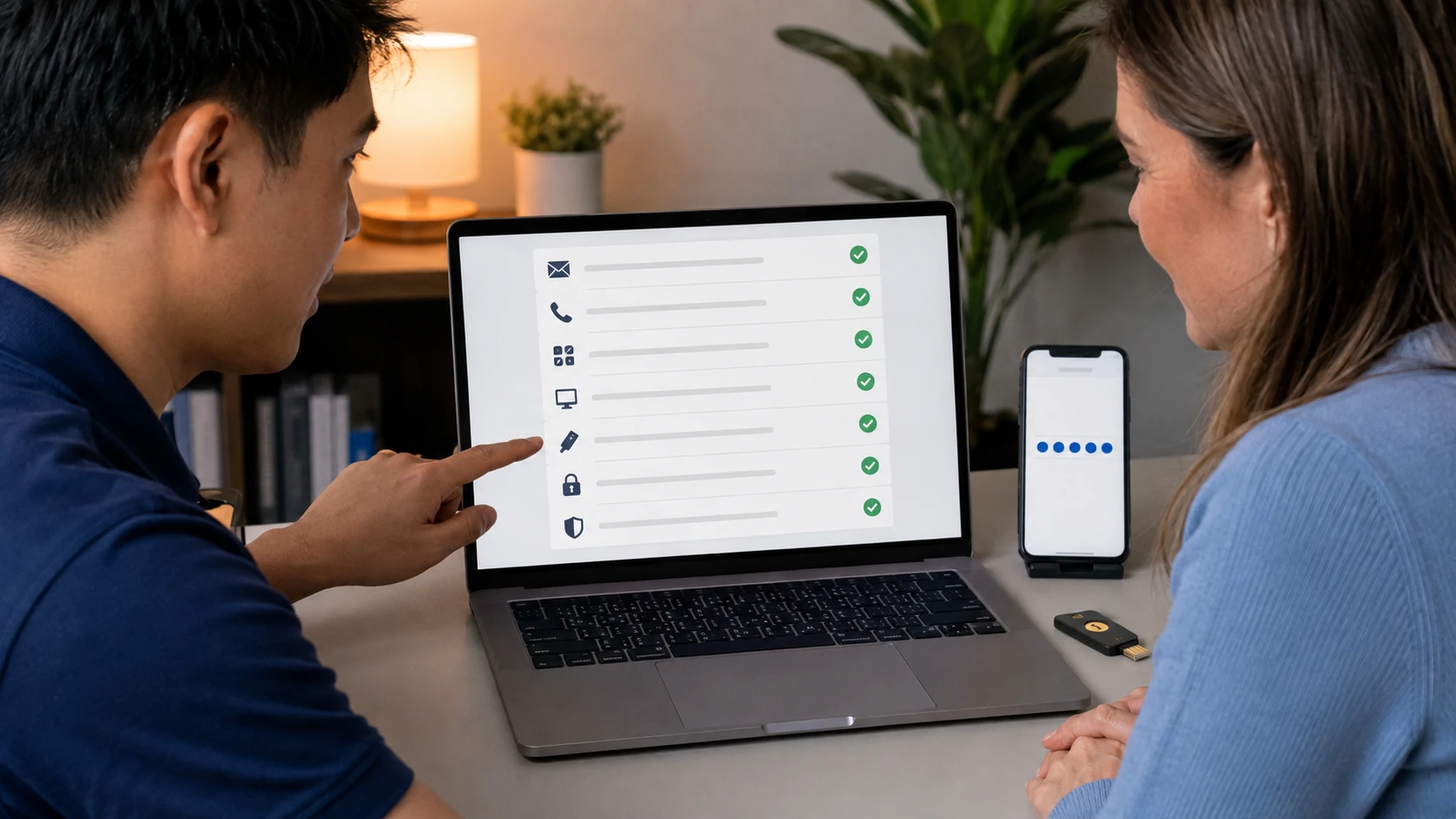
Wiping the PC does not close a Google, Microsoft, or Apple session on someone else’s phone. We look at devices still signed in, recovery email, recovery phone, app passwords, and “sign in with Google” links. A clean computer with a hijacked Microsoft account is not a finished job. This is the half of DSIR wipe shops skip.
They forwarded the bank to themselves
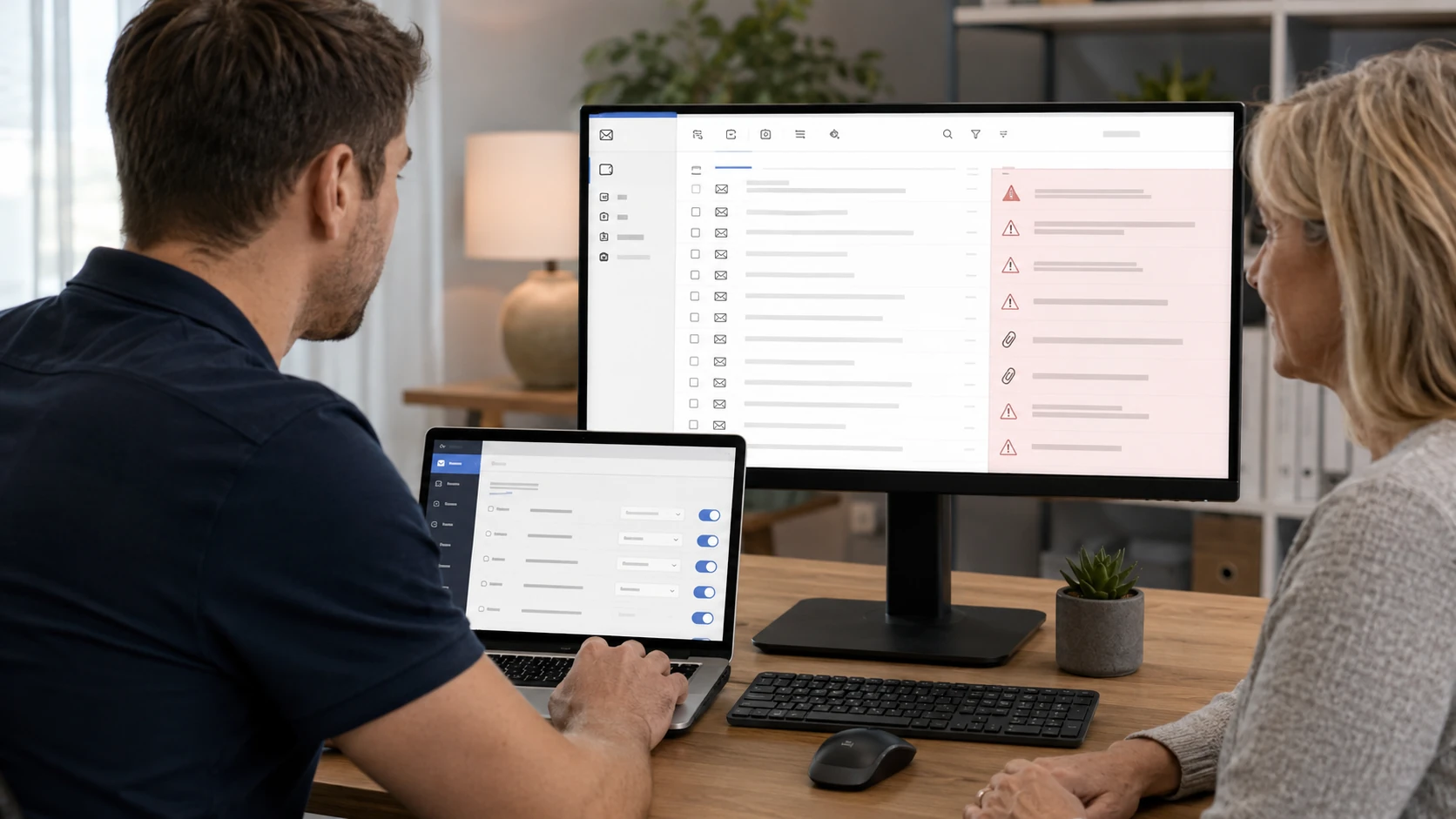
This is the one that surprises people. A filter or forward you never created can send every bank message — including 2FA codes — to an address you do not own. We check forwarding, filters, delegates, recovery addresses, and app passwords on the mail account. Until that is gone, a new password is a courtesy notice to the scammer. Related: email setup.
Digital Security Incident Response
When it is more than one PC — several devices, banking fraud, identity worry — we open a DSIR. We reconstruct a timeline, look at the device and the accounts you authorize, remove what we can, and write down what we found. You leave with a service report, recommendations, and our Recovery Guide. We do not dump the entire playbook on a public webpage. We do tell you what happened on your ticket.

Encryption when it helps, not as theater
BitLocker, FileVault, a password on a backup drive. Useful when a King laptop leaves the house. Useless if the PIN is on a sticky note on the lid. We enable it when the machine and the person can both live with it. The recovery key stays with you — not in our ticket notes.

A backup the encryptor cannot eat
If OneDrive, Google Drive, or iCloud is sitting mounted all day, ransomware will encrypt that copy too. You want versioning, or a drive that is unplugged after the copy. We set that up as part of hardening, not as an upsell after the fact. Restore tests matter more than the logo on the box. Data backup.

The router is part of the incident
Default admin password. WPS left on. Cameras on the same Wi-Fi as the tax laptop. After a remote-access scam we will say when the ISP gateway has to be changed, not just the PC. Guest Wi-Fi that is actually guest. Related: networking.

How you get back online
Public Wi-Fi at the library, a neighbor’s open SSID, a VPN you bought after a Facebook ad. After an incident we set connections that match how you actually work — home office, travel laptop, phone hotspot — without selling you a subscription you do not need. Banking from the same machine the scammer sat on is how round two starts.

Every device in the house, not just the PC
The desktop is clean and the phone still has the scam app. Microsoft, Google, and Apple logins live on more than one screen. We look at PCs, Macs, phones, and tablets on the same ticket when they share an account. Screen locks that actually lock. Find My / Find My Device on. A passcode that is not 1-2-3-4.
What that flashlight app can see
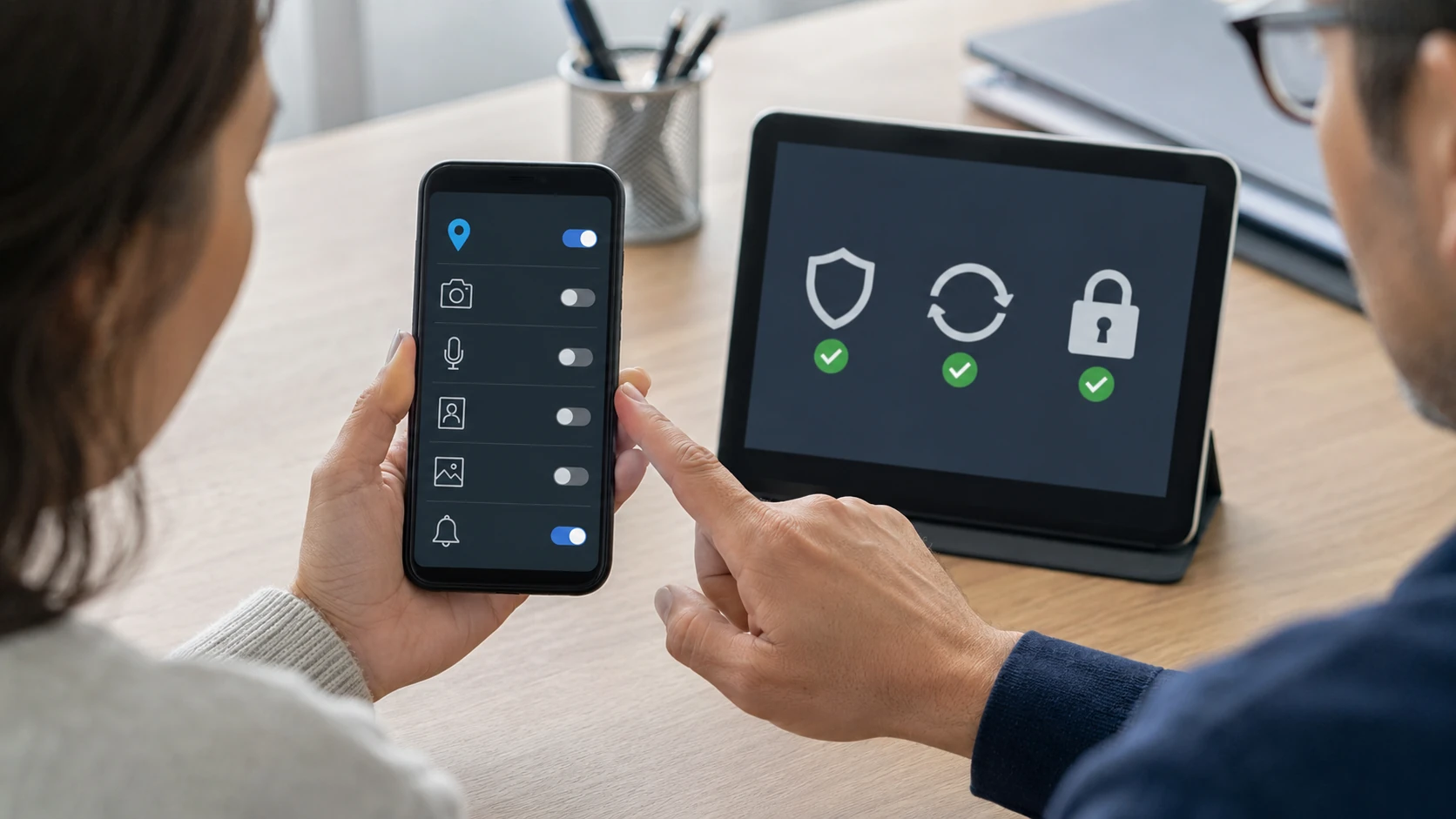
Camera, microphone, contacts, location. We walk Android and iPhone permission screens, yank the junk, and explain sideloading. A “cleaner” from outside the store is often the problem, not the solution. If the scammer had you install an app, that phone is in scope even if “the computer was the issue.”

The bank wants a report, not a vibe
Local banks and credit unions send people here because a wipe receipt does not tell them whether the machine is actually clean or whether email is still forwarding. We lock what was exposed, turn on alerts, and give you documentation the institution can put in a file. We do not call the bank and pretend to be you.
Gift cards are not a payment plan
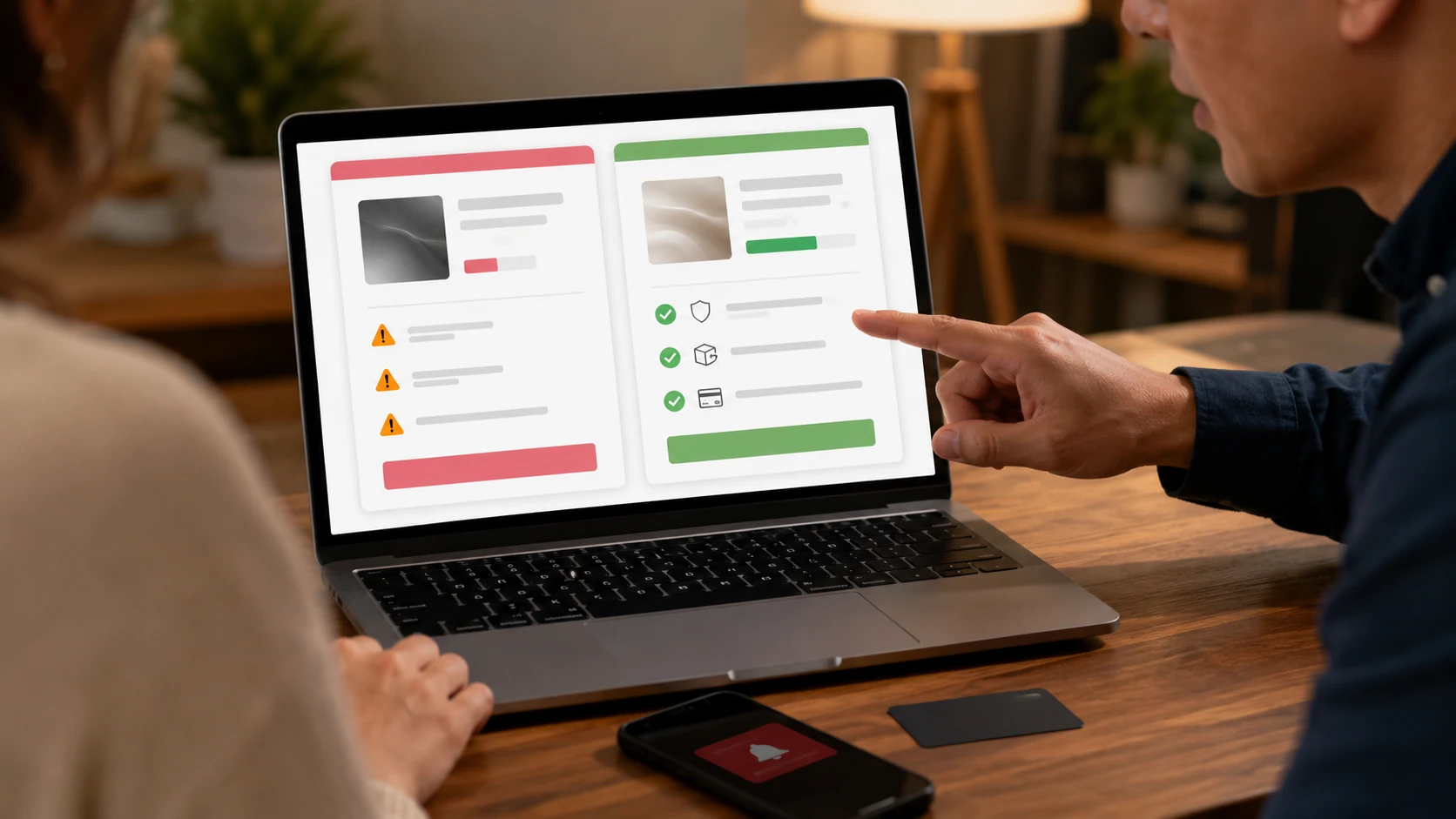
If someone on the phone wants iTunes cards, a wire, or a “secure portal” they just emailed, stop. We will say so plainly. For real shopping we talk saved cards, one-time numbers, and why that 70%-off laptop on a brand-new site is not a deal. Money already sent is a bank and, sometimes, a police report. We document. We do not chase cryptocurrency for you.

What of you is already out there
Old forums, a Facebook that still lists the high school and mom’s maiden name, a breach you forgot from 2014. We show you the cheap version of what a scammer already ran — enough to change habits, not a 40-page dark-web tour. Then we lock what we can without turning you into a hermit.

Shoulder surfing and the kitchen table
A laptop at the King library. Tax folders on the dining-room table during an onsite. A phone charging in a hotel. Privacy screens, lock screens that actually lock, and not leaving the BitLocker PIN on a sticky note. Physical access beats most software. If someone is in the house with the PC, that is a different conversation than malware.

Do this before something happens
You do not have to wait for a fake Microsoft pop-up to get this work done. On a healthy computer we will install updates, put on one antivirus (not three that fight each other), turn on two-factor authentication you can actually use, set a backup that ransomware cannot also encrypt, and clean the browser so it is not full of toolbars. That visit is a lot easier than coming in after you already sent a scammer money. We can do a yearly checkup if you want one. A box of antivirus from a store is not the same as actually using these habits.

Install it right, or it fights you
Licensed software only. We remove the trial that came on the Dell, install what you actually paid for, and check that Windows Security is not in a duel with it. We pick based on the household, not a kickback. Related: software installs.

Software that no longer gets patches
Windows 7 that still does banking. A Java plugin from 2014. A router admin page on HTTP. We will say when the honest fix is an upgrade, not another scan. Age plus no security updates is how a King household gets on a botnet. “It still turns on” is not the same as “it is safe for the credit union.”

A scan with a list, not a vibe
Open ports, stale firmware, SMB still hanging off the NAS. We scan when it is useful, we explain the hits, and we do not print a 40-page PDF of “critical” items that are actually printer discovery. You get a short list of what to change. A green check from one consumer AV is not this job.

Sit with you, or sit remote
How to spot the PayPal email. How to start 2FA. How not to click the flashlight ad. One-on-one, in the shop or over an attended remote session. After a DSIR we walk the report with you. Training is cheaper than a second incident. Talking about scams with the household before they happen is part of the job.
What customers said
Public Google reviews that mention scams, account security, and being shut out of a device. Names as published. Dates omitted. Google Business Profile · all reviews
“Unfortunately I called the wrong number for PayPal’s customer service and allowed the person on the phone access to my computer. Bringing Your Tech to Life was able to point me to resources on their website and other sources online of how these scams work and steps to prevent them in the future. Most importantly they removed the remote access tools from the computer, reviewed log files of the tools used by the scammer to identity if any potential personal identity issues existed and provided me with the necessary report to give to my bank that the computer was cleaned.”
George Dickson
“I had a tech support virus sent to my Dell laptop and was shut completely out of my device. Took it to Paul same day and he serviced same day and gave me suggestions of what would make my device run better!”
Jaylady S
“Not only did they find the issue and repair it but they also provided some helpful information to keep my online accounts more secure. The cost of the repair was very reasonable and I will be coming back in the future if other repairs are needed.”
Natalie Summers
Security FAQ
1. Do you remove viruses and malware?
Yes. Multiple security tools, isolate, remove, then install reliable security software to help prevent reinfection. OS reinstall if needed, after a clone when the drive still reads. Same infection inside 90 days is cleaned again at no labor charge. See virus removal.
2. Why isn’t a wipe enough?
A wipe kicks malware off this computer. It does not close Google or Microsoft sessions, remove an email forward, or change passwords the scammer already copied. That is why banks still see fraud after “the shop reloaded Windows.”
3. What is DSIR?
Digital Security Incident Response. When the incident is bigger than one scan, we reconstruct a timeline, examine the devices and accounts you authorize, remove what we can, and document it. You get a service report and our Recovery Guide. We do not publish the full method here.
4. What does it cost?
Device Security Inspection and Cleanup is priced per device. Online Identity and Account Security Review is priced per user. Some jobs need one piece. Some need both. Extra accounts, extra devices, or an OS reload are quoted before we do them.
5. Should I factory-reset before I bring it in?
No. Resetting can destroy the evidence of what they installed and what they ran. Unplug it. Leave the remote-access program and the emails. Bring the charger.
6. Will you install whatever antivirus I bought at a store?
We install reputable, licensed security software that fits the devices in your house. We will not stack two products that fight each other. We do not choose based on kickbacks from Norton, McAfee, or Webroot.
7. Do you store my passwords?
No. Recovery keys stay with you. See passwords.
8. Can you give my bank a letter?
When the work supports it, yes — documentation of what was found and what was cleaned, not a vague “PC is fine.” George’s review above is the usual reason that letter exists.
9. Do phones get this treatment too?
Yes when they share the same Google, Apple, or Microsoft account, or when the scammer had you install an app. A clean desktop and a dirty phone is half a job.
10. Do I need an appointment?
Yes. Call or ticket. Home-based shop in King. If we are on-site for someone else, nobody is here to take a walk-up. If a scammer is on the machine right now, unplug it first, then submit the ticket.
Think someone is in the machine?
Stop talking to them. Unplug it. Do not factory-reset. Submit a ticket. Do not show up unannounced.
They talked their way in
A “PayPal agent.” A voice that knew the dog’s name. A cousin who “already has remote access.” Social engineering is not a virus. We get the remote-access tools off the PC, review what they ran, and write a report local banks and credit unions have used. That is why they send people here: the other shop wiped the drive and sent them home still logged into the scammer’s session.