
King, NC · Danbury · Pinnacle · Tobaccoville · Germanton · Walnut Cove
Data recovery in King, NC
Deleted photos, a drive that clicks, a disk Windows wants to initialize. Stop using it. We image first when we can, then recover what is still there — or we send it to a lab and represent you there.
Monday–Friday 9:00 AM–7:00 PM by appointment. Drop-off is scheduled when your ticket is near the top of the queue.
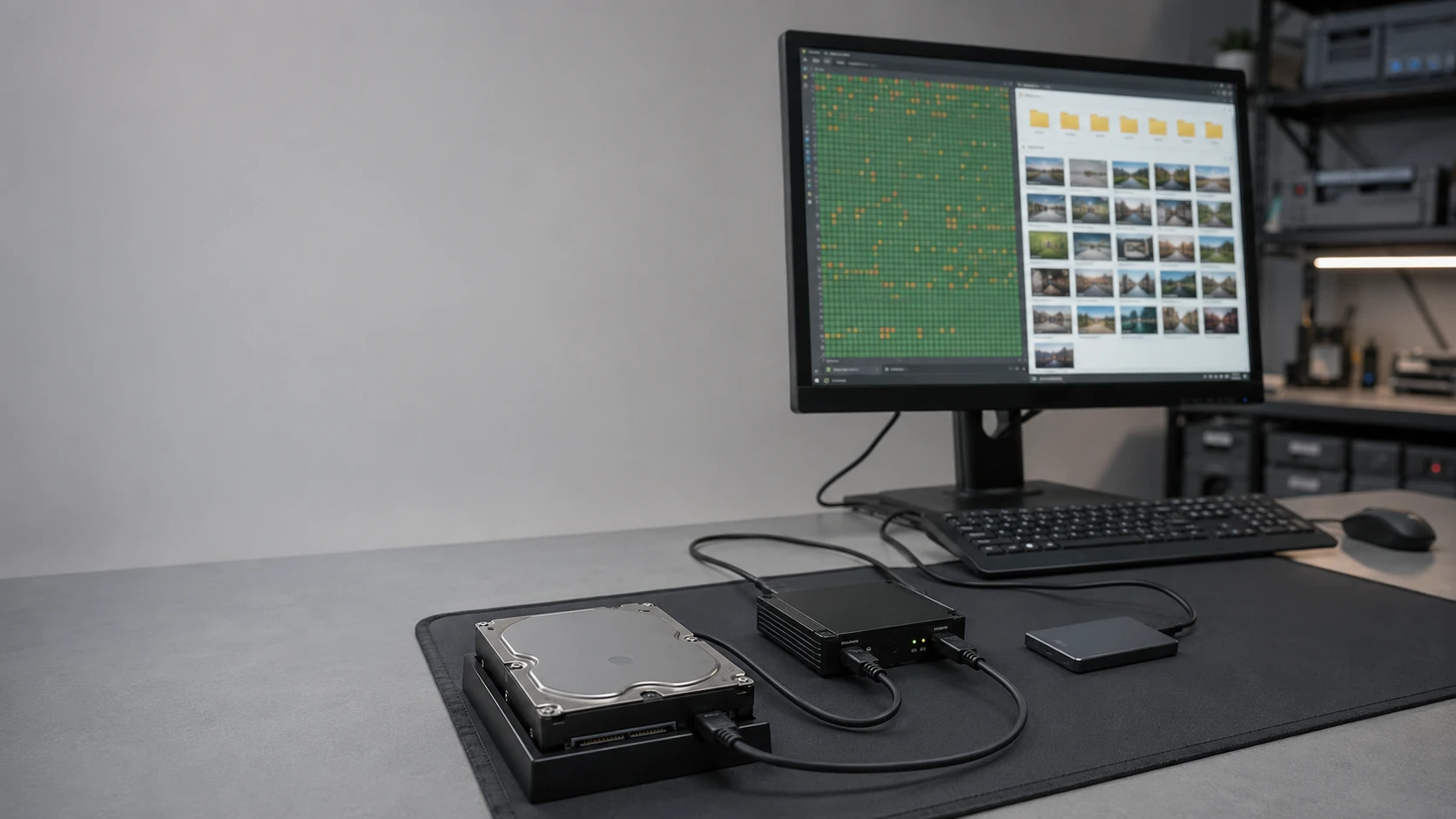
Stop writing. Then we look.
The worst thing you can do to a dying drive is keep using it, install a recovery app onto it, or click “initialize” because Windows asked. Power it off. Bring the drive or the whole machine. We clone or image first when the hardware still talks, then work from the copy.
Logical damage (file system, deleted files, a Windows install that will not boot) is often in-shop. Clicking heads, fire, flood, and some SSD/NAND work go to partner labs. We quote that before it ships. This page is not a backup. Backup is how you avoid this page next time.
What we actually work on
 Deleted files | 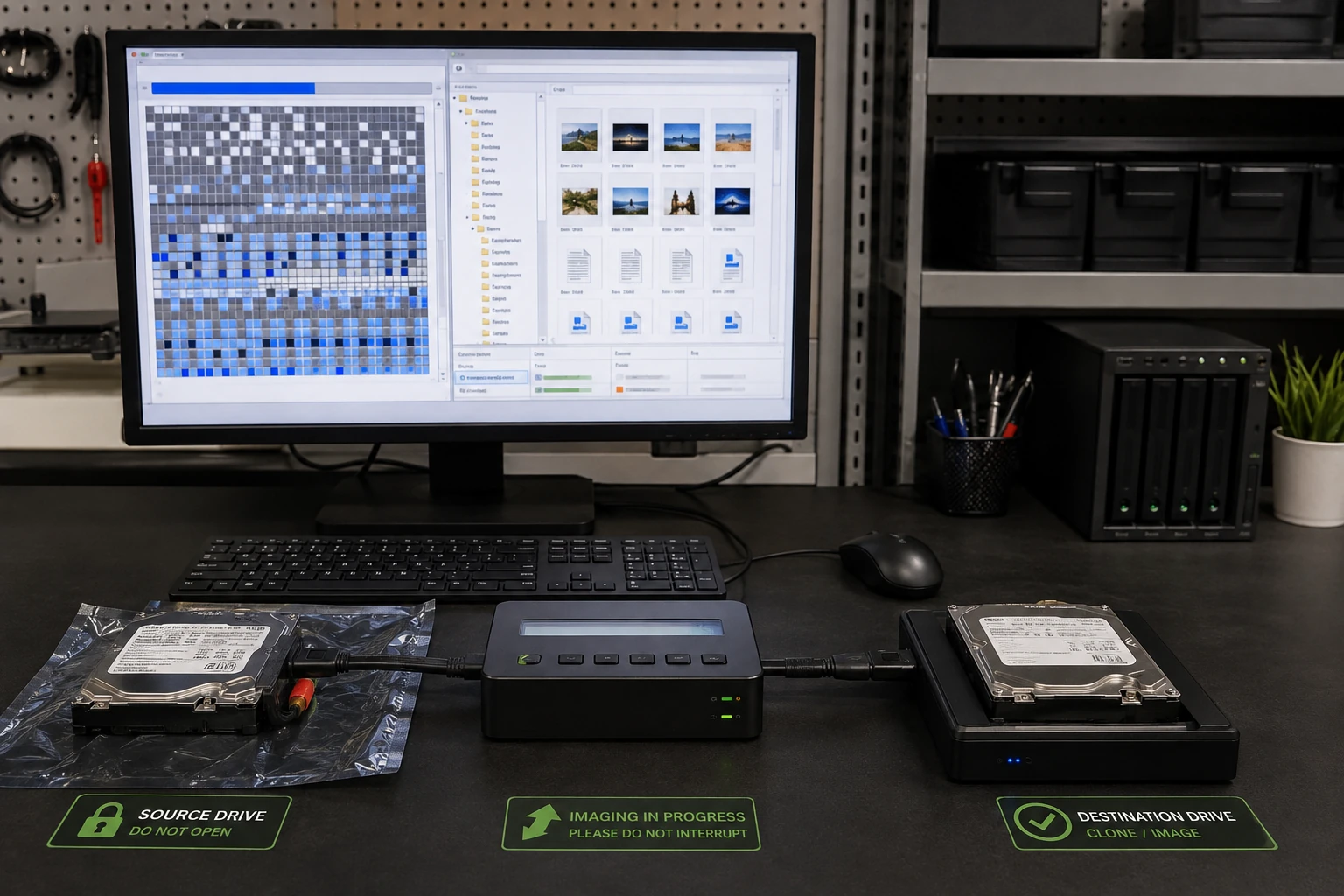 Logical failure |
 Mechanical failure |  Physical damage |
 Will not mount | 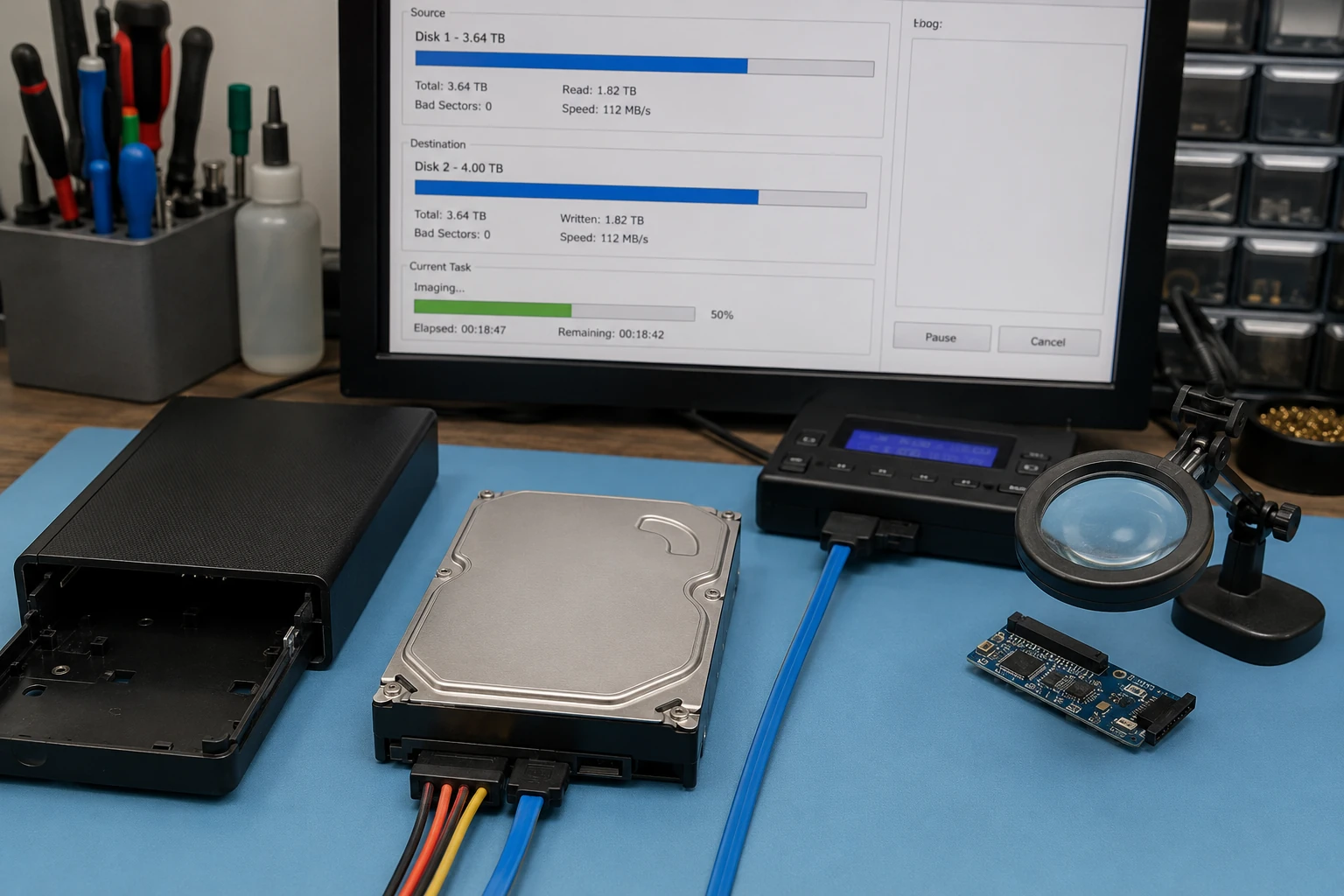 Will not power on |
 RAID | 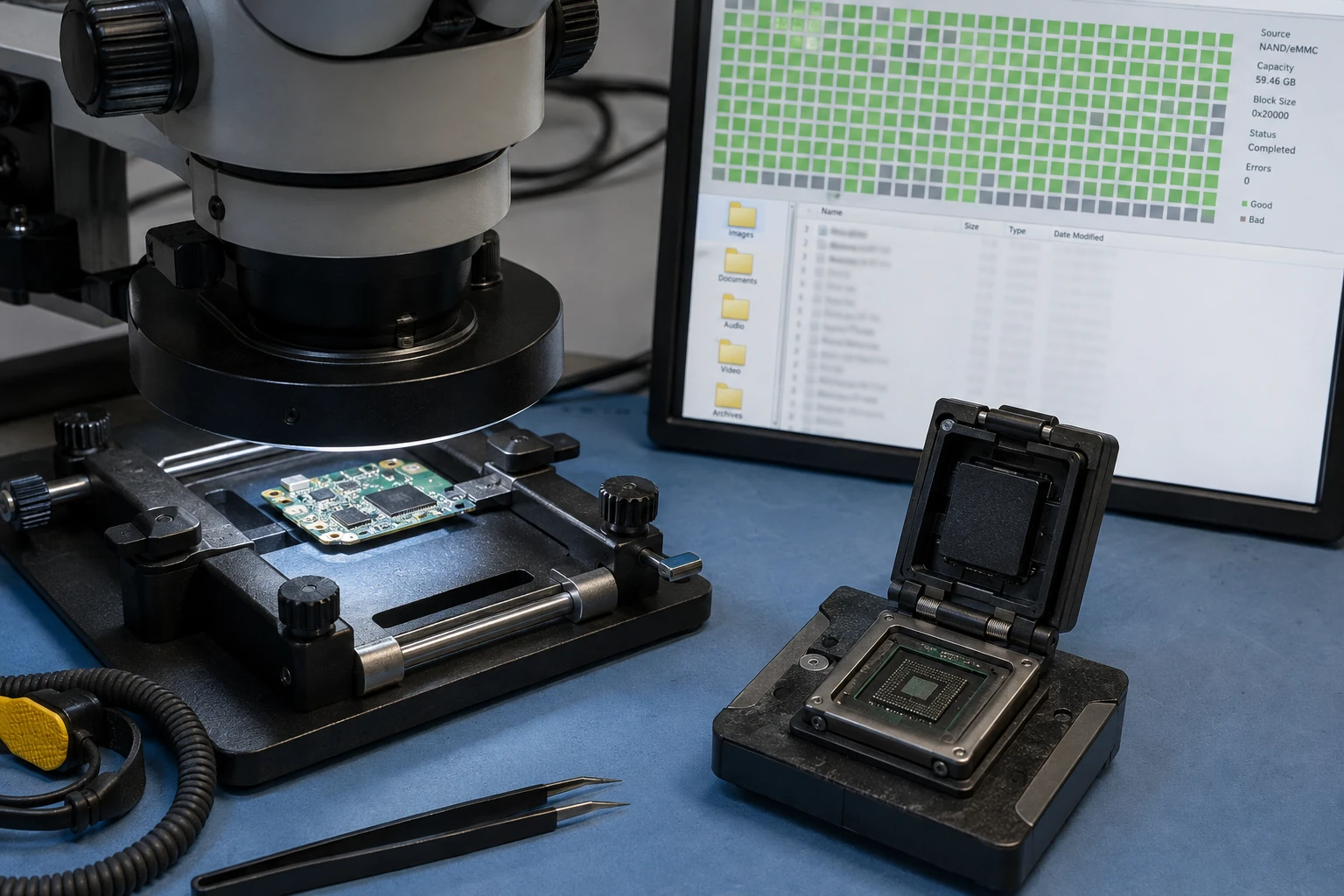 Chip-off / NAND |
 Fire damage | 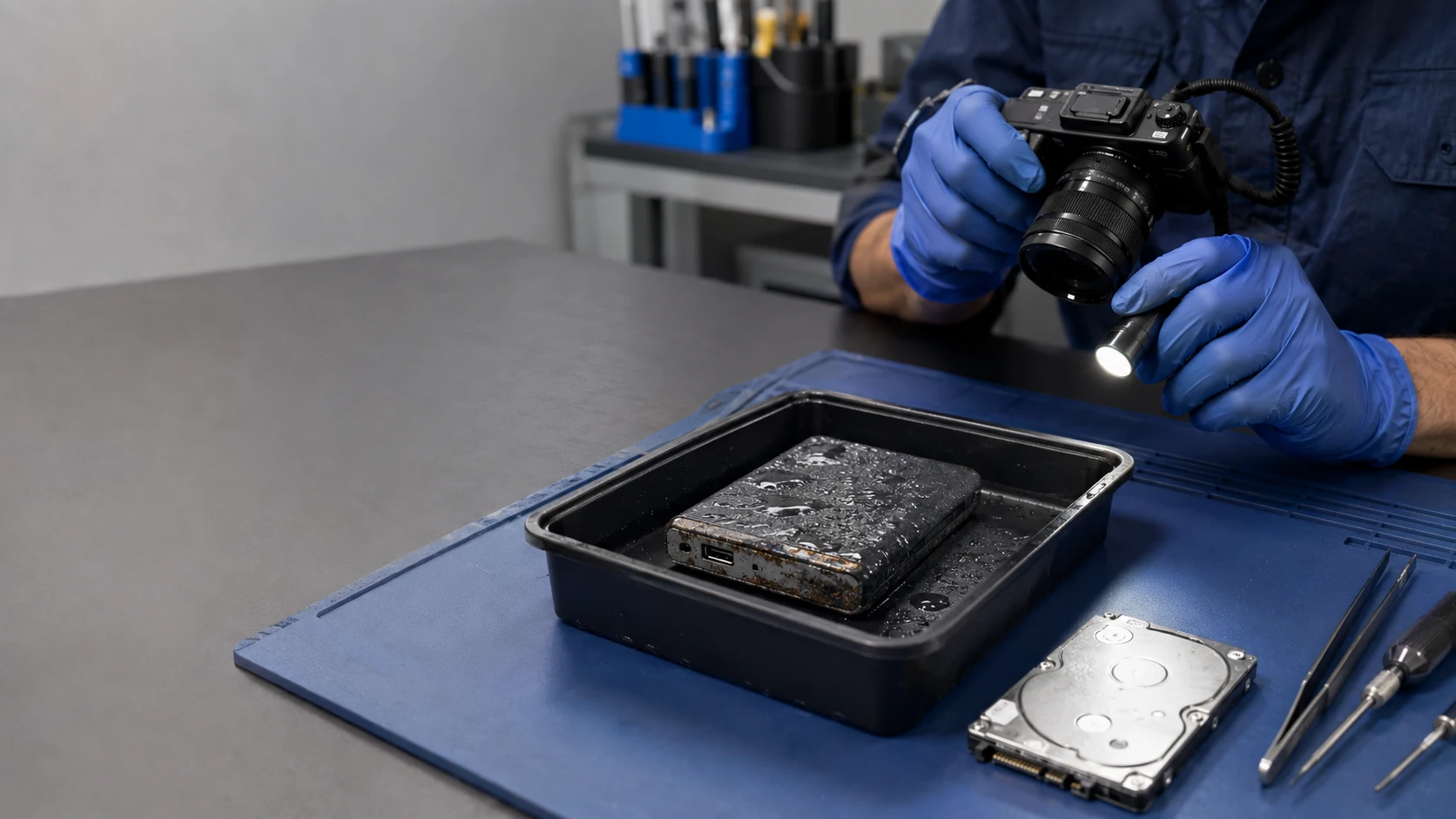 Water damage |
 Partner labs |  What actually fails |
How the work actually goes
Deleted files
Deleted is not the same as gone — until something else writes over it. Stop using the drive. Do not install a “recovery app” onto the same disk. We image first when we can, then look for the files. Photos, documents, and email stores are the usual ask. Time matters.
Logical failure
The drive spins. Windows just will not mount it. File system damage, a failed Windows update, a partition table that vanished. This is software-level recovery, not a clean-room platter job. We still clone first so we are not making it worse.
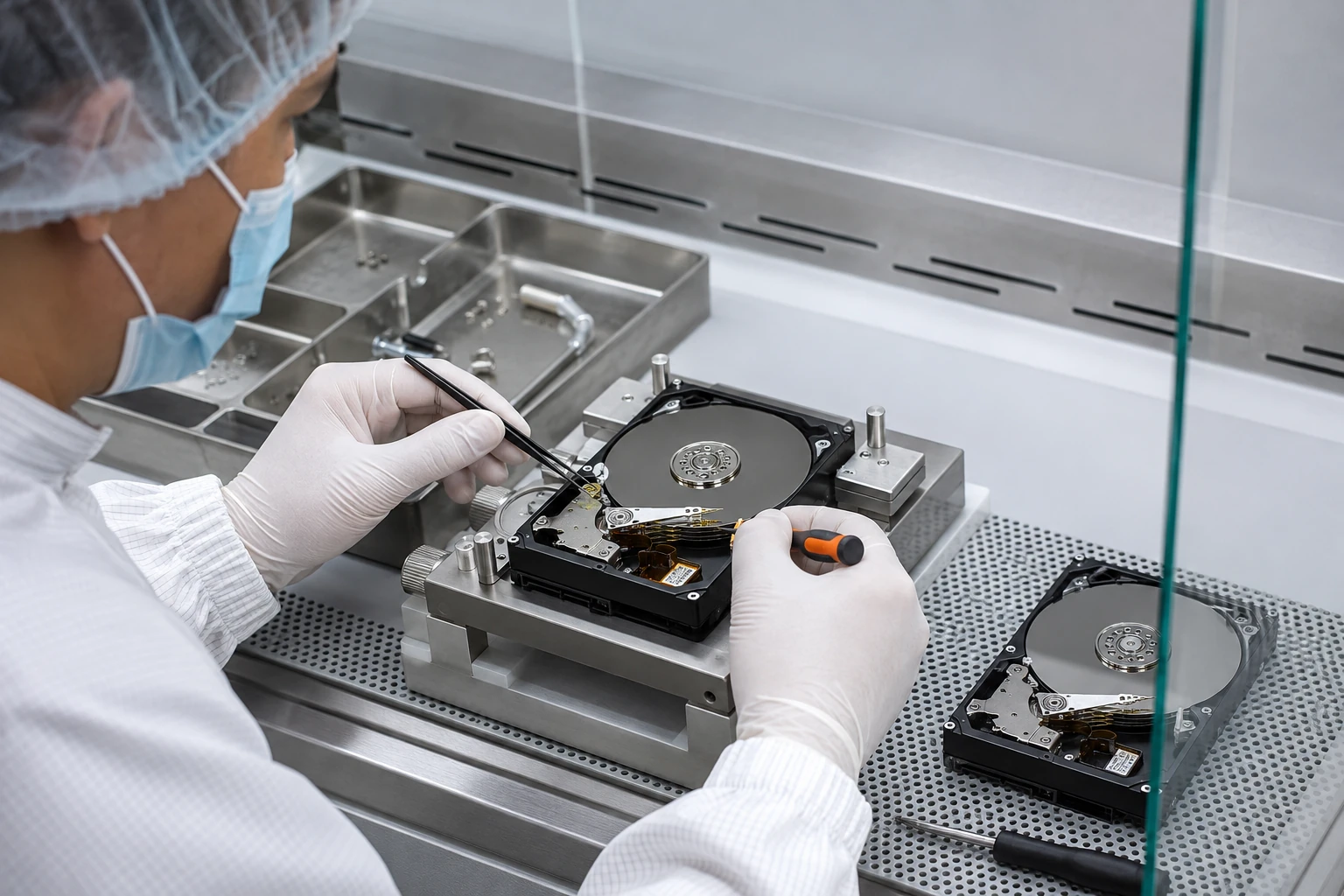
Mechanical failure
Clicking, beeping, or a drive that never gets ready. Heads, platters, motor. Some of this we can do here. Some of it belongs in a lab with a clean bench. We will say which, and we can represent you to that lab so you are not guessing at the jargon.
Physical damage
Dropped, bent, PCB snapped off, connector torn. The files may still be on the platters or the NAND. We do not open a hermetic drive on the kitchen counter. If the honest path is a partner lab, that is the path.
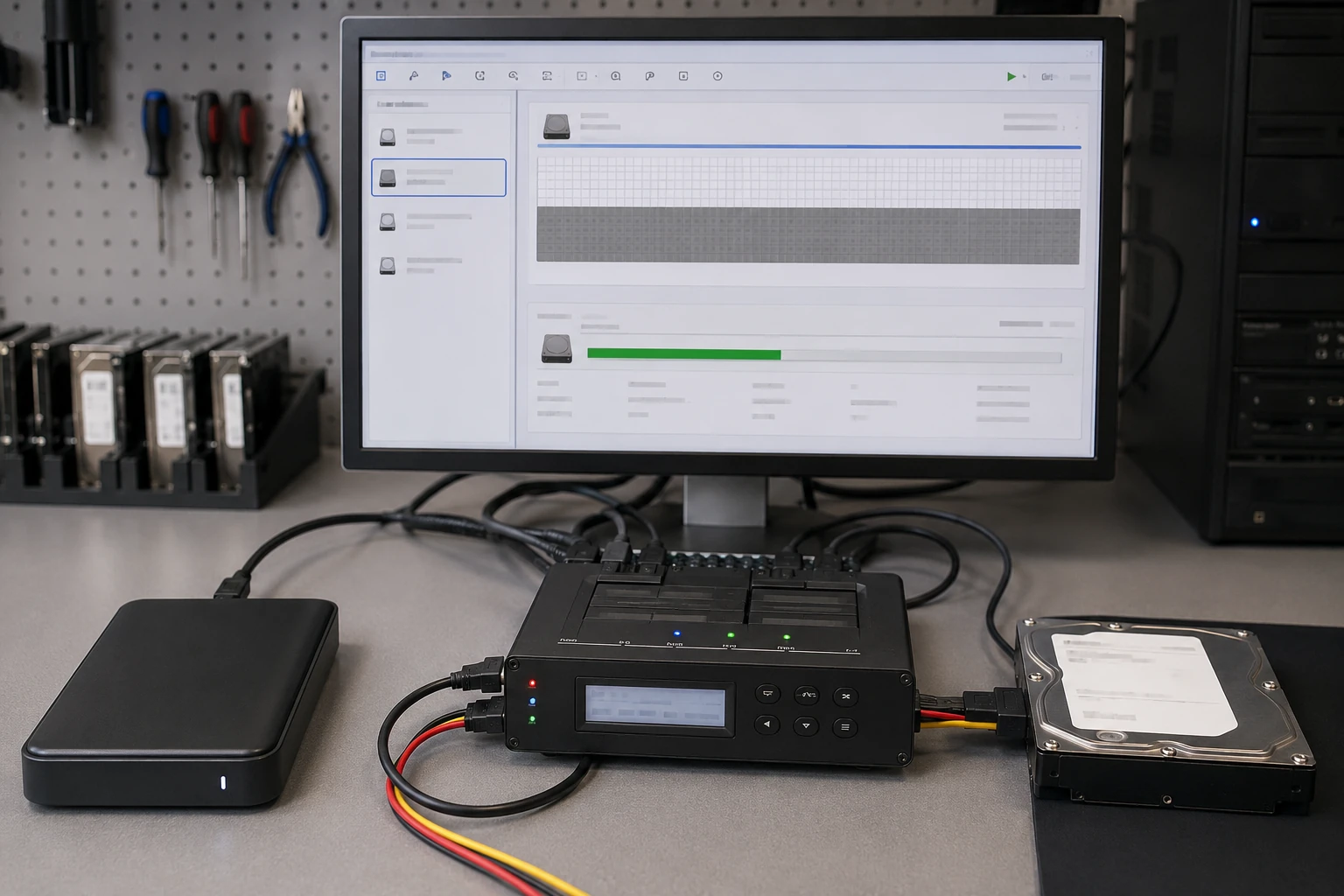
Drive will not mount
The computer sees a disk and will not assign a letter. Or macOS wants to initialize it — click that and you can make recovery harder. Bring it in. We look at the file system on a machine that is not trying to “help.”
Drive will not power on
No spin, no LED, no USB chatter. Sometimes it is the cable or the adapter. Sometimes it is the drive’s board. Sometimes the motor is done. We test with known-good power before we talk lab. Laptops with soldered storage are a board-level conversation, not a USB dock.
RAID recovery
A RAID is not a backup. One disk dies and the controller sits in a rebuild until a second disk dies. Do not run a rebuild because a YouTube video said to. Bring the disks and whatever you know about the array. We image first. We do not experiment on the only copies.
Chip-off and board-level NAND
Phones, some SSDs, and devices with no ordinary disk. When the USB bridge is dead and the data is on the chips, the work gets specialized. We do not advertise miracles. We tell you when a partner with that bench is the honest next step.
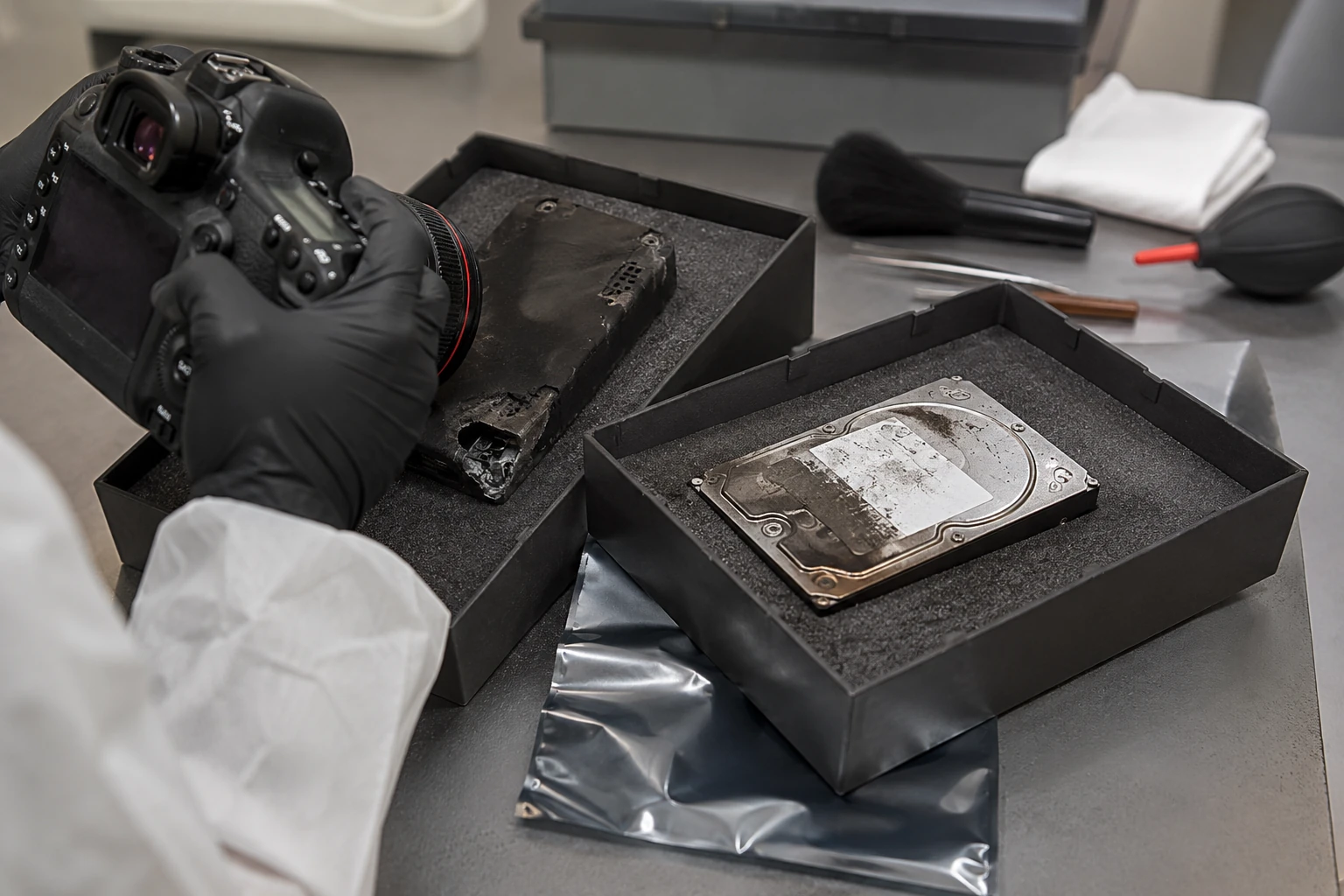
Fire-damaged storage
Soot and heat kill electronics. Platters and some NAND can still be read in a lab after a fire. Do not put the drive in rice, a freezer, or an oven. Bag it, keep it dry, bring it in. Success is not promised. We will not charge a lab fee until you approve the lab.
Water-damaged storage
Flood, spilled mug, a laptop that went into the sink. Power it off. Do not dry it with a hair dryer and try again. Corrosion gets worse while it sits wet. We clean and evaluate. Platters from a drowned drive often still need a lab.
When we send it to a lab
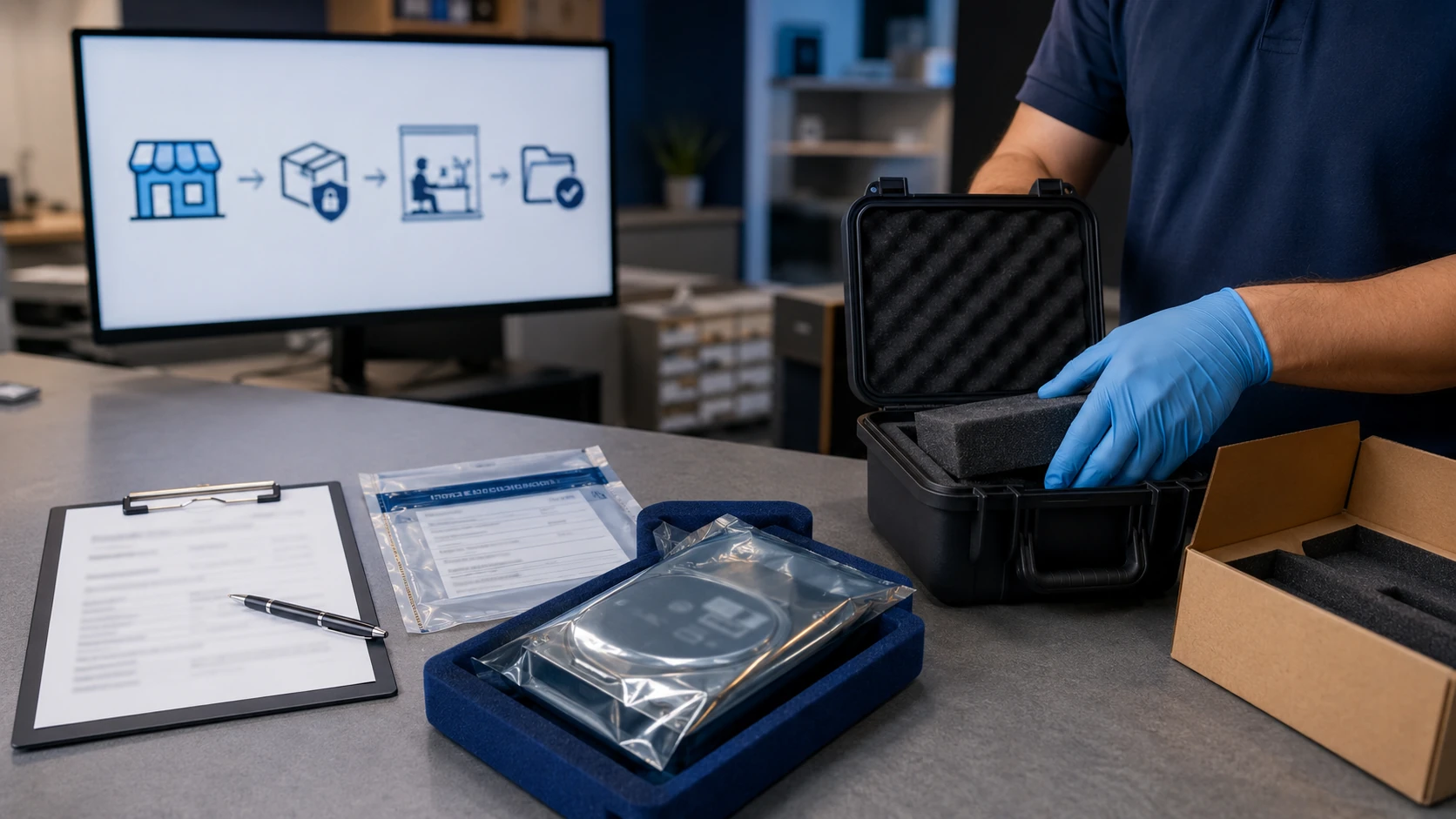
Clean-room platter work and some chip-off jobs are not a King workbench job. We use partners for that, and we represent you — the same way we represent you to a parts vendor. You get the quote before it ships. You are not left translating a 12-page lab report alone.
What actually fails
Drives fail. SSDs fail differently than spinning disks. Age, power events, and “it was making a noise for months” all show up in the ticket. We will show you SMART and what it does and does not prove. This is not a scare chart. It is why backup is cheaper than this page.
What customers said
Public Google reviews. Names as published. Dates omitted. Google Business Profile · all reviews
“Excellent PC Repair Shop! The tech was very patient and helped sort out the issues between my phone and desktop PC. I dropped off one computer for a Windows upgrade and another computer to have my music library recovered.”
Preston Matlock
“Took my computer to B.Y.C.T.L. for repair. He was very knowledgeable and professional. He fixed it and upgraded it at a very reasonable cost. He even found that my crashed hard drive was under warranty. He sent it off and when it arrived at his shop, he called me and I brought my computer to his shop and he installed it as a backup drive, at no additional cost.”
Howell J. Osborne
“Paul really is an expert technically. Restored my HP from what I thought was impending hard disk failure. Turned out to have conflicting software as well as lots of extra junk. He cleaned it up in record time (I have to use my computer for work) and was very reasonable.”
Cheryl Kiser
Data recovery FAQ
1. Can you recover data from a PC that will not boot?
Often. The disk may be healthy and the OS is not. We may boot specialized tools, pull the drive, or go to recovery if the disk is actually failing.
2. Deleted files?
Sometimes. Stop using the device. Encryption on modern phones makes this much less predictable than old PCs.
3. Water or fire?
Possible. Do not power it. Lab work may be required. Not guaranteed.
4. RAID?
Yes, including representing you with specialists when the array is beyond a sane in-shop rebuild.
5. Phones and tablets?
Harder. Soldered, encrypted NAND. Chip-off / donor board is usually extraction only.
6. Do you guarantee recovery?
No. Anyone who does is selling hope. We quote evaluation and explain likely paths.
7. Will you clone a failing drive as an “upgrade”?
Not as a routine upgrade. Failing source = recovery conversation first.
8. Should I keep using the computer so I can copy files off?
No. Every write can overwrite the files you want. Power it off. Bring the drive or the whole machine. Do not install recovery software onto the same disk.
9. Is this a guarantee you will get the files?
No. We tell you what is possible after we look. Lab work is quoted before it ships. We will not pretend a melted NAND package is a sure thing.
10. SSD vs hard drive?
Different failures, different tools. A clicking HDD and a USB SSD that will not enumerate are not the same ticket. We say which before we talk lab.
11. Do I need an appointment?
Yes. Call or submit a ticket. Do not drop a bag of disks on the porch.
Think the files are still on the drive?
Stop using it. Submit a ticket. Do not show up unannounced.