
King, NC · Danbury · Pinnacle · Tobaccoville · Germanton · Walnut Cove
IT consultation in King, NC
What to buy, what to skip, and a plan for the office or the house that matches the people who have to live with it. We will tell you not to purchase something. That is the job.
Monday–Friday 9:00 AM–7:00 PM by appointment. Drop-off is scheduled when your ticket is near the top of the queue.

Advice first. Parts second.
A consultation is a structured look at what you have and what you are about to spend. Hardware, network, cloud, backup, security, training. You do not have to know the product names. We write it down so the next visit is not a re-litigation.
We are not a big-box counter. We do not steer you to a box because it pays a kickback. If the honest answer is “do not buy that,” you will hear it.
What we actually work on
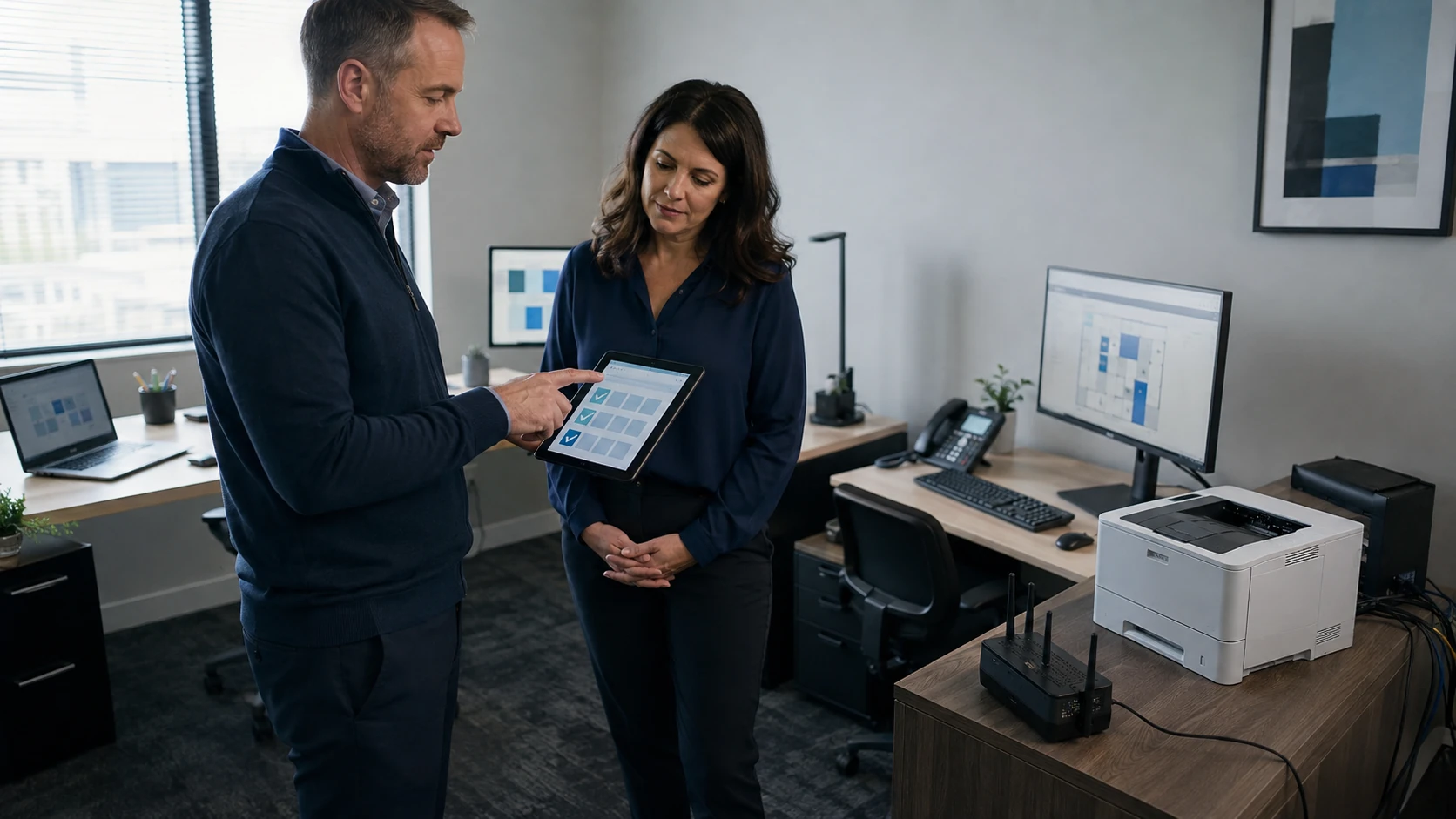 Needs assessment | 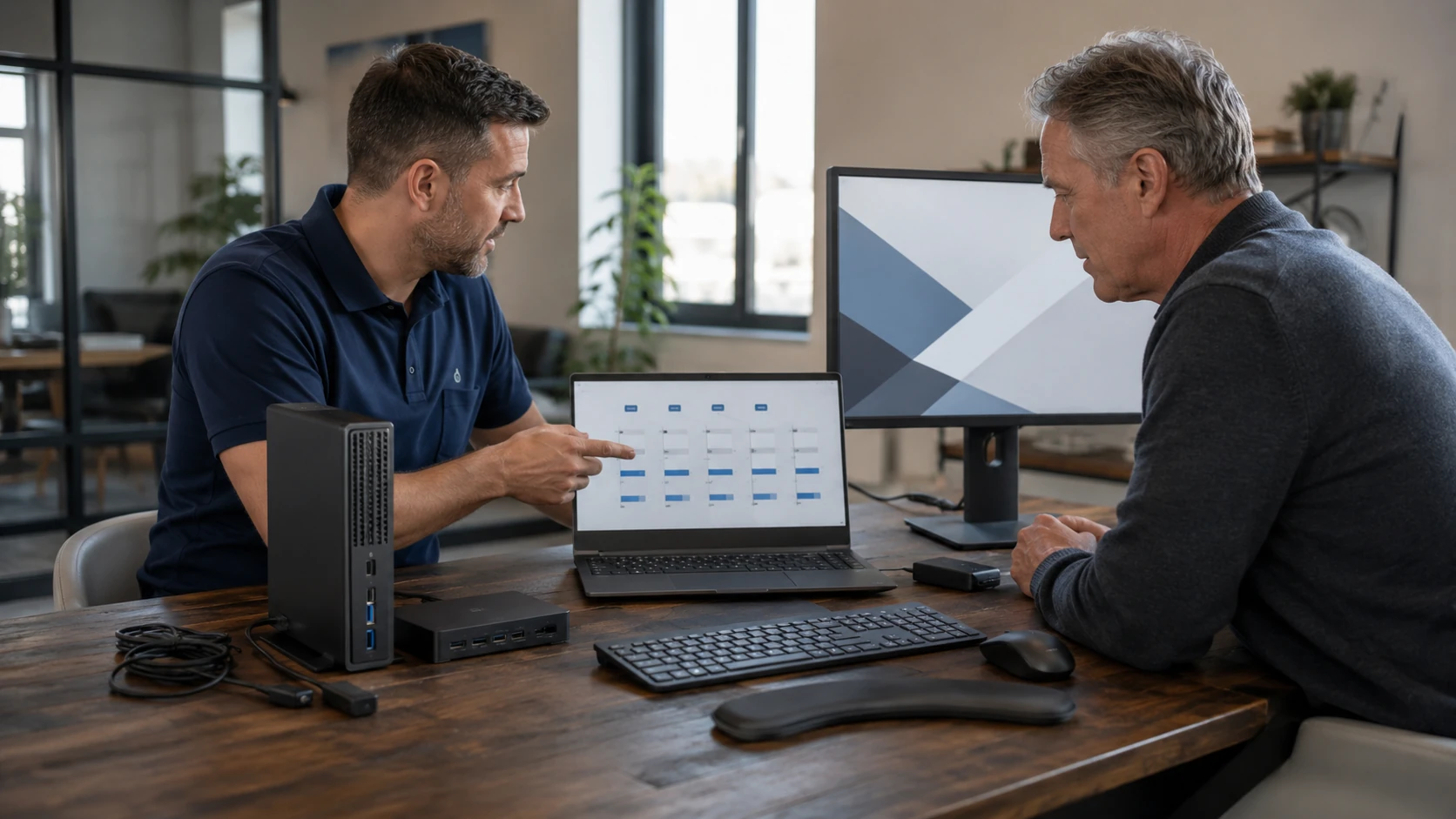 Hardware selection |
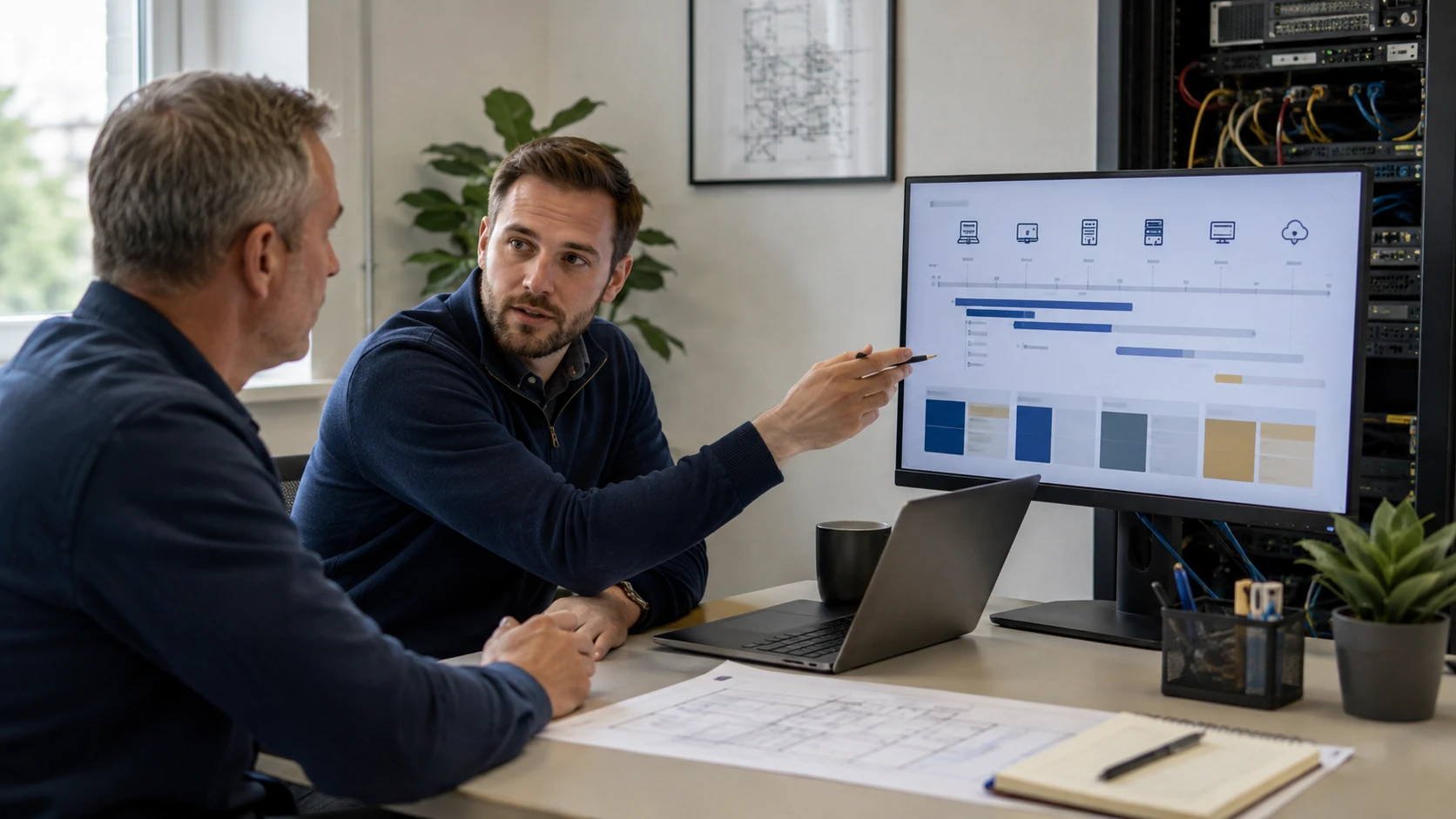 Budget roadmap | 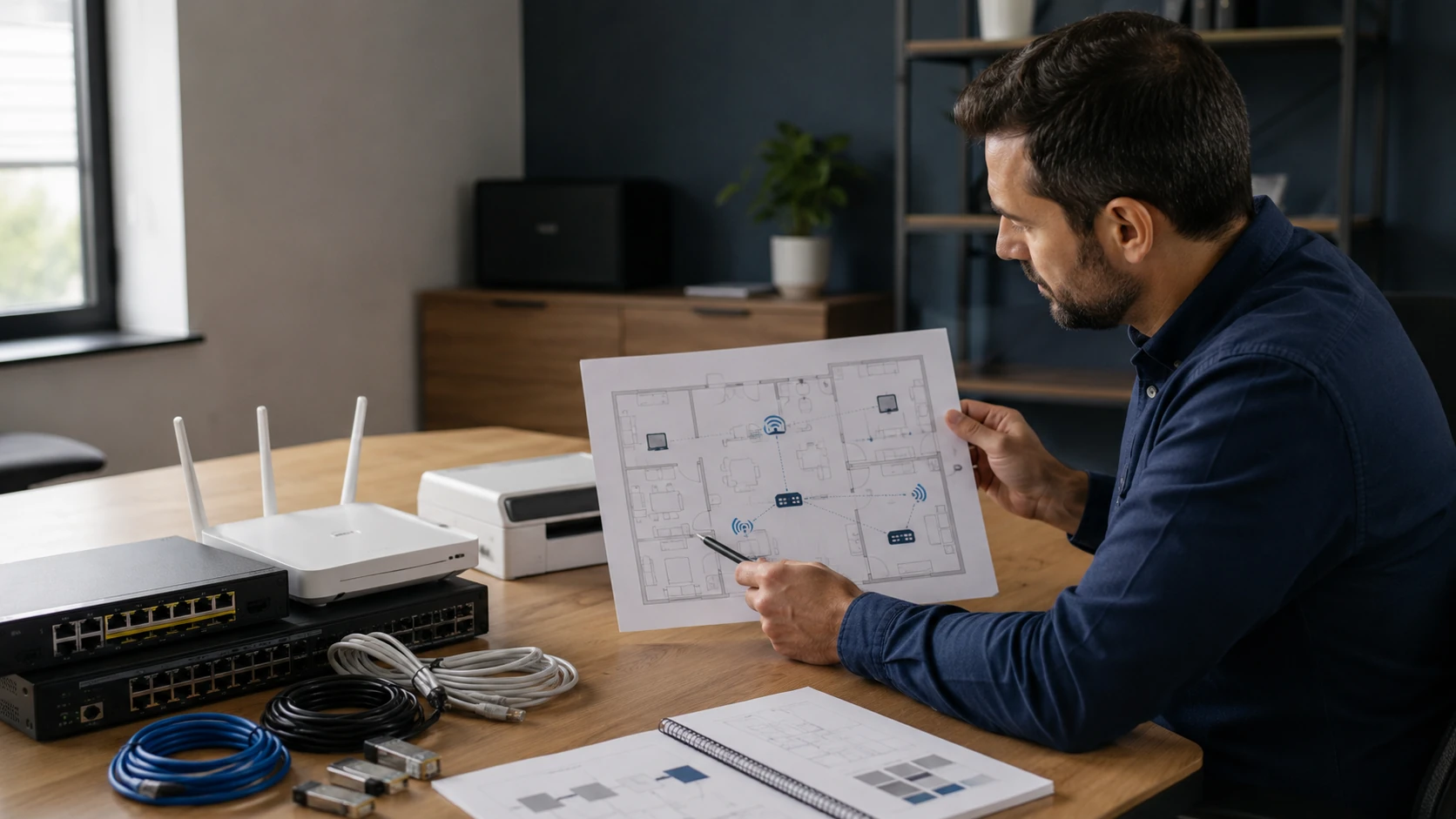 Network planning |
 New office | 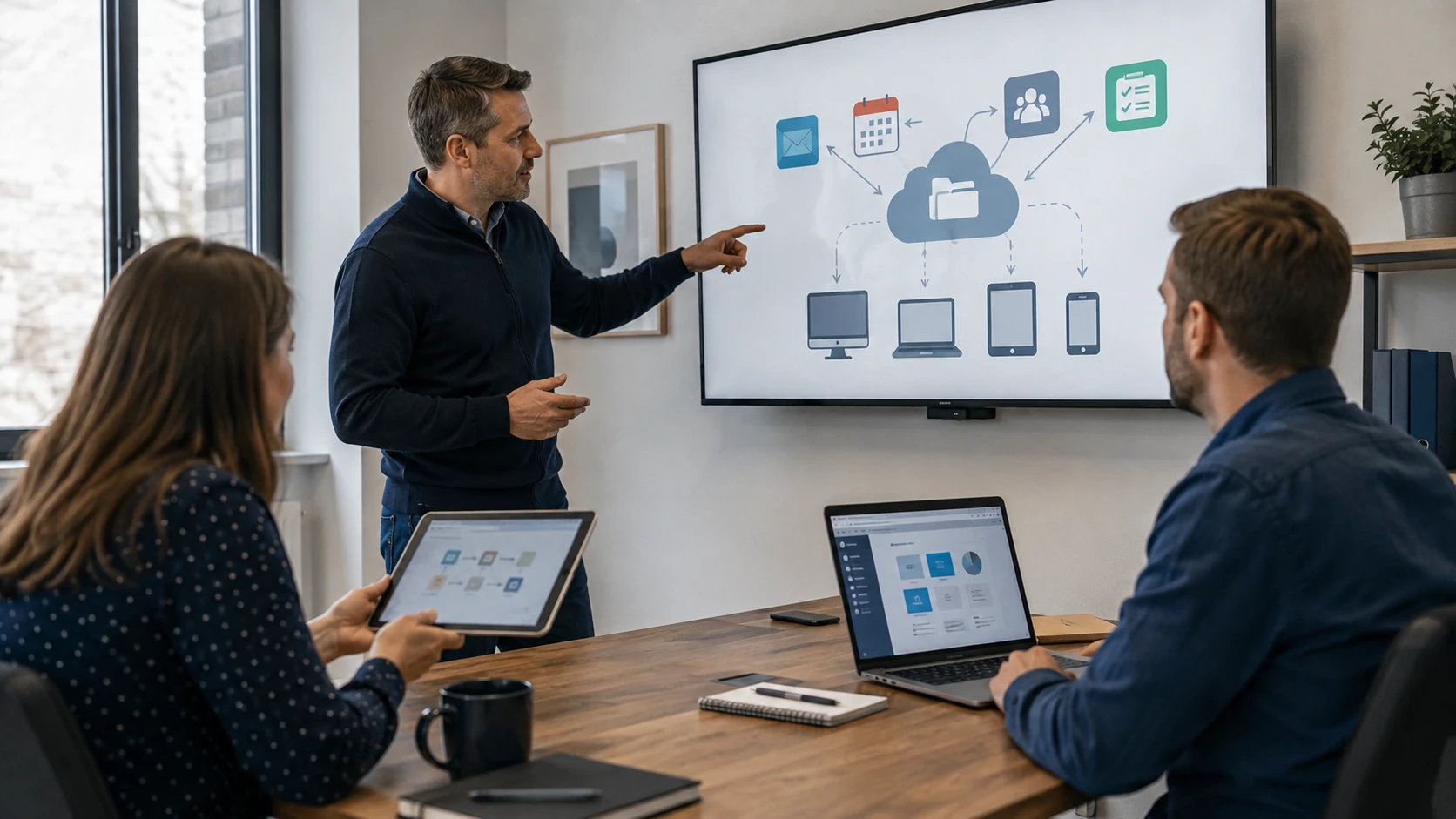 Cloud workflow |
 Cybersecurity plan | 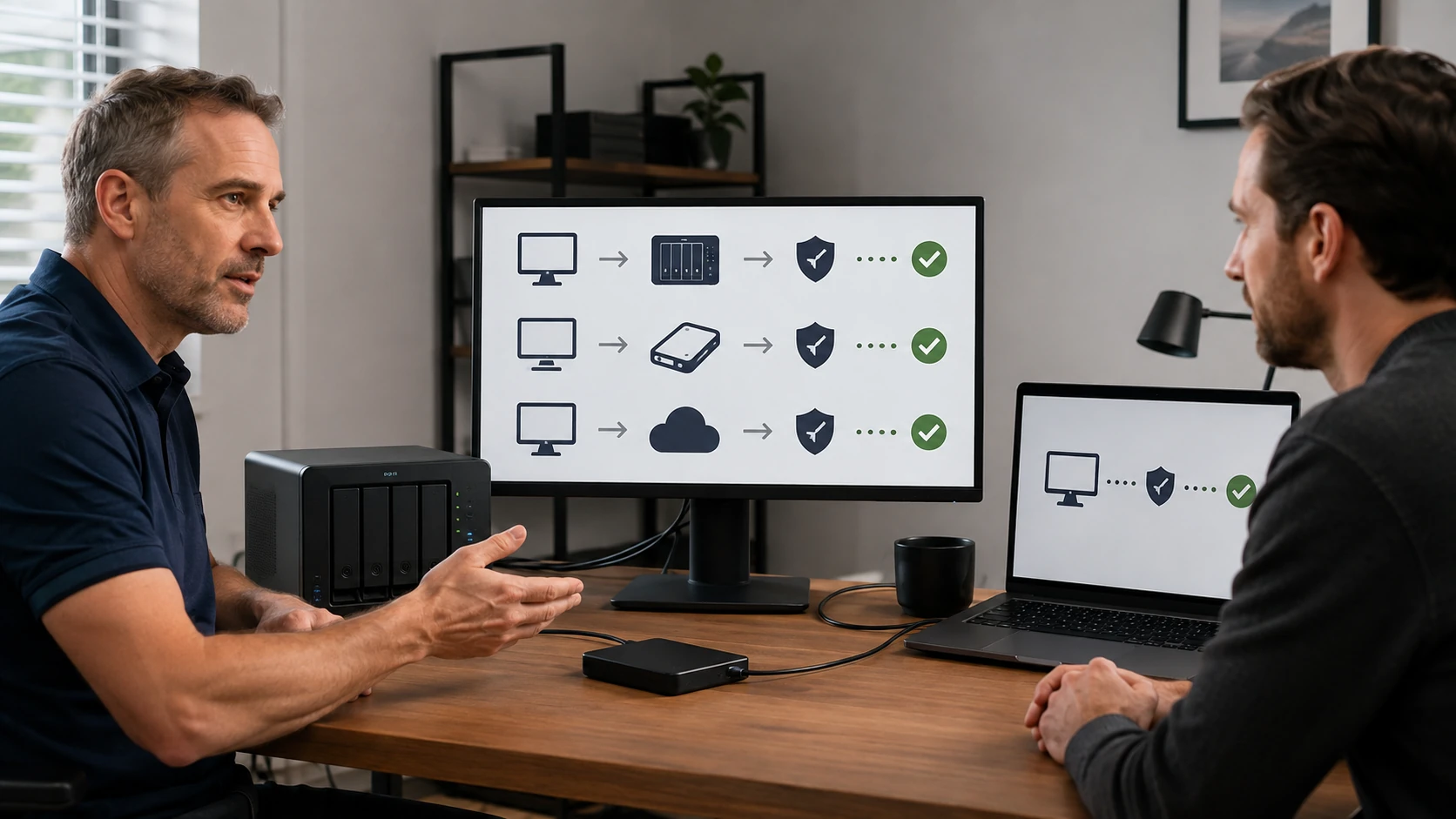 Continuity |
 Staff training |
How the work actually goes
What you actually need
Walk the shop, the office, or the house. What you have, what is dying, what the people there can live with. You do not have to know the answer before the ticket. That is the point of the visit.
What to buy — and what not to
We research and compare. We are not limited to boxes we sell. If a small part beats a new All-in-One, you will hear that. If the cheap laptop will not take more RAM, you will hear that too. You approve the purchase.
A roadmap that matches the wallet
Not everything has to happen this month. Replace the dying disk now, plan the Wi-Fi for next quarter, leave the printer until it actually fails. Written down so you are not re-litigating it every visit.
Network on paper before holes in the wall
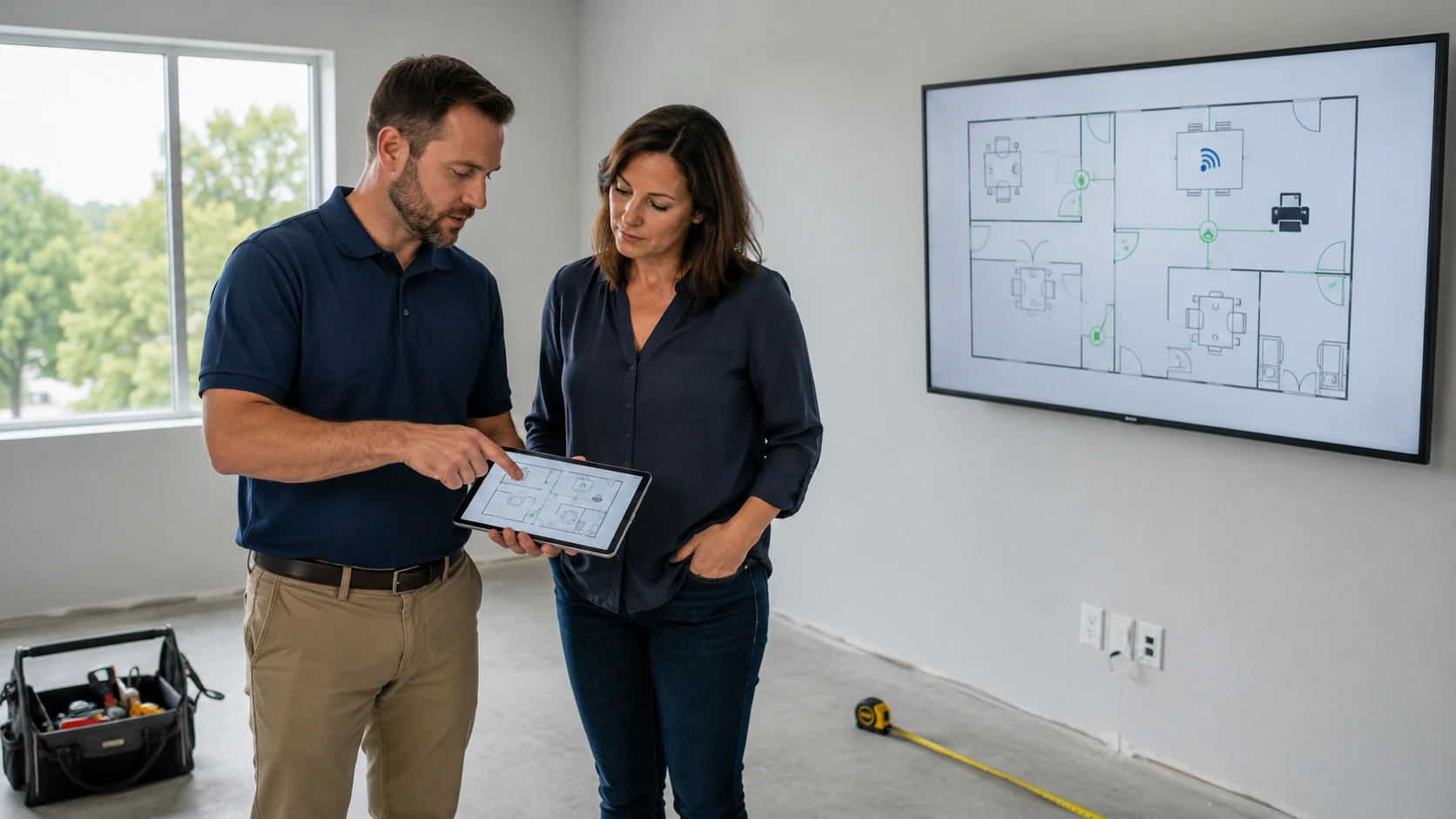
Where the rack goes, what is wired, what is wireless, guest vs cameras vs the tax PC. New construction and existing houses. Then we hand it to the networking job or to your electrician with a list that makes sense.
A new office, a new shop
Internet options, Wi-Fi, printers, who needs a desktop vs a laptop, backup from day one. We would rather draw this before you buy six mismatched towers from a big-box weekend sale.
Which cloud, for which work
Microsoft 365 vs Google vs “we just need files to sync.” Sharing, 2FA, and who owns the account when an employee leaves. Related: cloud solutions.
Security that fits the people
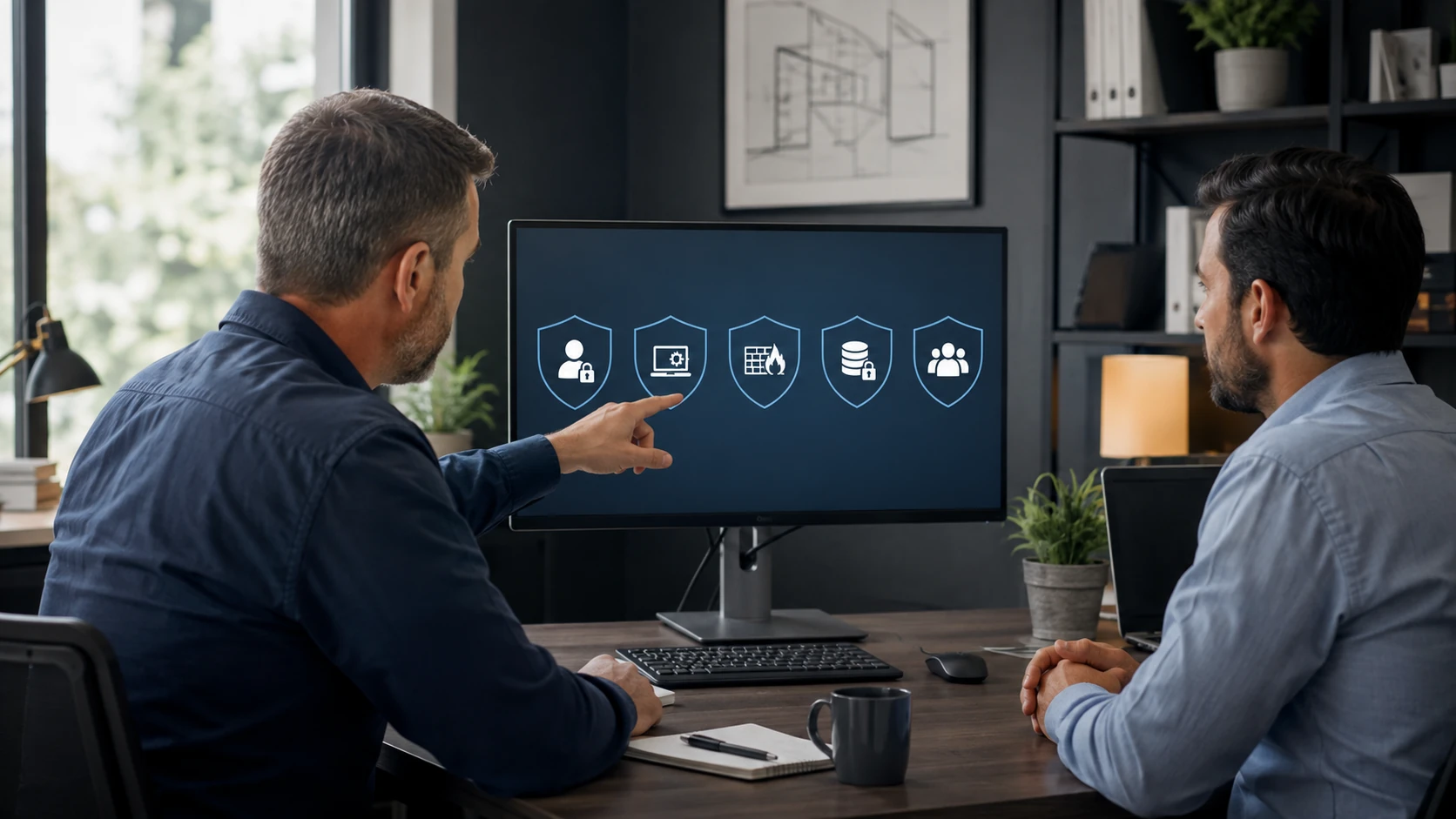
One AV, 2FA, a backup ransomware cannot eat, and a talk with the staff about the fake Microsoft pop-up. Not a binder nobody reads. If you already had an incident, start at security.
What happens if the office floods
Where the copies live, how long to get back open, who has the passwords. A NAS in the same room as the PC is not continuity. We write a short plan, not a novel. Backup is the hands-on half.
Sit-down training
How to spot the PayPal email. How to save to the shared drive. How not to keep the only copy on a USB stick in the junk drawer. One-on-one or a short group session. Training is cheaper than the next incident — without putting a price on this page.
What customers said
Public Google reviews. Names as published. Dates omitted. Google Business Profile · all reviews
“Not only professional but thorough, detail oriented and can fix anything! Paul is also an excellent teacher, he helped my daughter build her first computer! She learned so much from him.”
Kathleen Kissam
“I knew I needed help to set two new computers in our home.”
Morriss Pendleton
“Paul is awesome!! He’s one of the only people I trust with my computer. His prices are awesome and he is very thorough. He explains everything so I always know what’s going on.”
Shannon Middleton
IT consultation FAQ
1. What is an IT consultation?
A structured conversation about the goal. You describe the problem or idea; we map practical options.
2. What can you help plan?
Purchases, upgrades, custom PCs, software, networking, backup, security, office tech, compatibility, replacement timing, new-construction networks, specialty equipment.
3. Do I need to know what I need?
No. That is the point.
4. Will you recommend products?
Yes, with trade-offs. Not limited to what we sell.
5. Will you tell me not to buy something?
Yes. Repair, reconfigure, or keep it is a valid outcome.
6. Training?
One-on-one, in person or remote, often with written notes. See software installs.
7. Do you sell the hardware you recommend?
Sometimes we supply the part. Sometimes you buy it. If we buy it, you pay what we paid (card fees passed through) and you get the invoice. We will not steer you to a box because it pays a kickback.
8. Home and business?
Yes. Home-based shops and small offices in Stokes, Forsyth, Surry, Rockingham, and Yadkin are the usual tickets.
Want a plan before you spend?
Submit a ticket. Do not show up unannounced.