
King, NC · Danbury · Pinnacle · Tobaccoville · Germanton · Walnut Cove
Networking and Wi-Fi in King, NC
Slow Wi-Fi, a printer that vanished, cameras on the same network as the tax PC. Home and small-shop networks in Stokes County — wired when it counts, wireless where it works, documented so the next outage is not a mystery.
Monday–Friday 9:00 AM–7:00 PM by appointment. Drop-off is scheduled when your ticket is near the top of the queue.
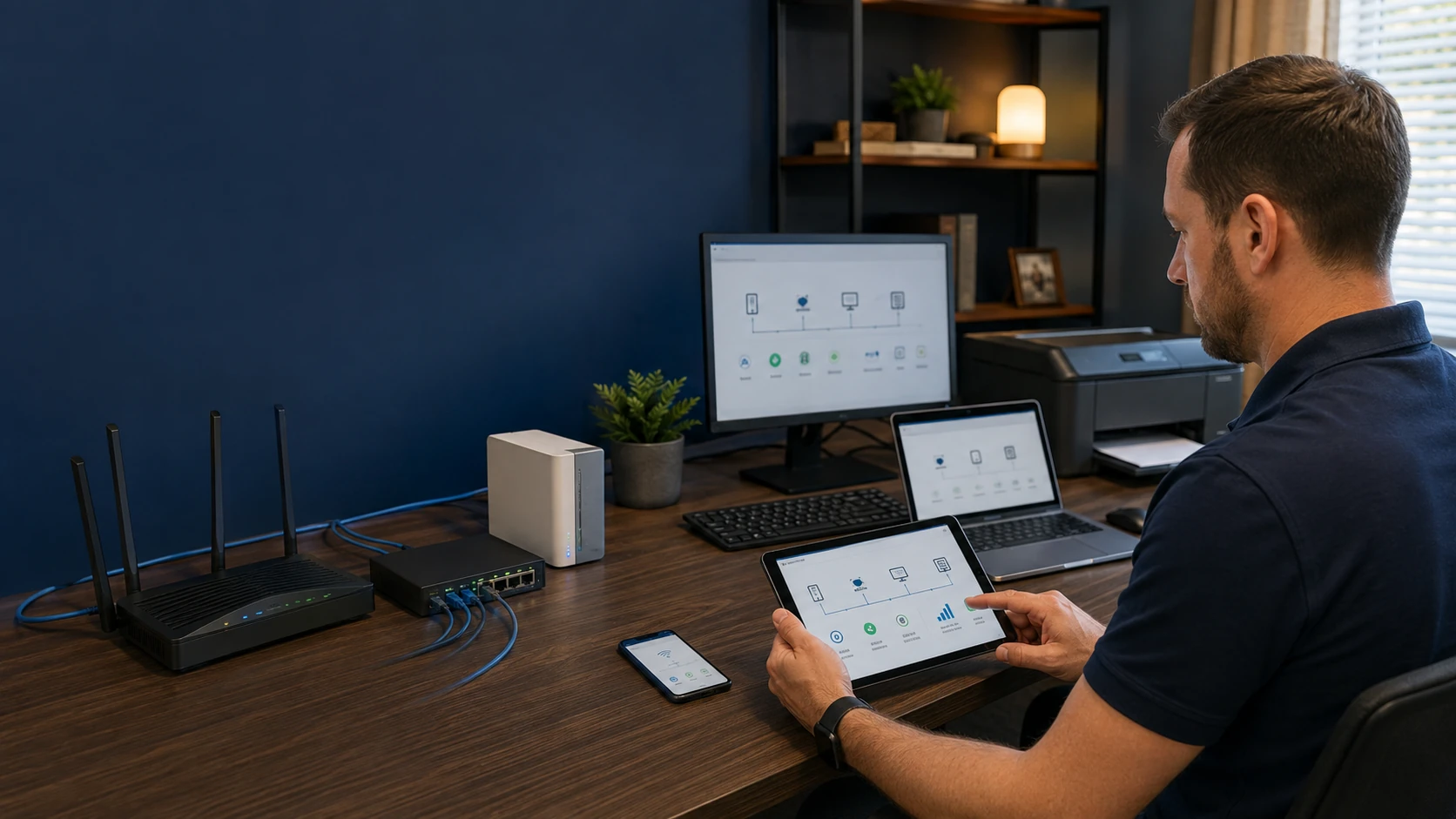
ISP first, then the house
A lot of “bad Wi-Fi” is a bad handoff from the carrier, a gateway in a closet, or a mesh that cannot punch through a metal roof. We test the link, then the LAN. Carriers and a speedtest live on the internet page. This page is everything on your side of the jack.
We do not punch every wall. We will say when Ethernet to an access point is the adult answer, and when a guest SSID is enough to get the cameras off the banking PC.
What we actually work on
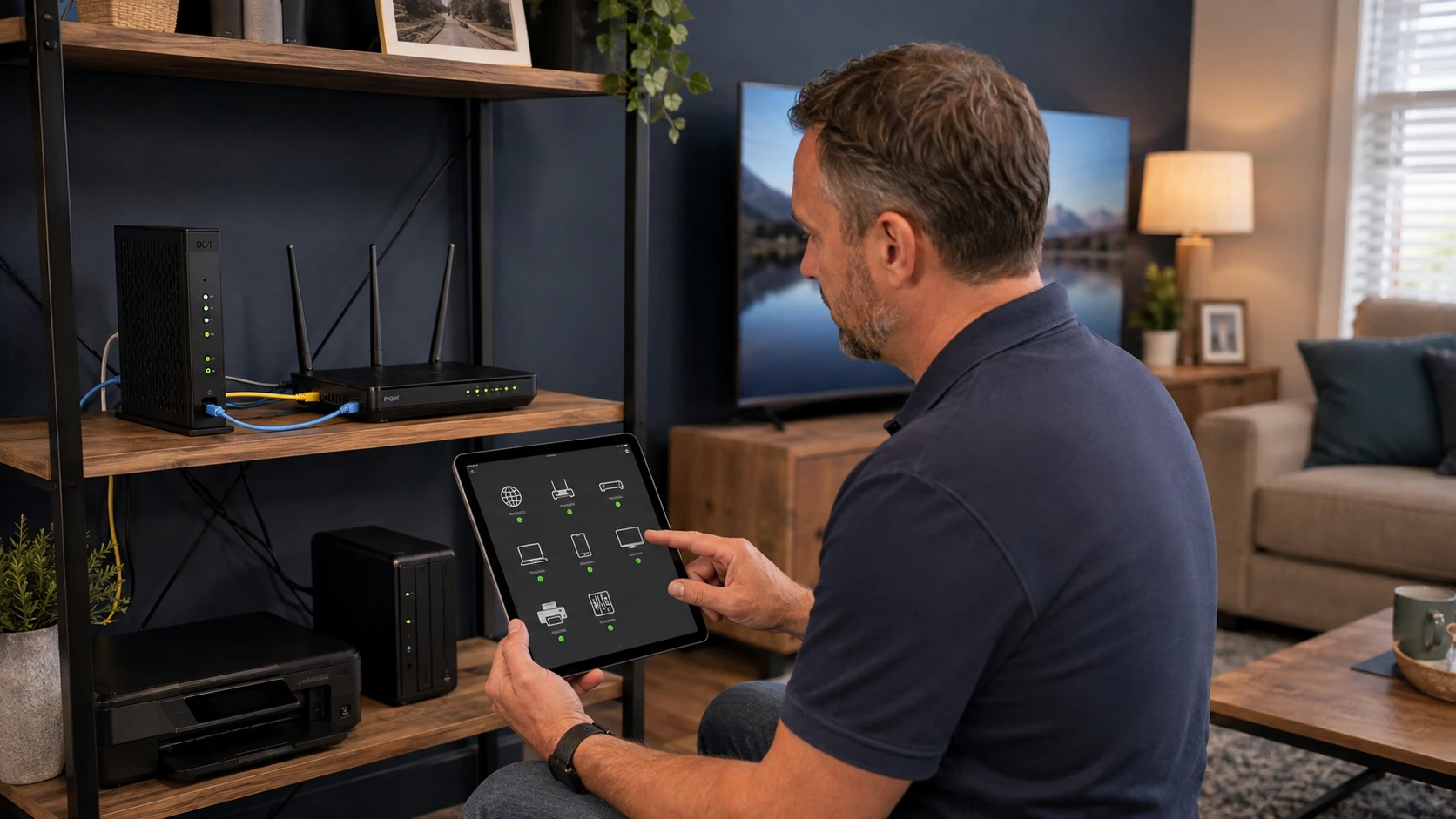 Home network |  Wi-Fi setup |
 Wi-Fi troubleshooting |  Wired LAN |
 Small business |  Printers |
 Cameras | 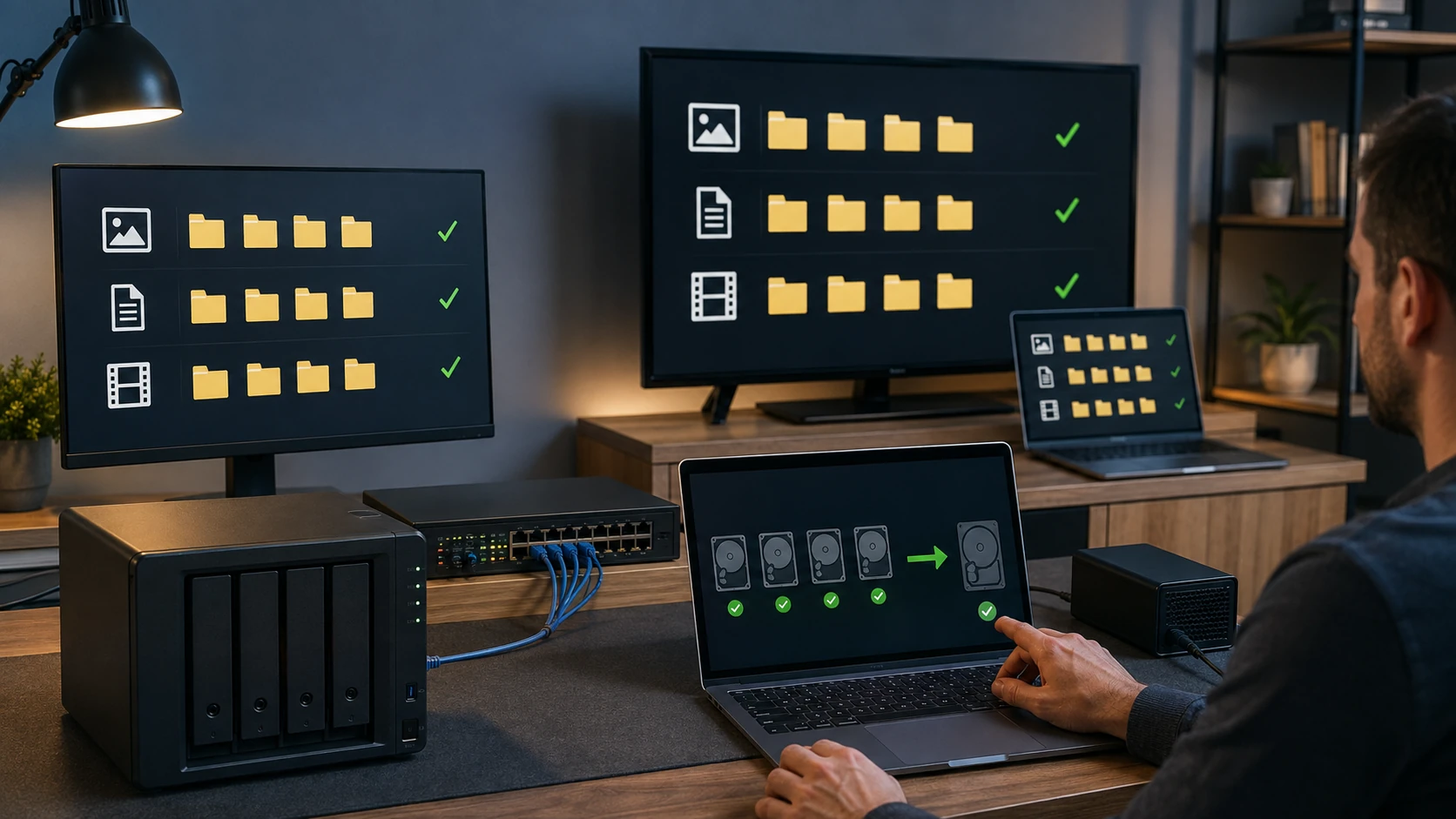 File sharing |
 Security checkup |
How the work actually goes
Home network that actually covers the house
ISP gateway, Wi-Fi, a guest network that is actually guest, and cameras that are not on the same SSID as the tax laptop. Rural houses with metal roofs and two-story dead zones are ordinary tickets in Stokes County.
Wi-Fi on purpose
Channel, band, mesh vs a real access point, names you can remember. We do not leave “NETGEAR-guest” as the only network. After an ISP change — Spectrum, Brightspeed, RiverStreet — the new gateway often needs this job again.
Slow, drops, or only works in the kitchen
We look at the ISP link first, then the Wi-Fi. A speedtest on the gateway vs a speedtest on the laptop tells you which half is lying. Related: internet for carriers and a speedtest on our page.
Ethernet when Wi-Fi is the wrong tool
Desktops, NAS, TVs, access points. We run what the house allows — we do not pretend we are a low-voltage contractor punching every wall. Wall jacks, a switch in a closet, cables labeled. POE for cameras and APs when that is the design.
Small-business network
A King office does not need an enterprise religion. It does need a separate guest, a UPS on the switch, and a backup that is not the receptionist’s USB stick. We keep it documentable. VLANs when they earn their keep, not because a blog said so.
Printers that stay on the network
Wi-Fi printers that vanish after every Windows update are a lifestyle. We set them on Ethernet when we can, reserved DHCP when we cannot, and we scan a test page from more than one PC. Driver mess included.
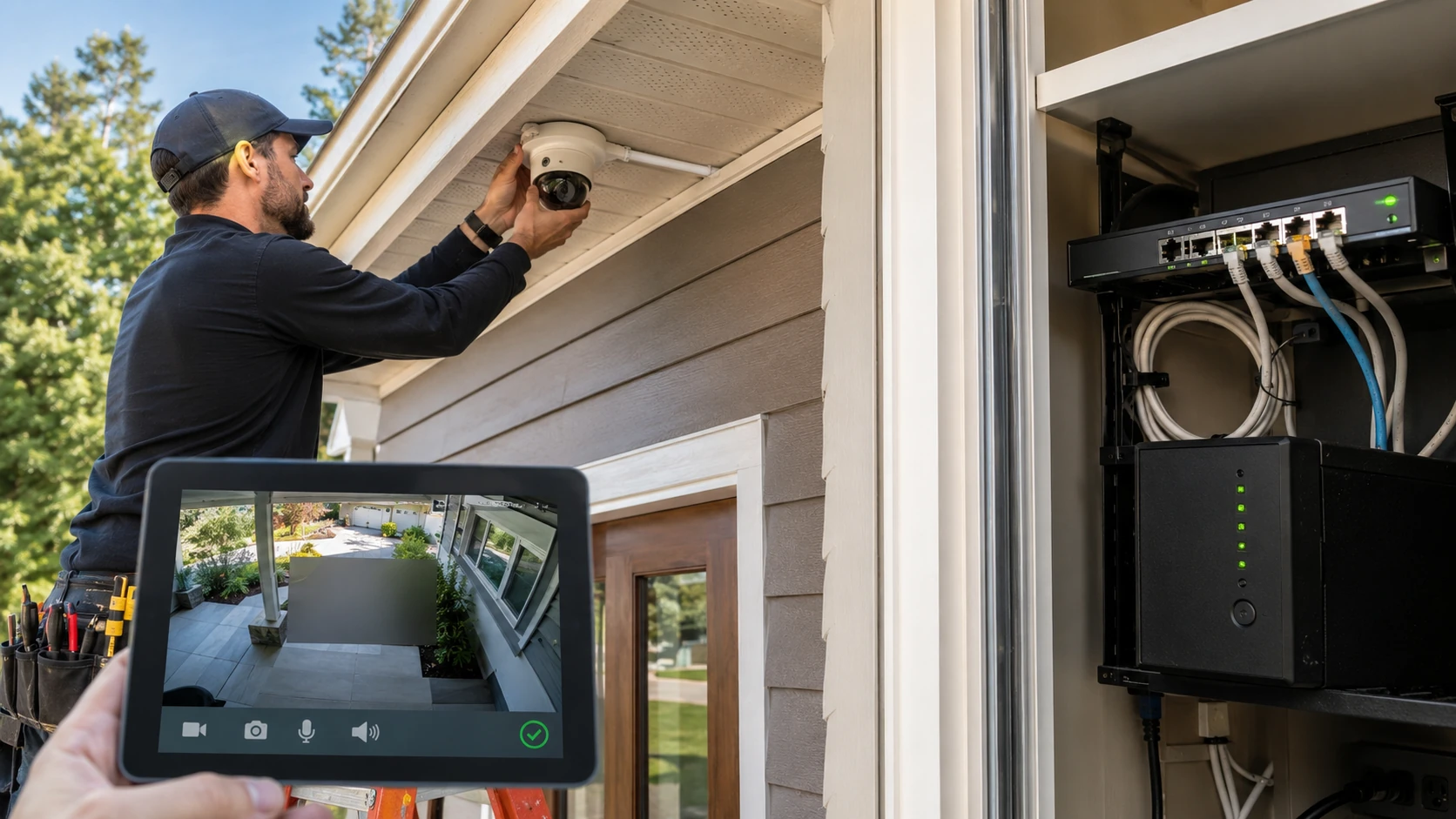
Cameras on their own network
Ring, Arlo, Nest, a POE NVR in the closet. Cameras belong off the same Wi-Fi as banking. We set VLANs or a guest SSID, check recording, and we will not put the NVR password in the ticket file.
File shares and a media box
A NAS the TVs can see, a share for tax docs that the kids cannot. Permissions, not “everyone / full control.” Media servers that do not knock the rest of the house offline on a Saturday night.
A checkup, not a 40-page scare PDF
Default router passwords, WPS left on, firmware from 2019, cameras with the default PIN. We scan when it is useful and we give you a short list. Open ports that are just printer discovery do not get a red headline. Related: security.
What customers said
Public Google reviews that mention network or Wi-Fi. Names as published. Dates omitted. Google Business Profile · all reviews
“Paul is a pleasure to work with. Highly attentive to detail and professional. He was able to pinpoint and fix network issues I was experiencing at my office. He also provided advice for updates with my network and computer. It’s rare to find someone near King experienced with Mac based systems. He was also able to replace the hard drive with a new Solid State drive. I recommend Paul without hesitation.”
Derrick Carroll
“Fixed wifi on my laptop and replaced battery.”
LaVerne Garris
“Paul has been working on my sisters computer and network for years now. She introduced me to his company, and I have been delighted with his performance. He is punctual, responsive, accurate, and insightful. He takes all the drudgery of working on a computer/network out of my hands and I love that! More time for me to do the things I want to. His pricing is in line, I feel, .. all this makes him easy to recommend for anyone needing computer services.”
Sandy Tuttle
Networking FAQ
1. Can you fix slow or unreliable Wi-Fi?
Yes — weak signal, dead zones, interference, router issues, AP placement, bad config, device problems.
2. Routers, switches, access points?
Yes. Configuration, installation, troubleshooting, and design.
3. Do you install Ethernet inside existing walls?
Not normally through finished walls, attics, or crawlspaces. We coordinate licensed low-voltage / electrical contractors when new cable is required.
4. Ethernet wall jacks?
Yes — inspect, repair, terminate, test.
5. New construction network design?
Yes. Mapping and equipment planning before the building is finished.
6. VLANs and separate networks?
Yes — VLANs, guest, IoT, managed switches, multiple APs, segmentation.
7. VPNs and static IPs?
Yes — business and advanced residential: VPN, static IP, remote access, NAS, network storage.
8. Is it my ISP or my Wi-Fi?
We isolate ISP, modem, router, coverage, config, cabling, or the one device that is the problem.
9. Cameras on the same Wi-Fi as the PC?
We prefer not. Guest SSID or a VLAN. Cameras get broken into. The tax PC should not share that fate.
10. Mesh vs access points?
Depends on the house. Metal roofs and long driveways in this county are why mesh sometimes still fails. We will say when Ethernet to an AP is the adult answer.
11. Appointment?
Yes. On-site is scheduled when the ticket is near the top of the queue. This is a home-based shop — if we are on someone else’s site, nobody is here for a walk-up.
Wi-Fi dropping, or a printer that vanished?
Submit a ticket. Do not show up unannounced.