
King, NC · Danbury · Pinnacle · Tobaccoville · Germanton · Walnut Cove
Remote support in King, NC
You open the app. You give us a device ID and a one-time PIN. You can see what we do. Break-fix clients do not get unattended access — that is for contracted maintenance only. We will never cold-call and tell you we already found a problem.
Monday–Friday 9:00 AM–7:00 PM by appointment. Drop-off is scheduled when your ticket is near the top of the queue.
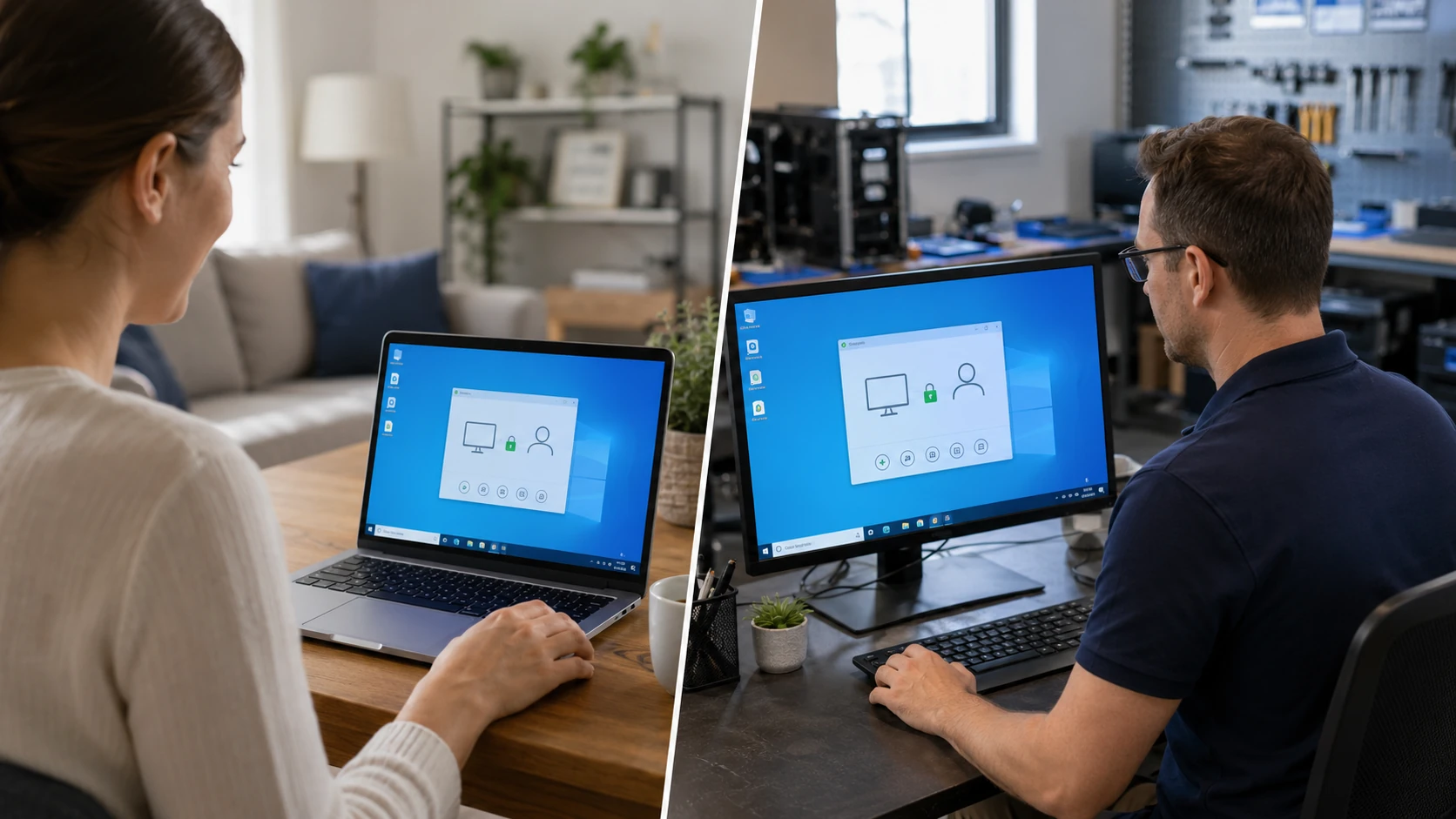
You start it. You can see it.
Remote is good for software, email, browsers, Microsoft 365, some printers, updates, and training. Hardware, heat, storage tests, and serious malware belong on the bench — often cheaper than watching tests bill by the hour at your kitchen table in Walnut Cove or Pinnacle.
We rotate vendors (Splashtop SOS, AeroAdmin, RemotePC) the same way we shop insurance — so the cost stays down. If this machine was in the shop in the last two years, there is often a desktop shortcut labeled “Bringing Your Tech to Life – Remote Access.” Download links and the full scam warning live on /remote.
If the PC cannot get on Wi-Fi or Ethernet, remote is a non-starter. Onsite and pickup exist when that is the honest path.
How a remote job actually runs
 On-demand tool |  Device ID & PIN |
 You start it |  Watch the work |
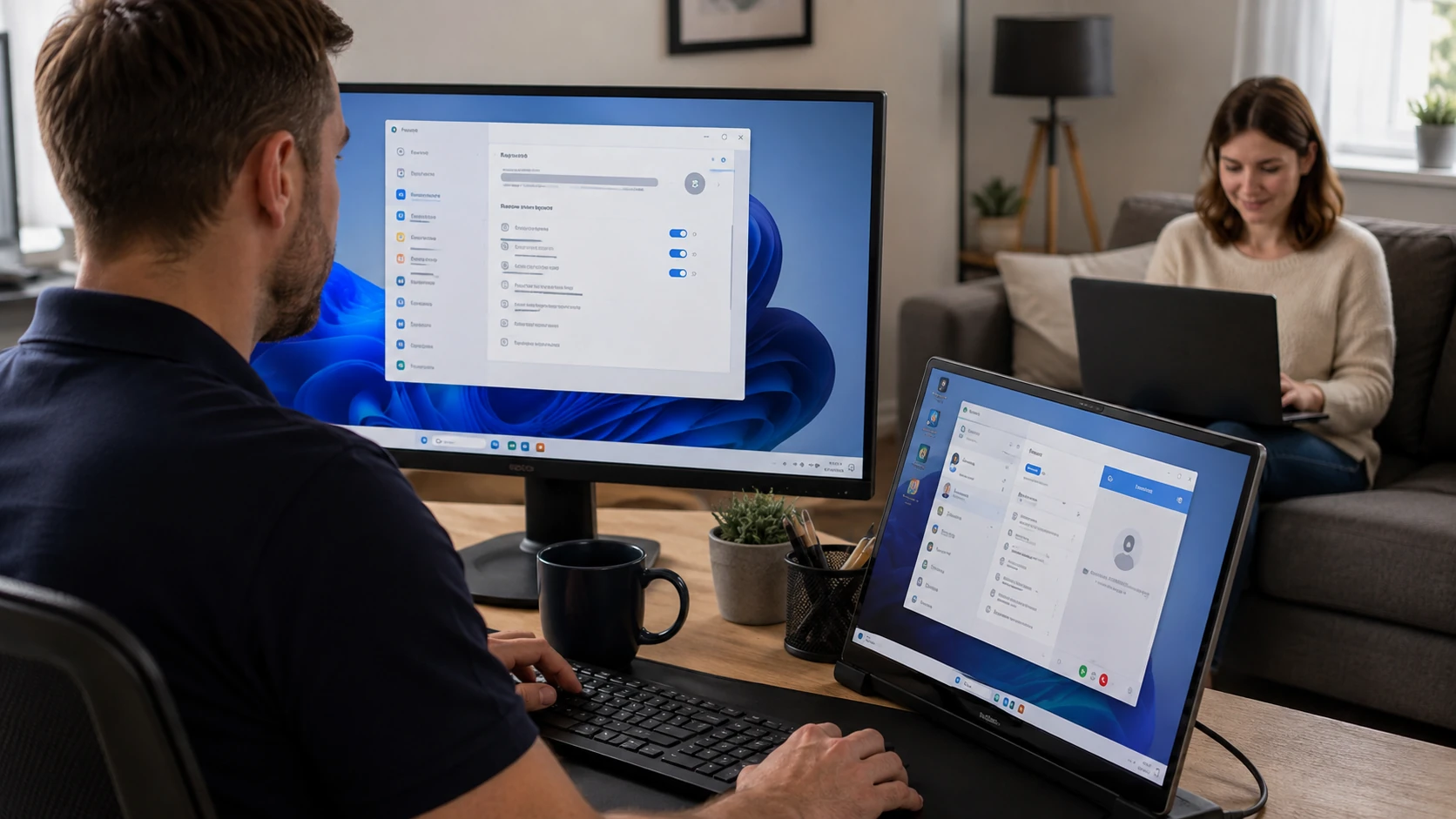 Software & settings | 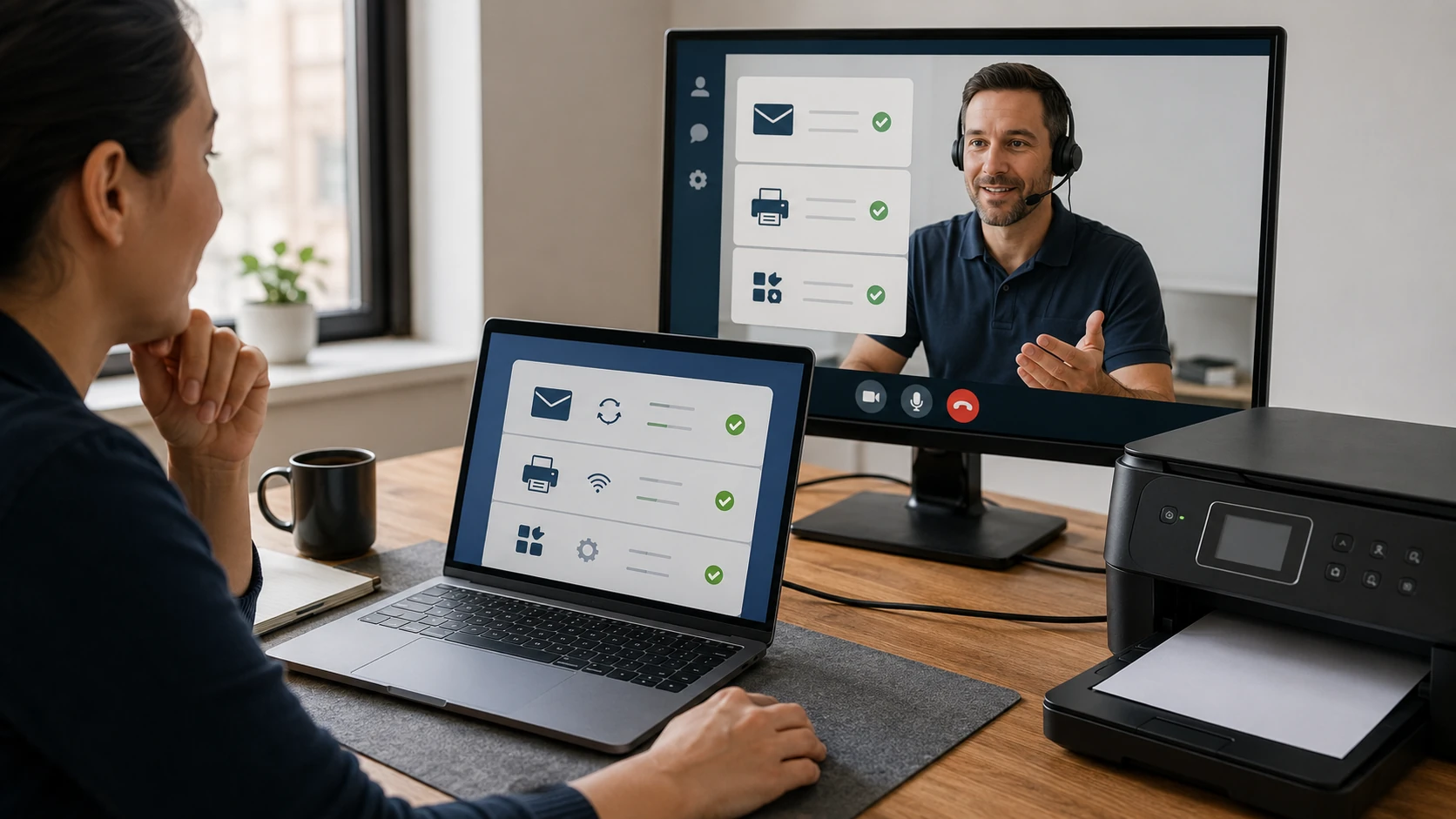 Email & printers |
 Light malware cleanup | 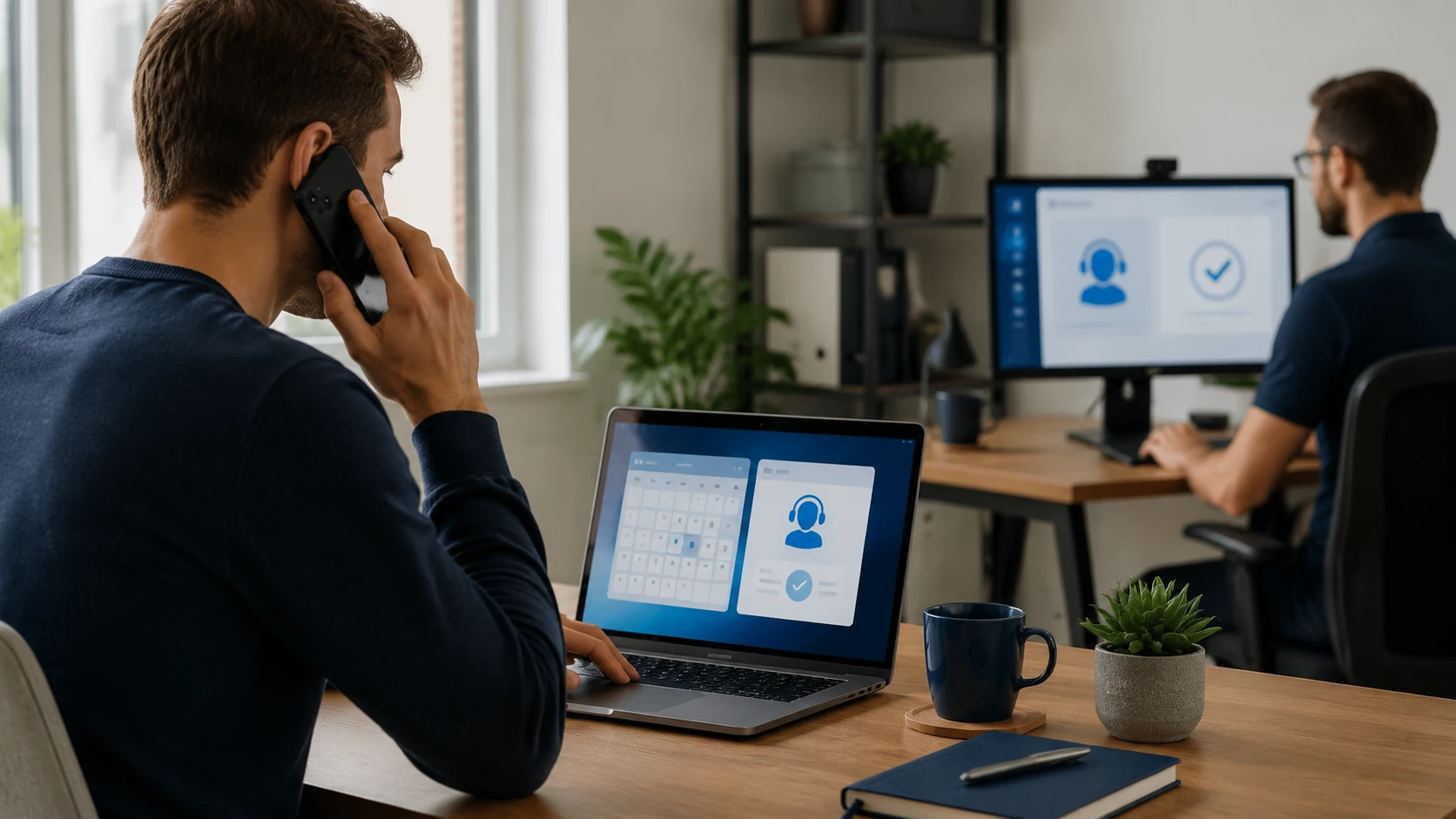 Scheduled appointment |
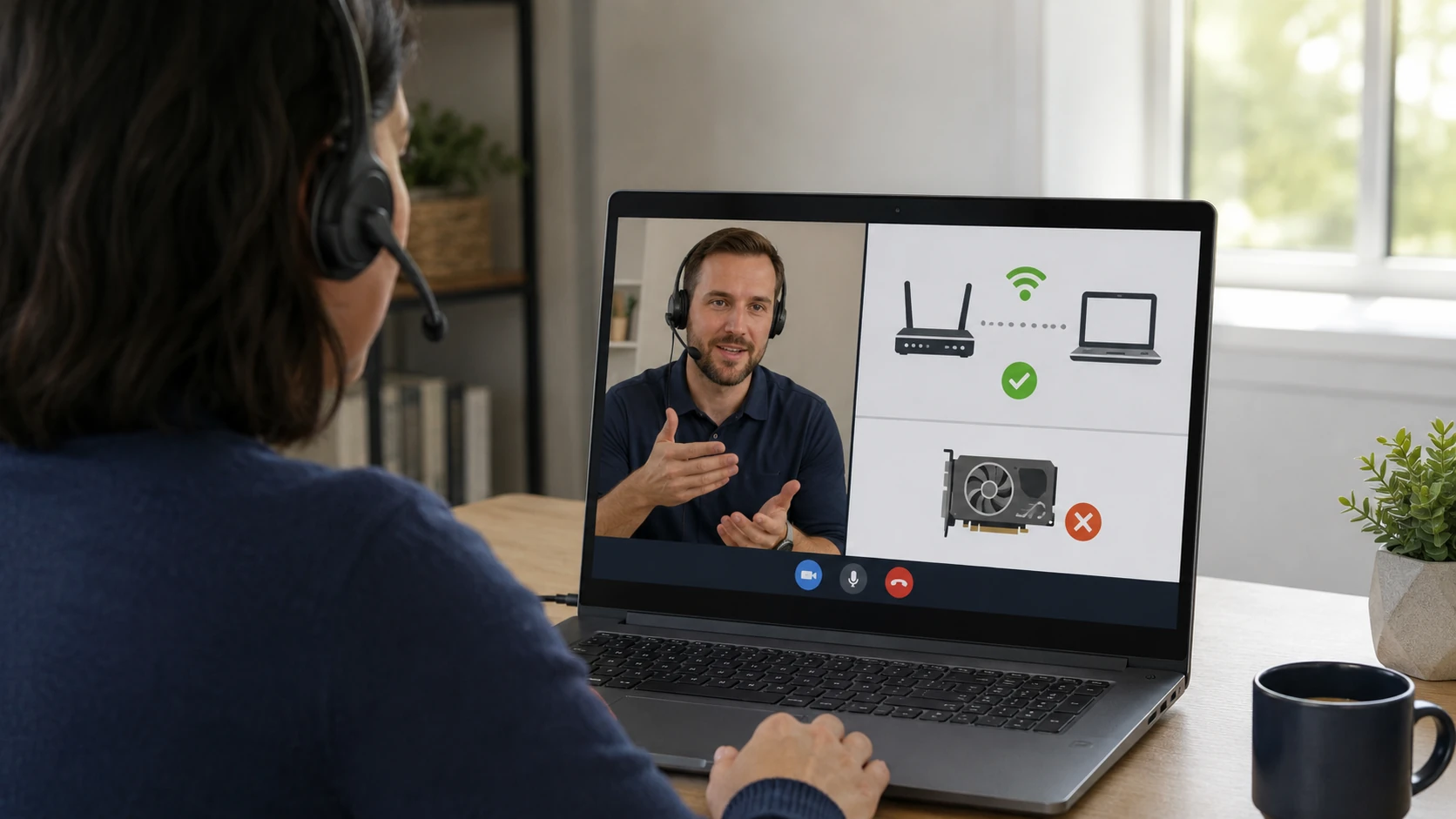 Limits of remote |
How the work actually goes
The tool we ask you to run
We use one of a few vendors depending on the device and which subscription we currently hold — Splashtop SOS, AeroAdmin, or RemotePC. Like insurance, we switch when it keeps cost down. You get a link and screenshots, not a mystery download. Vendor list and scam warning: remote support page.
Device ID stays. PIN does not.
You open the program and read us a device ID plus a one-time PIN. The ID usually stays put unless the app is wiped. The PIN changes every time the app opens. If someone calls and already “has your ID,” hang up and call the number on this website.
You start the session. We do not sneak in.
Break-fix is attended and initiated by you. You should see when a technician is connected. We do not enable unattended access on ordinary repair jobs. Unattended is for contracted maintenance only, under an agreement, for scheduled or after-hours work.
Watch what we do
Stay at the keyboard if you want. Ask questions. If something looks wrong, disconnect. A real BYT2L session never starts with a pop-up that already has a phone number on it, and we can identify ourselves with details from a prior ticket before we ask you to click anything.
Software, settings, Microsoft 365
Remote is good for application installs, OS settings, browsers, Microsoft 365, updates, and “where did my toolbar go.” Hardware, heat, storage tests, and board work belong on the bench — often cheaper than watching a four-hour test bill from your kitchen table.
Email and some printers
Outlook, Apple Mail, Thunderbird, phone mail, and a surprising number of printer drivers can be finished remote if the machine is already on the network. If the printer is USB-only or the PC has no internet, that is onsite or drop-off. Email deep-dive: email configuration.
Light junk, maybe. Severe malware, no.
Browser hijackers and a couple of PUAs can sometimes be cleaned remote. A machine that is calling out, encrypted, or already hosting AnyDesk from a “Microsoft” tech needs to stay offline with bootable scanners. That is shop work. See virus removal.
A ticket, then a time
Submit a ticket. We send connection steps when you are near the top of the queue. Do not wait on a cold call. If we already put a shortcut on that desktop in the last two years, it is labeled “Bringing Your Tech to Life – Remote Access.” Use that, not a new tool a stranger emailed.
When remote is a non-starter
No Wi-Fi, no Ethernet, no session. Same for machines that will not boot, overheating that needs the heatsink off, storage that needs SMART off the metal, or a swollen battery. Onsite is for setup, printers, Wi-Fi, and training. Pickup exists when that beats us sitting in the driveway. On-site · in-shop.
What customers said
Public Google reviews that mention remote access and thorough communication. Names as published. Dates omitted. Google Business Profile · all reviews
“I have been a client of Bringing Your Tech to Life since 2013. I have found him to be honest, knowledgeable, trustworthy and prompt. They have trouble shot many problems I’ve had plus also cleaning up both my desktop PC and laptop when the need arose. He’s also given me good advice on the best way to solve some problems that required purchasing replacement components. Offering a remote access program on both my computers to fix situations remotely saving a trip plus getting the job done faster. I believe their rates to be very reasonable and would highly recommend this company for all your tech and computer requirements.”
Faye Felt
“Paul is awesome!! He’s one of the only people I trust with my computer. His prices are awesome and he is very thorough. He explains everything so I always know what’s going on.”
Shannon Middleton
“Anyone in need of excellent, professional expertise for technology related issues… call Paul with Bringing Your Tech To Life! Laptops, printers, smart phones, you name it—Paul knows it!”
Jena Nelson
Remote support FAQ
1. How does remote support work?
Break-fix is attended and started by you. You open our remote program and give a device ID plus a temporary PIN. The PIN changes each session. Downloads and screenshots: /remote.
2. Can you access my computer whenever you want?
Not for normal break-fix. You should see when someone is connected. We do not leave an always-on back door on a one-off repair.
3. When is unattended access used?
Contracted managed-service clients only, under an agreement, for scheduled or after-hours maintenance.
4. What can be fixed remotely?
Software, app installs, email, browsers, OS settings, Microsoft 365, some printers, updates, training, general troubleshooting.
5. What cannot?
Hardware diagnostics, storage and memory tests, electrical work, internals, overheating, motherboard repair. No network path = no remote.
6. Serious malware remotely?
Light junk sometimes. Severe infections often need the machine offline with bootable scanners. Shop is safer. See virus removal.
7. Will you ever call and tell me you already detected a problem?
No. We will never cold-call and say we found an infection that requires you to download a new tool right now. Verify the number against this website. Pop-ups that play a voice and show a “Microsoft” number are scams. Broader warning: /remote.
8. Onsite instead?
Yes, scheduled: setup, printers, networking, Wi-Fi, training, peripherals, workstations. On-site service.
9. Pickup and delivery?
Yes when that is more practical than onsite labor sitting in the driveway.
10. Do I need an appointment?
Yes. Submit a ticket. We send connection steps when you are near the top of the queue. Do not show up unannounced at the King shop.
Need a remote session?
Submit a ticket. We will send the connection steps. You start the session. Do not download a tool from a pop-up.