
Computer repair · Diagnose & Repair · Appointment Only
When Your Computer Isn't Working, Start Here
Maybe it will not turn on. Maybe it turns on but takes forever to do anything. Maybe it crashes, overheats, loses Wi-Fi, refuses to update, makes strange noises or gives you an error message that means absolutely nothing to anyone outside Microsoft. Bringing Your Tech to Life helps identify what is actually causing the problem and what makes sense to do about it.
You do not have to diagnose it before contacting us. Submitting a ticket begins the review process. It does not automatically schedule an appointment.
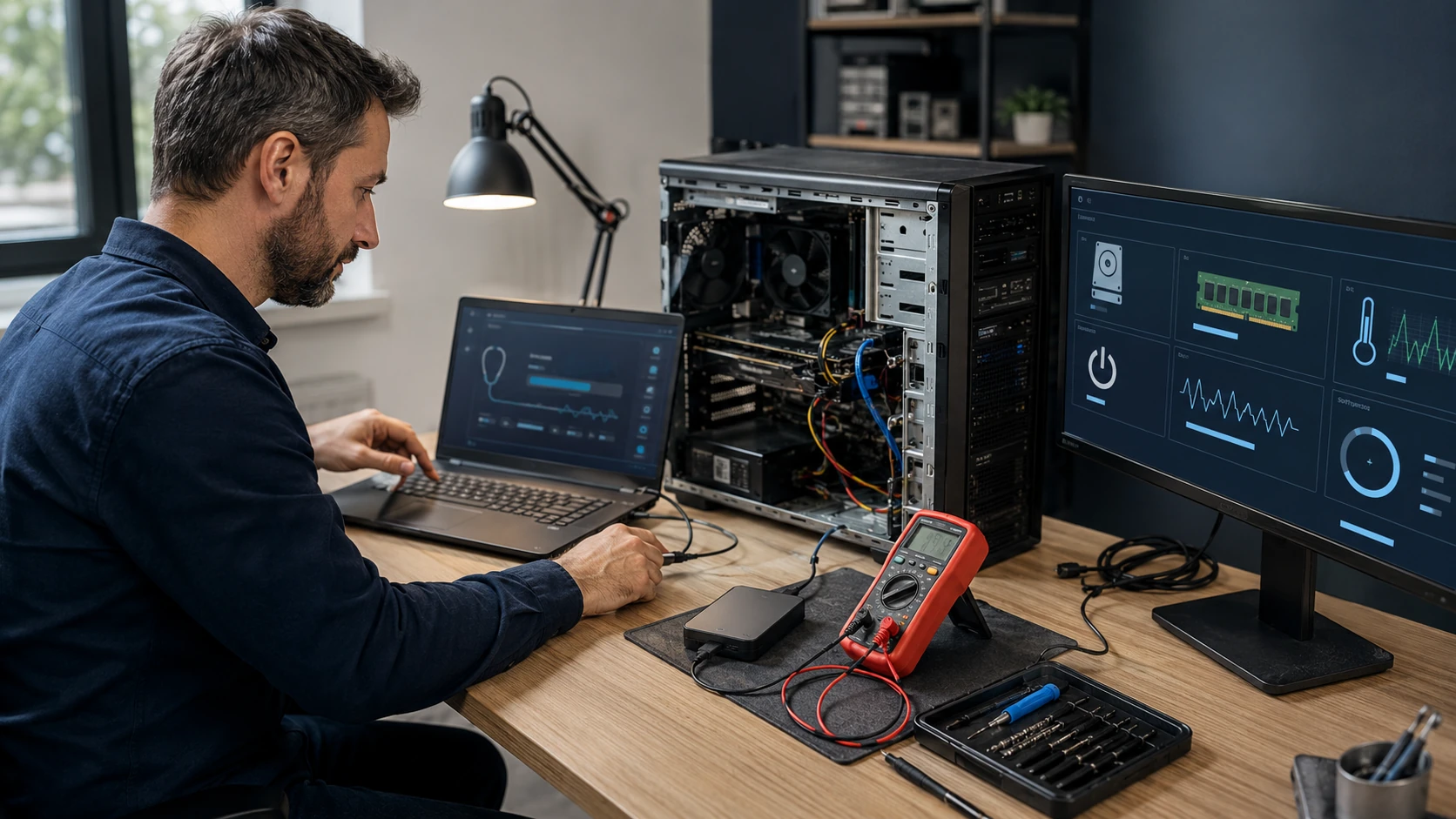
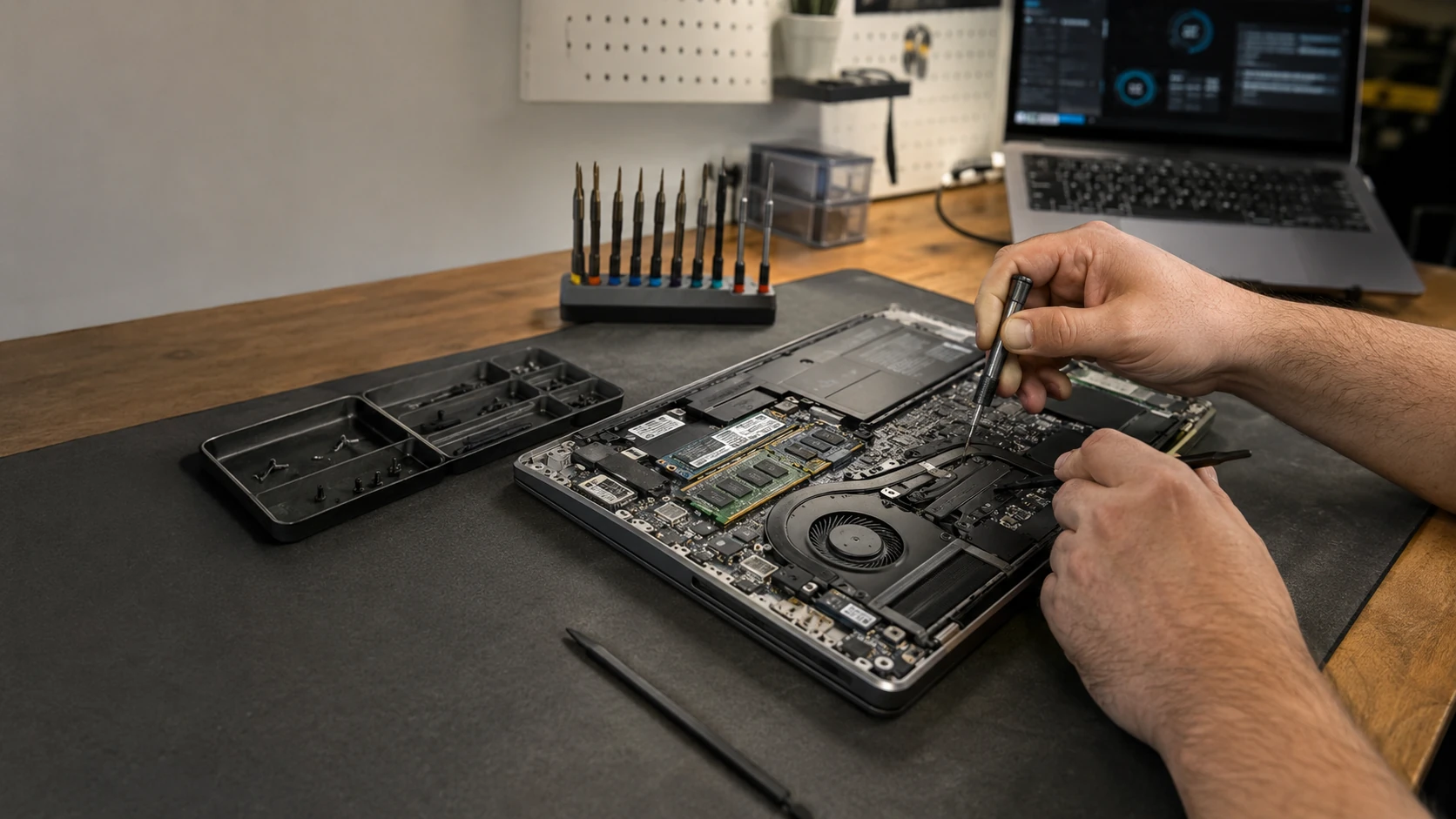
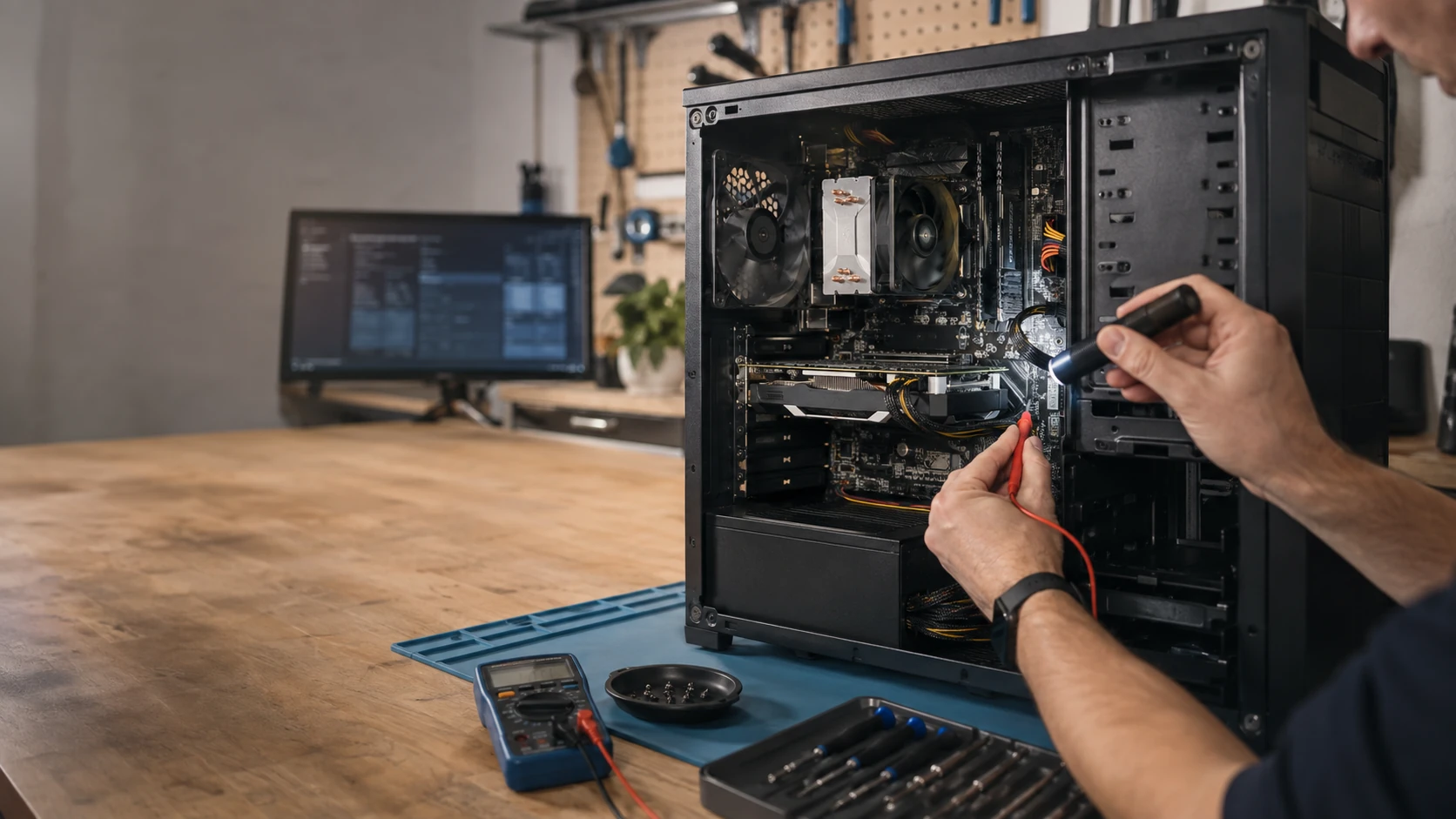
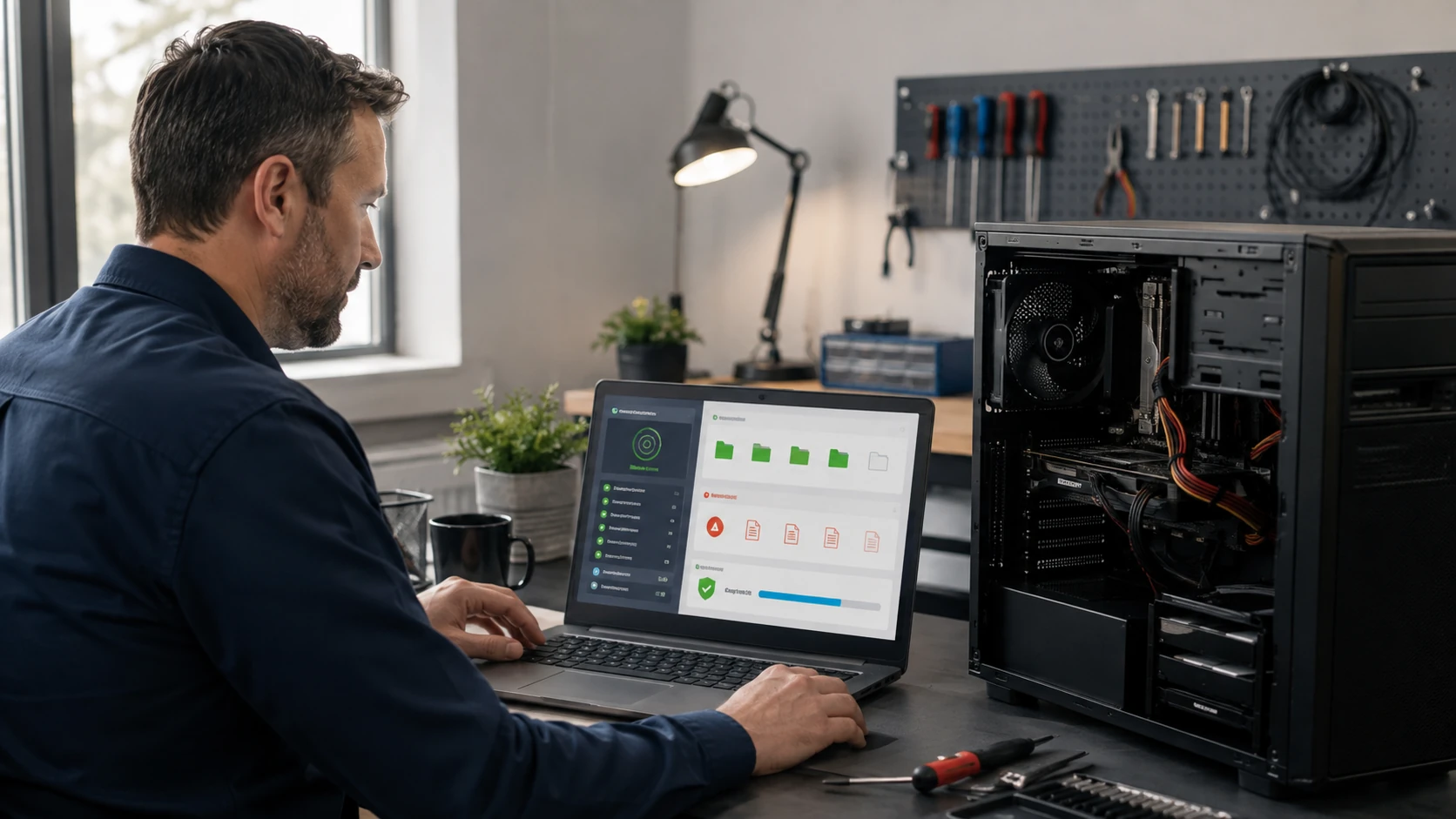
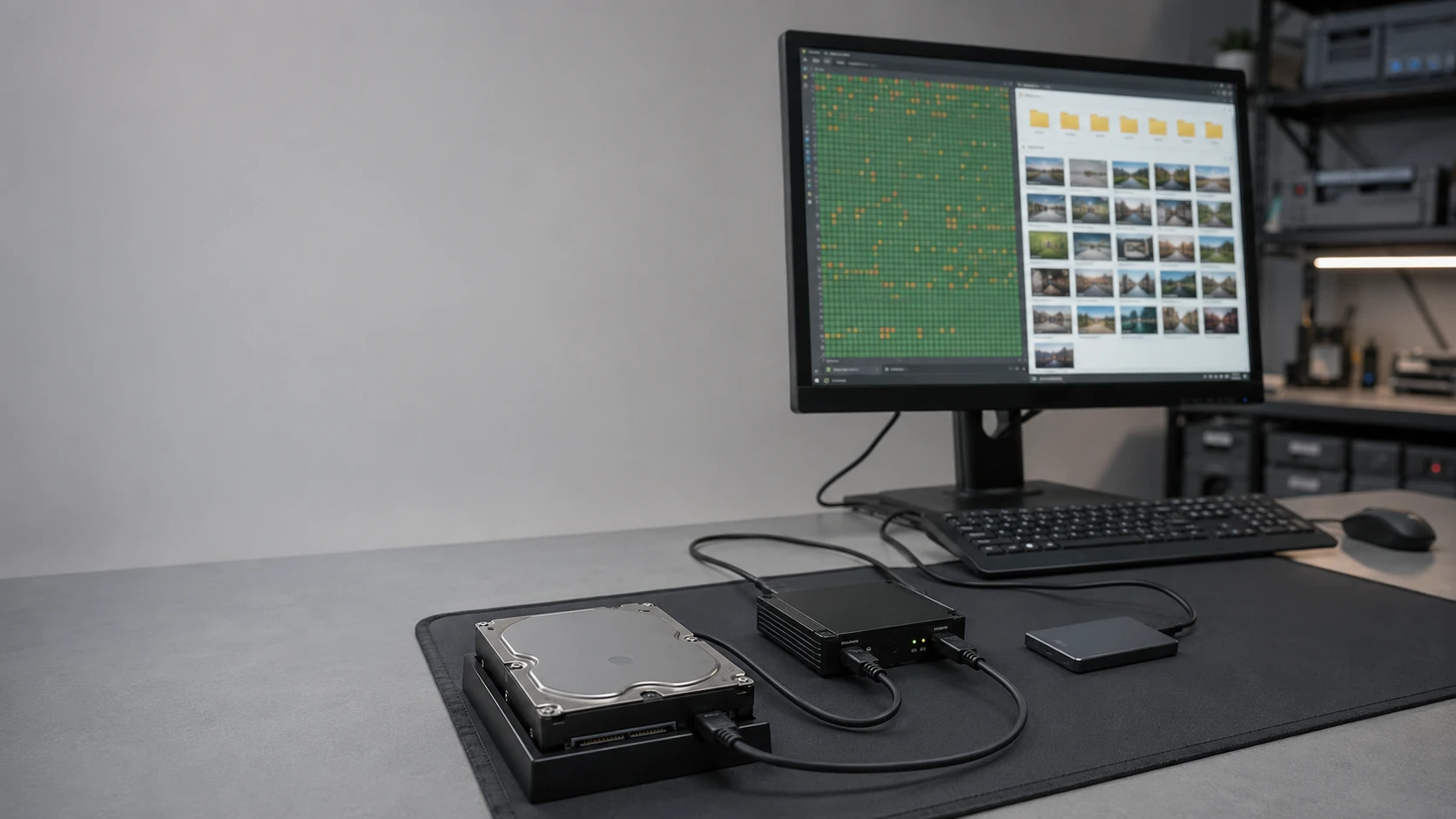
The symptom is not always the failure
“My computer is slow” is a symptom. The cause could be failing storage, insufficient memory, overheating, software, synchronization, malware, a damaged Windows installation, background processes, network problems — or simply hardware that no longer matches what the owner is asking it to do.
Good repair starts by determining which problem we actually have. That is diagnostics: storage health, memory, temperatures, power, operating-system integrity, logs, startup behavior, software conflicts, malware, networking, and whatever else the symptoms point to. Written findings. You approve the work after that.
We do not believe the answer to every computer problem is reinstalling Windows. We also do not believe the answer to every hardware problem is replacing the entire computer. Diagnostics exist to reduce guesswork.
Common problems
If one of these sounds like your week, you are in the right place. The cards describe the symptom. The linked pages are where the actual job lives.

Won’t turn on
Power, battery, charging, board, PSU — or a display that is off while the machine is actually running. Those are different jobs. Diagnostics is how we tell them apart.
Slow or freezing
Storage, memory, software, heat, or a machine being asked to do work it was never built for. Sometimes a tune-up is enough. Sometimes it is not.
Crashes and blue screens
Hardware instability, drivers, Windows, storage, memory. Reinstalling first can erase the evidence. We would rather read the evidence.
Storage and data problems
HDD or SSD health, boot failure, lost files, backups, recovery. If the files matter, say so on the ticket before anyone clones, formats, or replaces a drive. Data recovery.
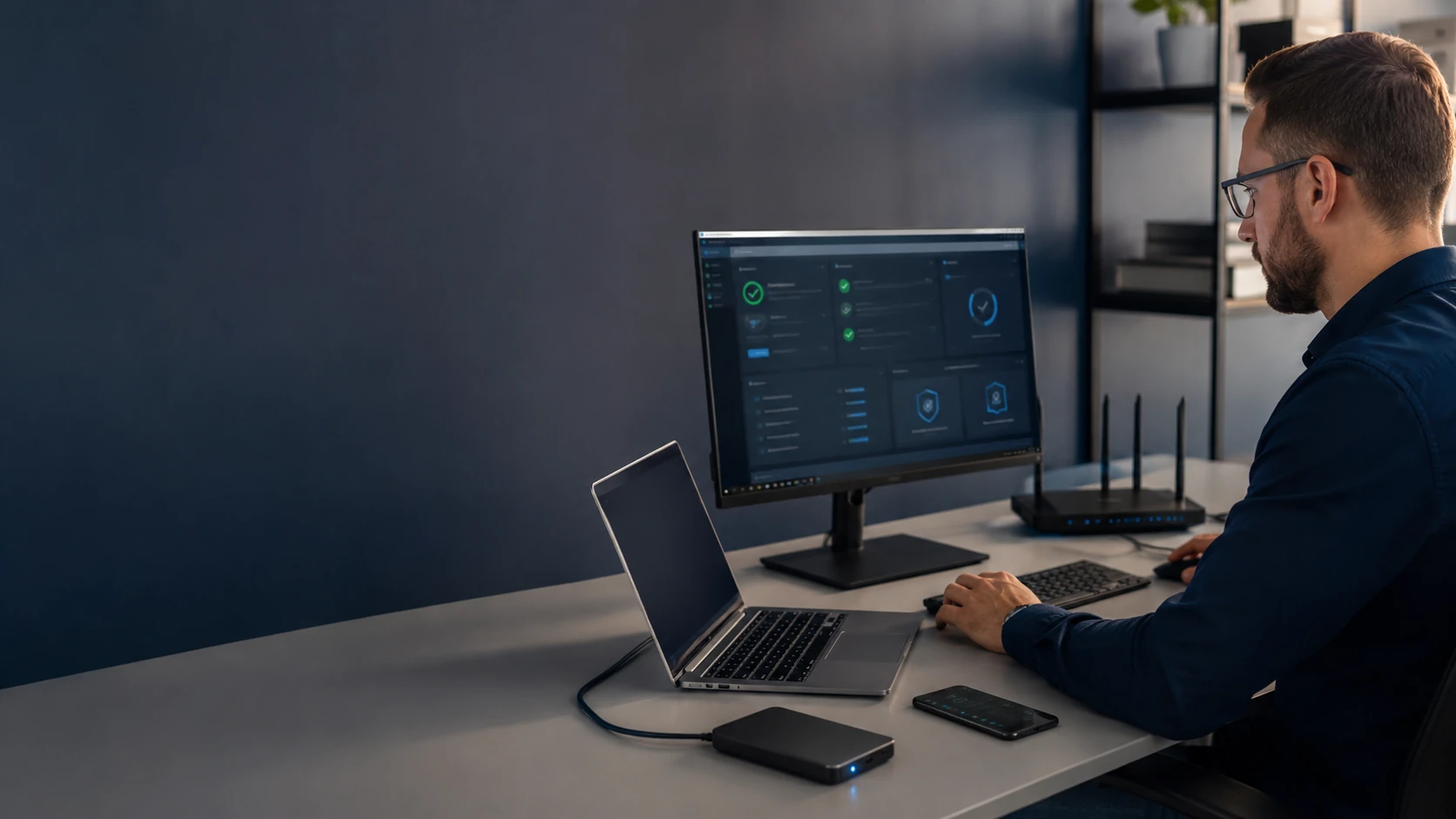
Malware and security
Malware, browser hijacking, remote-access scams, account compromise. A scan is not always the whole job. Virus removal and security are listed separately because they are different tickets.
Laptop damage
Displays, hinges, charging ports, keyboards, batteries, frames, liquid. Laptop repair — including MacBook work routed from the Mac page.
Windows and macOS problems
Updates, corruption, startup, account, profile, and configuration. Repair the OS you have when we can. Clean install after a clone when we cannot. Operating system install.
Networks, Wi-Fi and printers
Because the computer may not actually be the broken component. Dead zones, vanished printers, and offices where three devices are fighting the same access point belong on networking — often onsite.

If the files on the machine matter, say so on the ticket before anyone clones, formats, or replaces a drive. That is how we keep data recovery, backups, and storage upgrades from becoming an afterthought.
The best repair decision isn’t always “repair it here”
A responsible repair shop should know its capabilities — and know when another option makes more sense.
Some repairs require specialized equipment or expertise. Others may be covered by a manufacturer’s warranty, service program or extended protection plan.
If another local independent repair shop specializes in the work your device needs, we may refer you to them or arrange the specialized repair on your behalf. If Dell should handle the system under warranty, we will tell you. If AppleCare makes the Genius Bar the sensible choice, we will tell you — that conversation lives on the Mac Computer Shop page as well. If specialized data recovery or board-level repair gives your files a better chance of recovery, we will explain that route.
Our goal is not to prove that BYT2L can perform every conceivable repair. Our goal is to help you reach the best practical outcome.
Repair vs replace
Not every computer should be repaired. The decision should consider the age of the equipment, repair cost, replacement cost, remaining useful life, performance needs, availability of parts, operating-system support, the condition of the rest of the machine, and — importantly — whether valuable data needs to be preserved.
Sometimes a repair makes excellent financial sense. Sometimes replacing the computer is smarter. We are comfortable saying either. If you need a machine after that conversation, the PC Computer Shop is built around the workload, not a wall of boxes.
Bench, onsite or remote?
Bench in King
Hardware diagnostics, disassembly, data recovery, scans, component replacement and longer repairs. Appointment at 1260 Ralph Boyles Rd., King, NC 27021.
Onsite
Wi-Fi, networks, printers, offices, multiple computers and environmental problems. Travel charges are confirmed on the ticket before anyone rolls.
Remote
Software, configuration, accounts and other eligible issues — when the device starts and has a working connection.
Pickup & delivery
When the machine should come to the King bench but you would rather not drive it. Requested on the ticket; confirmed before anyone rolls.
Specialized repair pages
| Diagnostics | Laptop Repair |
| Desktop Repair | Virus Removal |
| Data Recovery | 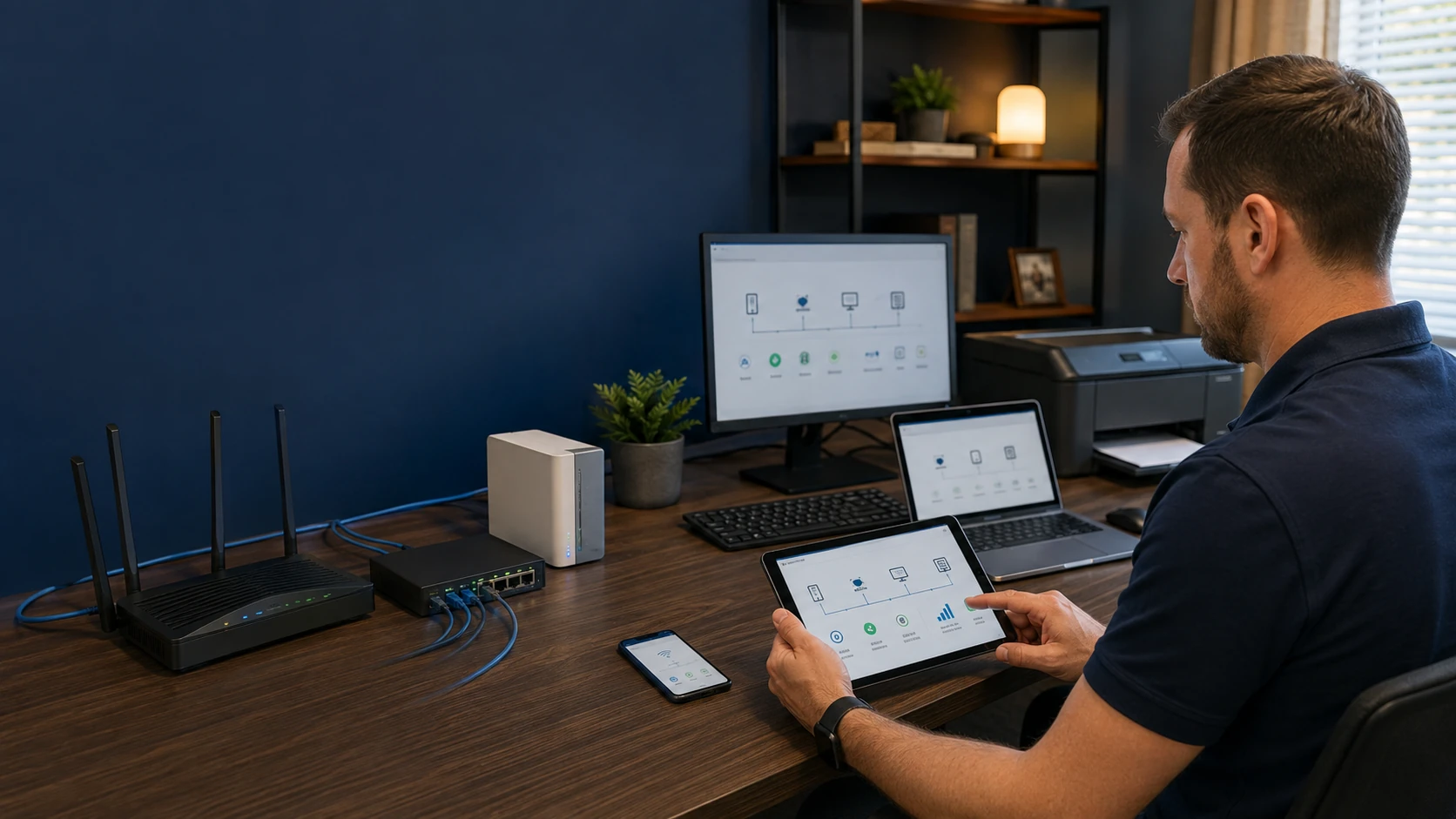 Networking & Wireless |
 Security | 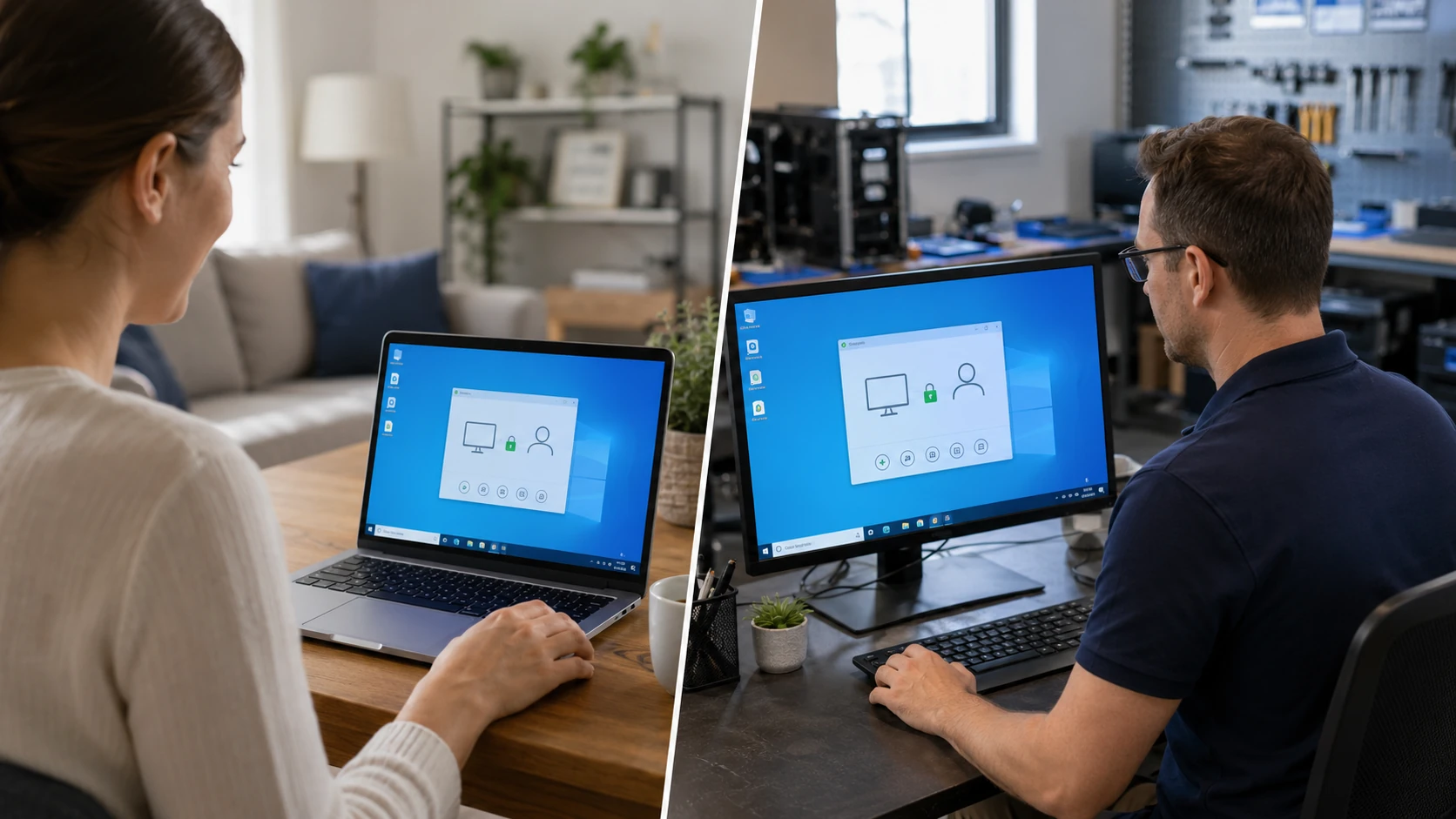 Remote Assistance |
How to begin
- Tell us what you are seeing. Device, symptoms, when it started, and anything that happened immediately beforehand. A ticket is a request, not an automatic appointment.
- We review the request. We recommend diagnostics, a service method, another path, or occasionally another provider.
- You approve the scope. Quote, diagnostic, or referral — then we schedule.
Repair FAQ
Do I need to know what is broken before I contact you?
No. You do not have to know whether the problem is hardware, Windows, a virus, the router or something else. Tell us what you are seeing, when it started and anything that happened immediately beforehand.
Will you just reinstall Windows?
Not as a first move. We do not believe the answer to every computer problem is reinstalling Windows, and we do not believe the answer to every hardware problem is replacing the entire computer. Diagnostics exist to reduce guesswork.
What if you cannot — or should not — do this repair?
We will say so. Warranty work, AppleCare, specialized data recovery, board-level microsoldering, or another independent shop with the right tooling may be the better path. The goal is the outcome, not proving that every conceivable repair can stay here.
Does submitting a ticket schedule the repair?
No. A ticket is a request. We review it, recommend diagnostics or a service method, and schedule after the scope is accepted.
You Don't Need to Diagnose It Before Contacting Us
Tell us what you are seeing, when it started and anything that happened immediately beforehand. We will take it from there.