
King, NC · Danbury · Pinnacle · Tobaccoville · Germanton · Walnut Cove
Desktop repair in King, NC
Office towers that will not power on, All-in-Ones that hit the floor, and custom gaming rigs that crash in a raid. Dell, HP, Lenovo, Apple iMac, and machines you built yourself — diagnosed before we order a part.
Monday–Friday 9:00 AM–7:00 PM by appointment. Drop-off is scheduled when your ticket is near the top of the queue.
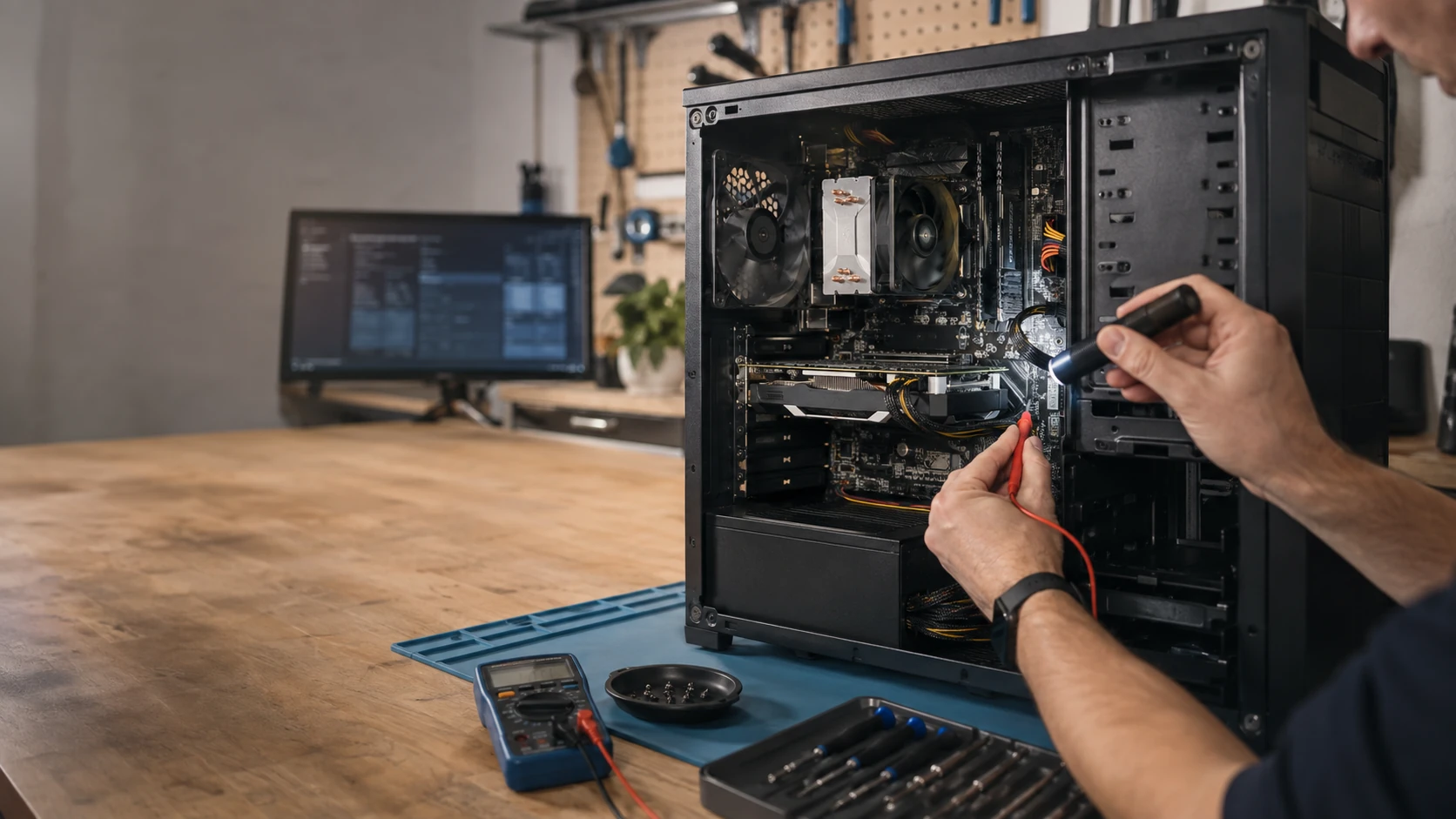
The tower still earns its keep
Workstations, shop PCs, living-room boxes, and the gaming rig that took three years to pay for. When it will not POST, overheats, or Windows never finishes booting, we start with a real diagnostic, not a parts guess. Labor on the completed service is covered for 90 days. Parts we supply keep the manufacturer or vendor warranty, and we file that claim.
Dell, HP, Lenovo, Acer, ASUS, Apple, and custom builds — Origin, iBUYPOWER, CyberPowerPC, NZXT, Puget, or the one you assembled. Proprietary All-in-Ones get an honest “repair vs replace” talk. You approve the work.
What we actually work on
How the work actually goes
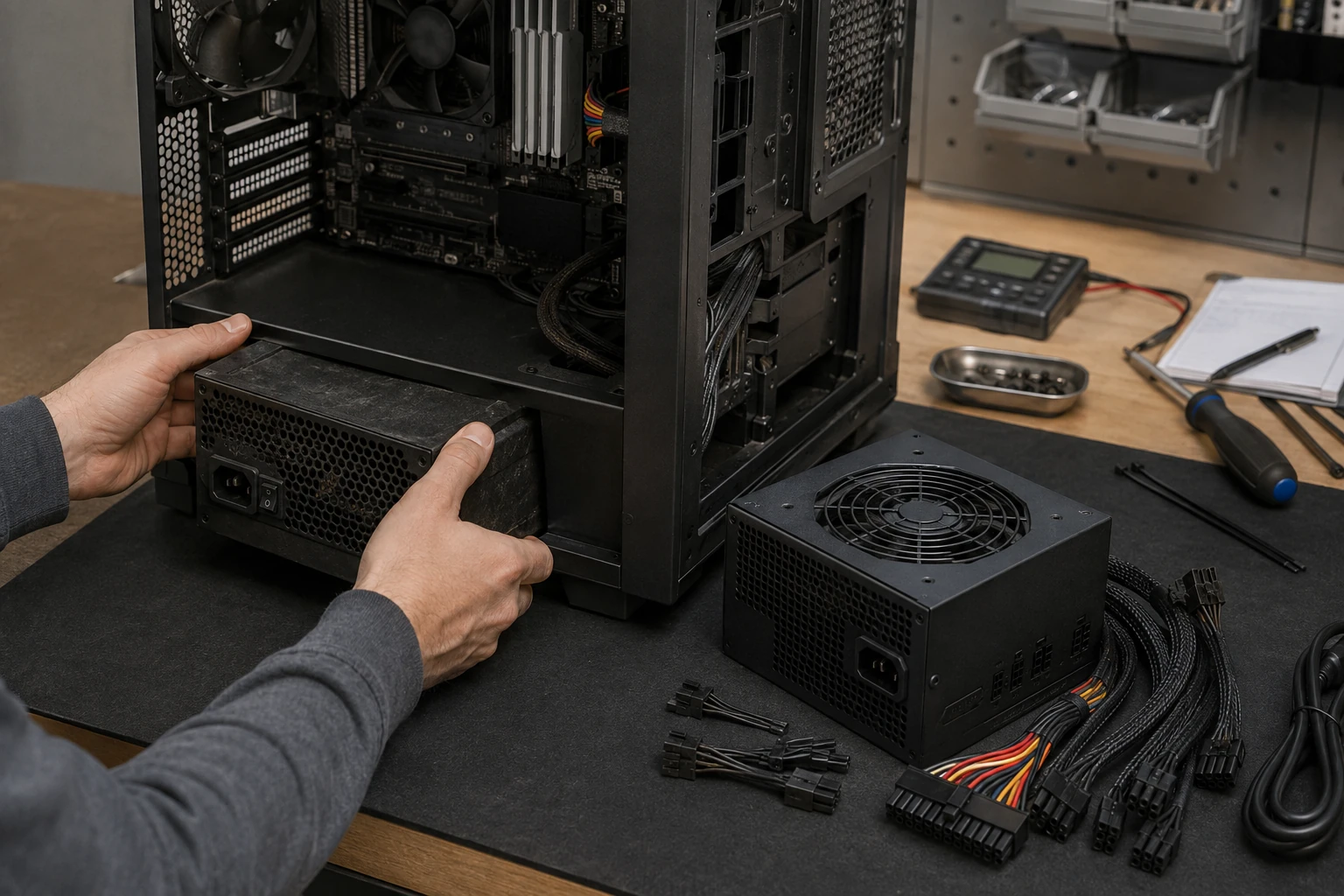
Will not turn on
No lights and no fans is not automatically a dead power supply. We meter the cord, test the supply, and look at the board, RAM, GPU, and front-panel wiring before we sell you a box. A damaged AC cord can look like a power-supply replacement. Office towers and gaming boxes need different wattage. We match the rails, not just the sticker.
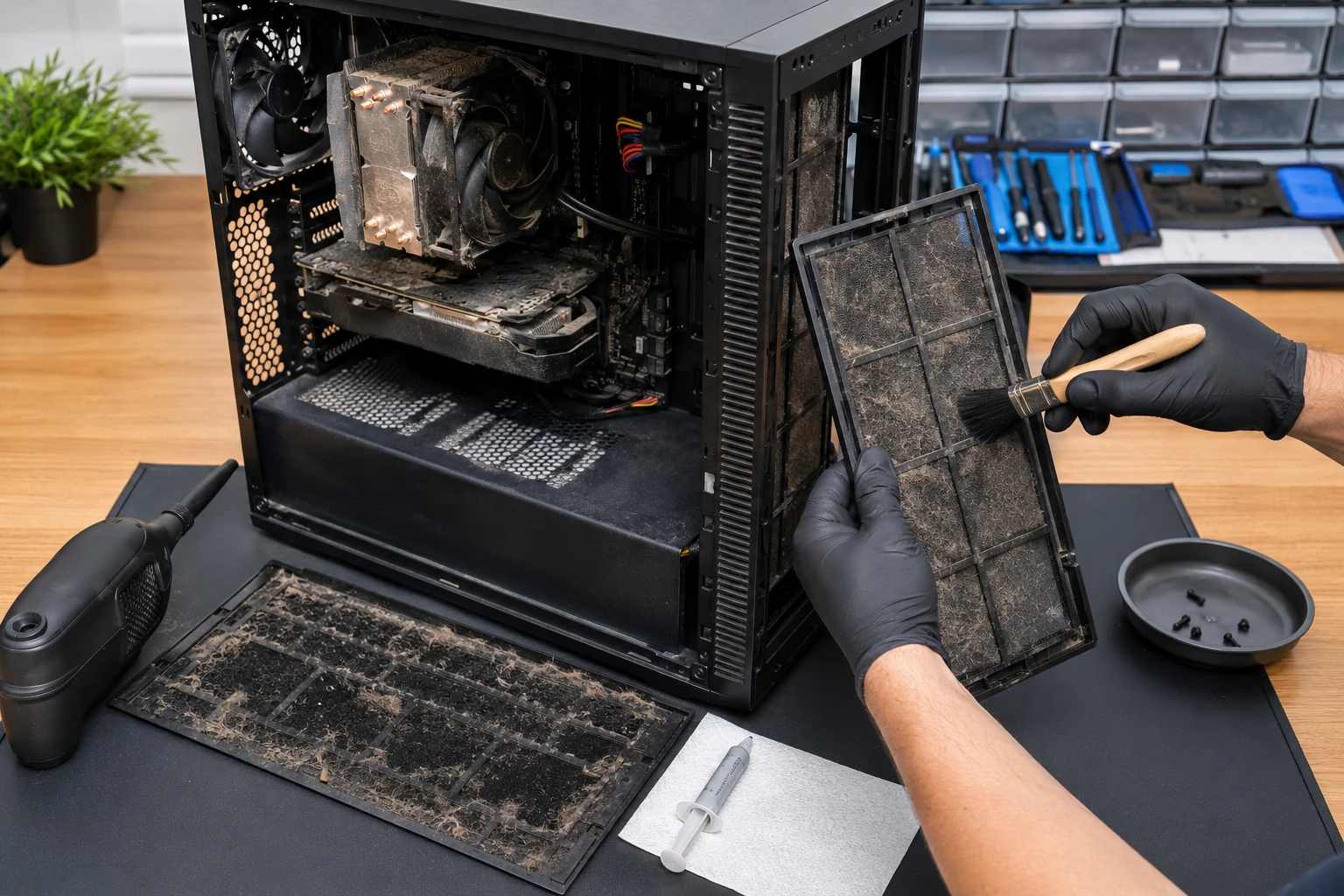
Overheating
A full-size tower in a dusty shop collects furnace-filter amounts of hair. Small form factor and All-in-Ones clog faster because there is no spare airflow. We pull heatsinks, replace paste, check fans, and say when a cooler upgrade is the honest fix. Heat that is ignored becomes a dead GPU or a board we cannot save.
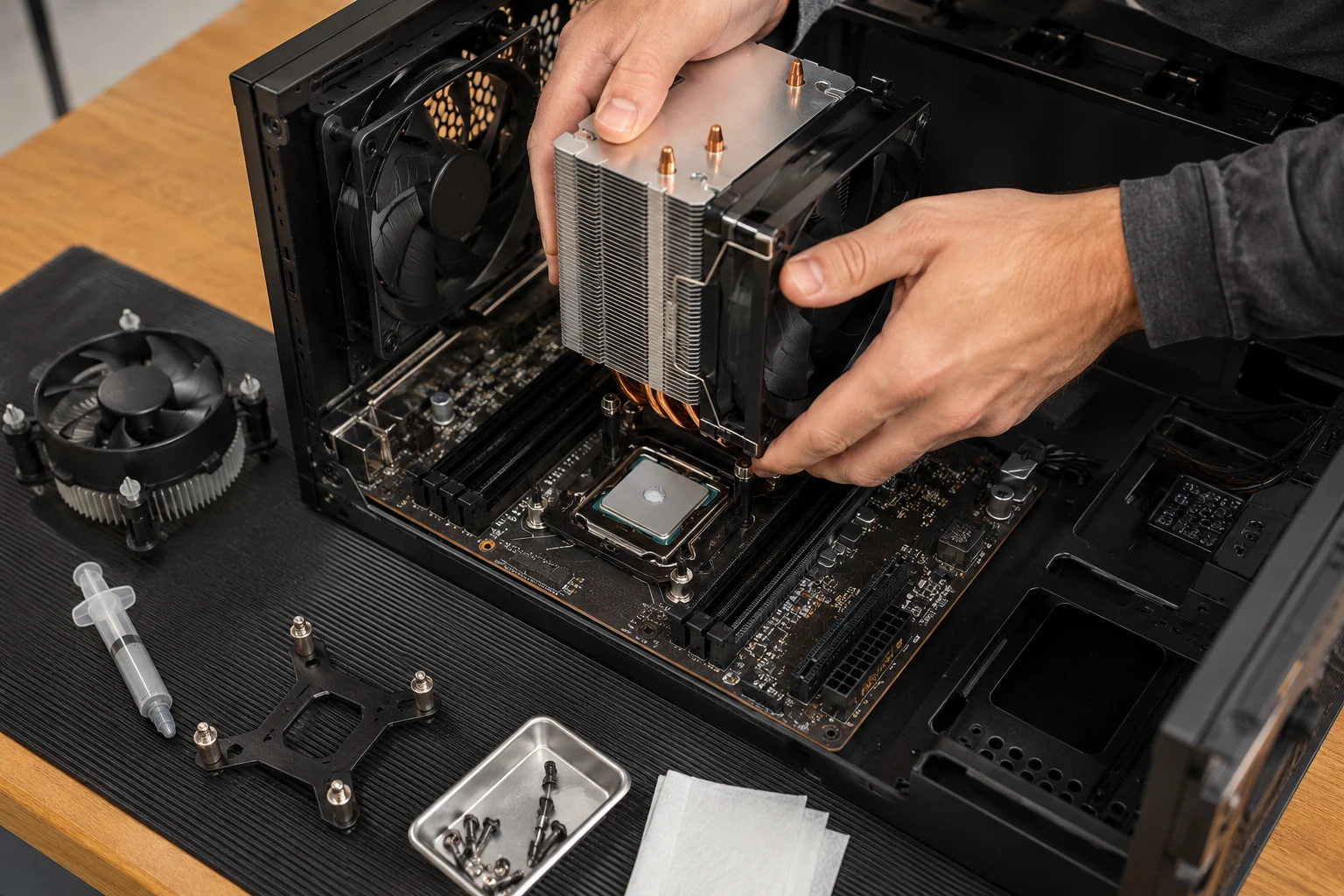
Heatsink and cooler upgrades
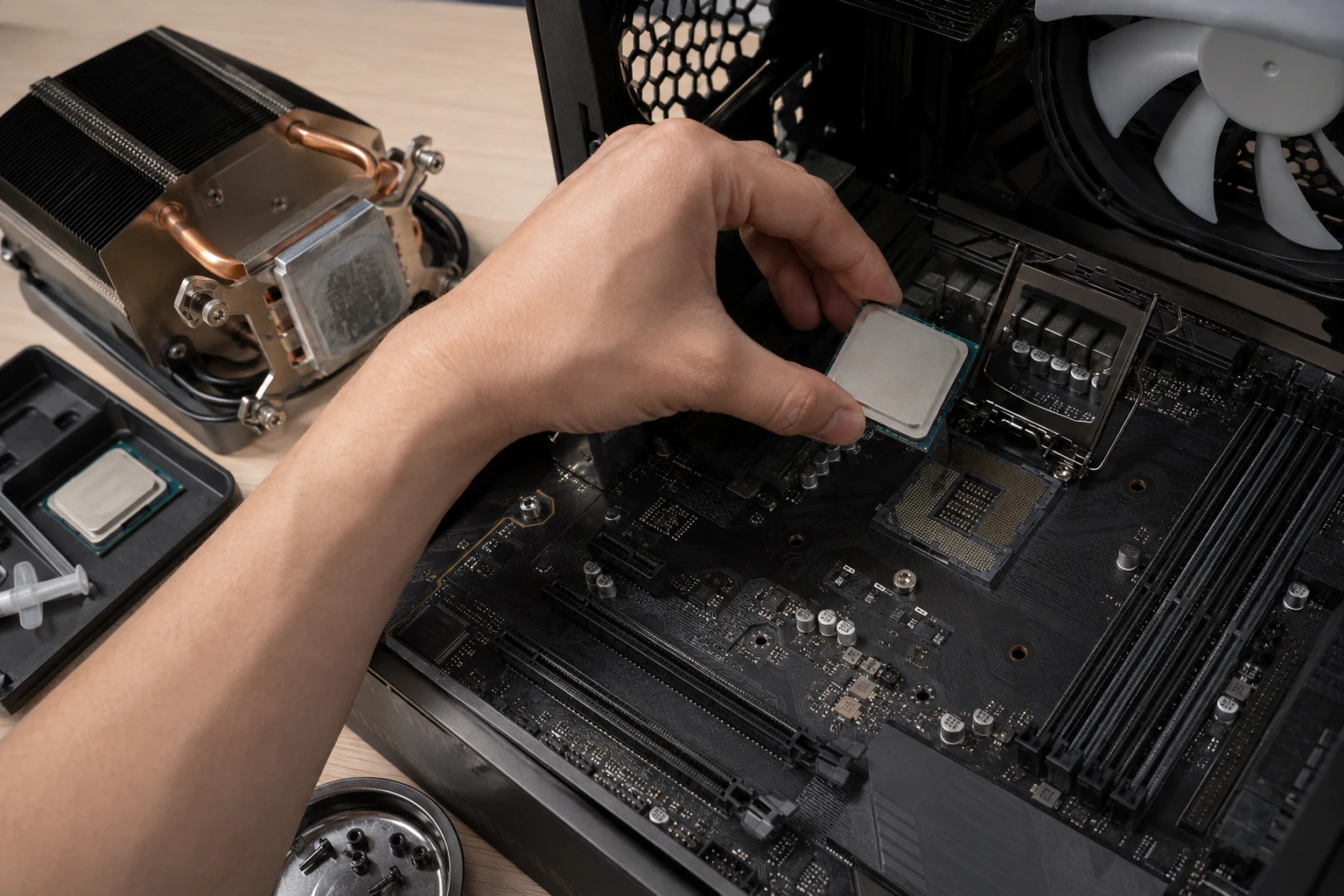
The stock cooler that came in the Dell is often why it sounds like a hair dryer by year four. A better heatsink, a fan that actually spins, or an AIO when the case and the person can live with it. We still tell the story of a shop that “repaired” a PC and left the plastic film on the CPU cooler. A diagnostic would have found that.
CPU upgrades
Sometimes more cores is cheaper than a new box. Sometimes the motherboard, RAM generation, and cooler will not take the chip you saw on sale. We check compatibility, BIOS version, and power before we order. If the upgrade costs more than a sensible replacement, we will say so.

Motherboard repair
Beeps, blink codes, no POST. Sometimes the board is salvageable. Sometimes a PCIe network card is smarter than replacing a board whose Ethernet chip died. On machines with soldered CPU and memory, board work is sometimes the only way to get the files off.
Motherboard replacement
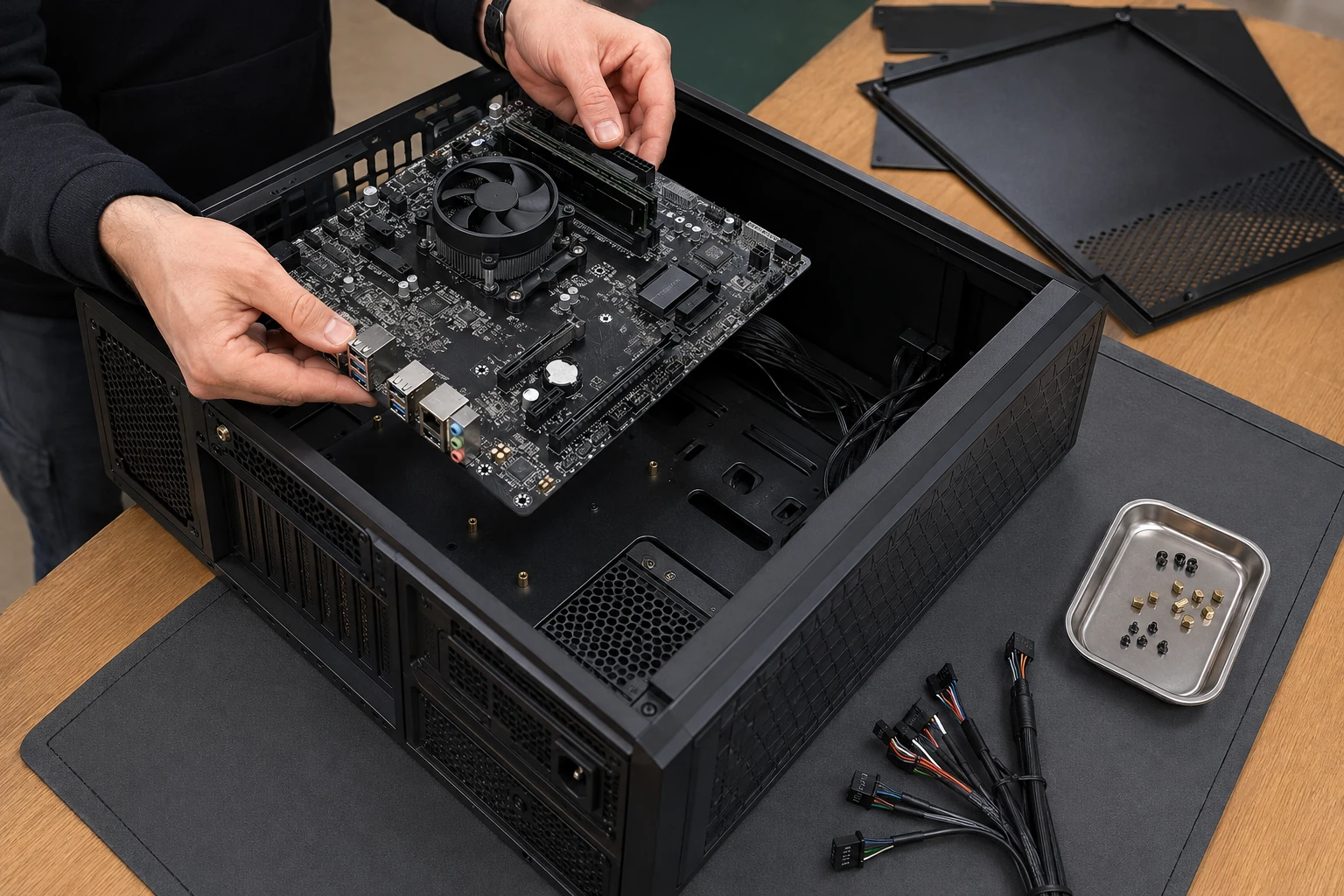
A new board is not a five-minute swap. Standoffs, I/O shield, front-panel wires, BIOS, CPU, cooler, RAM seating. Miss a standoff and you short the board. We treat it as a build, not a part toss. Photos of the original layout go in the service report so you are not guessing two years later.
Storage that clicks, or will not boot
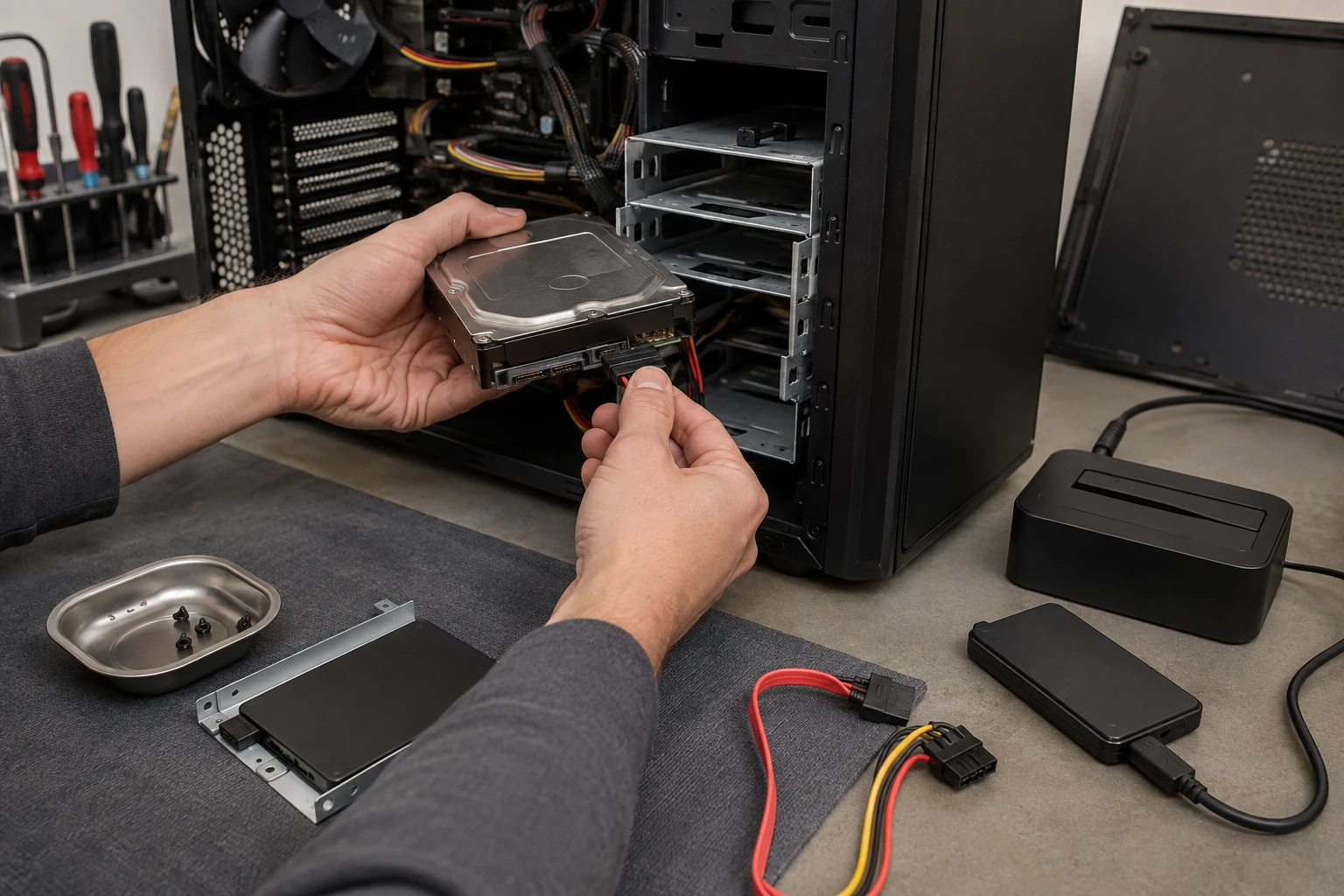
SMART is one clue, not the whole story. A no-boot PC may have a healthy drive and a wrecked Windows install. We clone when the drive still reads, then replace. If the files matter and the drive does not, that is data recovery — stop writing to it.
SSD and capacity upgrades
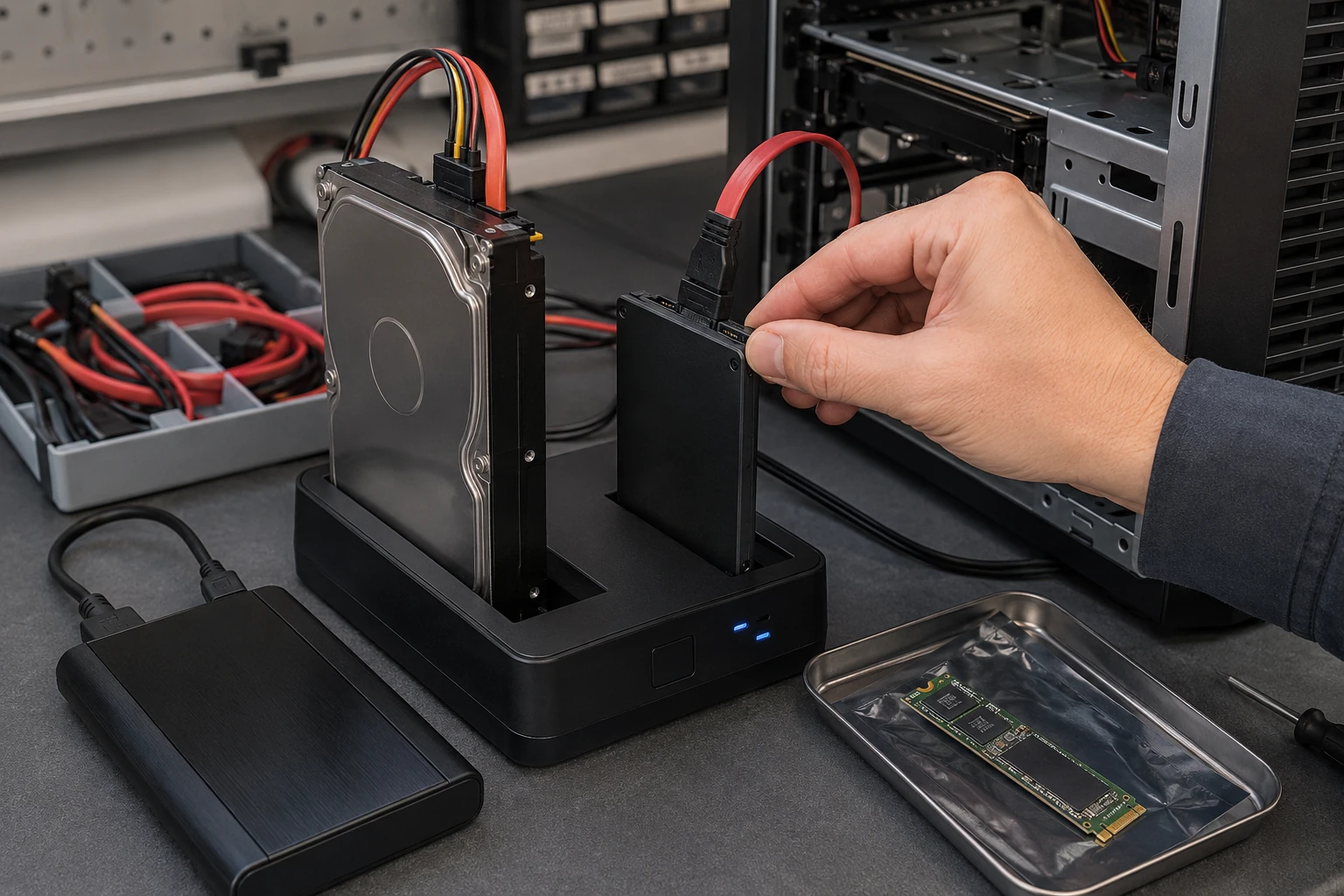
A spinning disk in 2026 is why a five-year-old tower feels dead. An SSD, more capacity, or a second drive for photos. We clone the old disk when it still reads so you keep programs and files. SATA vs NVMe depends on the board, not the sales flyer.
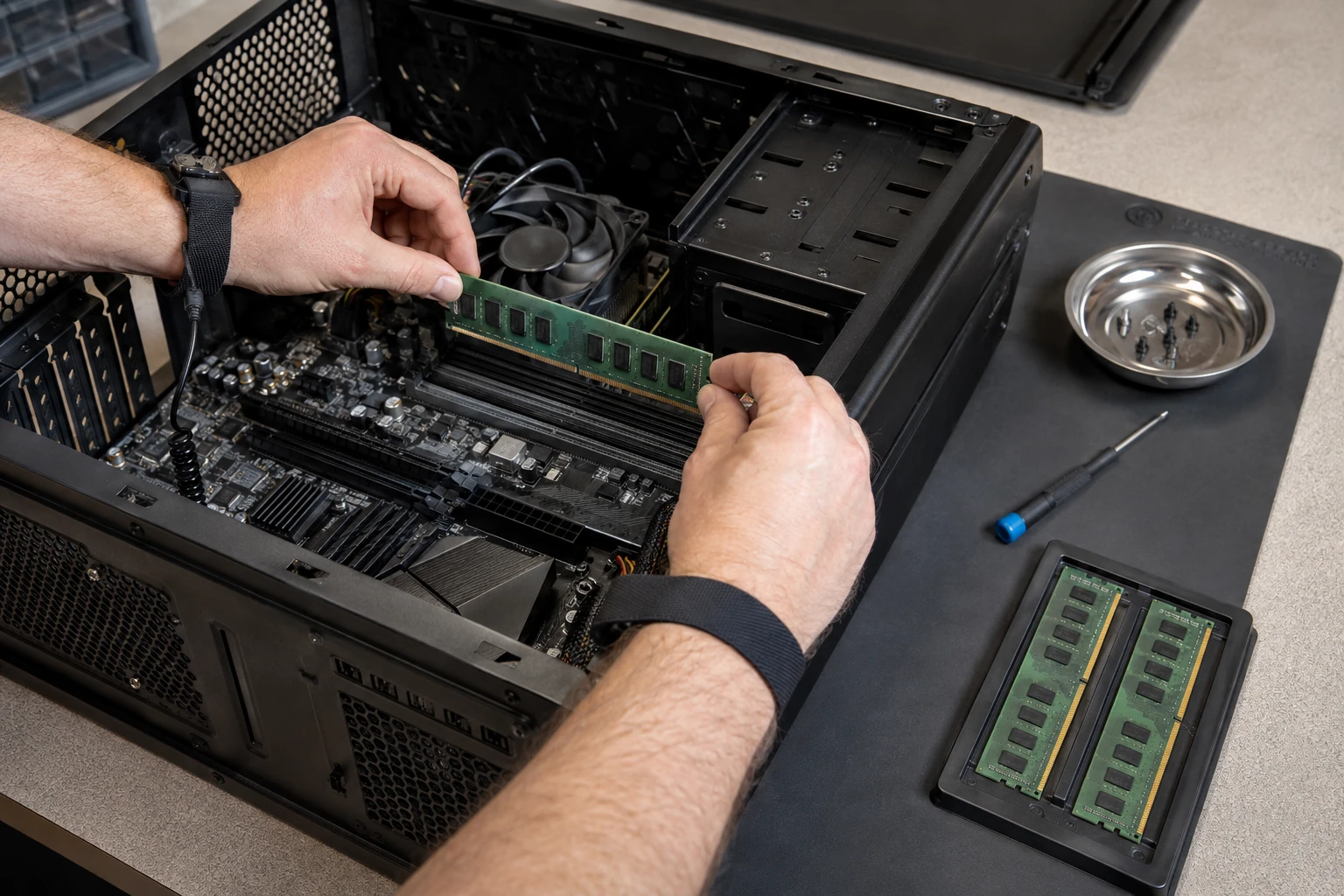
RAM upgrades
Twenty browser tabs and a spreadsheet is “the multitasker.” More RAM if the machine has slots. Mixing speeds and generations is how you get random reboots. We match what the board will actually take and test it. Soldered memory on a mini PC is a different conversation.
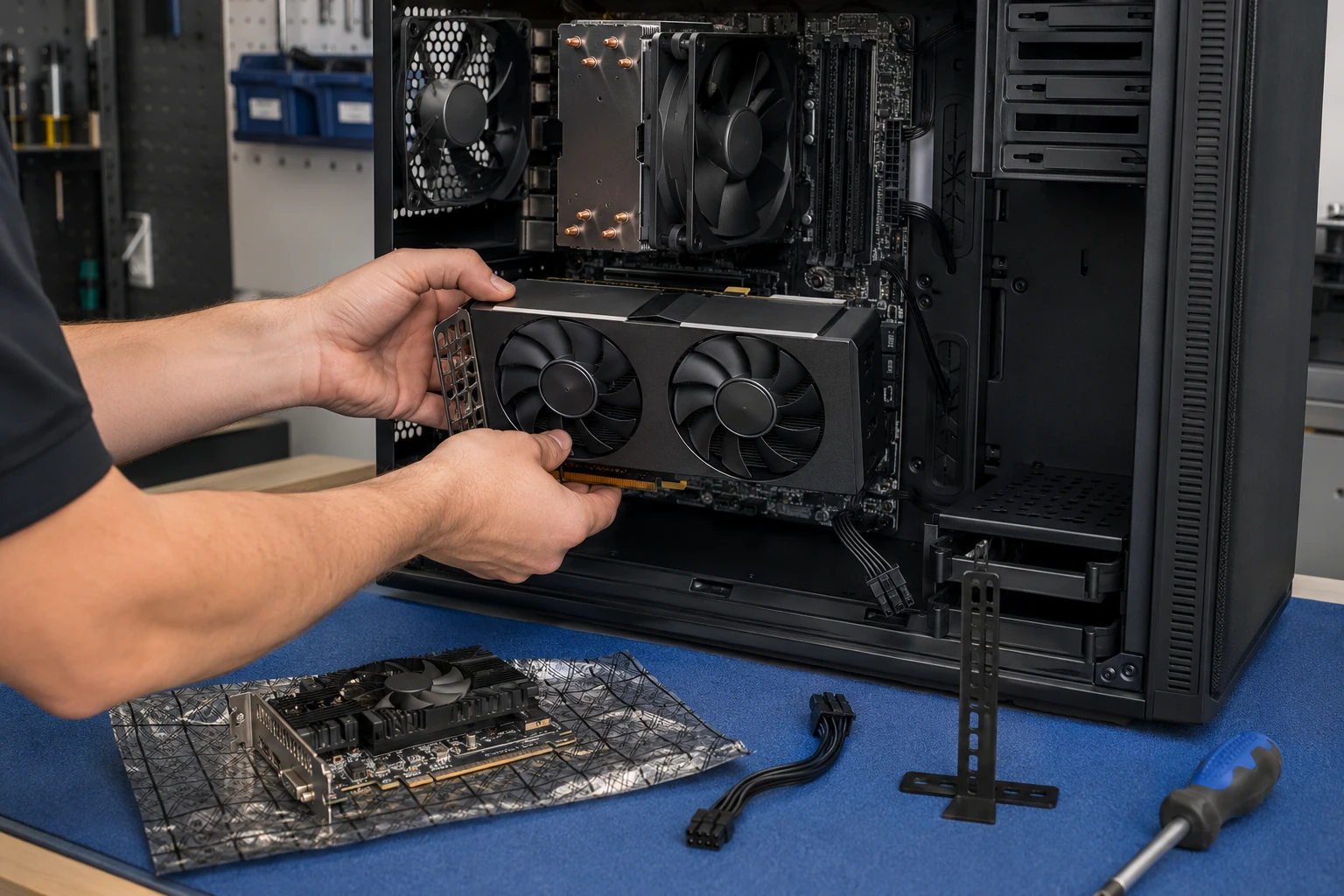
Graphics cards
A card that artifacts, a driver that crashes in a raid, or a GPU that needs more power than the PSU can give. We check wattage, length, and the slot before we order. Office PCs that only need dual displays often do not need a gaming card. Gaming PCs often do.

Water cooling — AIO vs open loop
A sealed AIO is not the same job as an open loop with reservoir, pump, blocks, fittings, and coolant. If the loop is in the way of a simple CMOS battery, we will say so. Leaks get documented. We will not pretend a stained motherboard is “probably fine.”
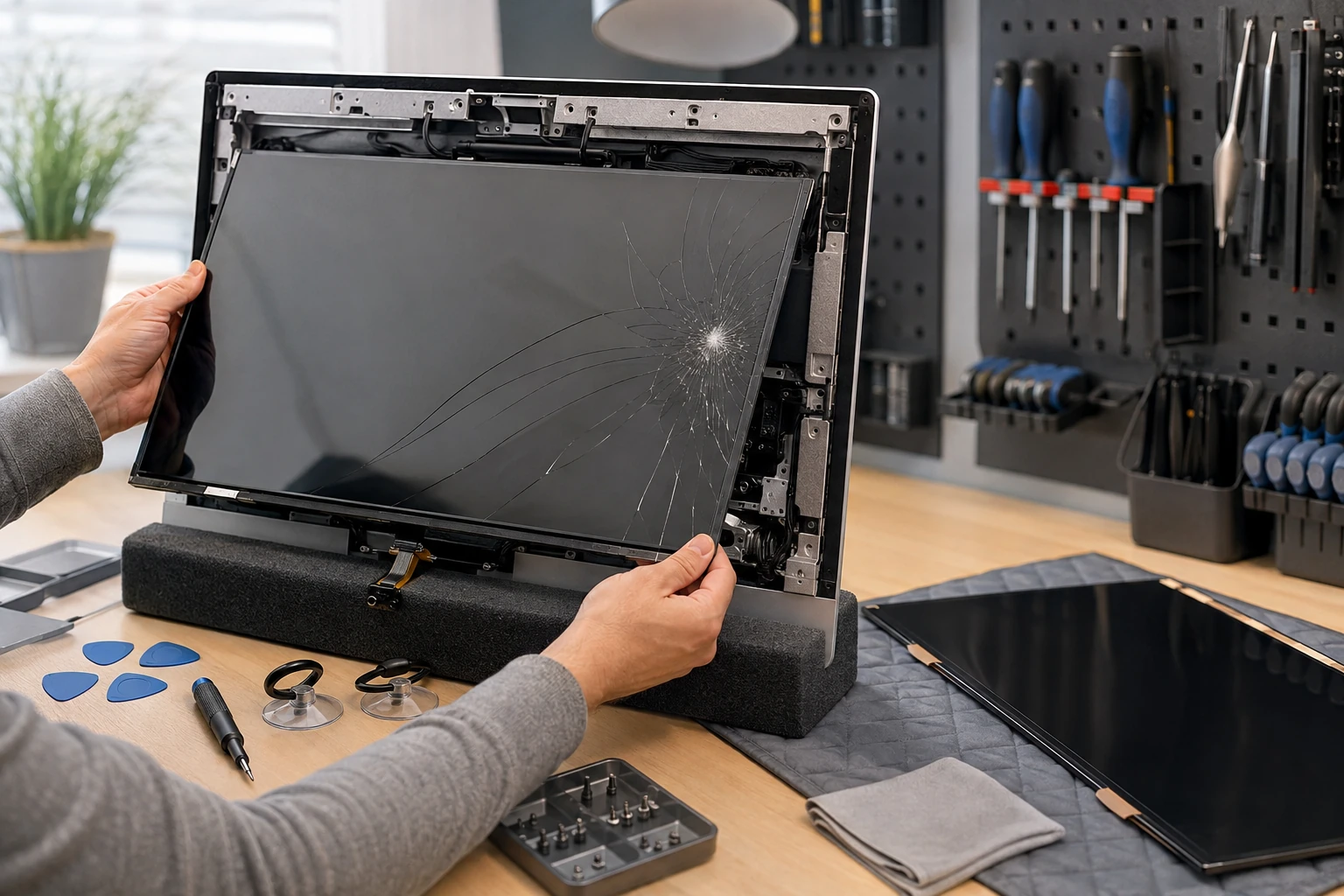
All-in-One screens
Kickstand off the desk. Toddler working on a fastball. Real tickets. iMac and Windows All-in-Ones hide the computer behind the glass, so even a screen job can mean the whole machine comes apart. We will say when glass plus a proprietary board is not worth it next to a tower.

Monitors
Refresh rate, resolution, viewing angle, size — pick for the work, not the box art. A dead monitor is not a dead PC. We test the computer on a known-good display before we sell you glass. Panel type and ports matter more than the brand on the bezel.
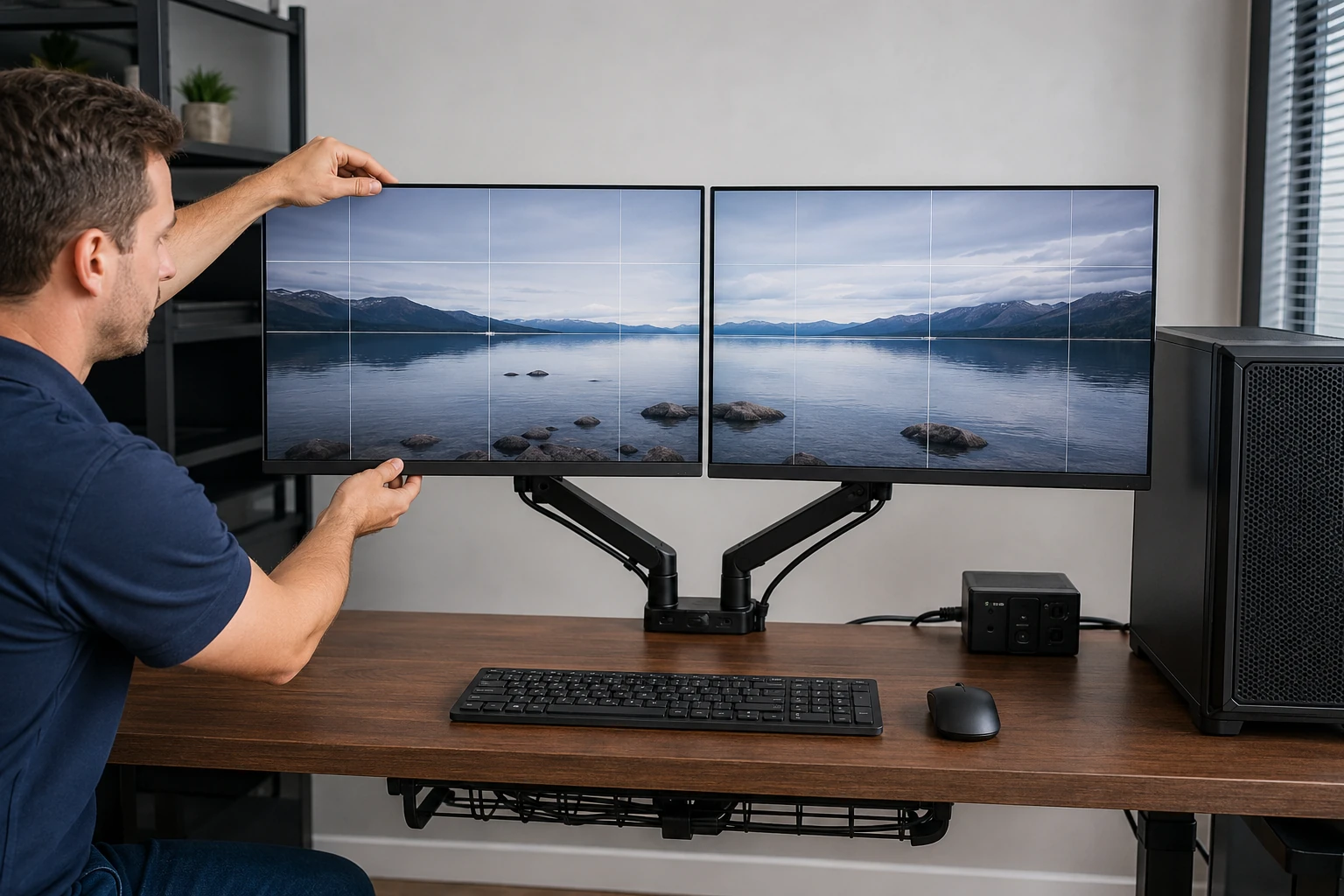
Dual displays
Two screens are the cheapest productivity upgrade in an office that still uses one. We set the GPU, the cables, and Windows so the mouse does not vanish into a third desktop that does not exist. Docking stations and USB video adapters are in scope when the tower has no extra outputs.
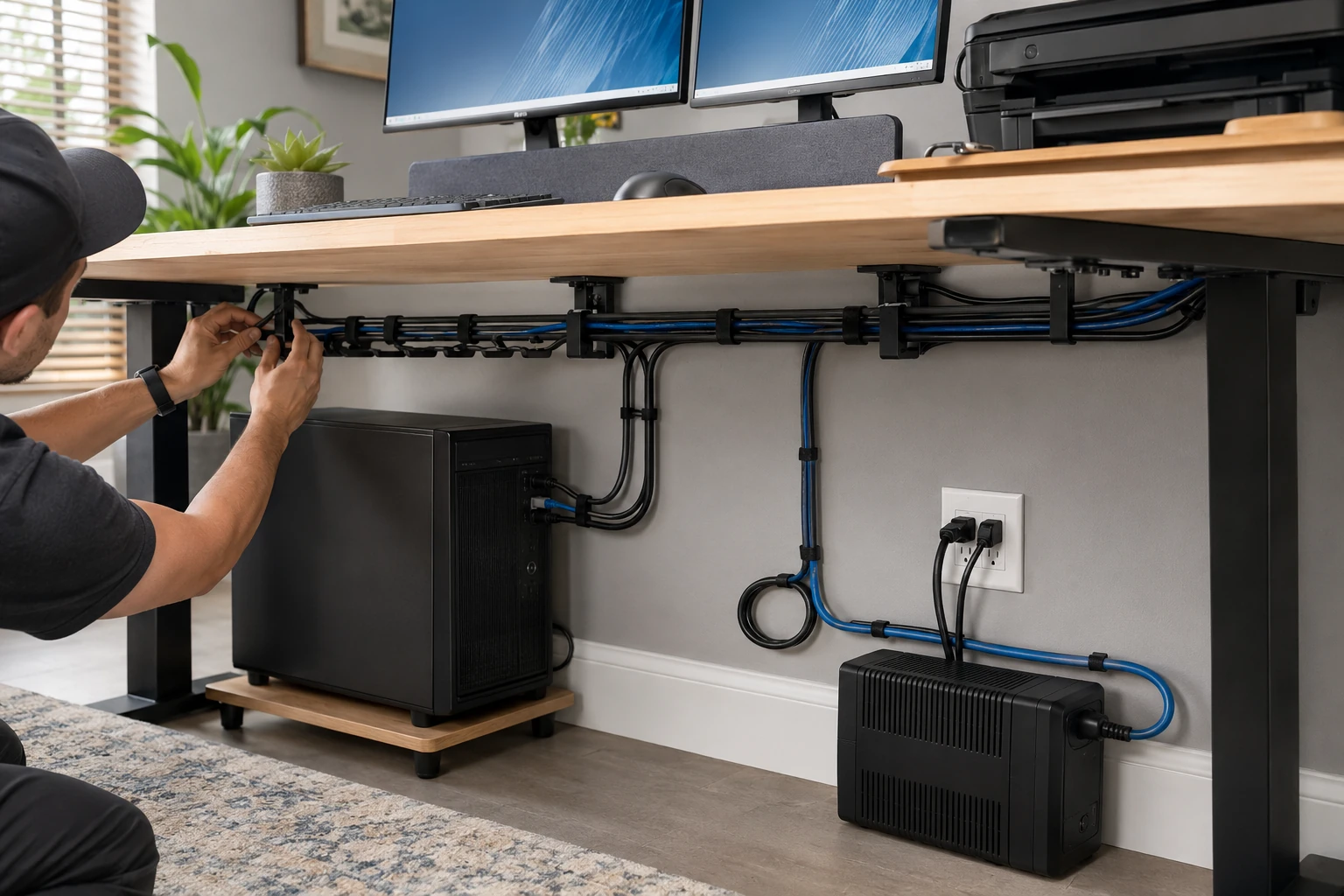
Cable management
A rat’s nest behind the desk is how USB ports die, how airflow dies, and how the next person trips the power strip. We route power, display, and data so the tower can actually breathe. This is not decorating. It is part of keeping the machine alive.
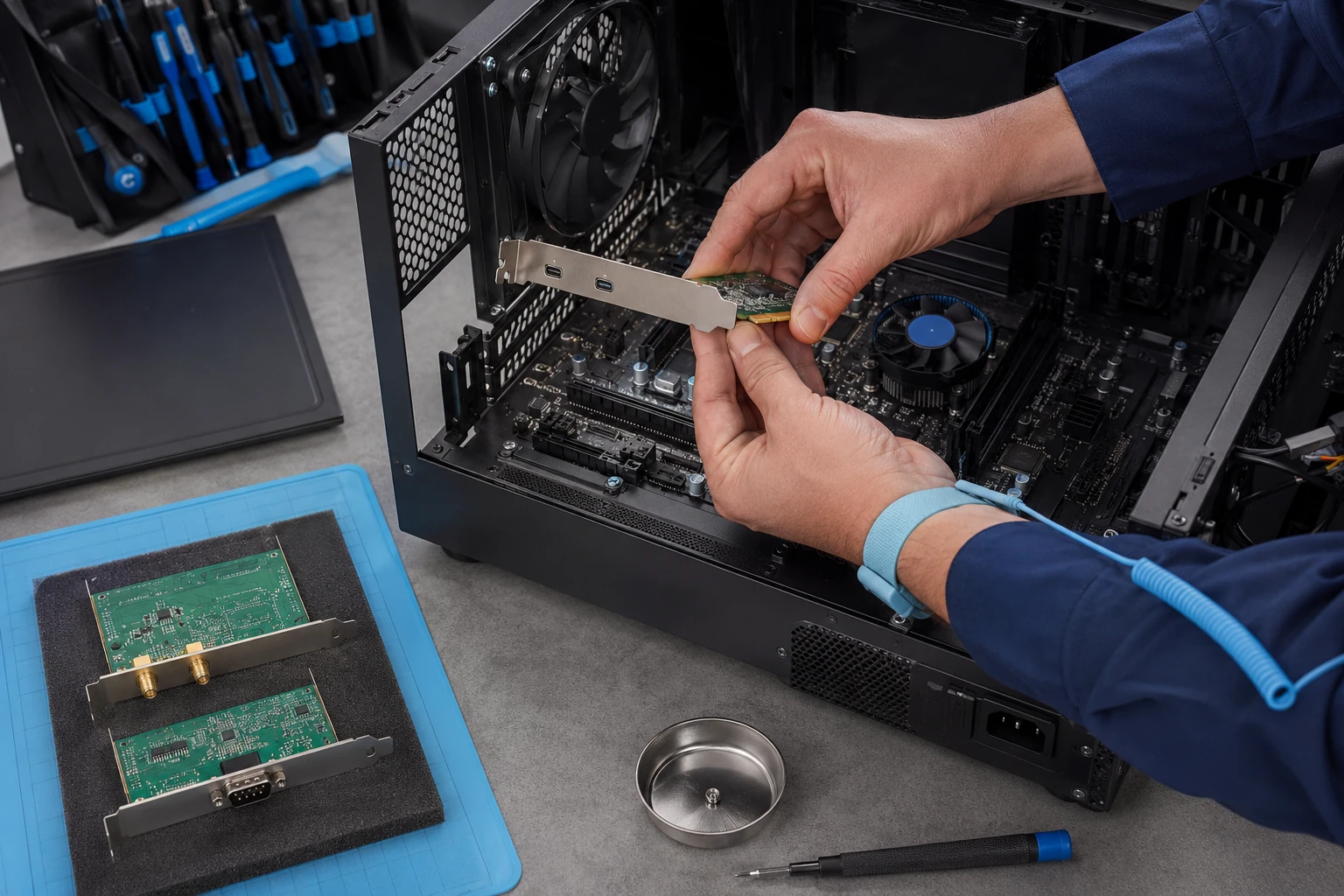
PCIe cards, Wi-Fi, USB-C, serial leftovers
Add wireless to a tower that never had it, USB-C, extra NICs, or a serial/parallel card for shop equipment that still needs it. Compatibility, slot length, and a driver that exists for your OS. We will not install a card Windows 11 cannot see.
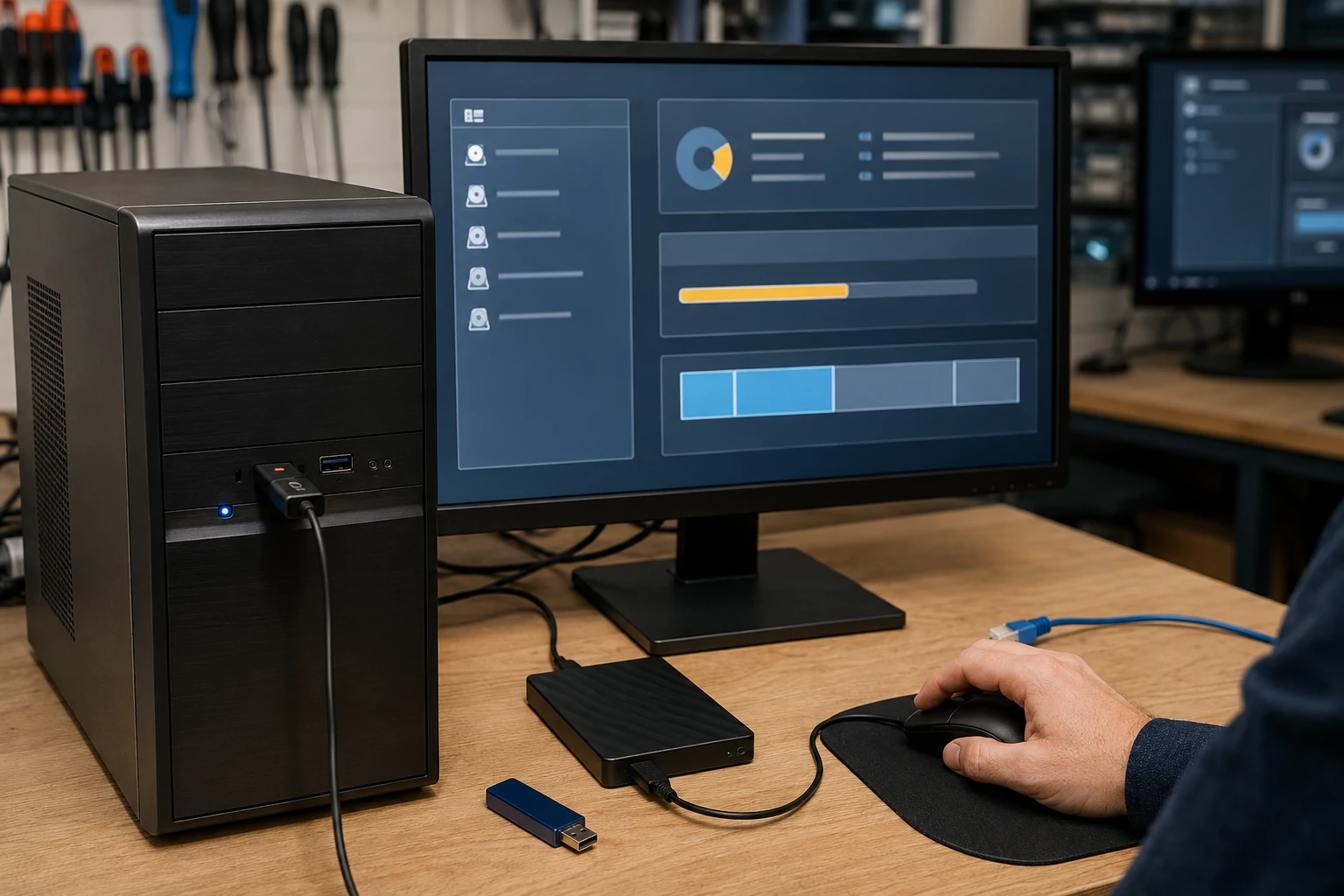
Windows, macOS, and Linux
Repair the OS you have when we can. Wipe and reload only after a clone, kept 30 days. Licensed software only. Gaming crashes get reproduced, not guessed. Details: operating system install.

Virus, malware, and remote-access scams
Same playbook as laptops: remove it, log it, lock it down. Same infection inside 90 days is no labor charge. Local banks send this work here because a wipe is not always the whole job. See virus removal and security.
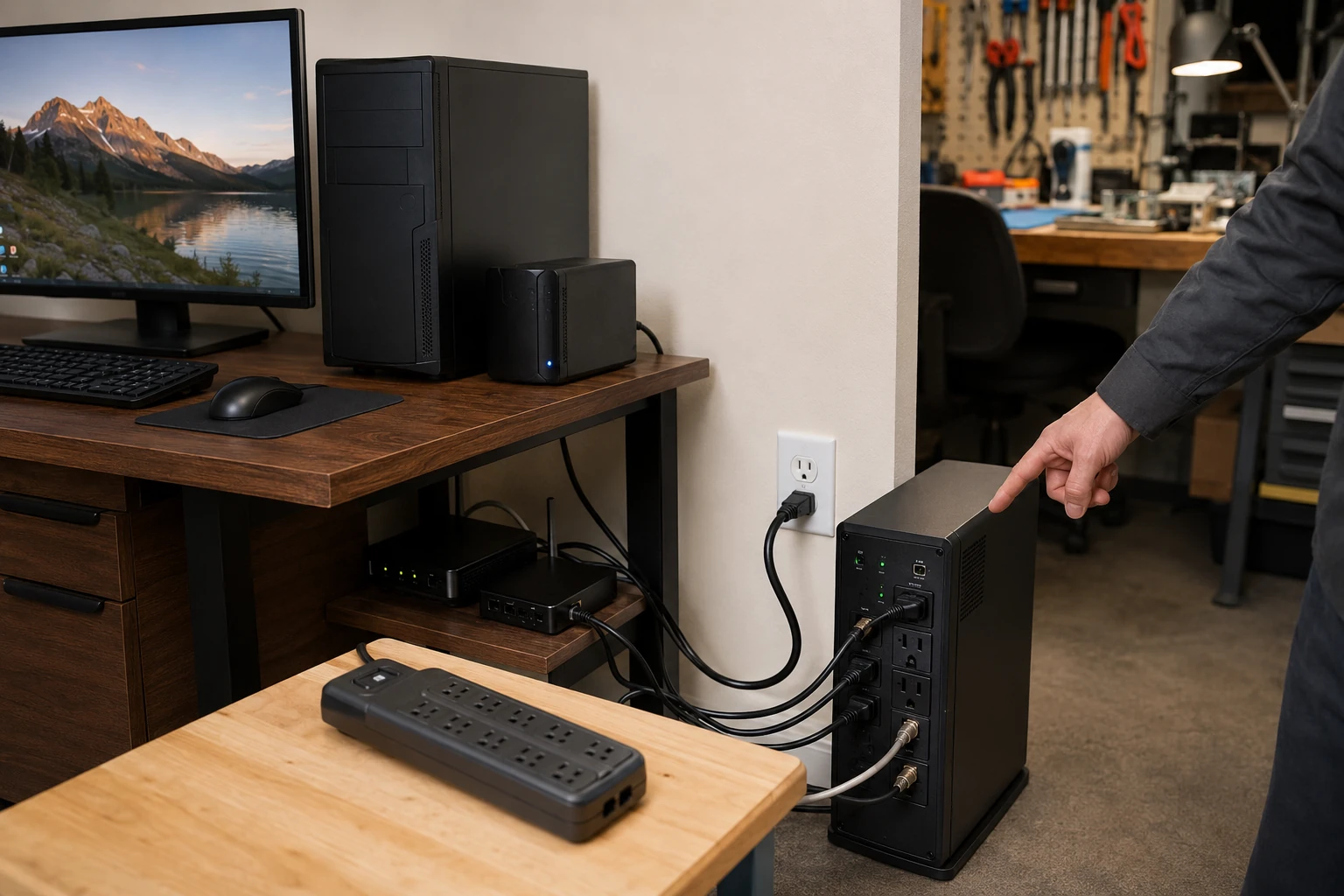
Surge suppressors and UPS
A cheap power strip is not a joule rating. Outside lines should hit a real suppressor before they hit the PC. A UPS is for the shutdown you need when Stokes County flickers, not for running the house. We size it for the tower and the monitors, not a fantasy runtime.
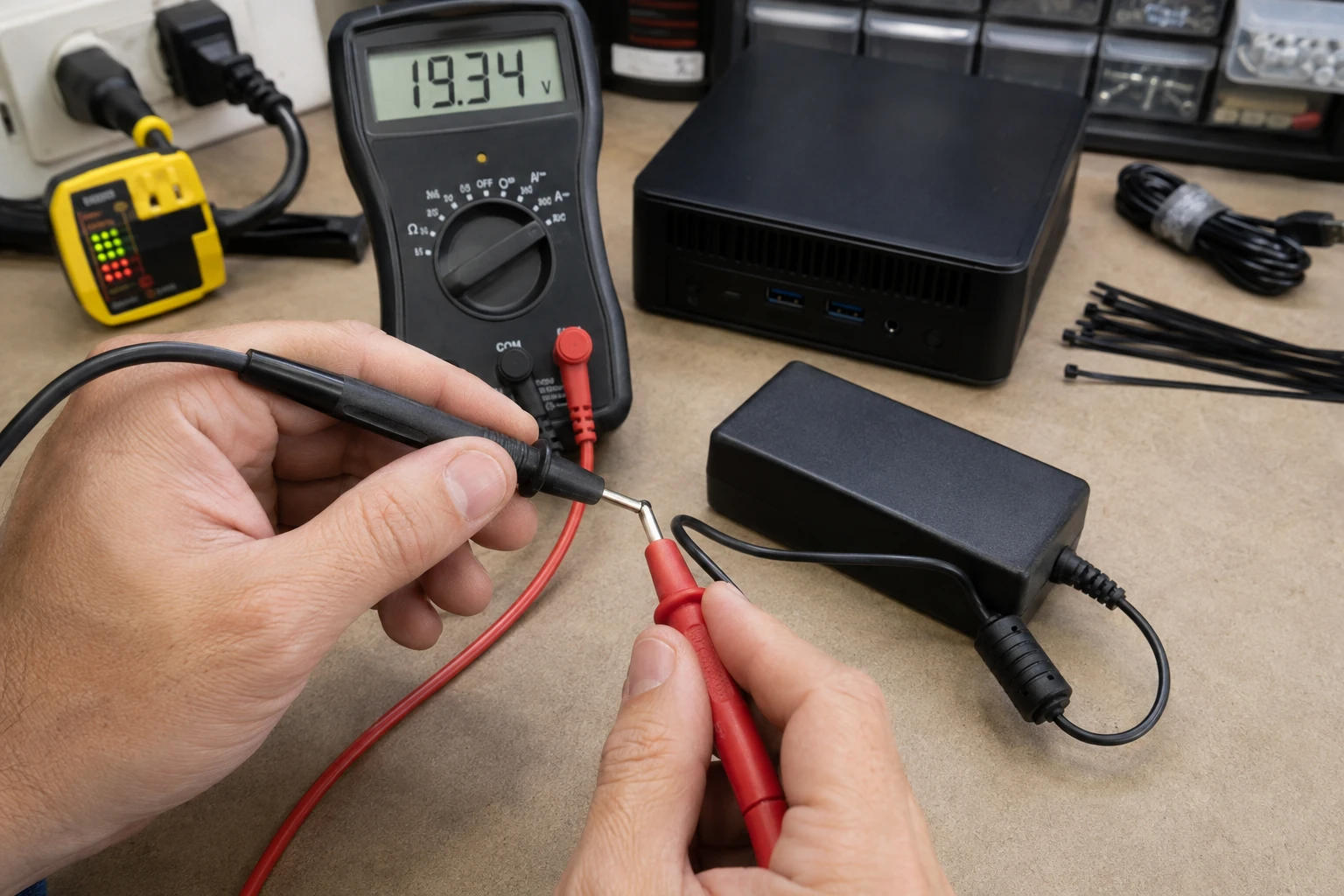
Small form factor AC adapters
Some micros and low-watt All-in-Ones have no internal PSU — just a brick. Wrong voltage cooks the board. We test, then OEM or a correctly specified replacement. Same rule as laptops: not a random brick from a marketplace listing.
What desktop customers said
Public reviews that mention desktop, tower, or custom PC work. Names as published. Dates omitted. Google Business Profile · all reviews
“They also troubleshooted my HP Desktop and did a good job fixing a fan issue, that no other computer tech could get right.”
Steve Nash
“Not only professional but thorough, detail oriented and can fix anything! Paul is also an excellent teacher, he helped my daughter build her first computer! She learned so much from him.”
Kathleen Kissam
“Excellent PC Repair Shop! The tech was very patient and helped sort out the issues between my phone and desktop PC. I dropped off one computer for a Windows upgrade and another computer to have my music library recovered.”
Preston Matlock
Desktop repair FAQ
1. What types of desktop computers do you repair?
Nearly every kind: standard towers, SFF, mini/micro, All-in-Ones, business workstations, gaming desktops, prebuilts, client-built customs, air-cooled, AIO liquid, and custom open-loop. Dell, HP, Lenovo, Acer, ASUS, Apple, plus integrators like Origin, iBUYPOWER, CyberPowerPC, MetaPC, Digital Storm, Puget, NZXT, and similar.
2. Do you repair custom-built and gaming desktops?
Yes. A “gaming PC” is usually five companies in one case — ASUS board, AMD or Intel CPU, NVIDIA/AMD GPU, mixed RAM, SSD, PSU, RGB, cooling. We work from those docs, not the logo on the side. Cable management, fat GPUs, and custom cooling take more time. We quote that.
3. Origin, CyberPowerPC, iBUYPOWER, NZXT?
Yes. Some use standard parts; some use custom cases and wiring. We identify the actual components. When a builder will ship warranty parts to a local shop instead of freighting a 40-pound tower across the country, we can work that path with you.
4. I built it and it will not POST. Can you help?
Yes — custom-built diagnostic. Compatibility, BIOS, socket, RAM seating, PSU, front-panel wires, GPU power, cooling, shorts, known-good test hardware. If a new part is DOA we can RMA it with your authorization (hourly). We may also show a better part at the same price.
5. Dell, HP, Lenovo, Acer office desktops?
Yes — Inspiron, XPS, OptiPlex, Pavilion, ProDesk, EliteDesk, IdeaCentre, ThinkCentre, and others. Parts availability and design matter more than the badge.
6. What if it uses proprietary parts?
Many branded towers do: odd PSUs, boards, connectors, cooling, drive trays. We check the manufacturer, then other vendors for price, shipping, and warranty. Aftermarket only when it is actually compatible. We will not cut a case to force a standard ATX supply into a hole it was never designed for.
7. All-in-One desktops?
Yes. Screen, touch, storage, RAM, fans, boards, power, OS. Many need the display off even for a RAM stick. One-time adhesive kits are part of the job. We will not reuse dead adhesive to save a few dollars.
8. Desktop will not turn on?
Diagnose, do not guess. PSU, cord, board, short, front-panel switch, RAM, GPU, CPU, BIOS, wiring. A meter on the cord is cheaper than three parts.
9. If one part brings it back, do you still test the rest?
Yes. A new PSU that boots the PC can still hide a dying drive, bad RAM, heat, firmware, or event-log errors. We would rather find that on the bench. Tools include hardware tests, stress, temps, storage health, OS logs, and physical inspection — including PC Doctor Service Center.
10. BIOS / UEFI problems?
Yes. We can read and write BIOS with programming equipment. Corruption, failed updates, no-POST, compatibility, custom configs. Firmware is on the list, not an afterthought.
11. Gaming crashes, freezes, blue screens, shutdowns?
Reproduce it when you can show us at drop-off. Then CPU/GPU stress, memory, storage, PSU, BIOS and Windows temps, physical sensors, event logs, drivers, firmware, overclock, XMP/EXPO, cooling. Replacing parts without reproducing the crash is an expensive guess.
12. Overclocked computers?
We document or back up the config when we can, return it to stock, and test. If it is stable at stock, the overclock was part of the problem — we will say so, not just reset and vanish. If the hardware and cooling can support a sane overclock, we can set that too.
13. Can you upgrade a desktop?
RAM, SATA/NVMe SSDs, HDDs, GPUs, CPUs, boards, PSUs, Wi-Fi/Bluetooth, USB/Thunderbolt cards, NICs, fans, air or AIO coolers, custom loops, cases, extra storage, other PCIe devices — if they actually work together.
14. How do you check upgrade compatibility?
Socket, chipset, BIOS, RAM type, PCIe gen and lanes, GPU size, case, PSU wattage and connectors, cooling, M.2/SATA, airflow, and what you want the machine to do next year — not just what plugs in today.
15. Will you recommend a newer part the PC cannot fully use?
Sometimes, if the price is the same or better, or you will move it to a future build. A PCIe 4.0 SSD on a 3.0 board will not magically become 4.0. Pricing is weird; we talk instead of spec-sheet shopping in a vacuum.
16. Power supply replace or upgrade?
Wattage, quality, brand, efficiency, size, modular, CPU/GPU connectors, transient load, future upgrades, proprietary OEM plugs. Old is not automatically bad. We replace when age, quality, load, or plans make it prudent — and we say why.
17. Overheating desktops?
Office boxes: dust, fans, paste. Gaming boxes: airflow, fan count and layout, undersized cooler, hardware that outgrew the case. Clean-and-hope is not a cooling plan.
18. Custom water-cooled computers?
Yes. Open loop is not an AIO. Drain, blocks, fittings, coolant, leak test. Higher diagnostic/labor than a conventional tower because of that work and those supplies.
19. Repair a motherboard instead of replacing it?
When it makes money-and-sense: board cost vs labor, parts, age, what actually died. Dead onboard Ethernet with a healthy board? A PCIe NIC beats a new motherboard. The fanciest repair is not automatically the right one.
20. More RAM or storage?
Yes. We check supported type, max, slots, interfaces, mounting, and the OS. Add a drive vs replace the old one — we will say which.
21. Can you clone to a new SSD?
Yes, when the source drive is healthy enough. A dying disk is a different job than a capacity upgrade.
22. How do you diagnose HDD and SSD problems?
Not one SMART light. Manufacturer tools, OS logs, read/write behavior, performance, Event Viewer, physical symptoms, the rest of the machine. No-boot can be OS, not the disk.
23. Data from a desktop that will not boot?
Often yes. Bootable tools, drive-out, deleted/formatted logical recovery, some firmware-level work. Stop using a dying disk. Lab jobs go to partners; we can represent you so you are not guessing at the jargon. Data recovery.
24. Windows, macOS, or Linux on a desktop?
Yes. Repair first. Wipe and reload with a clone kept 30 days when we can. Licensed copies only.
25. Virus and malware on desktops?
Same as laptops: viruses, PUAs, hijackers, remote-access tools, stealers, scam access. Banks in the area refer this. Complicated cases can go through Digital Security Incident Response, not one scan.
26. Diagnostic before repair?
When the cause is unknown or the machine is a mess: yes. Hardware, stress, temps, PSU, cooling, RAM, storage, malware, OS, drivers, BIOS, logs, known-good parts. The in-shop diagnostic is quoted before we start and applies to the repair if you proceed. All-in-One, prebuilt gaming, and most customs are a higher tier. Open-loop may add a premium.
27. How long does desktop repair take?
Queue plus parts plus complexity. Drop-off is timed so it hits the bench soon after you arrive. Diagnostics ~48 hours. Simple software and upgrades often next day. Malware 1–4 days. Parts wait on shipping. Board-level often 1–2 weeks. Custom loops depend on how much coolant work is in the way. We will not promise same-day on a machine that needs a real test.
28. Appointment to bring a desktop?
Yes. Ticket or call. Physical drop-off is usually when you are about top-five in queue. That matters more with a heavy gaming case or an All-in-One you do not want to haul twice.
29. Can I bring my own parts?
Yes. If we buy it: you pay what we paid (card processing passed through), original invoice, we verify compatibility, we handle DOA and vendor mistakes and eligible RMAs. If you supply it: no parts warranty from us; returns are yours unless you hire us to manage them.
30. Warranty on desktop repairs?
90 days on labor. Parts we supply follow the vendor warranty; we keep the docs and can run the RMA. Client-supplied parts are not warranted by us. Guarantee · terms.
31. Documentation of the work?
Written service reports and diagnostic logs when they matter. We can look that machine up years later. Passwords are not stored. You will not leave with three handwritten words.
32. Repair, upgrade, or replace?
Age, value, OS support, security updates, hardware, upgrade path, repair vs replacement cost, how you work, what you already own, remaining life. We recommend. You decide. We are not here to sell the most expensive line on the invoice.
Ready to start a desktop repair?
Submit a ticket. We will tell you when to bring it. Do not show up unannounced.