
King, NC · Danbury · Pinnacle · Tobaccoville · Germanton · Walnut Cove
Software installs in King, NC
Office, email, accounting, photos, games you own, and the sit-down so you can open the file without us. Licensed software only. We do not install cracked anything.
Monday–Friday 9:00 AM–7:00 PM by appointment. Drop-off is scheduled when your ticket is near the top of the queue.
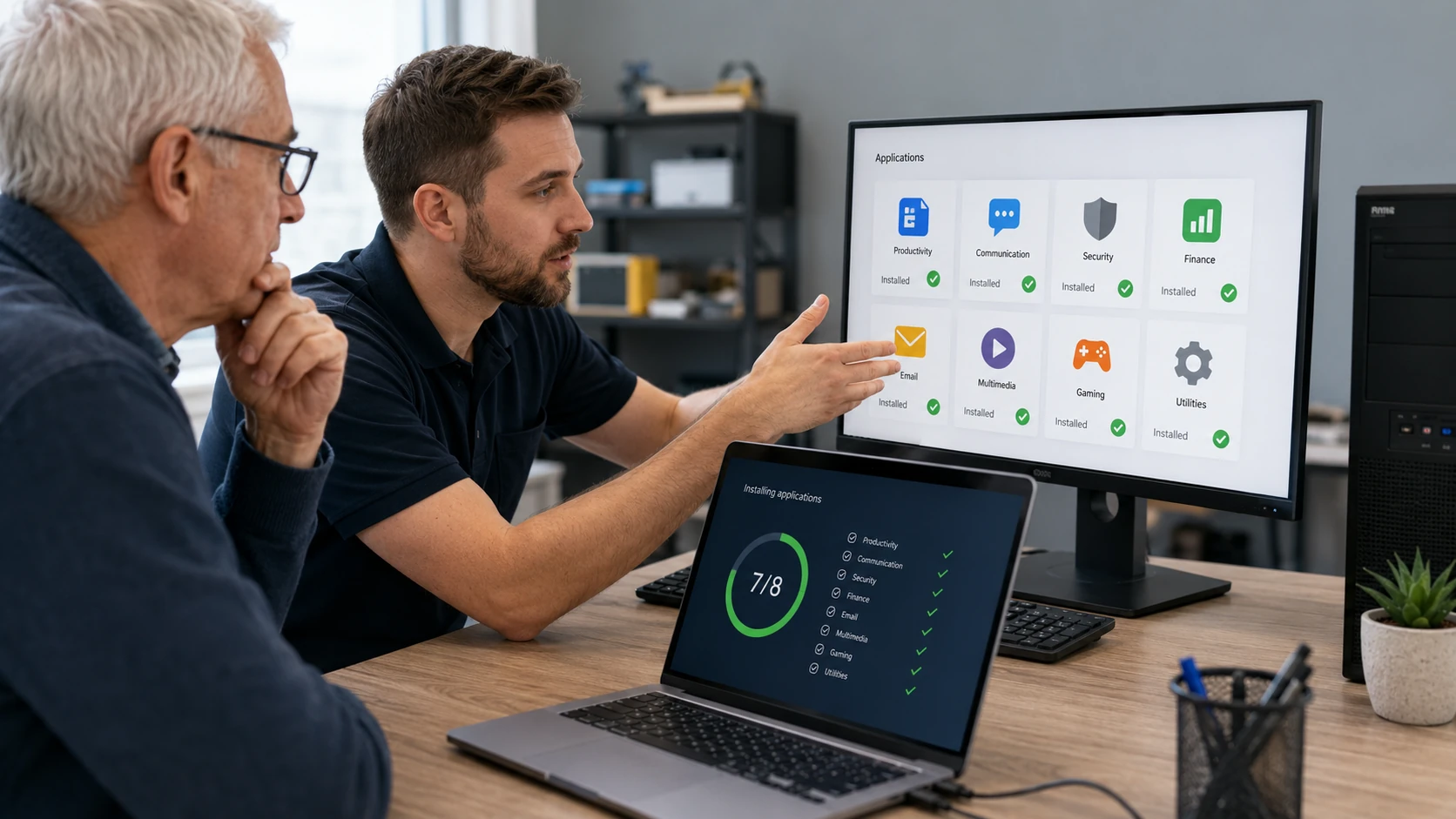
Install it so it still works next year
A download, a license you own, and configuration — not a folder of installers left on the desktop. Specialized shop software is welcome if you bring the installer. We do not pirate. Product keys stay with you, not in the ticket file.
After a wipe, this often rides along with OS install. Email accounts live on the email page.
What we actually work on
 What do I actually need? | 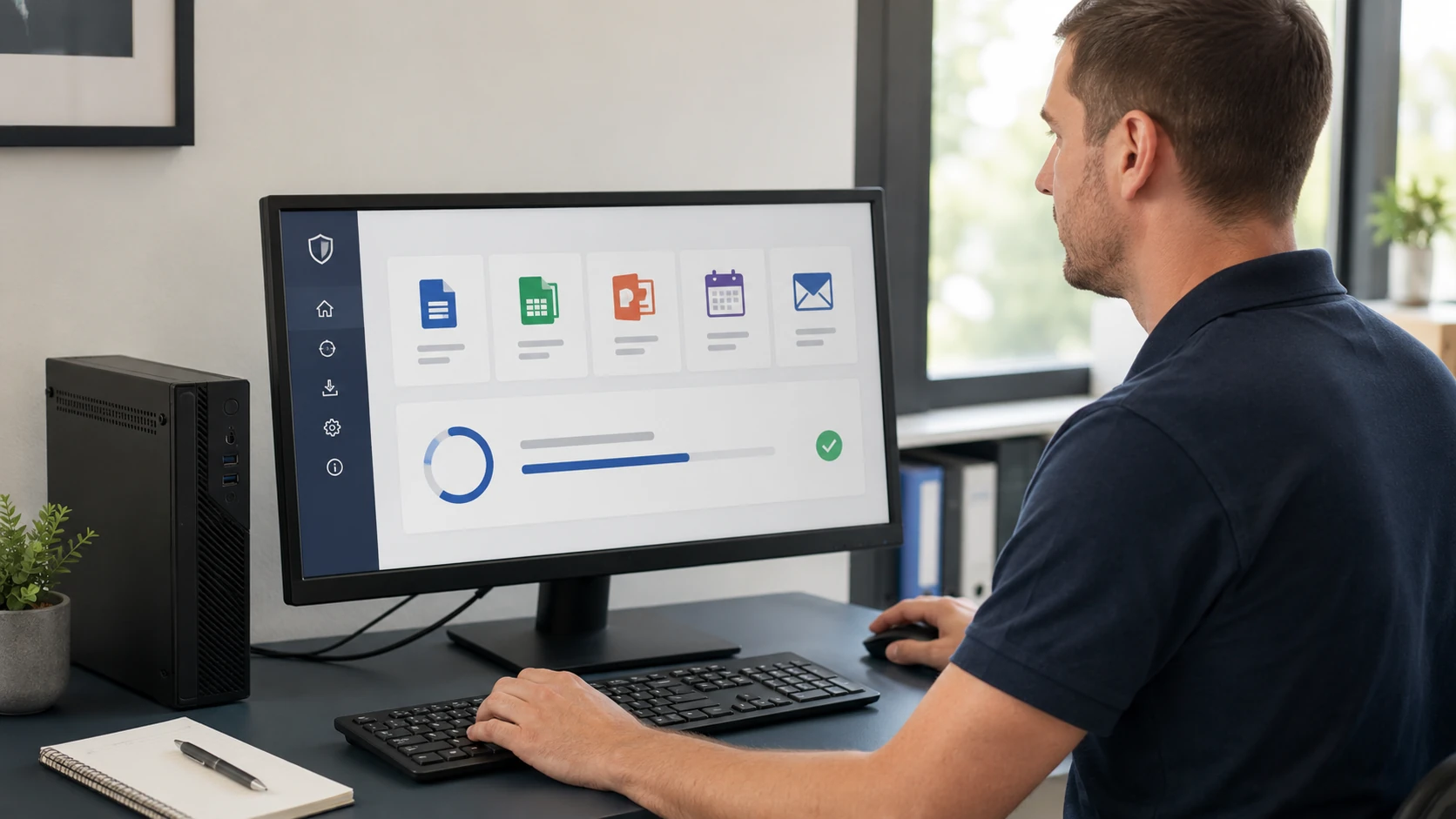 Office / productivity |
 Email client | 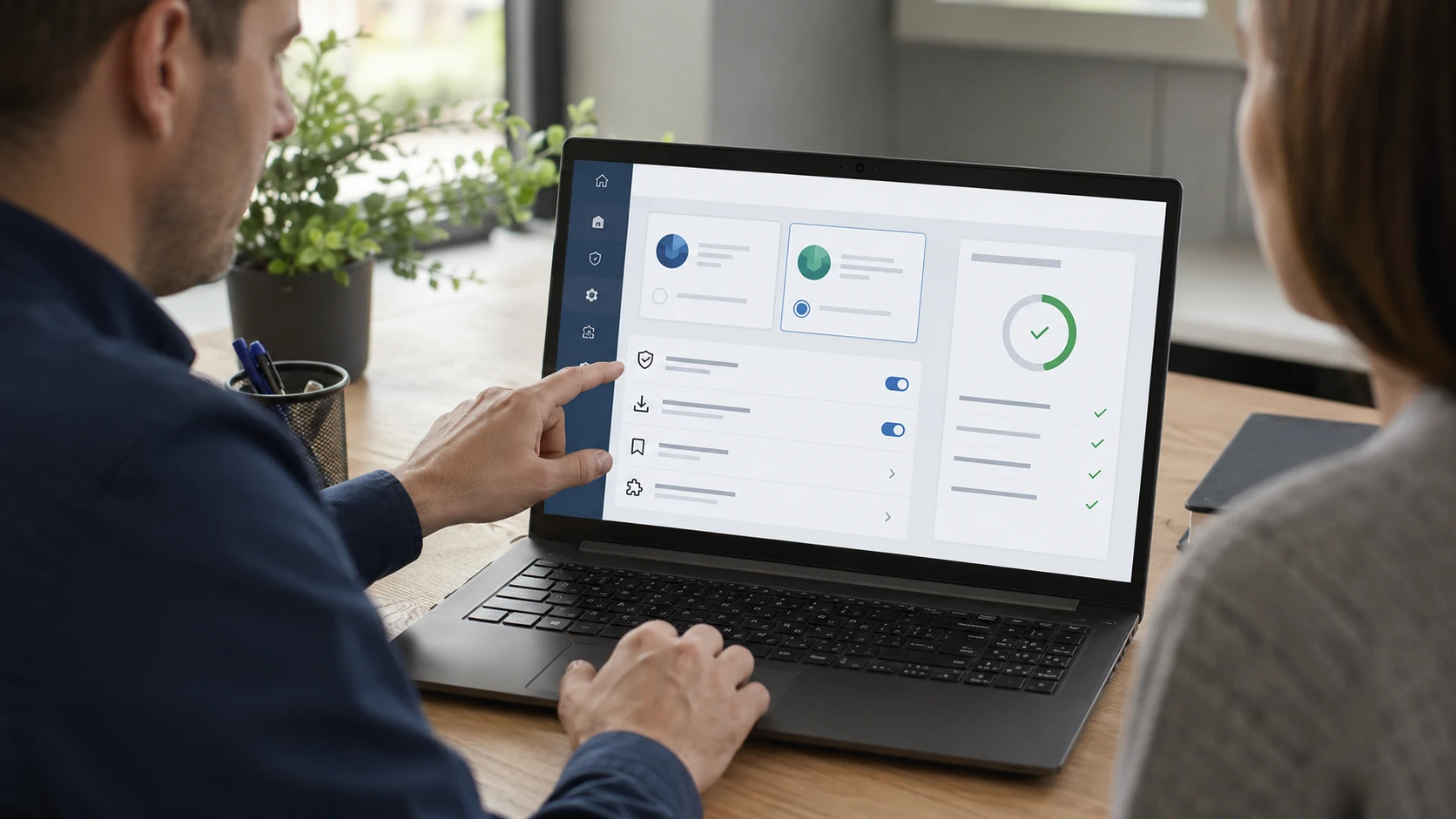 Browser & security |
 Financial software | 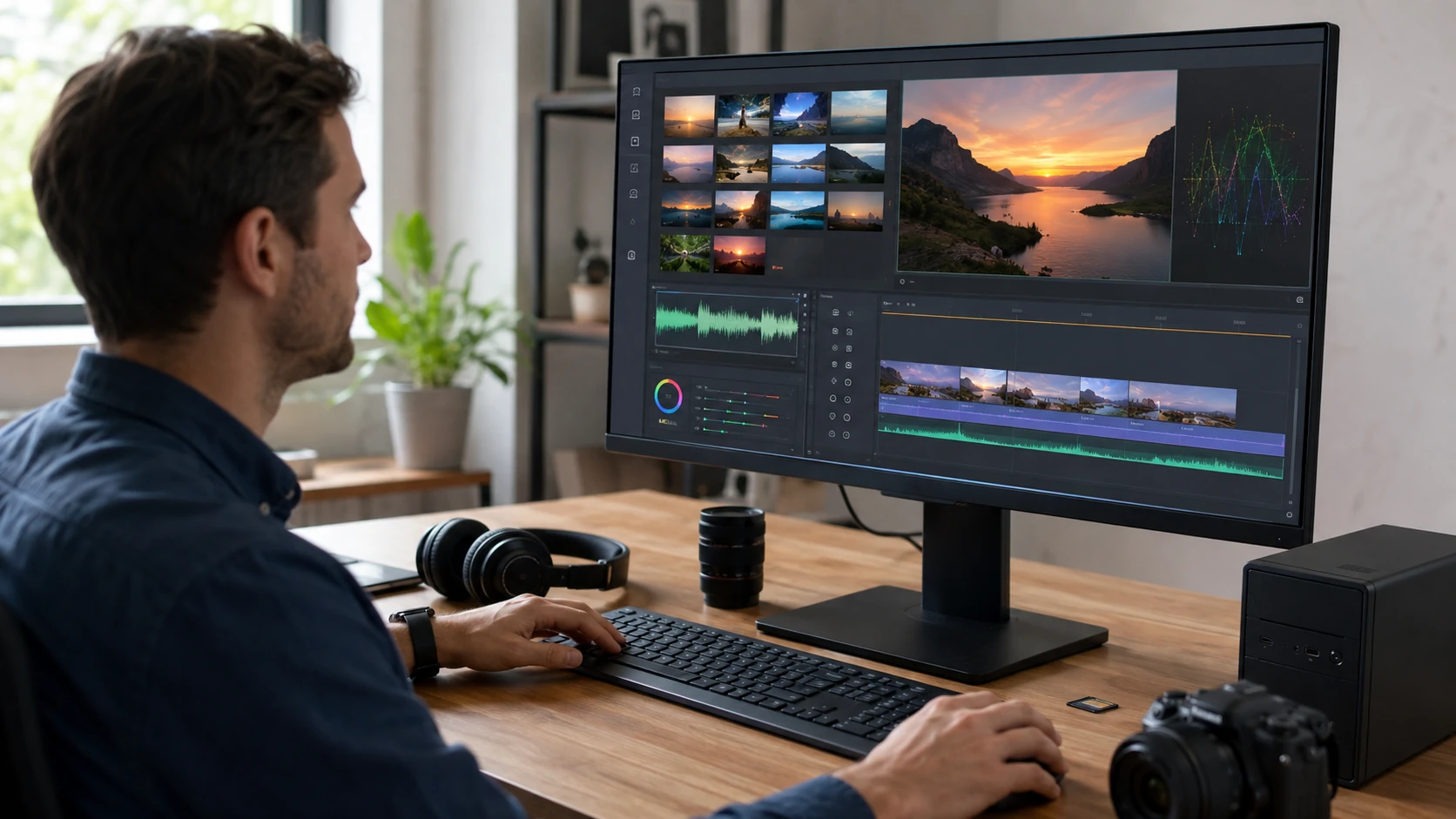 Photos / video / audio |
 Gaming software | 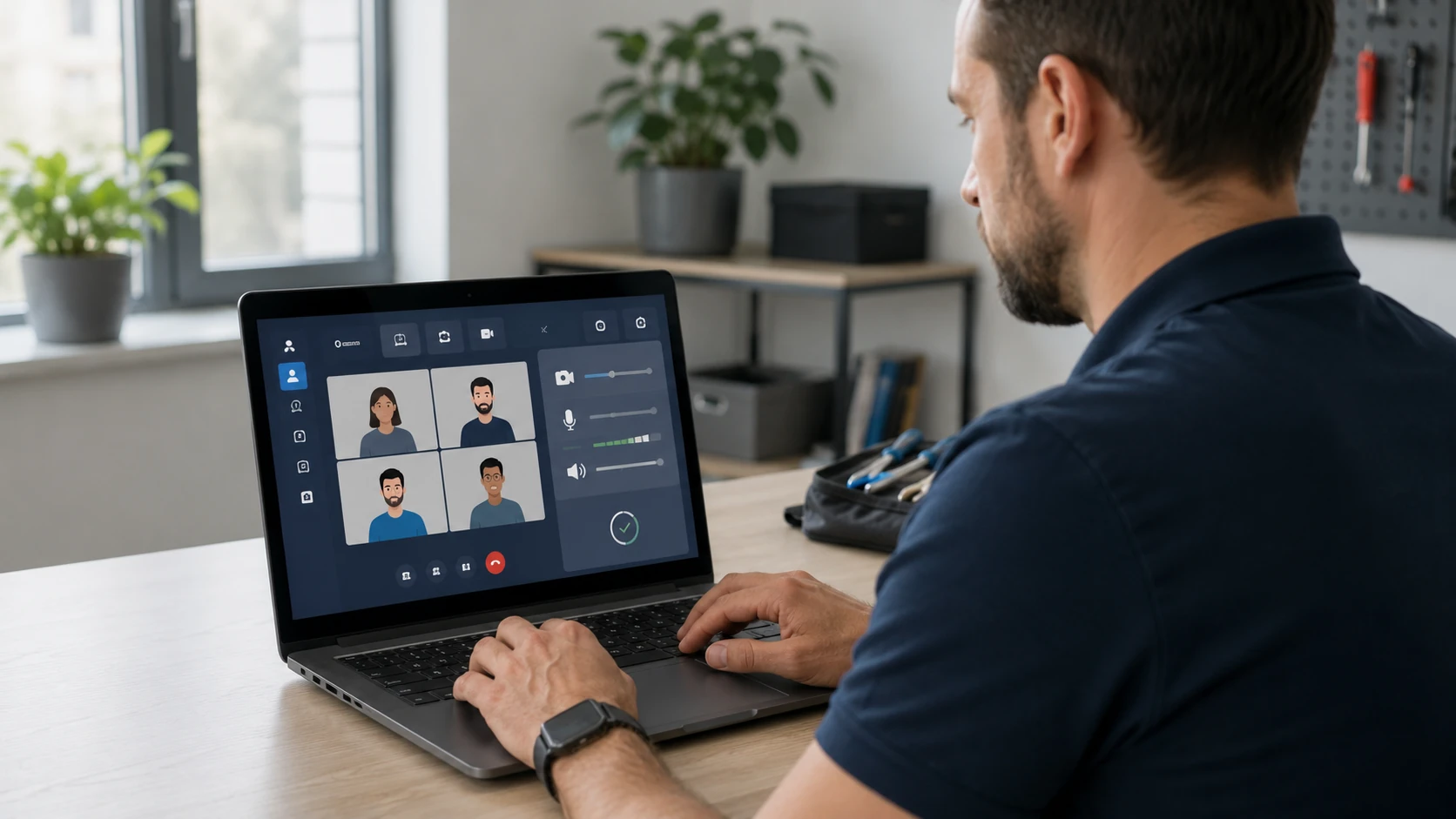 Video calls |
 Licenses & training |
How the work actually goes
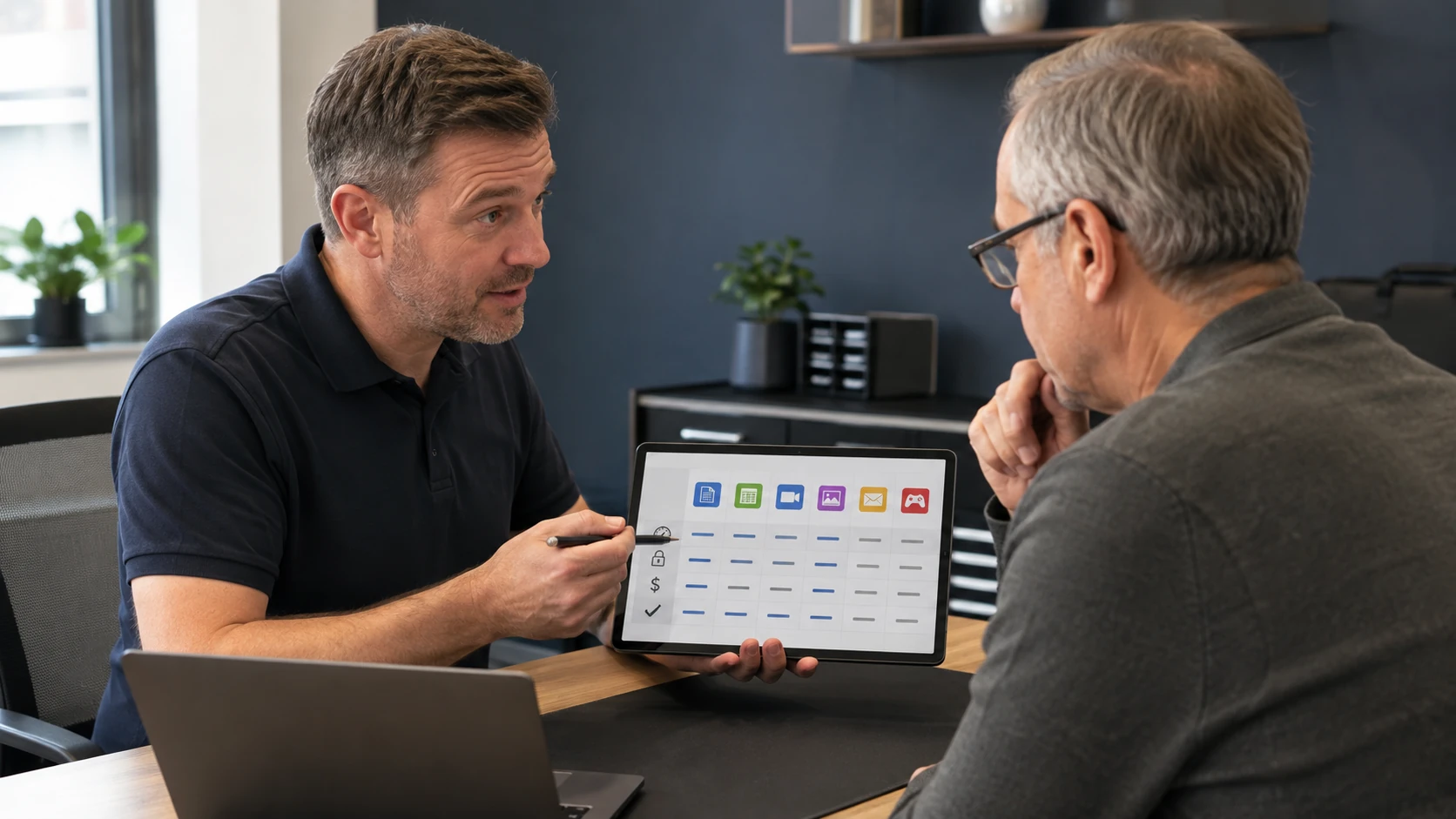
What do you actually need?
Office vs a free alternative, a browser that is not a malware magnet, accounting software that still runs on this PC. You do not have to know the product name. We will say when the honest answer is “do not buy that.” Related: IT consultation.
Office and productivity
Microsoft 365, Office, LibreOffice when that is the better fit. We install with a license you own. We do not install cracked Office. Profiles, templates, and printers after the install so it is usable the same day.
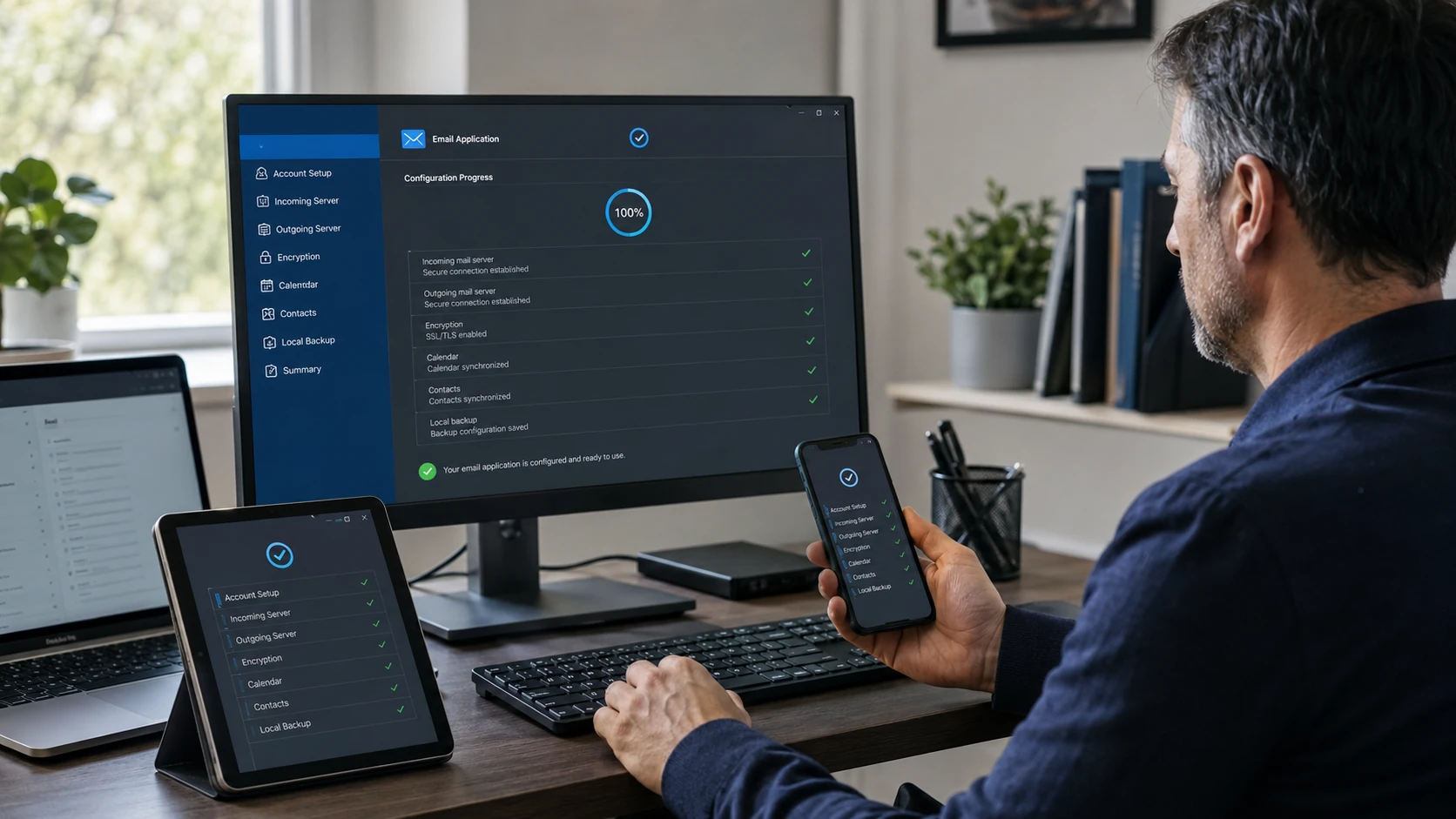
Email client
Outlook, Thunderbird, Apple Mail. IMAP, not a leftover POP3 profile from 2012. Sister page: email setup — this page is the install, that page is the account.
Browser and security software
A current browser, the extensions you actually want, and AV that is not a three-pack of trial junk. We remove the toolbar that came with the “free PDF converter.” Related: security.
Quicken, QuickBooks, and tax software
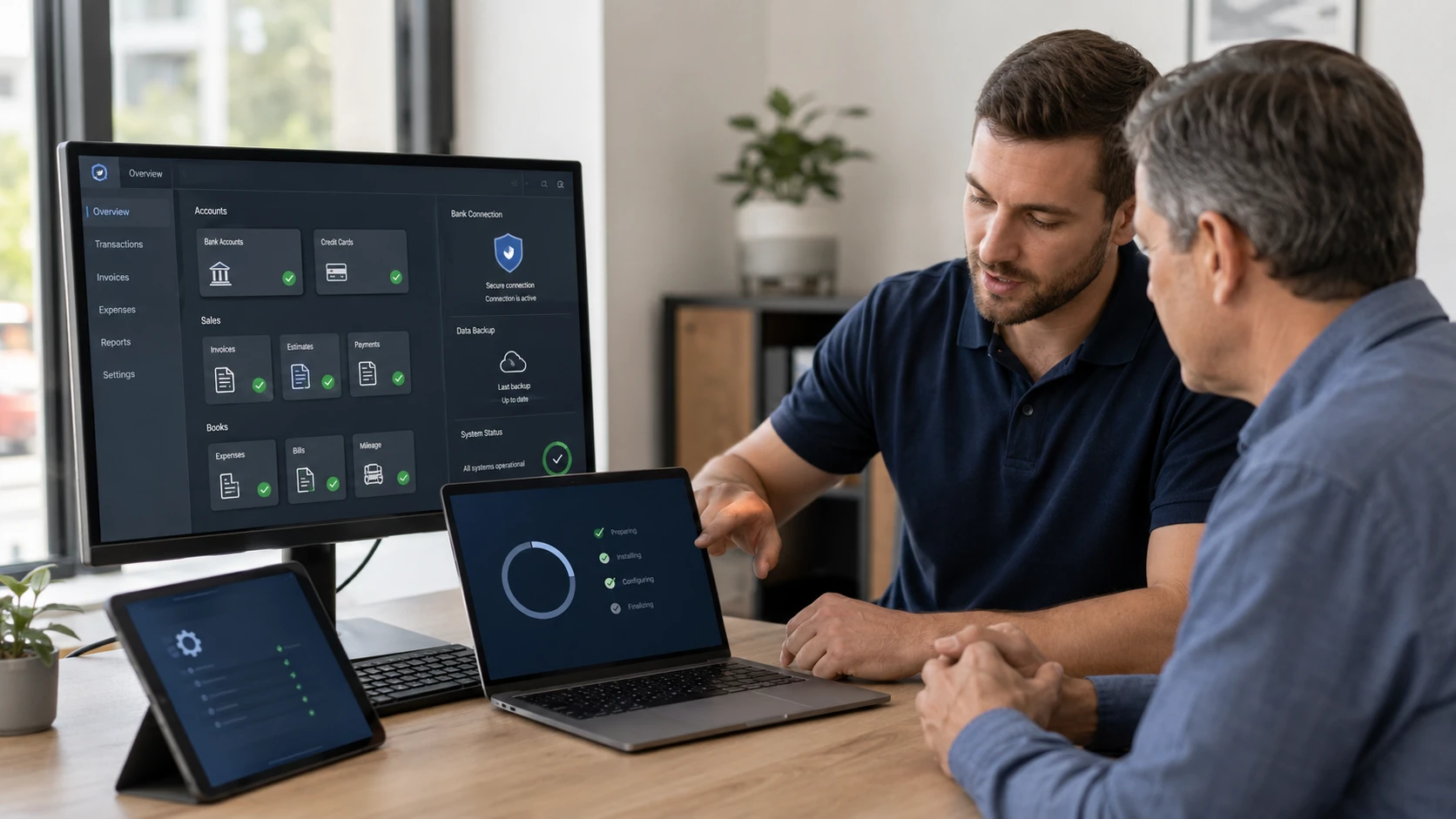
The conversions, company files, and “it will not open last year’s data.” Specialized business software is welcome. We work from your installer and your license, not a download from a blog.
Photos, video, audio
Lightroom, Photoshop, Premiere, Audacity, the editor you already paid for. GPU drivers matter here. We install, we activate with your account, we do not keep the serial in the ticket file.
Launchers and games
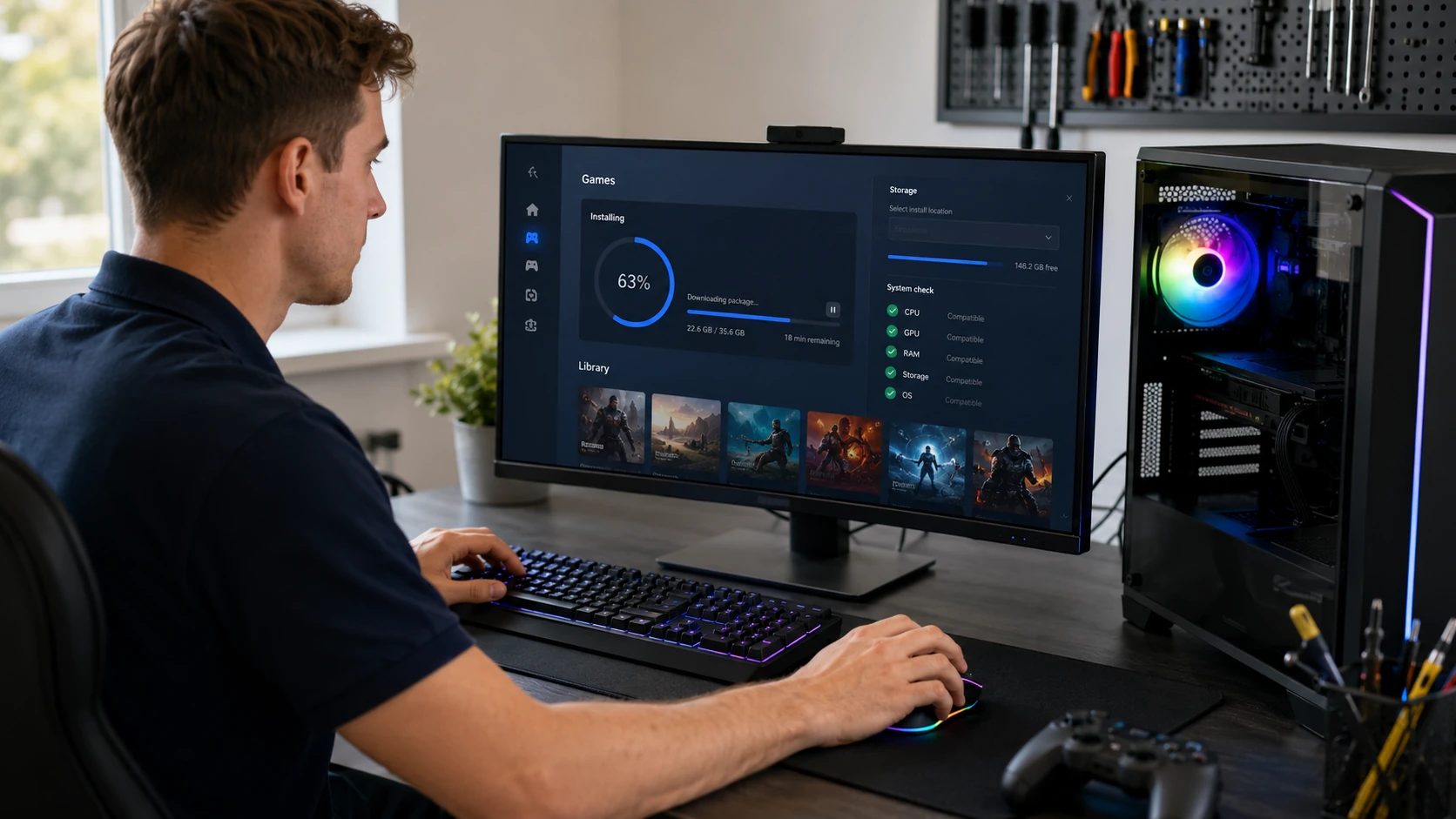
Steam, Epic, Xbox app, a title that will not launch after a GPU driver. We install what you own. We do not pirate games. Crashes after an OS reload are often a missing redistributable — we check that before blaming the card.
Zoom, Teams, FaceTime, Meet
Camera, mic, the right account, and a test call. After a malware cleanup this is often the software people need the same afternoon. We will not leave three meeting apps fighting over the microphone.
Licenses, updates, and a sit-down
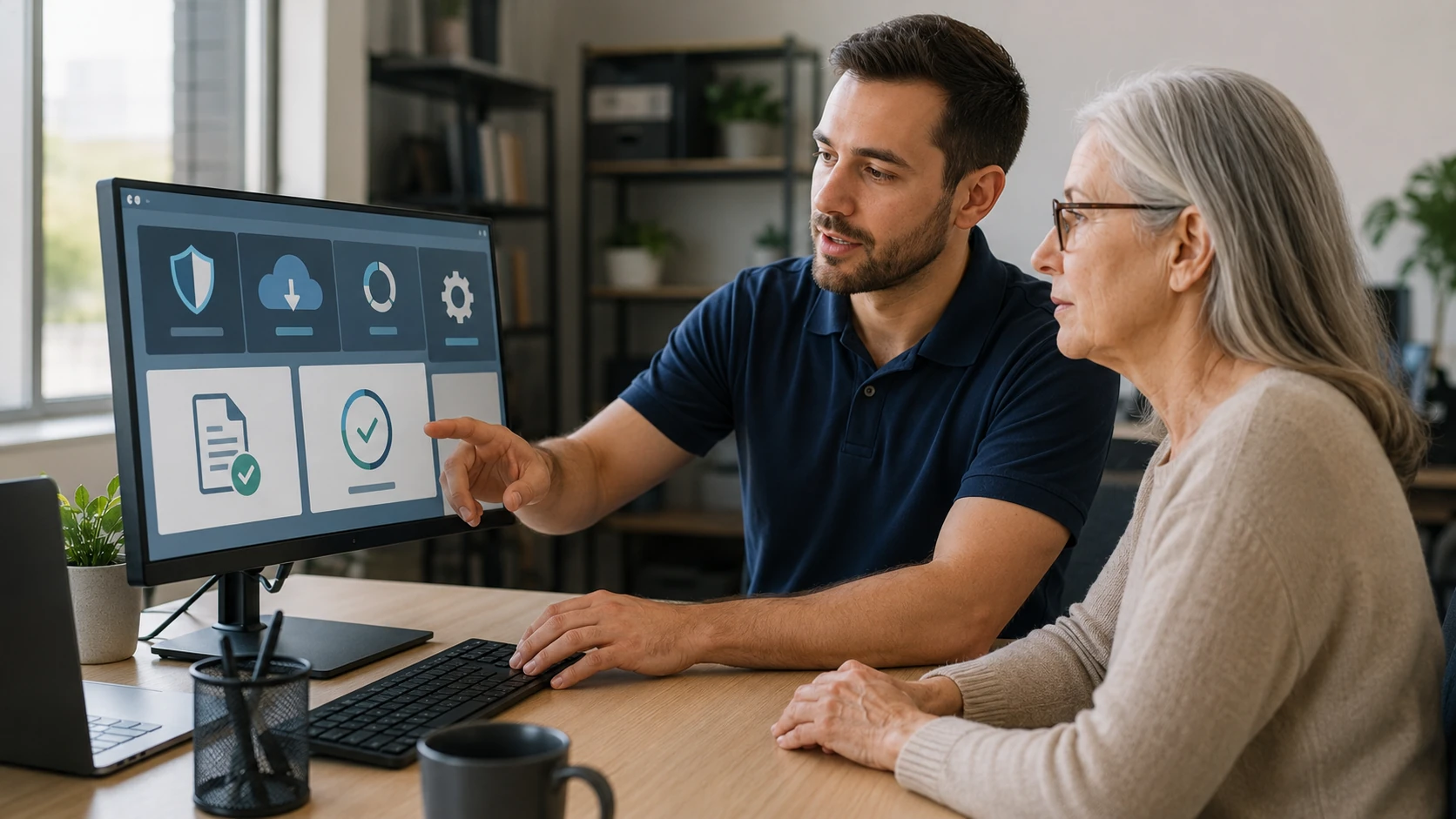
Where the license lives, how updates get applied, and a short lesson so you can open the file without us. Training is part of the job when you want it. We still will not store your product keys in the work order.
What customers said
Public Google reviews. Names as published. Dates omitted. Google Business Profile · all reviews
“Not only professional but thorough, detail oriented and can fix anything! Paul is also an excellent teacher, he helped my daughter build her first computer! She learned so much from him.”
Kathleen Kissam
“I knew I needed help to set two new computers in our home.”
Morriss Pendleton
“Anyone in need of excellent, professional expertise for technology related issues… call Paul with Bringing Your Tech To Life! Laptops, printers, smart phones, you name it—Paul knows it!”
Jena Nelson
Software FAQ
1. Can you install software for me?
Yes, when it is compatible, the OS supports it, and you have a valid license or subscription plus the installer or account.
2. Specialized business software?
Yes. We research, read vendor docs, and work with the developer’s support when needed. We will not fake expertise.
3. Help deciding what I need?
Yes — free vs paid, subscription vs perpetual, cloud vs local, features, compatibility, long-term cost. Not automatically the expensive one.
4. Pirated or unlicensed software?
No.
5. Configure after install?
Sign-in, preferences, updates, file associations, launch test. Deeper config may take more time.
6. Troubleshoot software you did not install?
Yes. Niche products may mean we loop in the vendor while we handle the PC.
7. Transfer files from my old computer?
Yes if the source is readable. A dead disk is recovery, not a copy job.
8. Transfer installed programs?
No. Reinstall with licenses.
9. Do you teach people to use it?
Yes — one-on-one, in person or remote, often with written notes and screenshots.
10. Remove bloatware?
Trial junk and duplicate AV, yes. Keep legitimate OEM tools that actually update firmware.
11. Steam / games / GPU software?
Yes, if you own it. We do not pirate games or install “free” Photoshop.
12. Do you store my product key?
No. Same rule as passwords.
Need software installed and actually set up?
Submit a ticket. Do not show up unannounced.