
King, NC · Danbury · Pinnacle · Tobaccoville · Germanton · Walnut Cove
Data backup in King, NC
A copy ransomware cannot encrypt, a clone before we reload Windows, and the stack of photo CDs that will not last forever. Sync is not a backup. RAID is not a backup. We set one you can restore.
Monday–Friday 9:00 AM–7:00 PM by appointment. Drop-off is scheduled when your ticket is near the top of the queue.
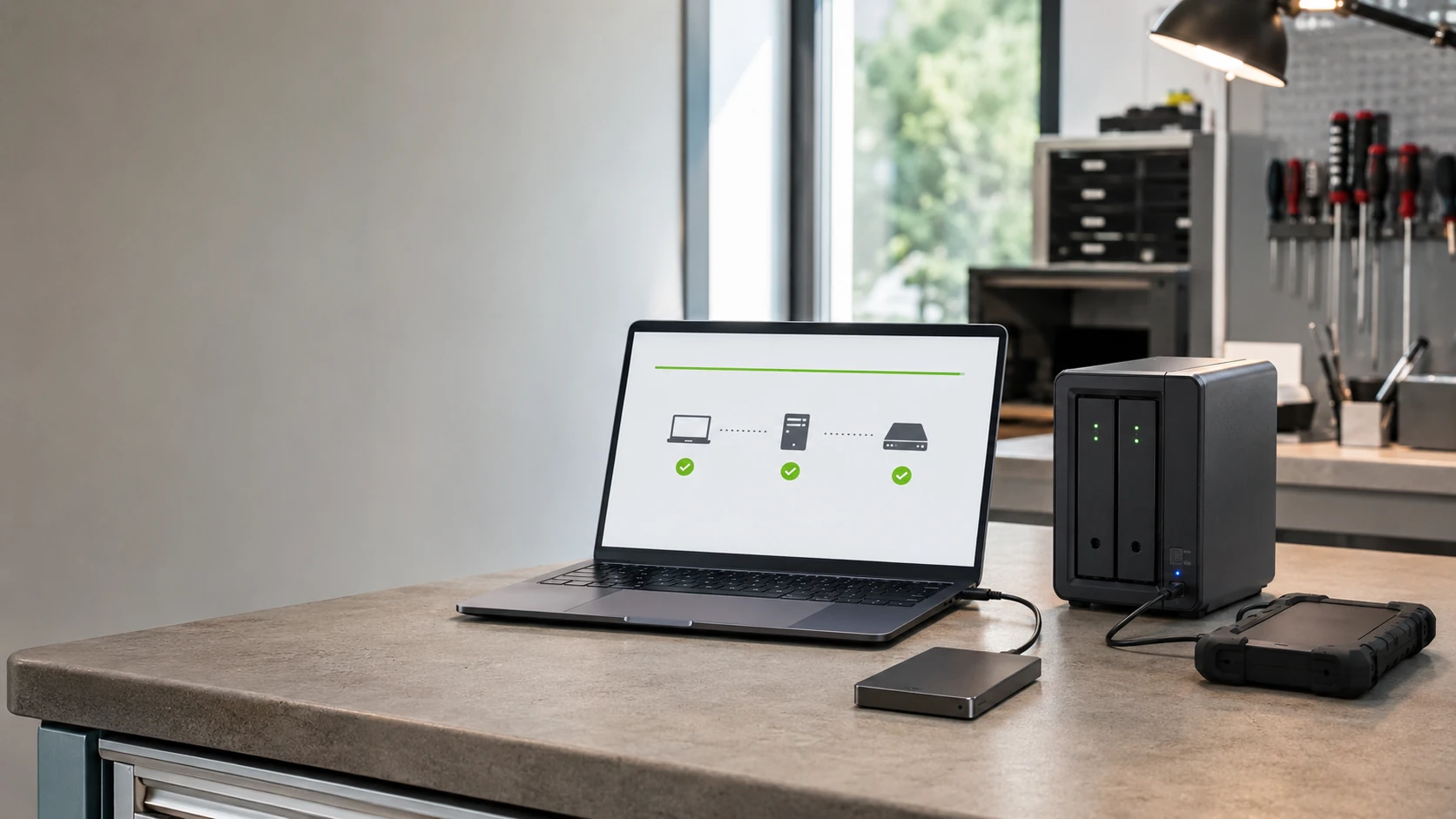
A backup is a restore you have already practiced
The ticket we do not want is the one after the disk dies and the only copy was a USB stick in the junk drawer. We clone when the drive still reads, we set a copy that is not mounted all day, and we restore one file in front of you when we can.
If the drive already failed, stop. That is data recovery, not this page. Cloud setup without a second copy lives on cloud solutions.
What we actually work on
 Ransomware-resistant | 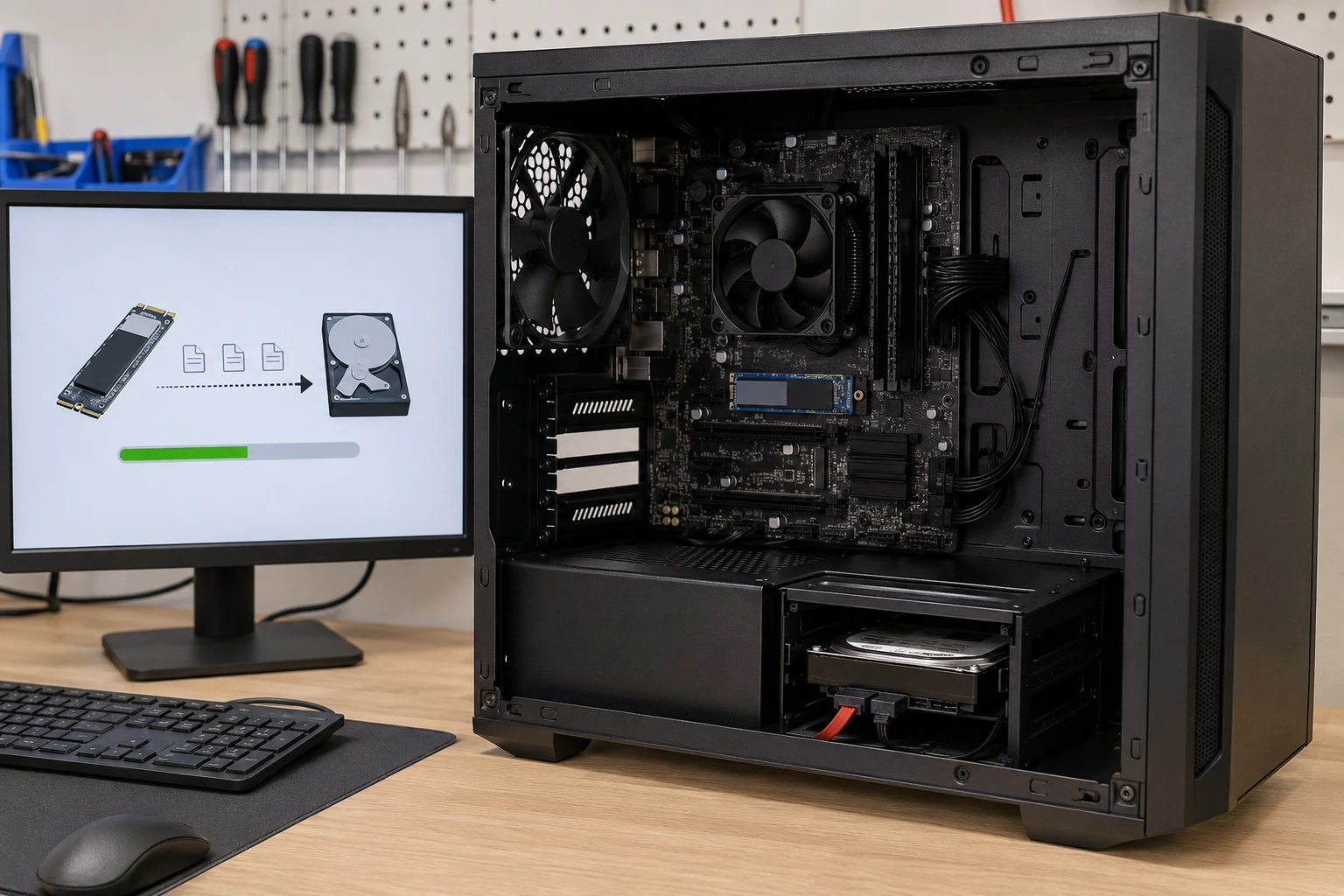 Internal drive clone |
 External HDD |  External SSD |
 USB sticks |  SD / microSD |
 CD / DVD migration |  Floppy migration |
 NAS | 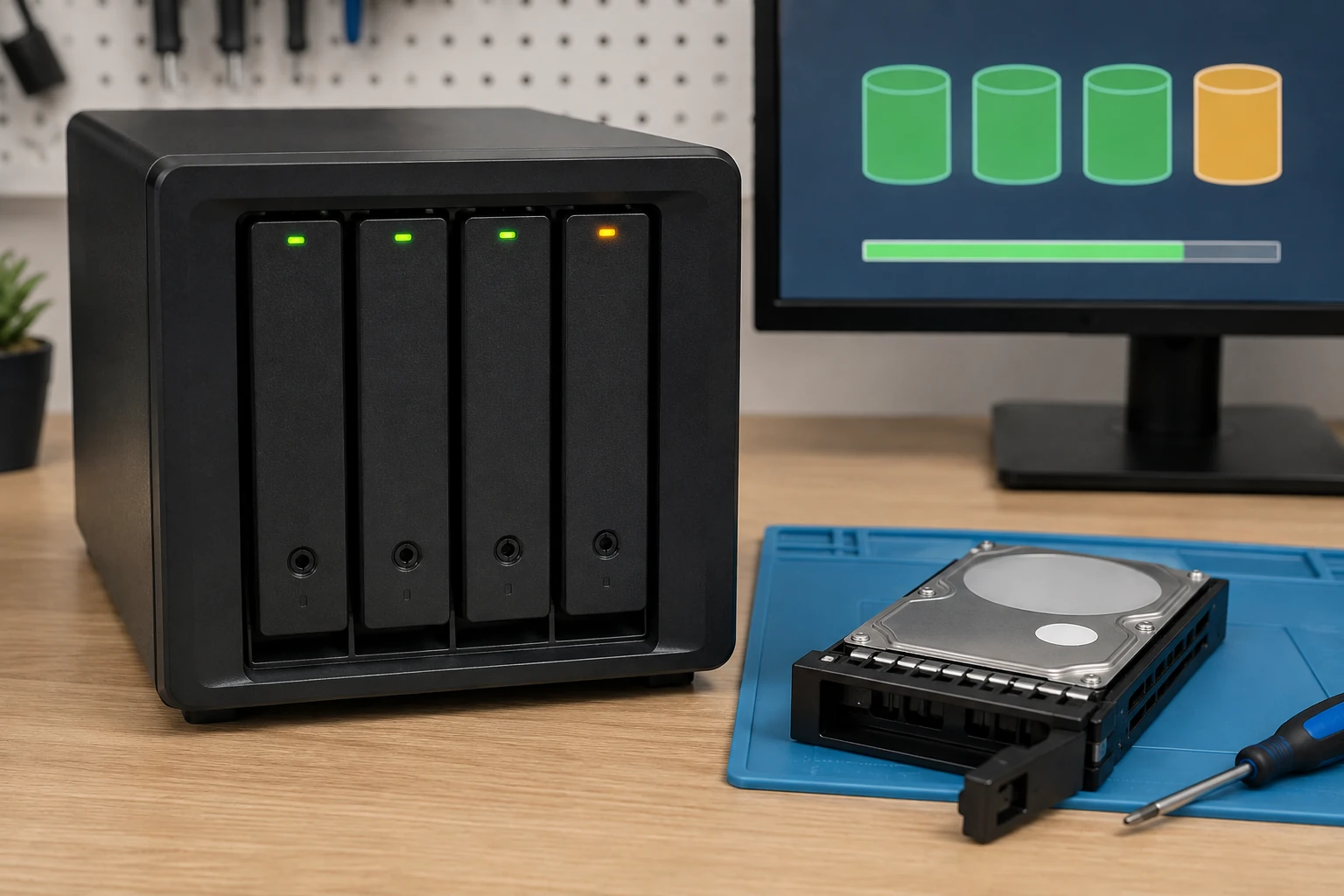 RAID redundancy |
 Cloud backup | 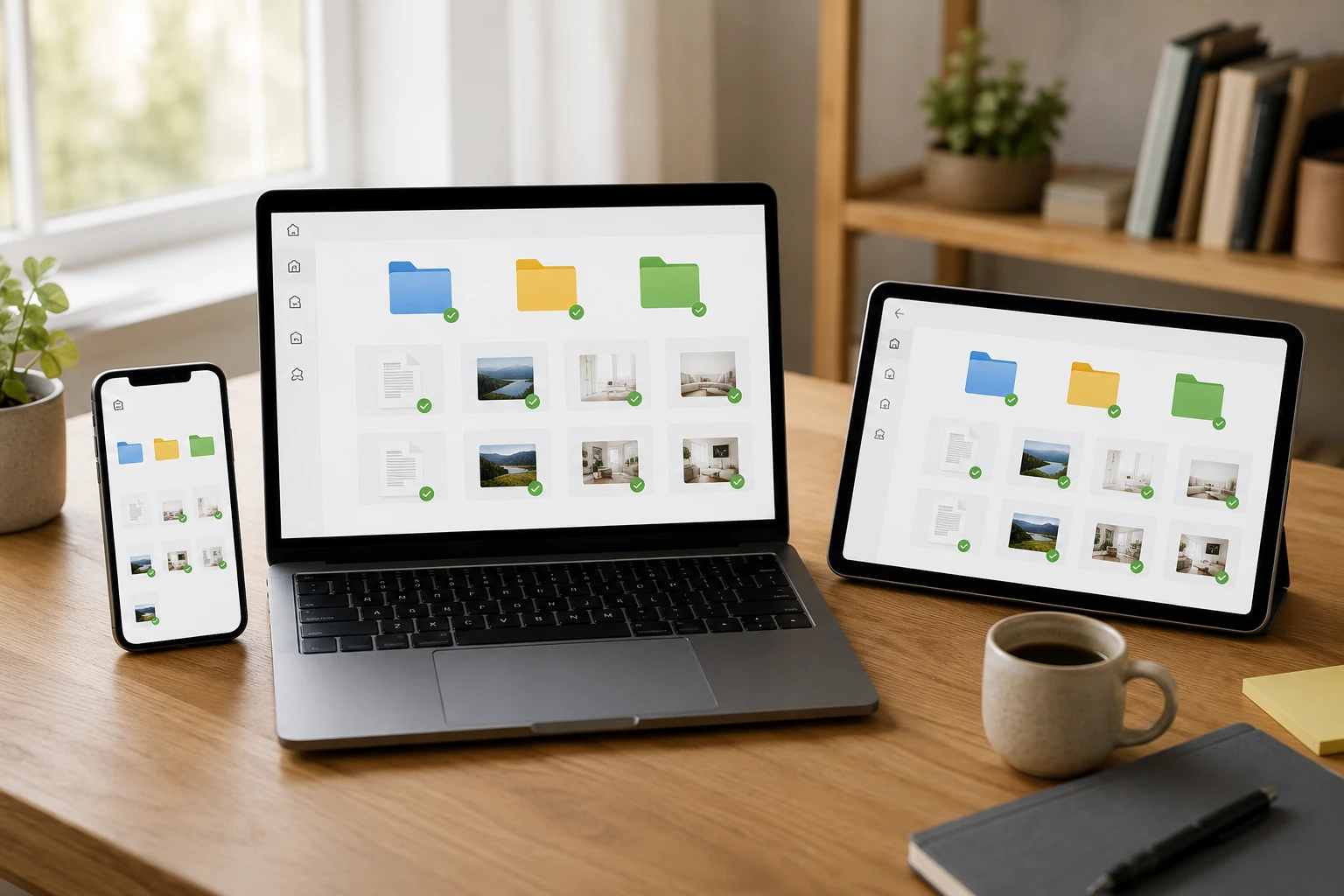 Cloud storage |
How the work actually goes
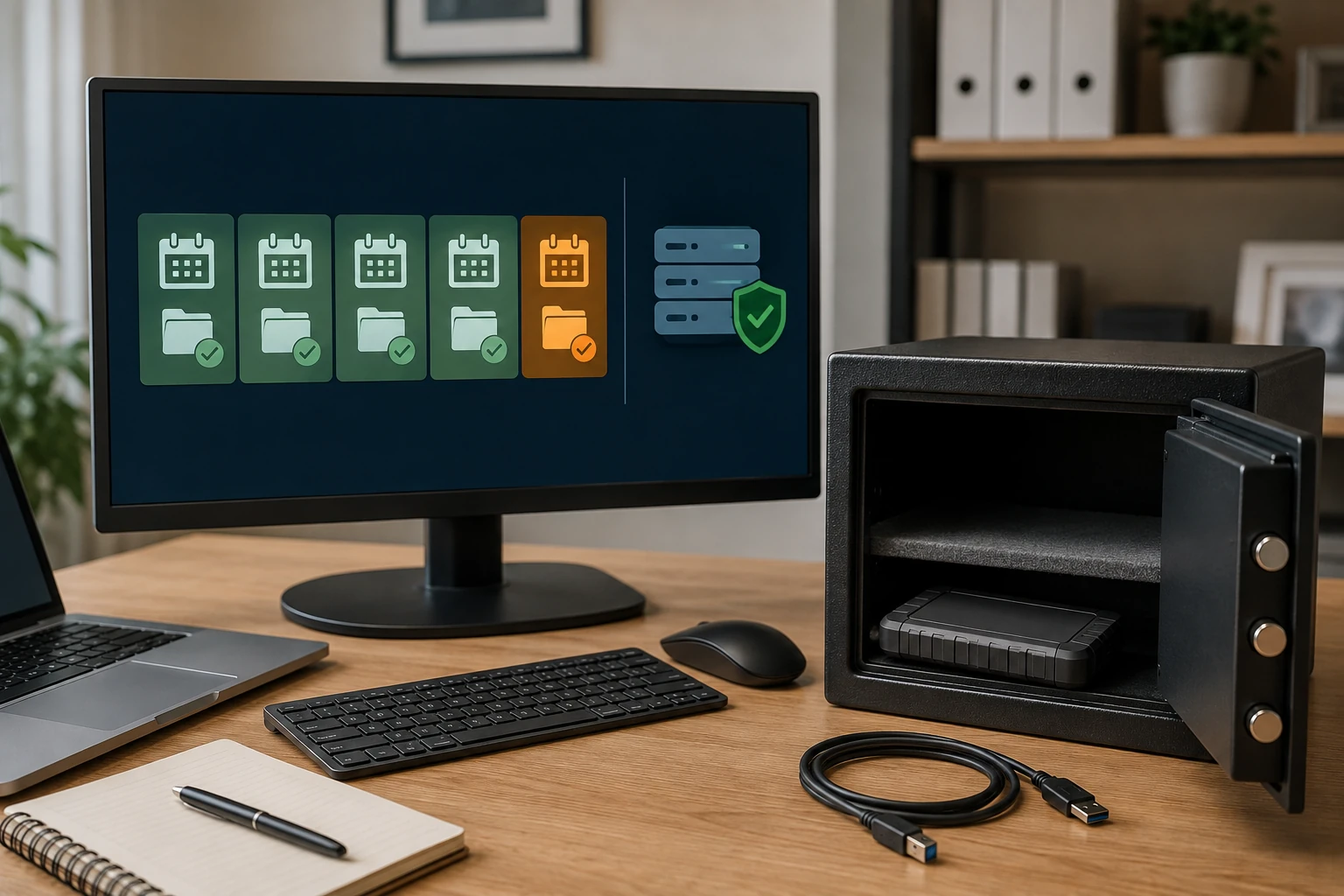
A copy ransomware cannot encrypt
If the backup disk is plugged in all day, the encryptor will find it. Versioning in the cloud, or a drive you unplug after the copy. We set that up on purpose. Sync folders do not count. See cloud solutions and security.
Clone the disk that is already in the machine
Before an OS reload, an SSD upgrade, or a dying disk, we clone when the drive still reads. That clone is how you keep programs and files. We keep it for 30 days after an OS job. If the drive does not read, that is data recovery — stop writing to it.
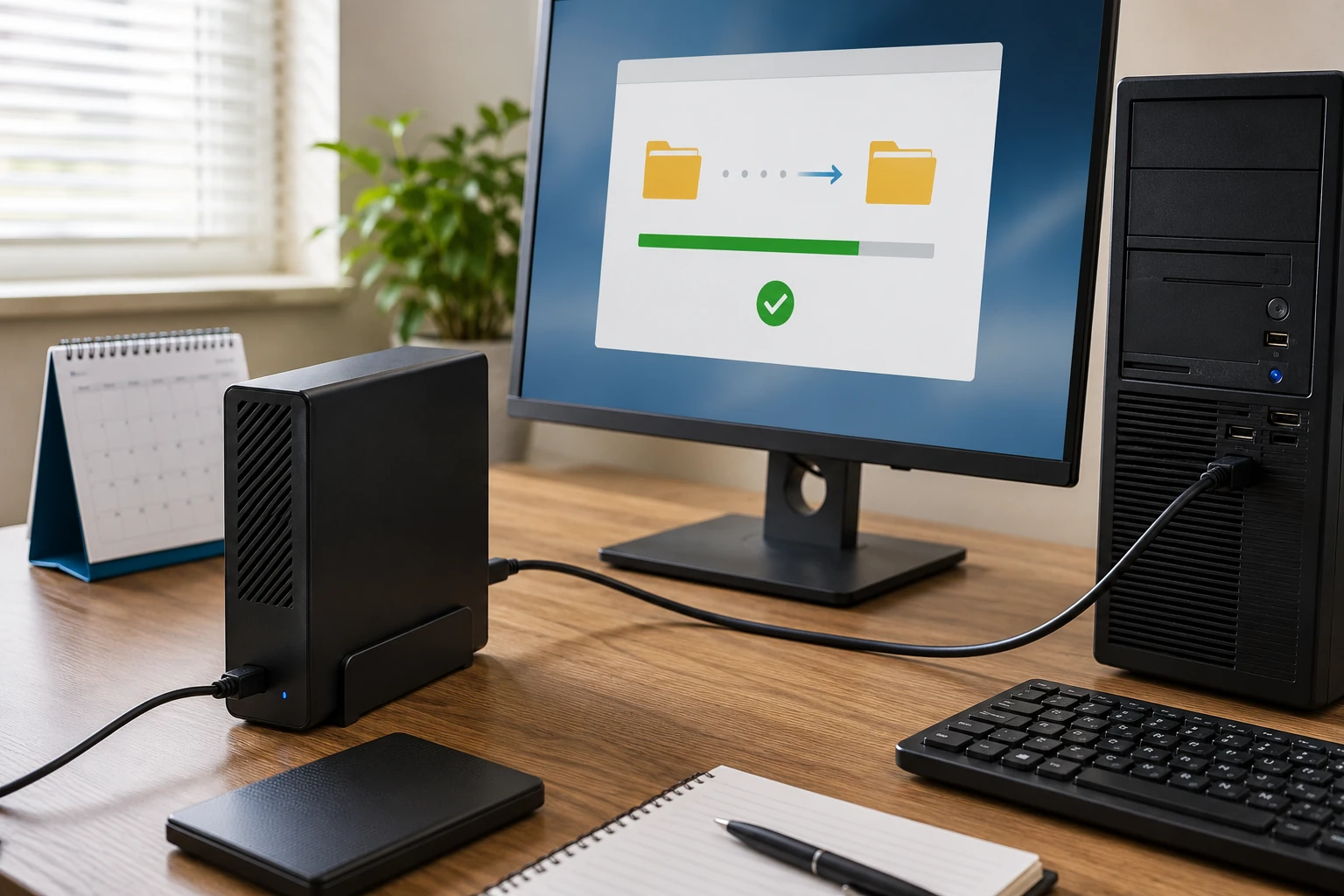
External hard drives
Cheap capacity. Fine for photos and a weekly copy — if you unplug it. We set the software, label the drive, and tell you when USB-powered spinning disks are a bad idea on a flaky port. Drives we supply keep the vendor warranty.
External SSDs
Faster, tougher in a bag, less capacity per dollar. Good for the laptop that travels to Winston-Salem every day. We match USB speed to the port you actually have. A USB 2 cable on a USB 4 drive is why people think SSDs are slow.
USB sticks are not a backup plan
Fine for a file you need at the accountant. Not fine as the only copy of the last ten years. We will copy what is on the stick, and we will say when it is time for a real drive. Sticks fail without SMART warnings.
Camera cards and phone storage
Wedding photos that only live on a microSD are one drop from gone. We copy cards to a disk you keep, and we talk about what the camera should do after each shoot. Do not format the card until you have opened the copy.
Discs that will not last forever
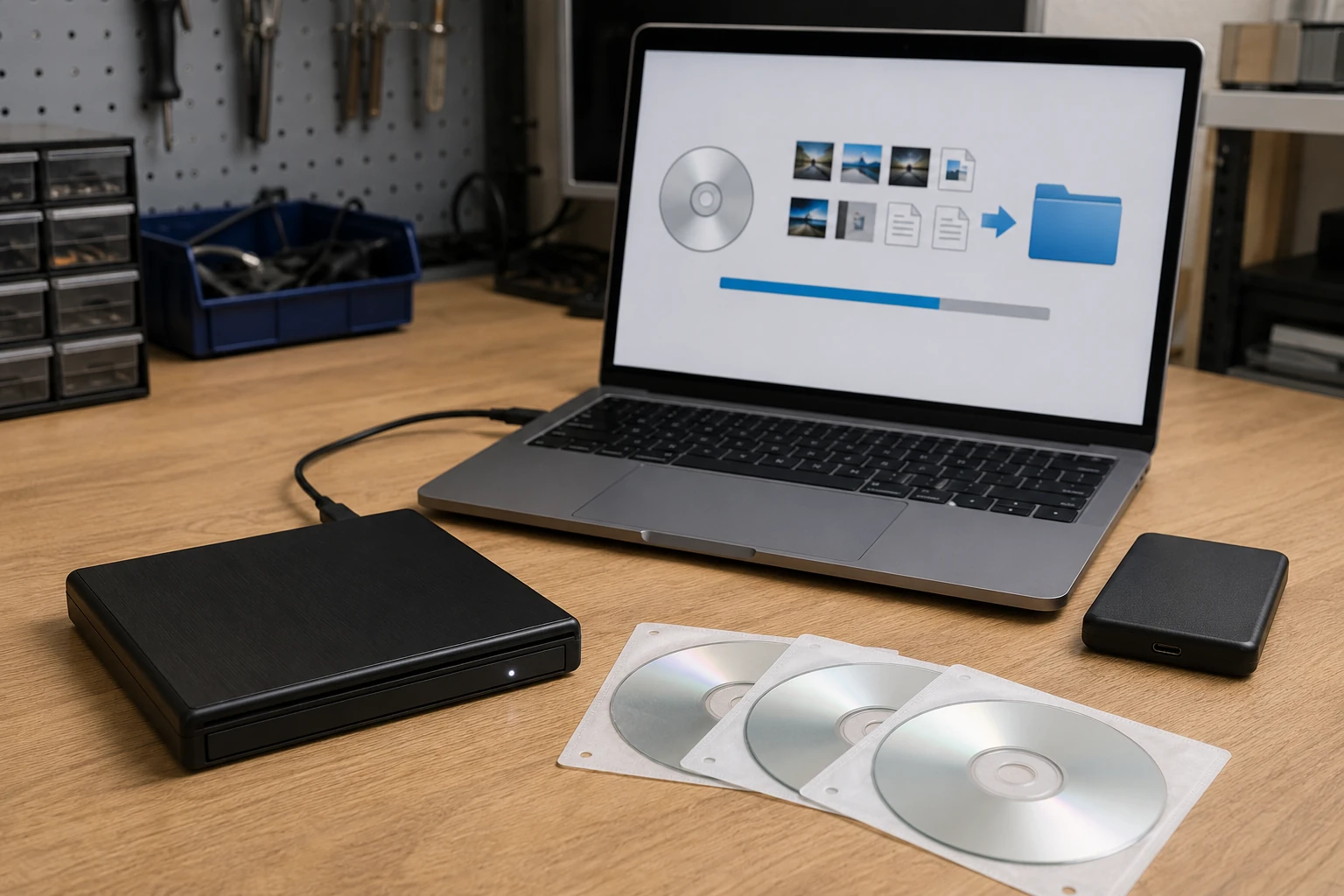
Photo CDs from 2004, tax DVDs, a stack of burned backups. Discs rot. We rip what still reads to a disk or cloud you control. Some commercial DVDs are copy-protected — we migrate your data, not a movie collection.
Floppy disks, if they still read
Yes, people still bring them. Quicken files, old CAD, a will someone saved in 1998. We have the hardware. Success depends on the disk, not on hope. We copy what reads and tell you what did not.
NAS — a disk on the network
A box on the LAN the whole house can see. Useful. Not a backup if it is the only copy and it sits in the same room as the PC. We set shares, users, and a second copy offsite or on a USB you rotate. RAID is not a backup. See below.
RAID is redundancy, not a backup
RAID keeps the office running when one disk dies. It does not protect you from ransomware, fire, or “I deleted the folder.” We will say when RAID makes sense and when a second copy in another building is the actual plan.
Cloud backup (versioned)
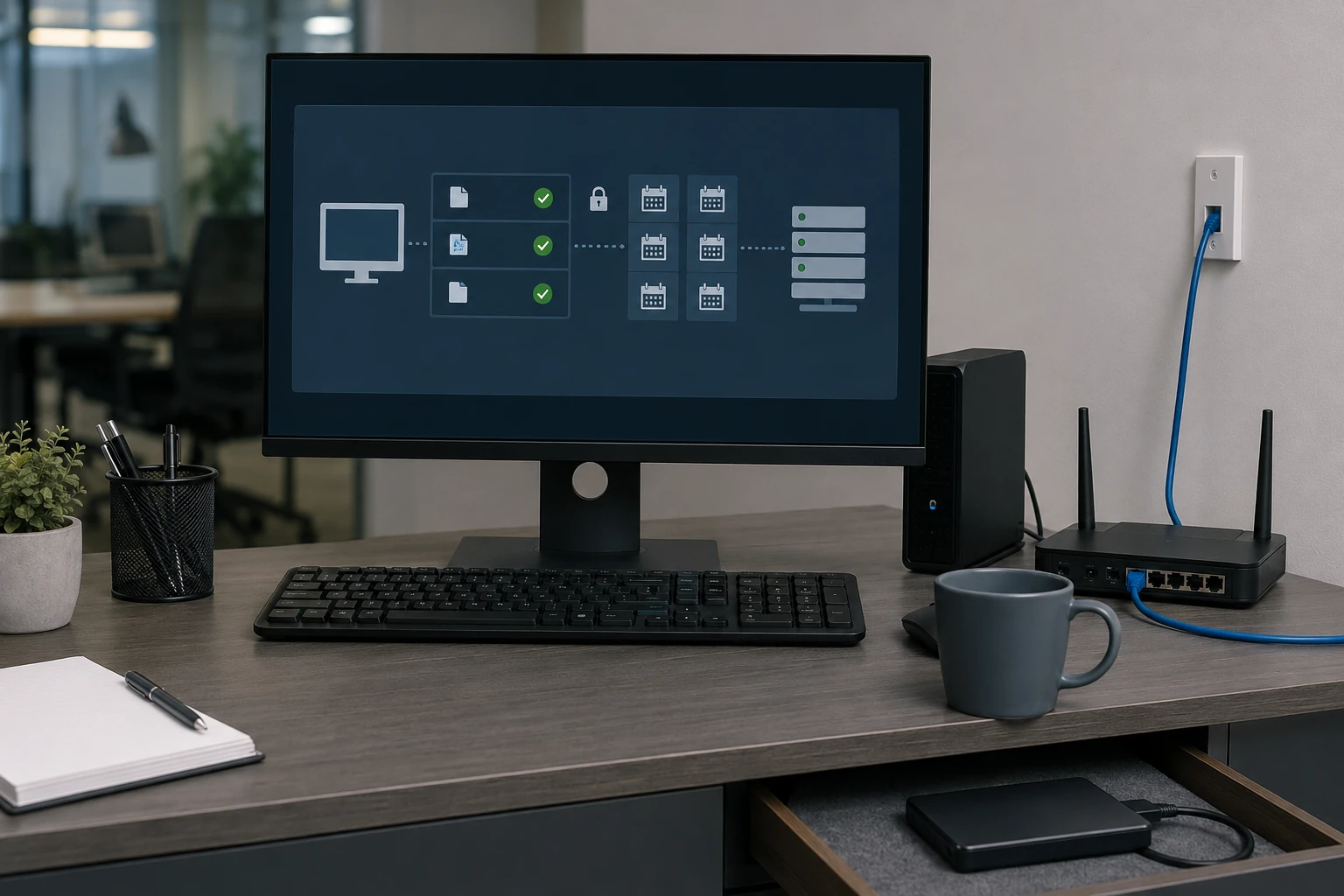
Offsite by default. We pick a product that versions files, set the schedule, and test a restore. Rural upload speed is part of the quote conversation — not a surprise after week two. This is not the same as a sync folder.
Cloud storage for sharing
Drive, OneDrive, Dropbox — good for files you want on every device. Bad as the only backup. We set storage when that is the job, and we still want a copy that is not mounted all day. Cloud solutions is the sister page.
What customers said
Public Google reviews. Names as published. Dates omitted. Google Business Profile · all reviews
“Super fast and great price! 5 Star Service was performed on my HP Laptop. They replaced the aging and slow hard disk drive to a fast solid state drive and optimized Windows 11 for the best possible performance. I appreciated the fact that they took the time to explain the storage drive options available including brands, speeds and warranty differences.”
william zwigard
“I have been a client of Bringing Your Tech to Life since 2013. I have found him to be honest, knowledgeable, trustworthy and prompt. They have trouble shot many problems I’ve had plus also cleaning up both my desktop PC and laptop when the need arose. He’s also given me good advise on the best way to solve some problems that required purchasing replacement components.”
Faye Felt
“Paul is a pleasure to work with. Highly attentive to detail and professional. He was able to pinpoint and fix network issues I was experiencing at my office. He also provided advice for updates with my network and computer. It’s rare to find someone near King experienced with Mac based systems. He was also able to replace the hard drive with a new Solid State drive.”
Derrick Carroll
Backup FAQ
1. Is a USB stick a backup?
No. Fine for a file you need this week. Not fine as the only copy of the last ten years.
2. Is RAID a backup?
No. RAID keeps you running when one disk dies. It does not protect you from ransomware, fire, or a deleted folder.
3. Is cloud sync a backup?
Not by itself. See cloud solutions. Versioned cloud backup is different from a folder that sits mounted all day.
4. Do you clone before an OS reload?
Yes, when the drive still reads. We keep that clone 30 days. OS install.
5. Can you copy old CDs, DVDs, floppies, and camera cards?
Yes, what still reads. Discs rot. Say so on the ticket if that stack is the only copy of the photos.
6. What if the drive already failed?
That is data recovery. Stop using it. Do not install backup software onto it.
7. Do you test a restore?
Yes. A backup nobody has restored from is a story. We restore one file in front of you when we can.
8. Appointment?
Yes. Call or submit a ticket.
Want a copy you can actually restore?
Submit a ticket. Do not show up unannounced.