
King, NC · Danbury · Pinnacle · Tobaccoville · Germanton · Walnut Cove
Phone repair in King, NC
Cracked glass, a battery that dies at lunch, a charge port that only works at an angle. iPhone, Samsung, Google, Motorola, and the rest — if the part can be sourced and the repair makes sense, we will say so before we order.
Monday–Friday 9:00 AM–7:00 PM by appointment. Drop-off is scheduled when your ticket is near the top of the queue.
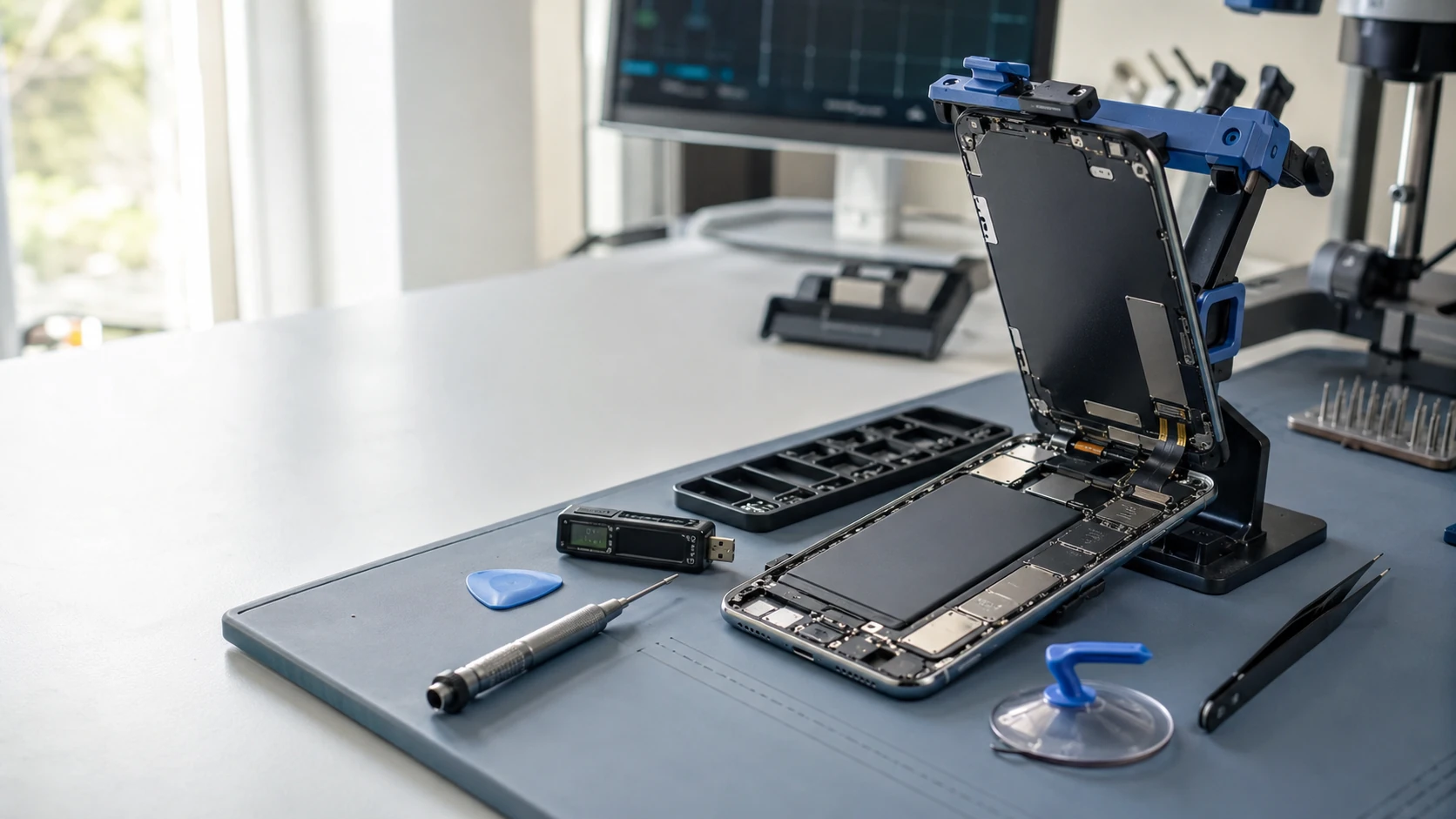
The phone is how the rest of life runs
Work email, 2FA codes, photos, the only camera in the house. When the glass goes or it will not charge, we diagnose first. Labor on the completed service is covered for 90 days. Parts we supply keep the vendor warranty. We do not bypass Activation Lock or carrier locks — passwords.
Parts from trusted U.S. suppliers. We will tell you when a manufacturer pairs a screen or battery so a cheap part leaves a feature dead. You approve the work.
What we actually work on
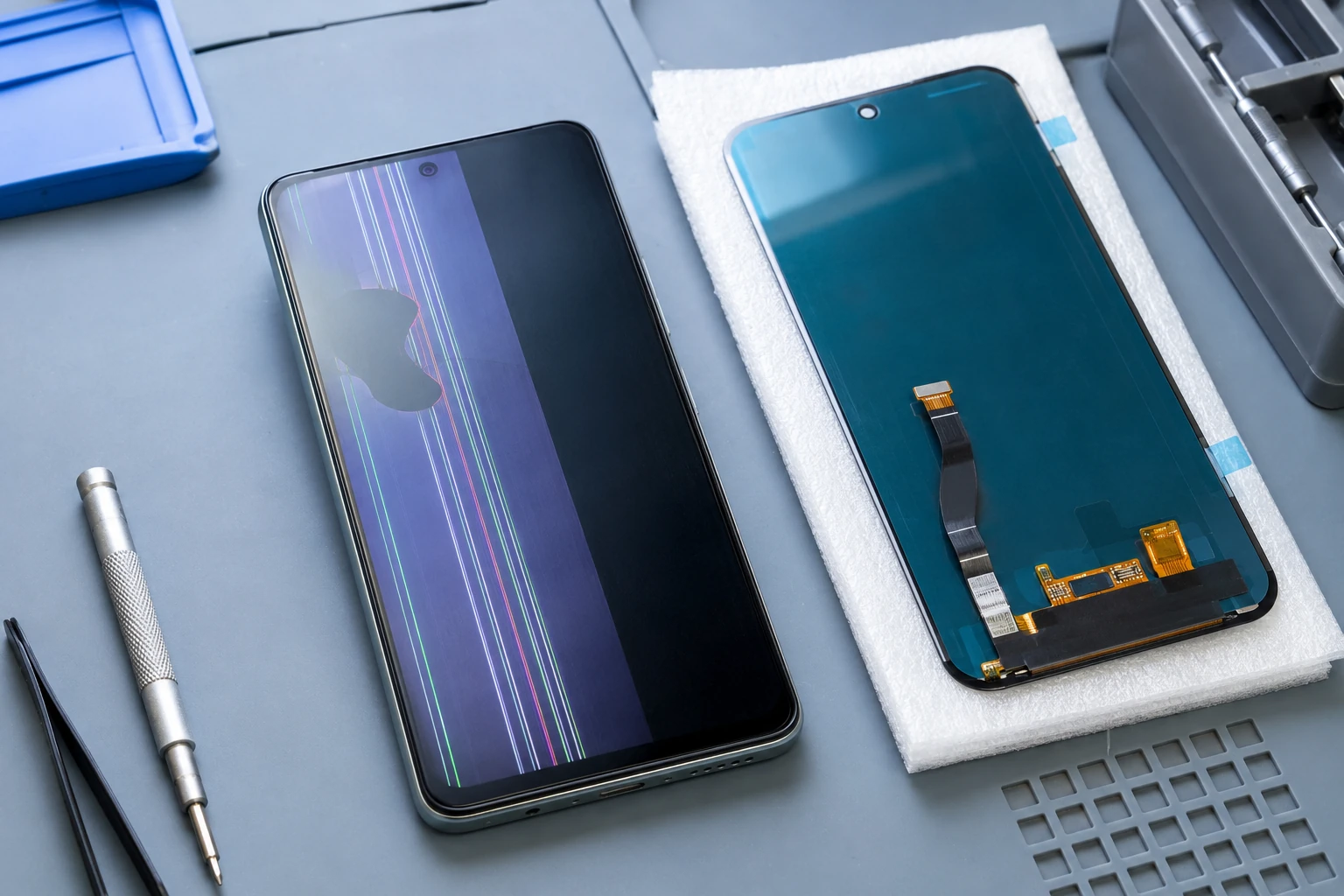 Screen replacement |  Digitizer / touch |
 Battery |  Charge port |
 Logic board | 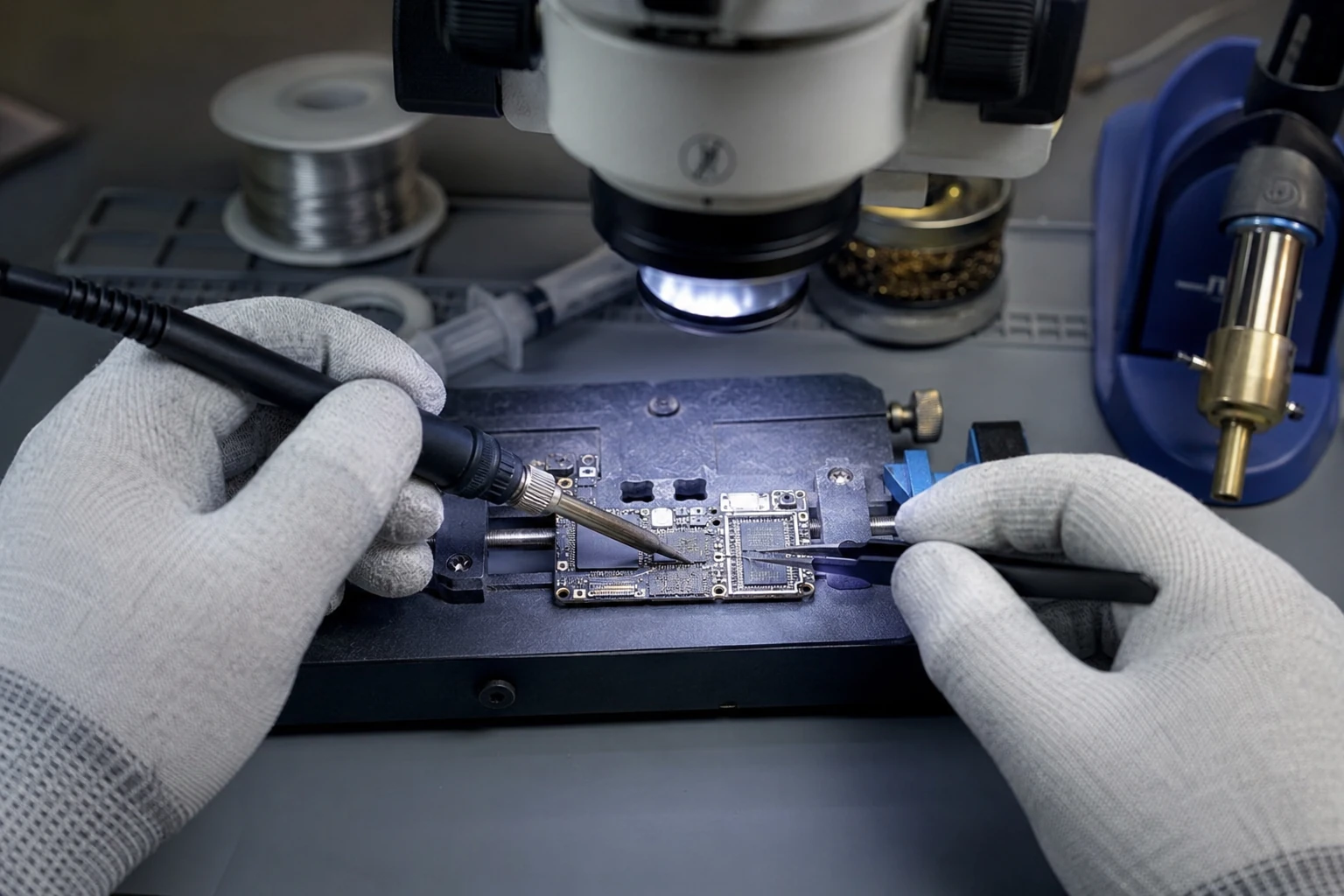 Microsoldering |
 iOS & Android | 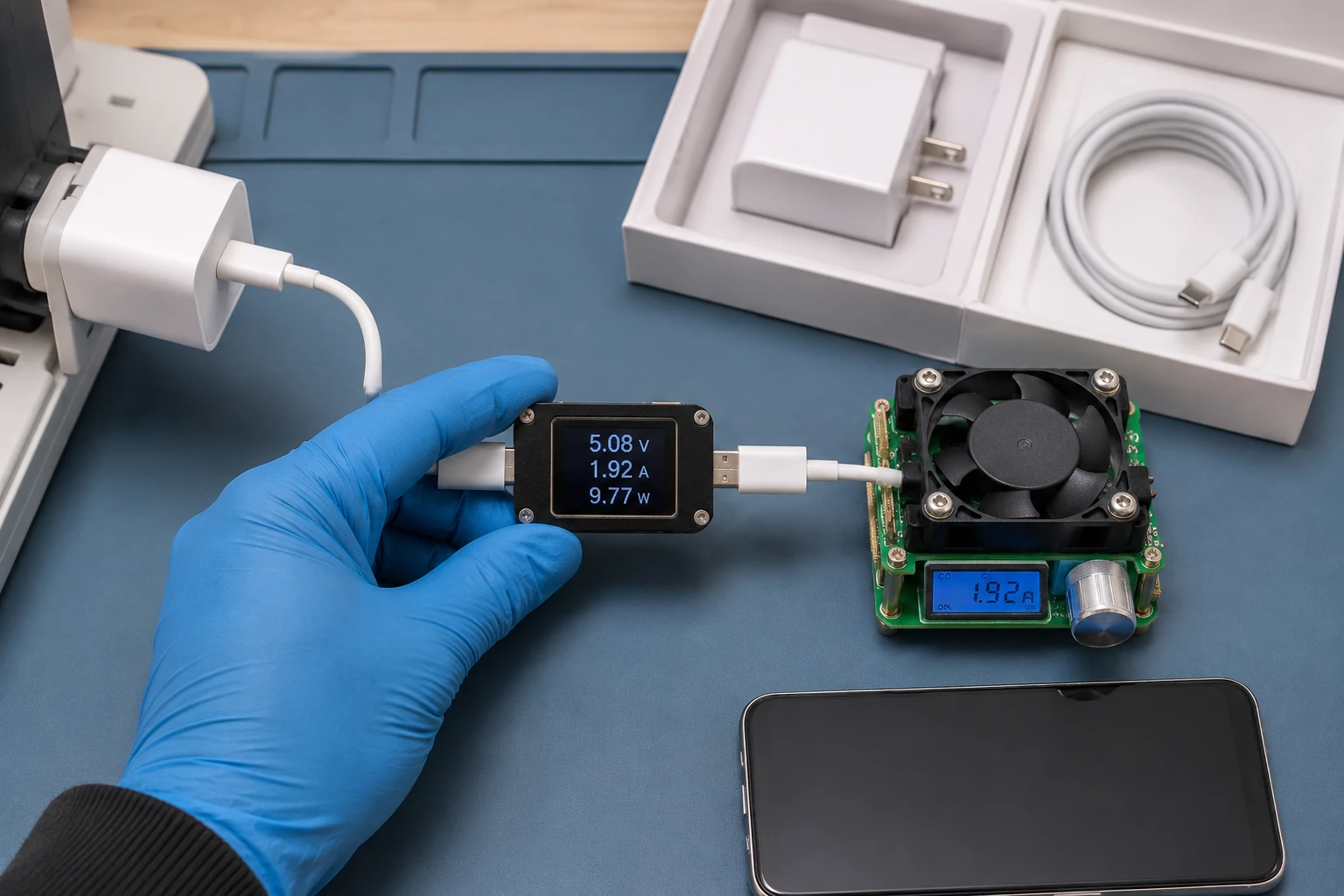 Charger |
 Accessories |
How the work actually goes
Broken glass, black display, lines
Most phone tickets start here. The correct panel depends on model, OLED vs LCD, refresh rate, and whether the fingerprint reader is in the glass. Some makers pair the display. We source from trusted U.S. vendors and tell you before we order if Face ID or the fingerprint reader will not survive a third-party screen.
Touch that does not track
The picture is fine and the touch is not — or only half the screen registers. On many phones the glass and the display are one assembly. On some they are not. We will say which you are paying for. Ghost-touch after a cheap screen is usually the cheap screen.
Battery — including swollen packs
Dies at 40%, shuts off in the cold, or the back glass is lifting. Stop charging a swollen pack. We replace the battery with a part we can stand behind, not a mystery cell. Some makers pair batteries. When that pairing cannot be completed honestly, we say so rather than leave you with a warning you cannot clear.
Will not charge, or only charges at an angle
Lint in the USB-C or Lightning port is the first look. Then the connector, then the daughterboard, then the charging IC. We meter the cable and brick. A cheap surprise charger is how charging ICs die. Right volts, amps, and a cable that is not in pieces.
Logic-board repair
No power, no boot, or a phone that only lives on the charger. Sometimes a board-level repair is cheaper than a new phone. Sometimes it is not. Water damage and a dropped phone that will not come on are in this bucket. We will not quote a fantasy success rate.
Microsoldering
Charge ICs, backlight, connectors torn off the board. Microscope work. When the honest path is a specialist or a replacement board, we say that. We do not solder a cracked OLED back together. Glass is a part. The board is where microsoldering belongs.
Software that will not boot
Update loops, boot loops, a phone stuck on the logo. We try to repair the OS without wiping when the data matters. A factory reset is a last step, not a first one, and we say so before we erase your photos. Activation Lock and FRP are not bypass jobs — see passwords.
Chargers and cables
We meter what you brought. OEM when we can. A random cable that gets hot is not a charging standard. After a port repair we will often send you home with a known-good brick so the next ticket is not the same IC.
Cases, glass, and the next drop
After a screen job we will often recommend a protector and a case that actually covers the corners. Not because we run a gift shop — because the next drop should kill a film, not another panel. We will say when a better case is smarter than another repair.
What phone customers said
Public reviews that mention phone repair. Names as published. Dates omitted. Google Business Profile · all reviews
“Did an excellent job repairing my Dell Inspiron Laptop that had liquid damage and upgraded the Hard Disk Drive to a Solid State Drive. They also replaced the screen on my wife’s Google Pixel smart phone. Will use again.”
Jordan Roddy
“Paul did a great job for us. We were very impressed with his knowledge and his professional and personable demeanor. He replaced the screen on an Apple phone and replaced the audio speaker and battery on a Droid.”
Jeanne Perkins
“Anyone in need of excellent, professional expertise for technology related issues… call Paul with Bringing Your Tech To Life! Laptops, printers, smart phones, you name it—Paul knows it!”
Jena Nelson
Phone repair FAQ
1. What phone problems do you repair?
Screens, batteries (including swollen), USB-C and Lightning, logic boards and microsoldering, cameras, speakers, mics, buttons, flex cables, iOS/Android, data recovery, liquid evaluation, biometrics, chargers — if the part exists and the math works.
2. What brands?
Apple, Samsung, Google, Motorola, OnePlus, LG, Sony, Nokia, ASUS, HTC, and others. The limit is usually parts, not the logo. Injured Gadgets, MobileSentrix, and similar U.S. vendors.
3. iPhones?
Yes — displays, batteries, ports, cameras, speakers, mics, buttons, logic boards, Face ID / Touch ID hardware, software, data. Many parts are paired to that phone. The model decides the approach.
4. Samsung Galaxy?
Yes. Screens, batteries, charging, cameras, software, board-level, data — when parts exist. These are a large share of what we see.
5. Google Pixel?
Yes, when parts and procedures exist. Pairing and calibration apply here too. We explain limits before we start.
6. Broken screens?
Yes. Glass, blobs, lines, flicker, no image, color issues, dead or ghost touch. Modern phones are a bonded assembly. We replace that assembly.
7. Glass only?
Usually not. We do not separate bonded digitizers in-house.
8. Battery replacement?
Yes, if the correct cell exists. Swollen: stop charging, keep it out of heat, bring it in.
9. Will not charge?
Cable, brick, USB-C or Lightning, daughterboard, battery, charging ICs, solder. We test the path.
10. USB-C or Lightning ports?
Clean, reflow, replace the connector, replace the daughterboard, or board-level — depending on what actually failed.
11. Liquid damage?
Sometimes. Corrosion and shorts can be cleaned and soldered. On modern phones, board work is often for data, not a long-term daily driver. Recovery is not guaranteed.
12. Motherboard / logic board?
When cost and condition justify it: board price vs labor, damage, device value, how badly you need the files, whether storage is married to that board.
13. Microsoldering?
Yes — ports, power, traces, pads, corrosion, small parts, biometric transfers, some data procedures. Heavier work may go to a partner.
14. Cameras, speakers, mics, buttons?
Yes, when the replacement will actually work. Some cameras and sensors are paired.
15. Face ID / Touch ID / fingerprints?
Sometimes. Original hardware usually has to be preserved or transferred. Lose it and the feature may be gone by design. If only Apple or Samsung can calibrate it, we say so before you spend.
16. Why are parts electronically paired?
Theft and privacy. A replacement can physically fit and still leave Face ID, True Tone, or a camera disabled without the original paired bit or a supported calibration.
17. iOS or Android software?
Boot loops, failed updates, crashes, corruption, resale wipes, app and account setup. Platform and state of the OS decide the path.
18. Reset or reinstall?
Yes when the device allows it. Turn off Find My / device lock first. We talk data before a wipe when we can.
19. Data from a phone that will not boot?
Hard. NAND is often soldered and encrypted to that CPU. Worst case is moving original chips onto a donor board long enough to copy files to a USB/SSD. That is extraction, not a daily-driver repair. Data recovery.
20. Data with a broken screen?
Often, if the phone still runs. Screen, temporary display, backups, other connections. Encryption and damage decide it.
21. Deleted photos?
Unpredictable on modern encrypted phones. Stop using it. Continued use overwrites what might have been left. We will tell you what is realistic.
22. Bent or crushed?
Sometimes. Frame damage takes battery, board, cameras, port, and flex with it. Worse than described on the ticket = new quote.
23. Frames and housings?
Yes when parts exist — midframe, rear housing, back glass, full chassis. Model decides.
24. Cracked back glass?
Sometimes a pane, sometimes the whole housing. We quote the design, not a heat-gun stunt that kills wireless charging.
25. Power and volume buttons?
Yes — button, flex, bracket, or solder, if the part exists.
26. Cellular, Wi-Fi, Bluetooth?
Antennas, flex, daughterboards, SIM hardware, software, baseband. Diagnose first. Cellular radio work can be a different league from “Wi-Fi dropped.”
27. SIM or eSIM?
Physical SIM: tray, reader, contacts, board. eSIM is often carrier provisioning. If it is the carrier, we will not charge you for a solder job you do not need.
28. Carrier unlock?
That is the wireless carrier. We can explain the legitimate process. We do not bypass locks or security.
29. Hacked, remotely accessed, compromised?
Simple malware: cleanup. Account theft, remote-access scams, banking fraud, identity issues, multiple devices: Digital Security Incident Response.
30. Do phones get viruses?
Yes — malicious apps, phishing, stealers, browser scams, remote-access tools, bad profiles, session theft, social engineering. Not every incident is a “virus.”
31. Diagnostics?
Not every cracked screen needs a full workup. No power, liquid, intermittent faults, and board damage do. Crushed on arrival is a new conversation.
32. Is it worth repairing?
Age, value, replacement cost, OS/security support, parts, structure, data, how you use it, ecosystem (iMessage, photos, work MDM). We recommend. You decide.
33. Older phones?
If parts exist. A phone that still powers on but no longer gets security updates is a poor choice for banking. We will say that before you put serious money into it.
34. Chargers and cables?
We test yours first. OEM or a reputable third party that matches the spec.
35. Cases and screen protectors?
Buy them where you already shop. After a screen, a protector is cheap insurance. Kids and job sites especially.
36. My own part?
Yes. If we buy it: you pay what we paid (card fees passed through), original invoice, we check fit, we handle DOA and eligible RMAs. If you supply it: no parts warranty from us; returns are yours unless you hire us to fight the vendor.
37. Warranty?
90 days on labor. Parts we supply follow the vendor warranty; we keep the docs and can run the RMA. Client-supplied parts: not warranted by us. Guarantee · terms.
38. Documentation?
Written notes, findings, photos of internal damage when useful, logs, parts, recommendations. Passwords are not stored.
39. Manufacturer restrictions?
Pairing and calibration can block biometrics, displays, cameras, batteries, and boards. If we cannot complete it legitimately, we tell you instead of installing a part that leaves Face ID dead.
40. Why does repairability matter on the next phone?
Two phones with the same spec sheet can have wildly different repair bills: glue, paired parts, soldered storage, battery under a glued display, maker policy. Cheap to buy is not cheap to own. Ask before you checkout.
Ready to start a phone repair?
Submit a ticket. We will tell you when to bring it. Do not show up unannounced.