
Independent PC Repair · Acer, Dell, HP, Lenovo & more
A PC Shop Built Around What You Need the Computer to Do
Buying a computer should start with what you need it to accomplish — not which manufacturer’s logo happens to be on sale this week. Bringing Your Tech to Life helps clients compare laptops, desktops, workstations and custom computers based on workload, budget, expected lifespan, repairability and the way the system will actually be used.
Request a consultation on a ticket. Submitting a ticket begins the review process. It does not automatically schedule an appointment.
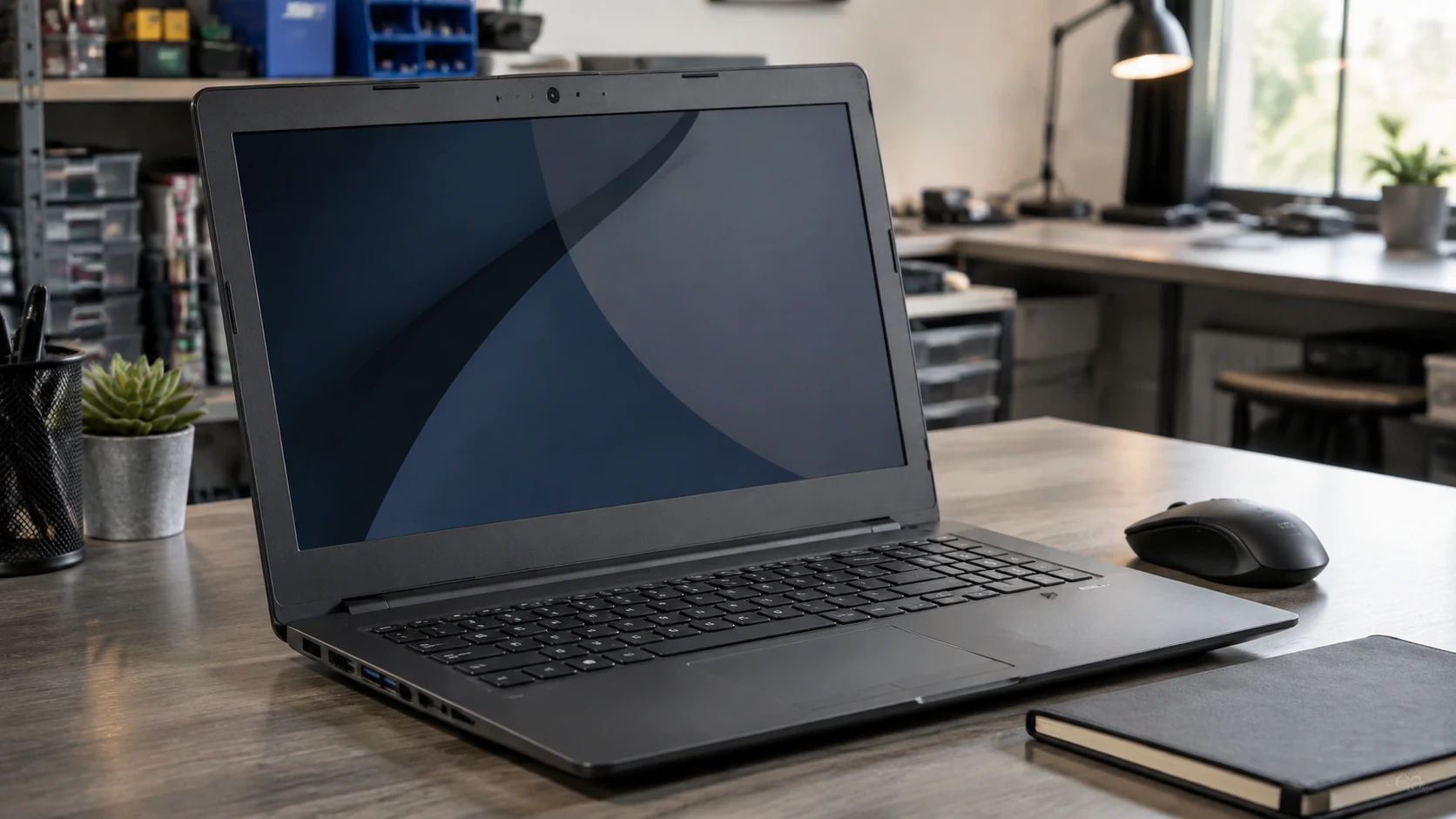

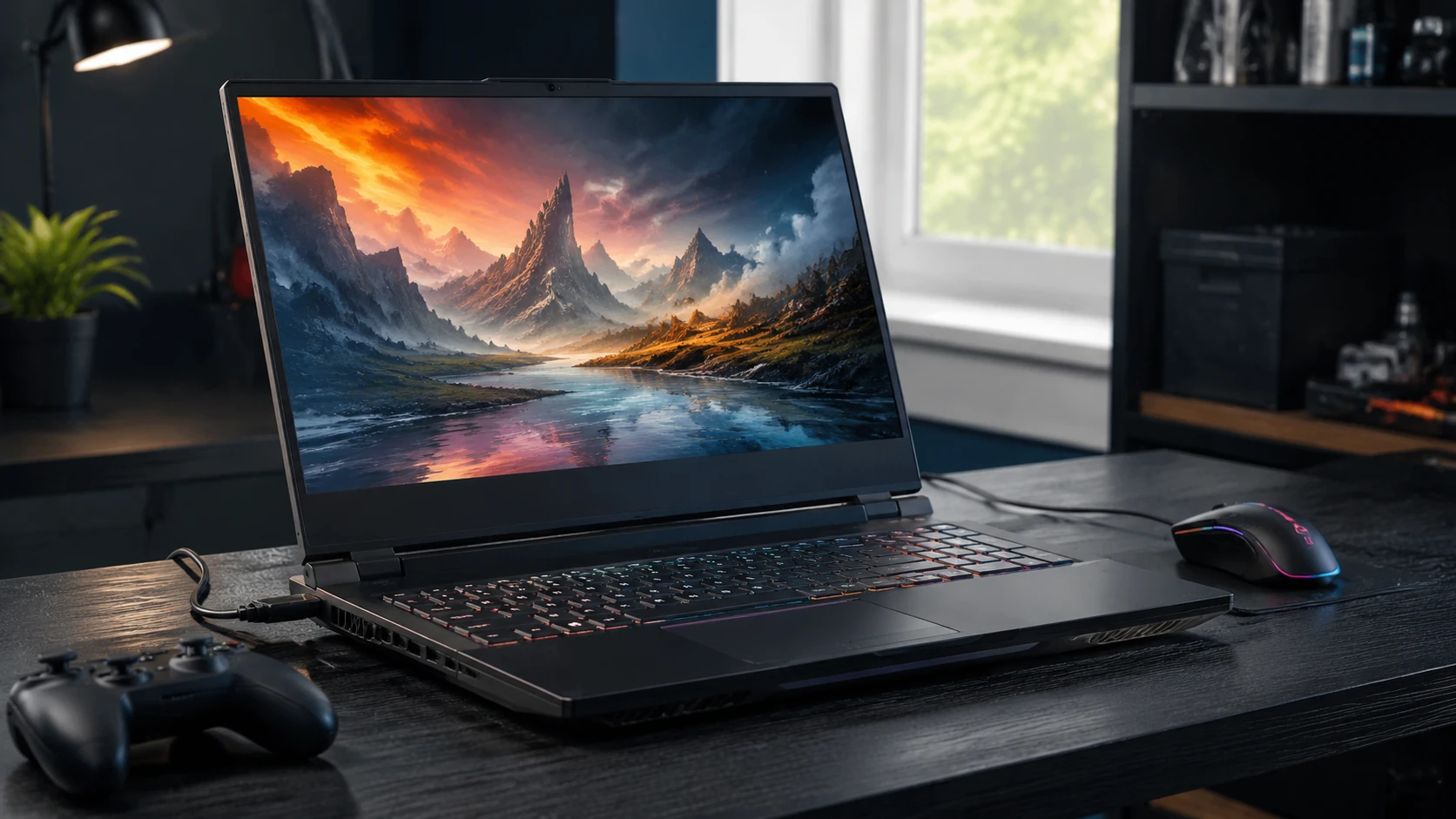

We sell recommendations before we sell computers
A lot of computer stores start with a wall of boxes. We start with the work. If we do not understand what the machine has to do, a processor number and a sale sticker are not a recommendation — they are a guess.
Tell us the jobs, the software, the budget, and how long you expect to keep it. Then we can talk about laptops, desktops, workstations, or a custom build. Sometimes the honest answer is to repair the computer you already have. That conversation belongs here too — see computer repair.
We judge the machine, not the logo
We work on Acer, Dell, HP, Lenovo, Microsoft Surface, and other Windows PCs. Every manufacturer has made machines we like and machines we would think twice about buying again. The model and its construction matter more to us than the name on the lid.
We have seen charging ports come loose on some Dell Inspiron laptops when the plastic supporting the port breaks. On certain models the port sits in the palm-rest assembly and is held by a single screw. That does not mean every Inspiron has a weak charging port, but it is something we inspect before assuming the charger or motherboard is bad. Dell’s service manuals for models such as the Inspiron 15 5501 show that kind of construction.
Around our bench, HP has occasionally stood for “hinge problems.” On some Pavilion and Envy models we have handled, the hinge mount has broken away from the case. We check the exact model and the extent of the damage before quoting a repair. When the mounting points are broken, a new hinge alone may not solve it.
On Lenovo’s consumer IdeaPad line we have seen the same class of hinge-to-plastic failure. ThinkPads are a different product family. A charging problem on a ThinkPad is not automatically a broken port; Lenovo has published firmware updates that affect USB-C and Thunderbolt charging on specified models.
Manufacturers change designs, product lines, and suppliers over time. We follow those patterns because we repair these systems after the sale. Our recommendations are based on the machine in front of us — not a permanent allegiance to a logo.

Even within the same brand, two computers can be very different products
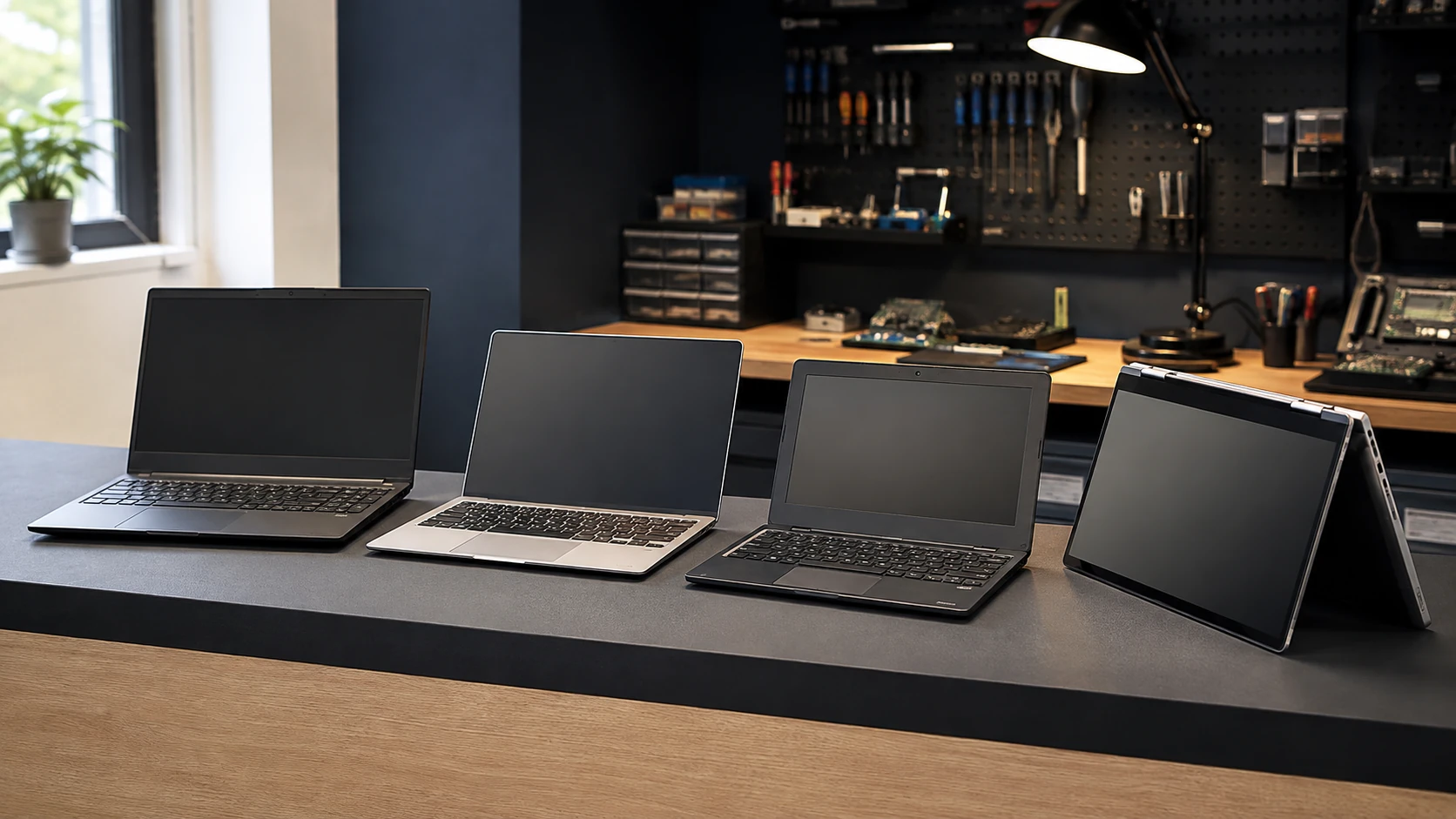
Commercial vs consumer hardware
Consumer systems are often designed around price, appearance and retail specifications. Commercial systems may place more emphasis on serviceability, chassis quality, docking support, parts availability and lifecycle management.
We help clients compare those differences alongside processor, RAM and storage specifications.

What does the computer need to do?
Web and email. Business productivity and Microsoft 365. Accounting. Education. Remote work. Photography, video production, CAD, engineering, development. Gaming and streaming. Virtual machines. Specialized business applications.
A $2,000 gaming PC is not automatically a good $2,000 engineering workstation, and an excellent office laptop may be a terrible choice for someone expecting to upgrade it five years from now.
Sometimes the right computer doesn’t come in a box
For gaming, production work, CAD, engineering and other specialized workloads, a custom-built desktop may provide better control over performance, cooling, serviceability and future upgrades.
Starting with an IT consultation, we can select compatible components, build the PC, install the operating system, handle software setup, and test the finished machine.
Repairability matters before something breaks
Our experience repairing computers affects the recommendations we make when people buy them. We support Right to Repair and favor manufacturers and designs that give owners reasonable access to parts, documentation, upgrades and service.
We appreciate the work organizations such as iFixit have done to make repair information and parts more accessible, and we pay attention to companies such as Framework that have made repairability and modular design central to the product itself.
We are much less enthusiastic about design decisions that unnecessarily pair parts, glue replaceable components into assemblies, restrict documentation or turn otherwise repairable products into disposable electronics.
When another repair option makes more sense
If a system is under manufacturer warranty and Dell, HP, Lenovo or another manufacturer should perform the repair, we will tell you. If a specialized independent repair provider has capabilities better suited to a particular problem, we may refer you directly or coordinate the repair on your behalf.
Published recalls and manufacturer programs
We also check manufacturer advisories and safety recalls when a model’s symptoms warrant it. These are examples affecting particular machines, not a scorecard for entire brands. If a recall, service program, or warranty may cover your PC, we will tell you before recommending a paid repair.
Safety recalls: U.S. Consumer Product Safety Commission. Brand programs live on each manufacturer’s support site.
2018 safety recall — check battery eligibility
HP notebook and workstation battery recall
In January 2018, HP and the CPSC recalled about 50,000 batteries in the U.S. because they could overheat and pose fire and burn hazards. The recall was expanded in 2019 to include about 78,500 additional batteries and additional HP models. The affected battery—not just the computer’s model name—determines eligibility. If your machine may be affected, check HP’s battery recall and validation instructions before continuing to use the battery or paying for a replacement.
2010 safety recall — specified models only
Acer Aspire AS3410 / AS3810-series recall
In January 2010 the CPSC announced that Acer was recalling about 22,000 Aspire notebooks. An internal microphone wire under the palm rest could short and overheat. Named models were AS3410, AS3410T, AS3810T, AS3810TG, AS3810TZ, and AS3810TZG. That applied to particular units sold in 2009, not Acer laptops generally. If you have one of the named models, ask Acer whether your particular unit was recalled; the CPSC instructs owners to stop using recalled units immediately and contact Acer about a free repair.
Manufacturer advisory — check model and firmware
Lenovo ThinkPad Thunderbolt / USB-C updates
Lenovo published critical Intel Thunderbolt software and firmware updates for specified ThinkPad models after problems that could include missing Thunderbolt devices, dock connection failures, and USB-C charging that stops working. A later BIOS advisory covered USB-C charging on additional ThinkPads when more than one USB-C power source is attached. We check the exact model and firmware before treating every charging problem as a broken port.
Lenovo: Critical Intel Thunderbolt software and firmware updates · Lenovo: Critical BIOS update for USB-C port charging
Historical replacement window
Microsoft Surface Pro 4 screen scramble / flicker
Microsoft documented a screen-scramble and flicker problem on Surface Pro 4 and said it could not be fixed with a firmware or driver update. Eligible units could be replaced for three years from the purchase date for that symptom only. That historical program is not a promise of a free replacement today. It is a reason we check the model and Microsoft’s service pages before quoting a display repair.
If none of those apply, we diagnose the machine in front of us and explain the options.

Related pages
| Laptops | 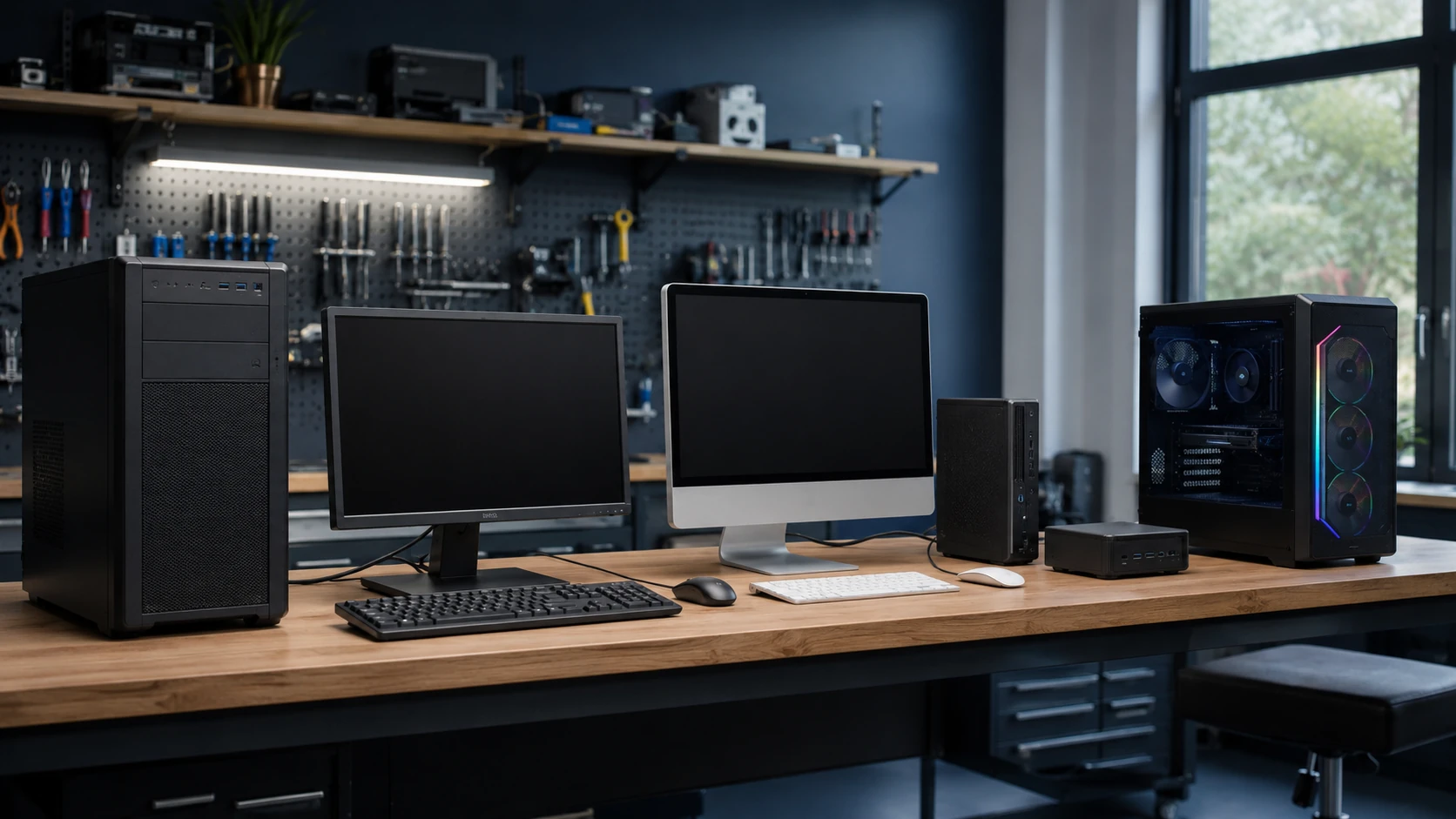 Desktops |
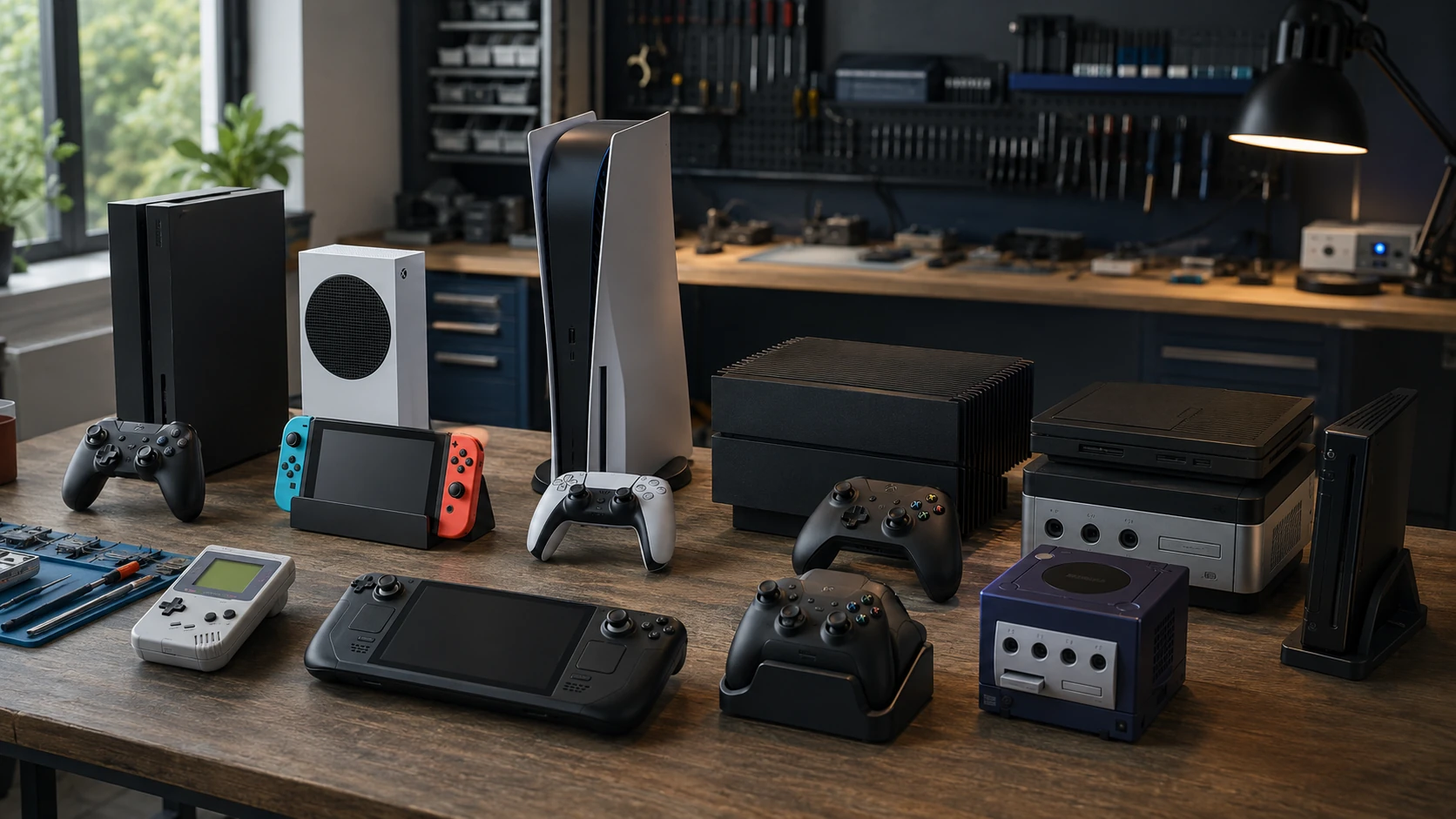 Gaming Systems | Consultations |
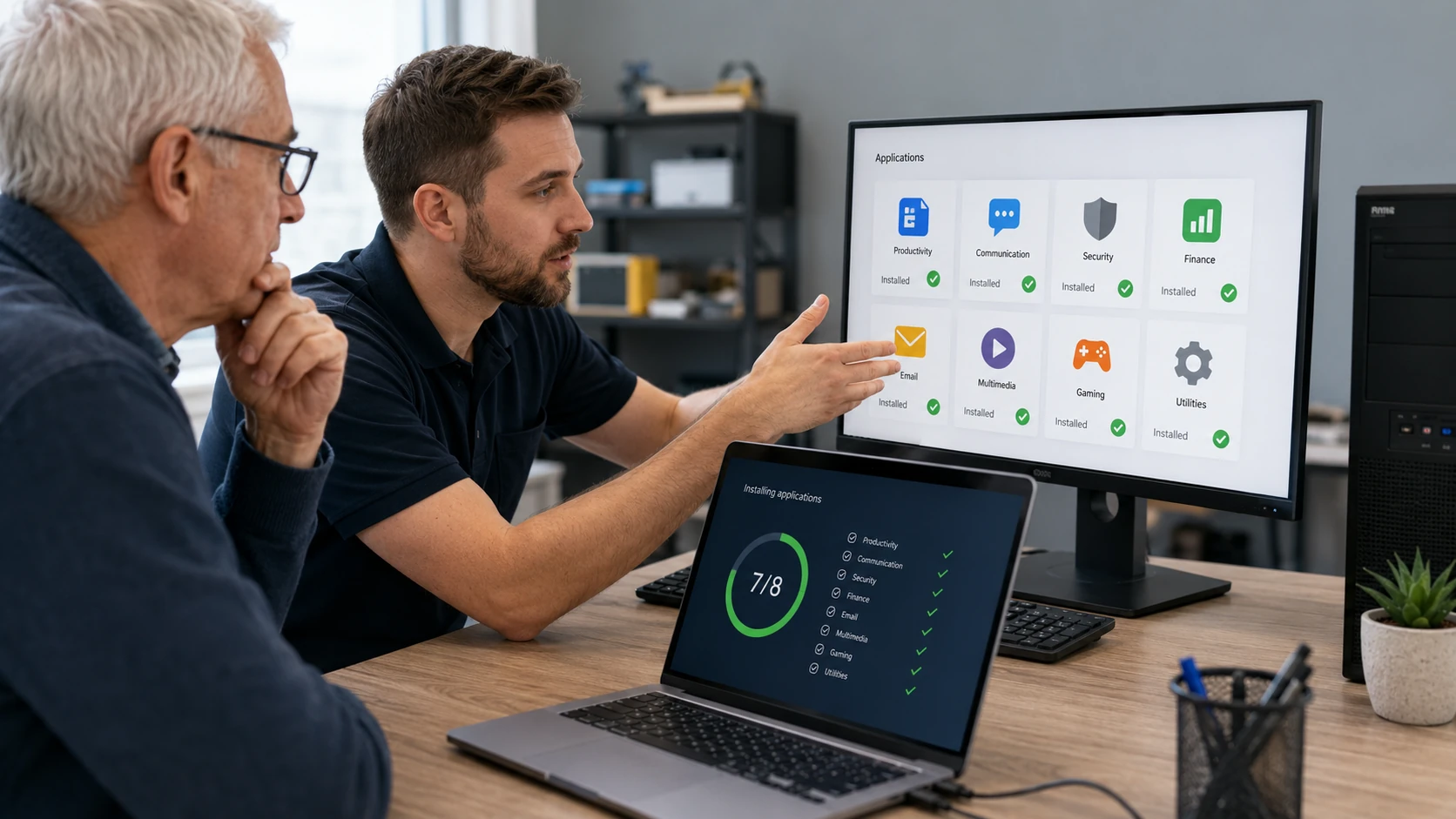 Software & Setup | 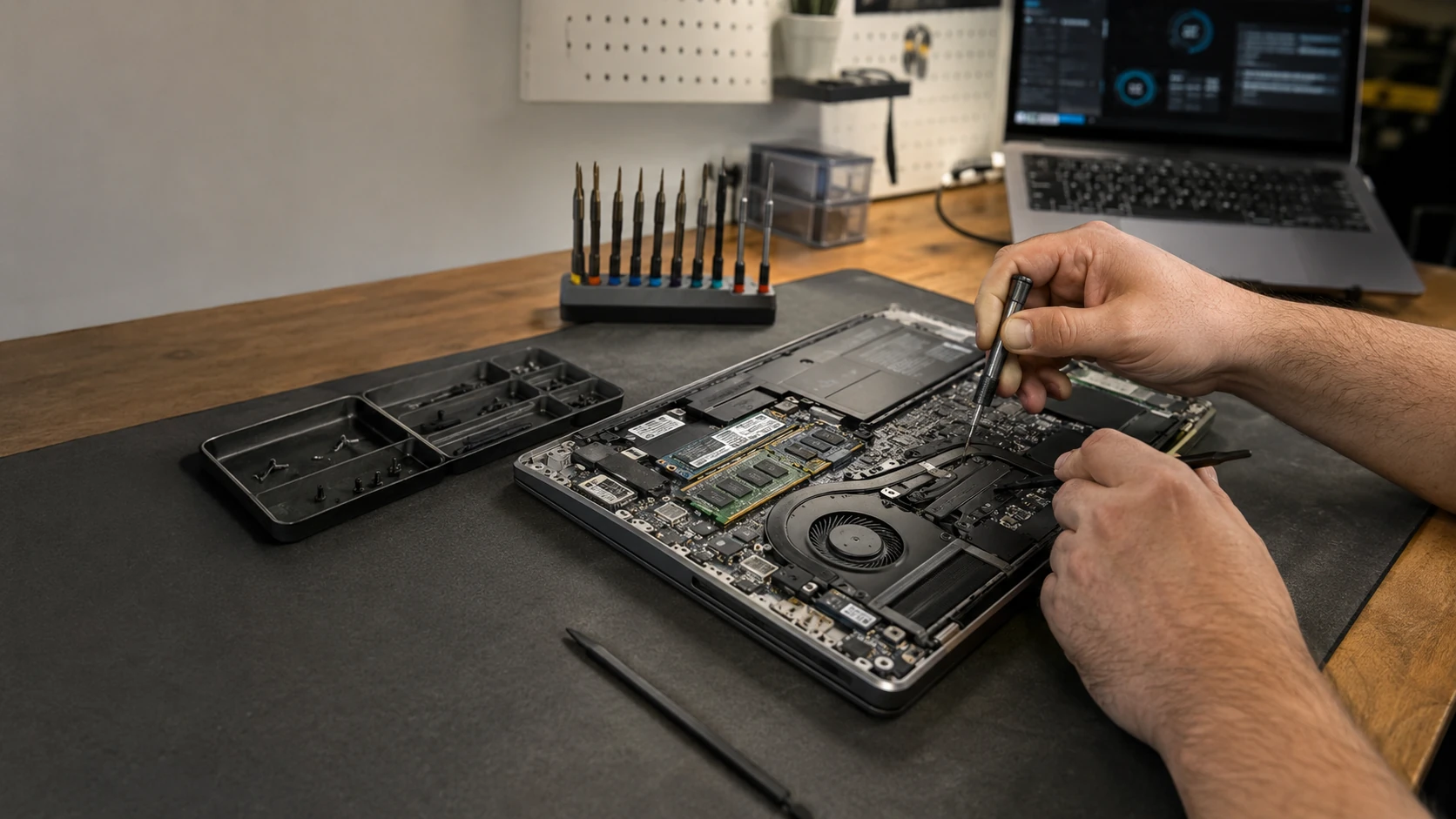 Laptop Repair |
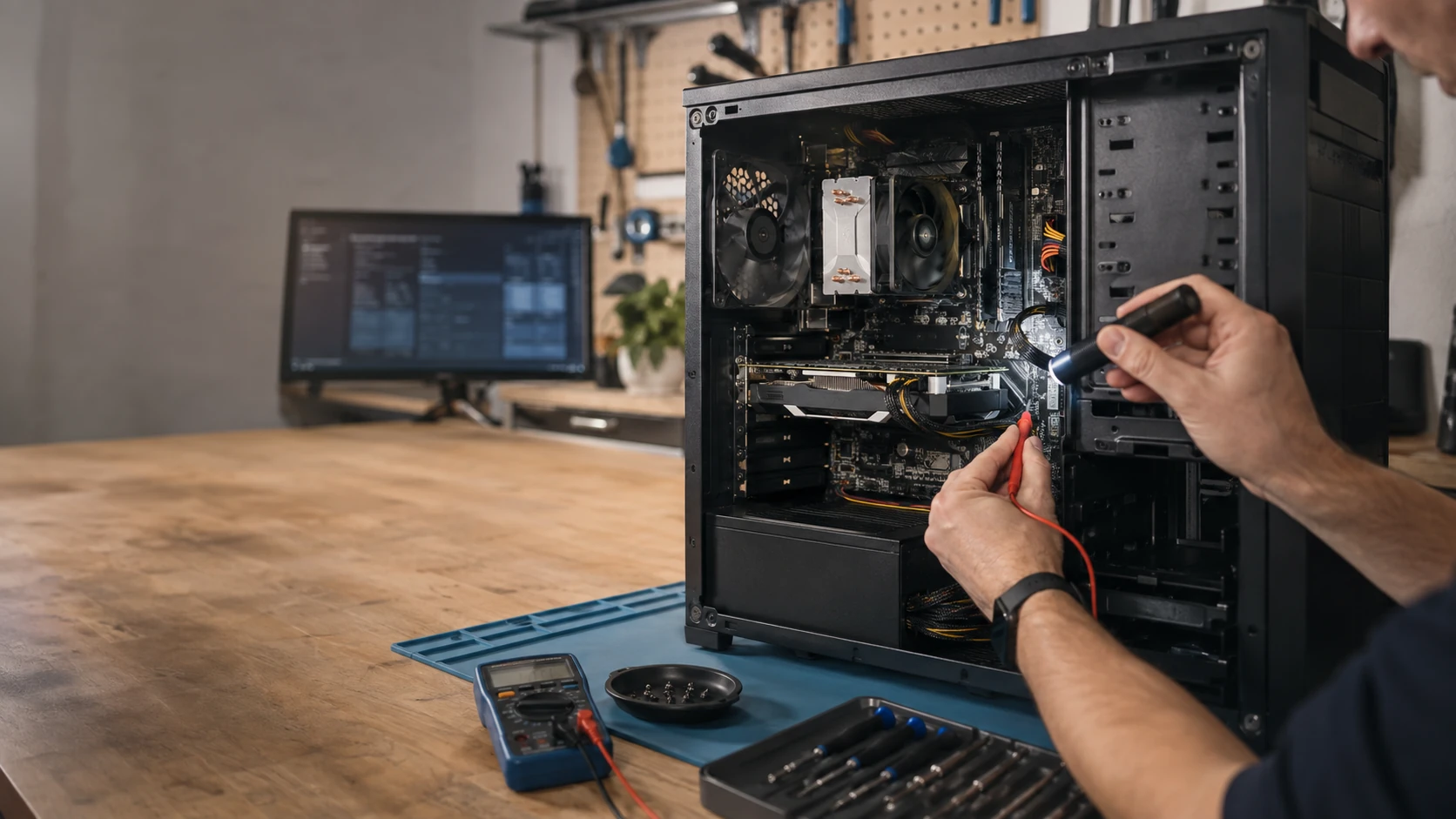 Desktop Repair |  Computer Repair |
PC shop FAQ
Do you keep PCs in stock like a retail store?
This is not a typical walk-in computer store. We start with what you need the machine to do, then help you compare options. Some jobs become an off-the-shelf recommendation. Some become a custom build. Some become a conversation about repairing what you already have.
Will you always recommend a computer from your shop?
No. If the machine you already own should be repaired, we will say that. If a manufacturer warranty should handle the next step, we will say that. If another vendor is a better fit for a specialized workload, we would rather tell you than invent a reason every sale belongs here.
Can you build a custom PC?
Yes, when the workload calls for it — gaming, production, CAD, engineering, and other specialized desktops. We help define the requirements, select compatible components, build the system, install the OS, configure drivers and software, test the hardware, and deliver a finished machine. Start with an IT consultation.
Does a consultation book an appointment by itself?
No. Submit a ticket describing the work, the budget range, and how long you expect to keep the computer. We review that before we schedule.
Need a Computer but Don't Know Which One?
Tell us what you need it to do, what you would like to spend and how long you expect to keep it. We will help narrow the options.