
King, NC · Danbury · Pinnacle · Tobaccoville · Germanton · Walnut Cove
Password help in King, NC
Locked out of a computer you own? We can often get a local Windows or Mac login working again. We do not bypass Apple ID, Google, stolen-device locks, or carrier locks. We do not store your passwords in the ticket file.
Monday–Friday 9:00 AM–7:00 PM by appointment. Bring photo ID. This is not a thief’s unlock kiosk.
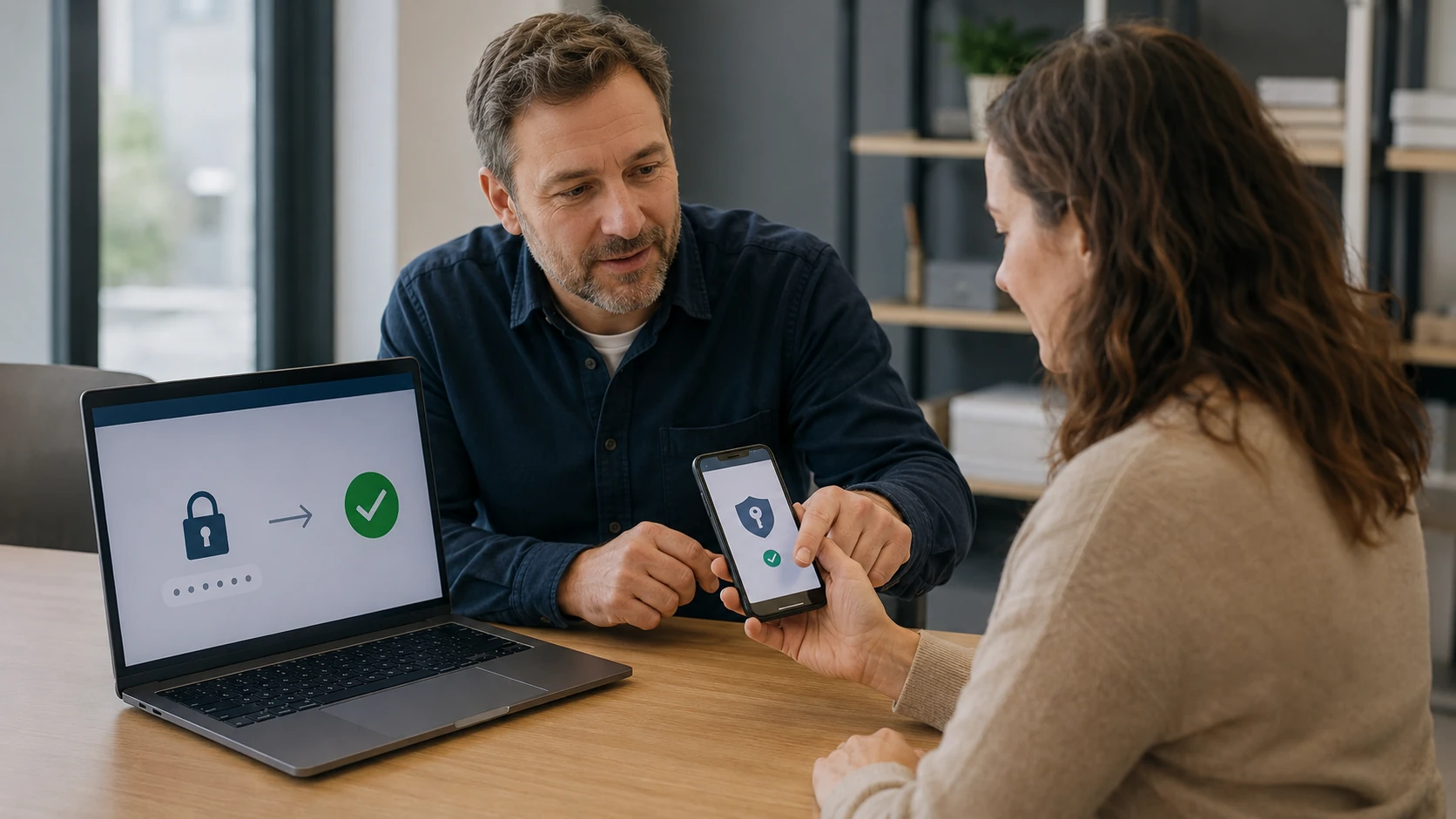
Proof you own it. Then we talk about the login.
A forgotten password is a Tuesday. A laptop with no paperwork and a story that does not match the machine is a different conversation. We ask for photo ID and something that shows the computer is yours — a receipt, an original box, a work-order from a prior visit, or an account that already lists this device. If we cannot reasonably show you own it, we will not reset it.
Local accounts and cloud accounts are not the same job. A local Windows user we can often reset on the bench. A Microsoft, Apple, or Google login has to go through their recovery. We walk that with you. We do not “break” Activation Lock, Find My, or BitLocker / FileVault when the recovery key is gone. That encryption is doing its job.
We also set people up so this is the last lockout: a password manager, two-factor you can actually use, and a passphrase you can remember without writing it on the monitor. Those passwords still do not go in our service records. See security if the lockout started with a scam.
What we actually work on
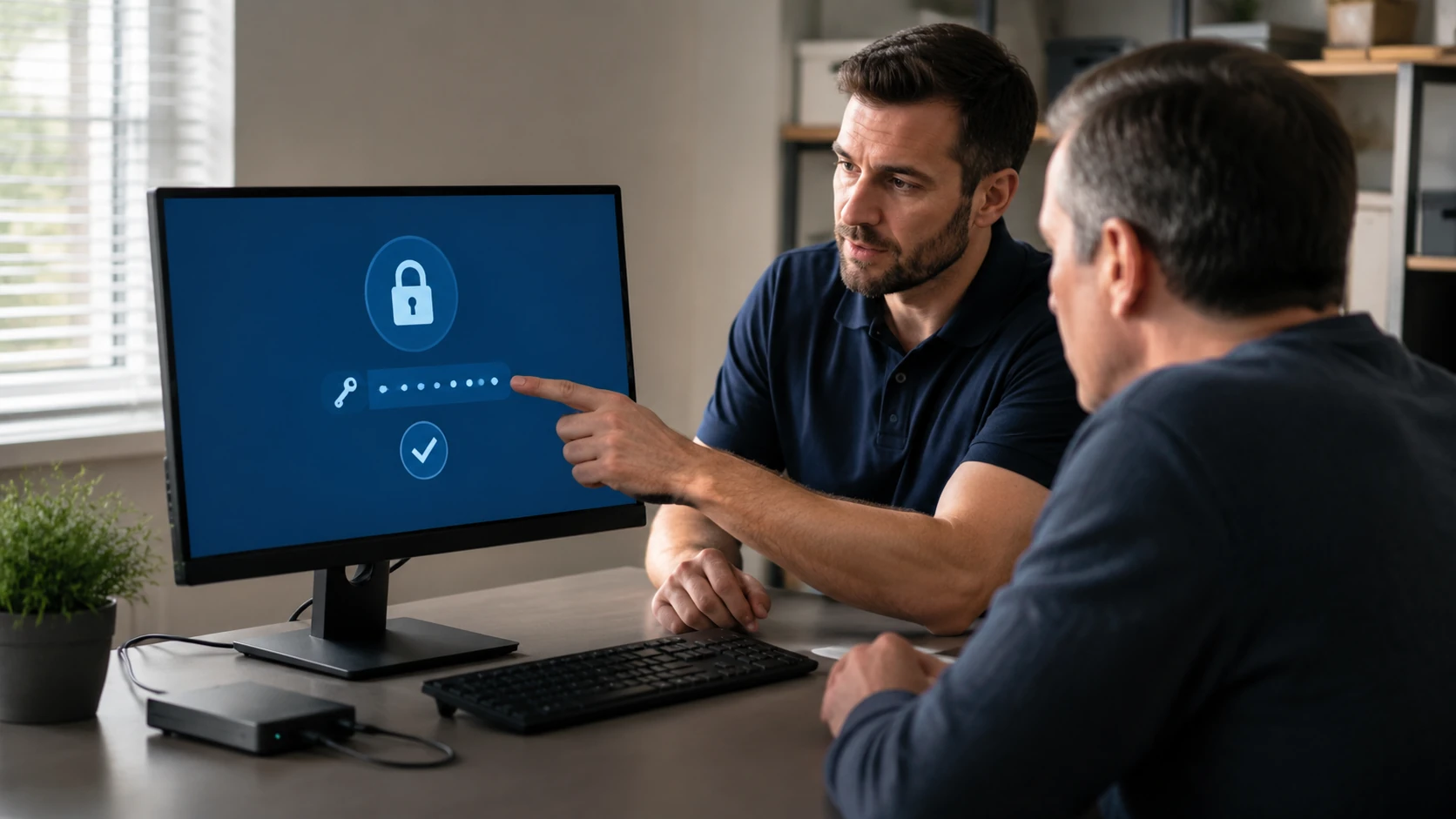 Windows login | 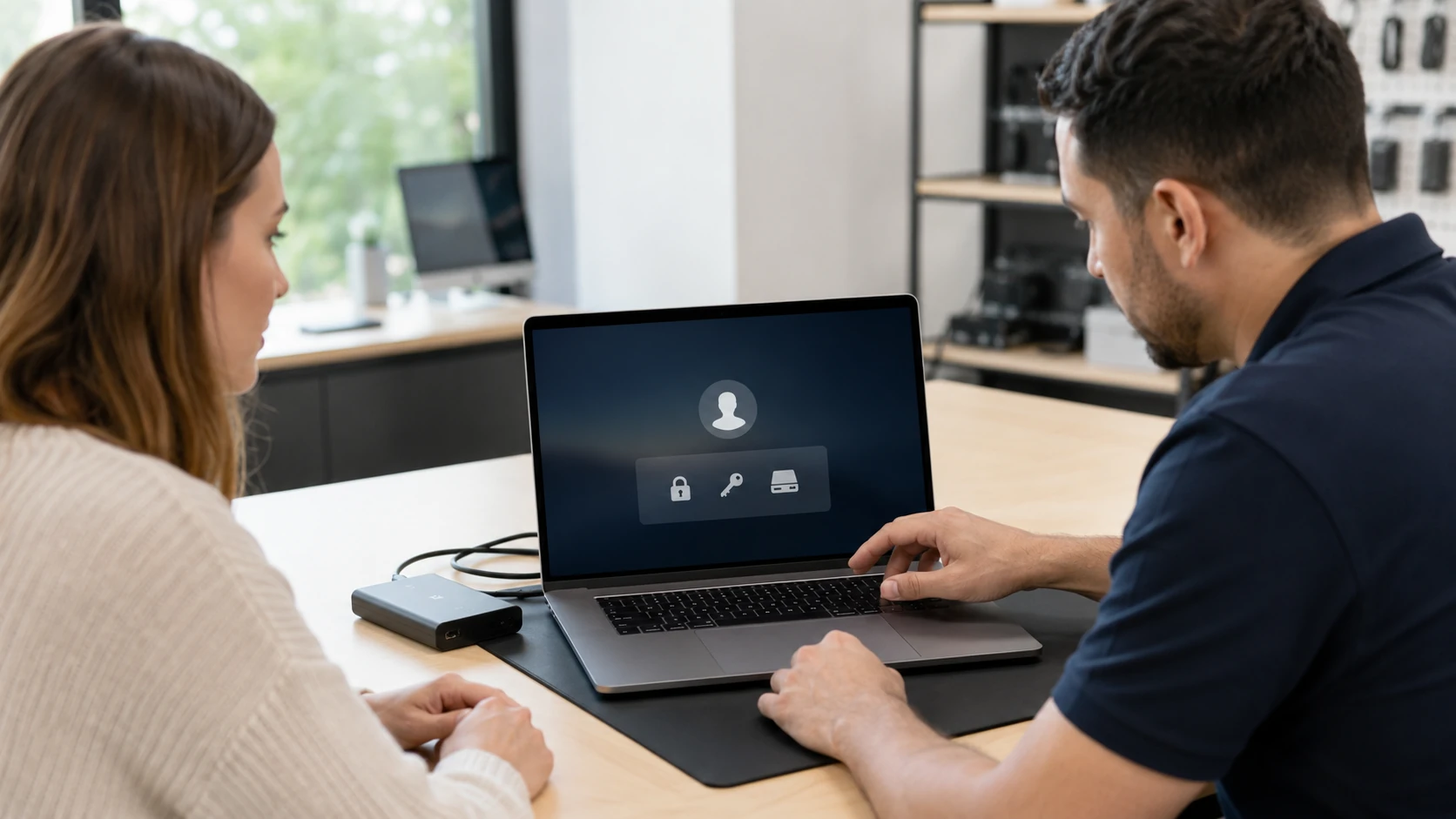 Mac login |
 Microsoft account | 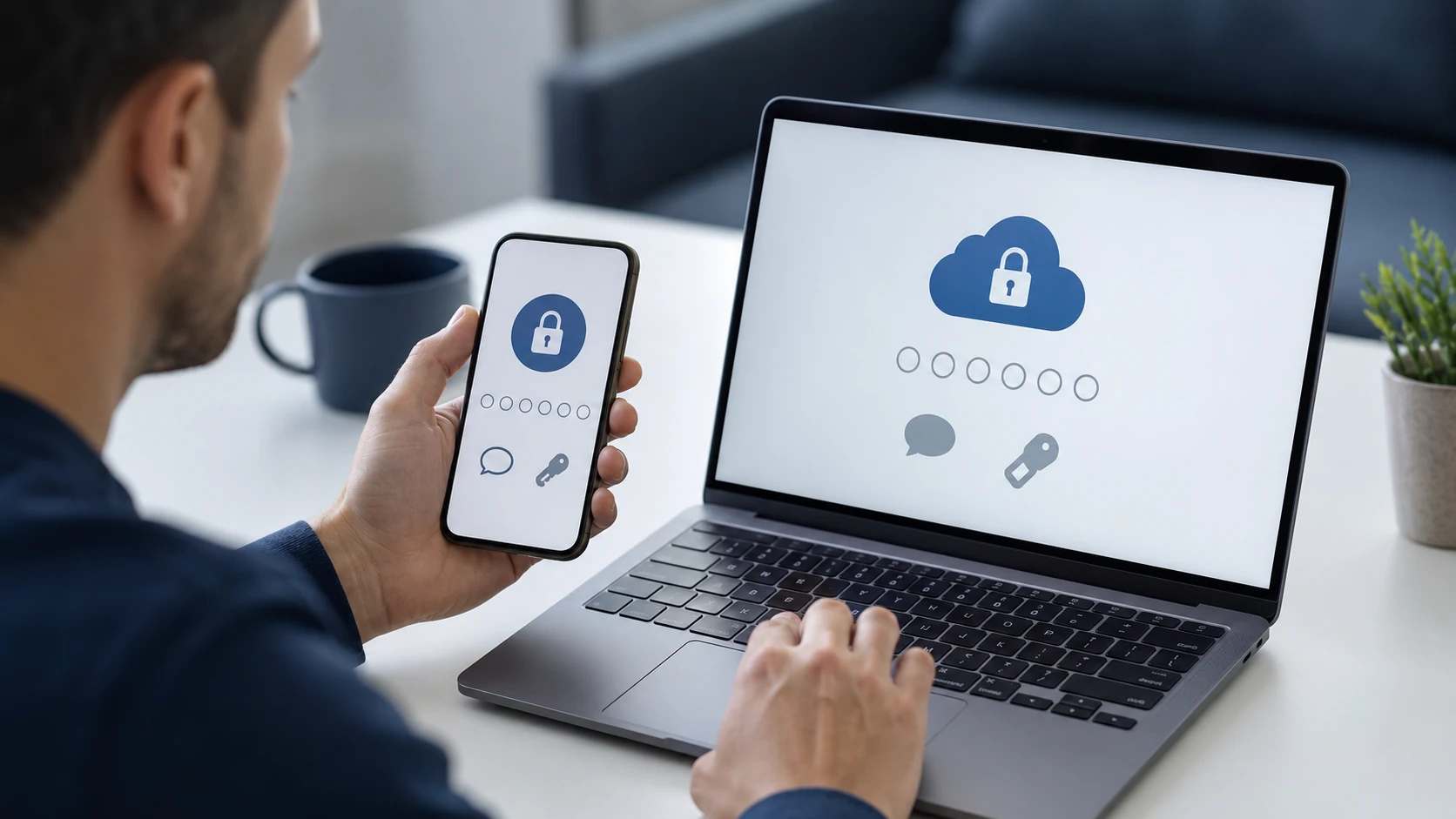 Apple ID / iCloud |
 Chromebook login |  Online accounts & 2FA |
 Password manager |  Proof of ownership |
 Strong passphrases |
How the work actually goes
Windows local login
You remember the PIN worked last week and now the machine will not take it. For a local Windows account, we can often reset the password on the bench after we confirm you own the PC. A Microsoft account is not local — that recovery lives at Microsoft. If BitLocker is on and nobody has the recovery key, the login is the easy part. The files stay encrypted. That is the point of BitLocker, not a bug we can honorably “fix.”
Mac login
A forgotten macOS user password is sometimes recoverable if FileVault is off, or if you still have the FileVault recovery key or an Apple ID that is allowed to reset it. If FileVault is on and the key is gone, the data is locked as designed. A firmware password is a different layer — some Macs we can help with through Apple’s process, some we cannot. We will say which before you leave the machine.
Microsoft account
Windows 11 often wants a Microsoft account, not a local user. Resetting that is Microsoft’s recovery: email, phone, authenticator, recovery codes. We sit with you and walk the official steps on a machine that is actually yours. We do not run a “Microsoft password bypass.” If a scammer already changed the recovery email, that is a DSIR / account-security ticket, not a five-minute reset.
Apple ID and iCloud
Activation Lock and Find My are why a used iPhone or MacBook with someone else’s Apple ID is a brick. We do not bypass that. If it is your Apple ID and you are locked out, we walk Apple’s account recovery — trusted phone, recovery key, iforgot.apple.com. If a family member passed away, Apple has a process for that too. Bring the death certificate conversation to Apple, not to a shop that offers to “unlock iCloud.”
Chromebook login
A Chromebook is a Google account with a keyboard. Powerwash gets you a login screen. It does not get you into someone else’s Gmail. School and work Chromebooks are often managed — we cannot (and will not) remove enterprise or school management. Personal Chromebooks: we help you recover the Google account, then sign back in. Files that only lived on that device may be gone after a powerwash. Say so before we wipe it.
Online accounts and 2FA
Bank, email, Amazon, Facebook — we help you reset what you can prove is yours, using the official site, not a “recovery service” from a pop-up. If 2FA codes are going to a phone you no longer have, we walk the backup-code or authenticator-move process. If a scammer already forwarded the email, a password change is not enough. That is the security page. We still will not write the new password into the work order.
A password manager you will actually use
Reusing King1234 on the bank and Facebook is how one phishing click becomes three drained accounts. We install a reputable manager, help you pick a master passphrase you can live with, and turn on 2FA. We will not pick the product with the biggest kickback. We will not store the master password. If the household will never open the app, we will say a notebook in a drawer beats a manager nobody uses — and we will still tell you the notebook is not for the refrigerator.
Proof of ownership
Photo ID. A receipt, original box, prior BYT2L ticket, or an account that already lists this serial number. A “friend asked me to get in” is not proof. A machine that still shows someone else’s Microsoft or Apple account, with no paper, is not a reset we will do. This is the least fun paragraph on the page and the reason we still have a shop. If you inherited the computer, bring whatever estate or family paperwork you have and we will say what is possible.
A passphrase beats a sticky note
Four ordinary words you can picture beat “P@ssw0rd1”. Unique per site when a manager is in play. Do not reuse the email password on the bank. Do not store the BitLocker key in the same bag as the laptop. We will sit down and walk this after a reset so you are not back next month.
What customers said
Public Google reviews about trust, accounts, and being shut out of a device. Names as published. Dates omitted. Google Business Profile · all reviews
“Paul is awesome!! He’s one of the only people I trust with my computer. His prices are awesome and he is very thorough. He explains everything so I always know what’s going on.”
Shannon Middleton
“I had a tech support virus sent to my Dell laptop and was shut completely out of my device. Took it to Paul same day and he serviced same day and gave me suggestions of what would make my device run better!”
Jaylady S
“Not only did they find the issue and repair it but they also provided some helpful information to keep my online accounts more secure.”
Natalie Summers
Password FAQ
1. Can you reset a Windows password?
Often, for a local Windows account, after we confirm you own the machine. A Microsoft account has to go through Microsoft’s recovery. We will walk it. We will not “bypass” it.
2. Can you reset a Mac password?
Sometimes. It depends on FileVault, whether you have the recovery key, and whether an Apple ID is allowed to reset the user. Firmware passwords are a separate layer. We say what is possible before we start.
3. Can you unlock an iPhone, iPad, or Mac that shows someone else’s Apple ID?
No. We do not bypass Activation Lock, Find My, Google FRP, or carrier locks. If it is your account, we walk the official recovery.
4. Do you keep my password on file?
No. Passwords, PINs, and recovery keys are deliberately left out of retained service records.
5. I turned on BitLocker / FileVault and lost the key. Can you get the files?
No. That encryption is working. We can reinstall the operating system and you start over, or we can wait if you later find the key. We will not pretend there is a magic override.
6. What do I need to bring?
The device, the charger, photo ID, and anything that shows you own it. Do not email us the current password. We will ask in person if we need it.
7. Can you set up a password manager and 2FA?
Yes. Often as part of a security visit, sometimes as its own ticket. We pick something you will actually use, not whatever pays a kickback.
8. A scammer changed my passwords. Is that this page?
Partly. Getting you back into the machine can be a password job. Closing their session, killing email forwards, and locking bank access is Digital Security Incident Response. Tell us on the ticket if money already moved.
9. School or work Chromebook / laptop?
If it is managed by a school or employer, we cannot remove that management for you. Talk to them. Personal devices we can help with.
10. Do I need an appointment?
Yes. Call or submit a ticket. Home-based shop in King. If we are on-site for someone else, nobody is here to take a walk-up.
Locked out of a machine you own?
Submit a ticket. Bring ID. We will say what is legal and possible. Do not show up unannounced.