
King, NC · Danbury · Pinnacle · Tobaccoville · Germanton · Walnut Cove
Cloud solutions in King, NC
OneDrive, Google Drive, iCloud, or a NAS in the house. We set the one you will actually use, on every device, and we will say out loud when what you have is sync — not a backup.
Monday–Friday 9:00 AM–7:00 PM by appointment. Drop-off is scheduled when your ticket is near the top of the queue.

Files that follow you — and a copy that survives you
Most King households already have a cloud. They have three, none complete, and none of them is a backup. We pick a primary, put it on the PC and the phone, turn on 2FA, and draw the line between sync and a copy ransomware cannot encrypt.
We do not store the password. We do not pick the product with the biggest kickback. If a scammer is already in the account, start at security.
What we actually work on
 Sync vs backup |  Microsoft / OneDrive |
 Google Drive | 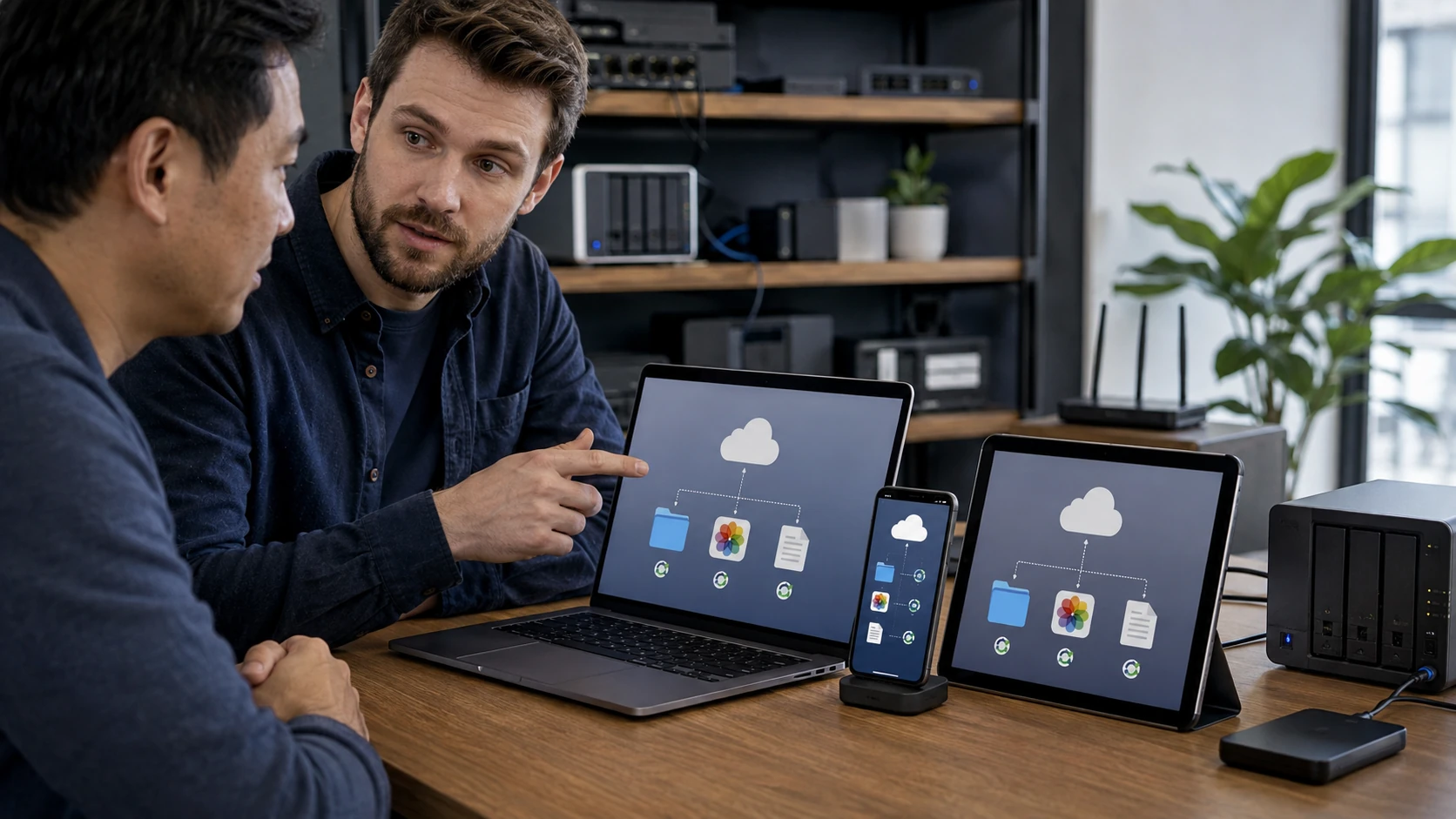 iCloud / Apple |
 Every device | 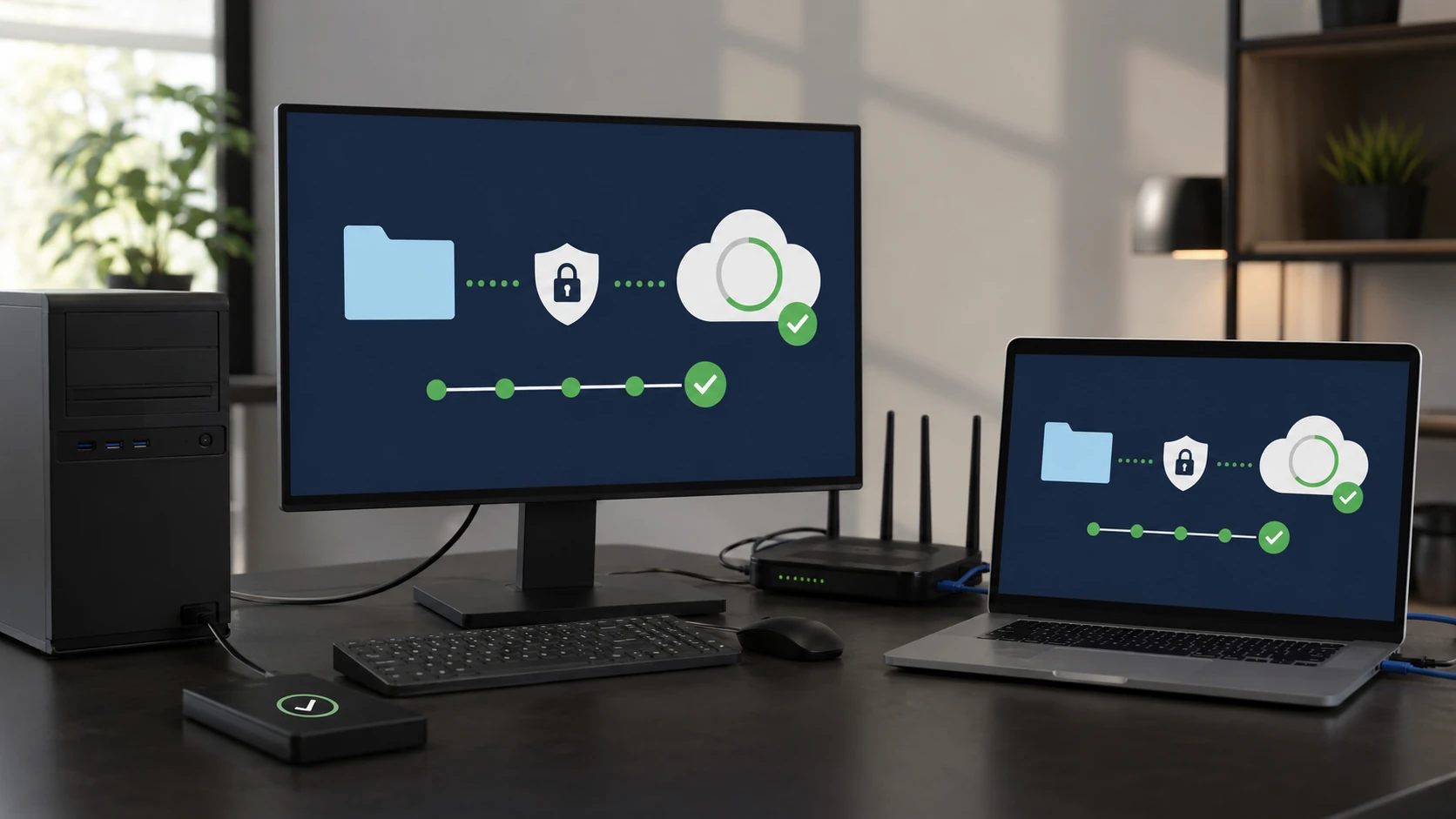 Automated backup |
 Offsite restore | 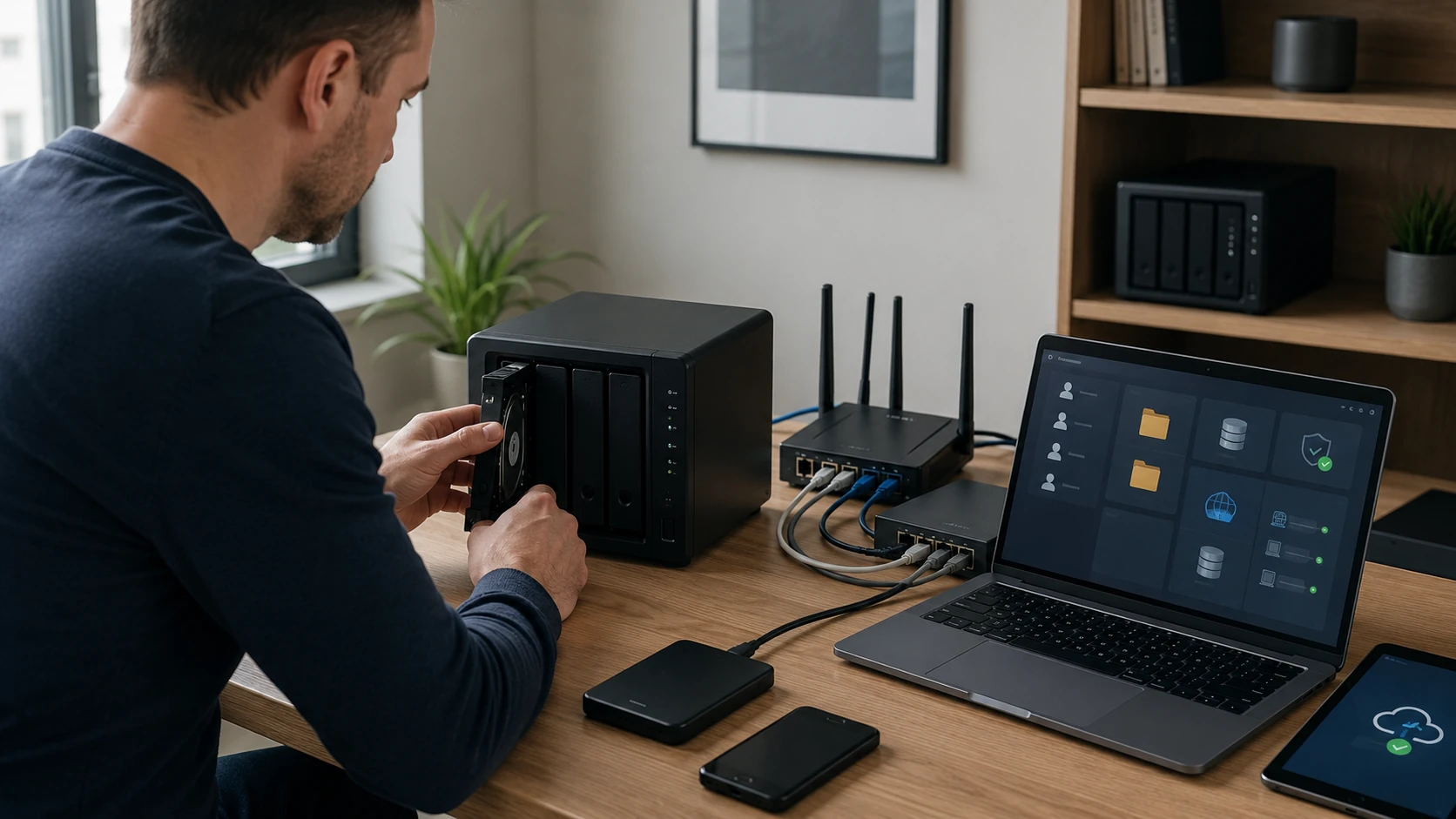 Private cloud / NAS |
 Cloud 2FA |
How the work actually goes
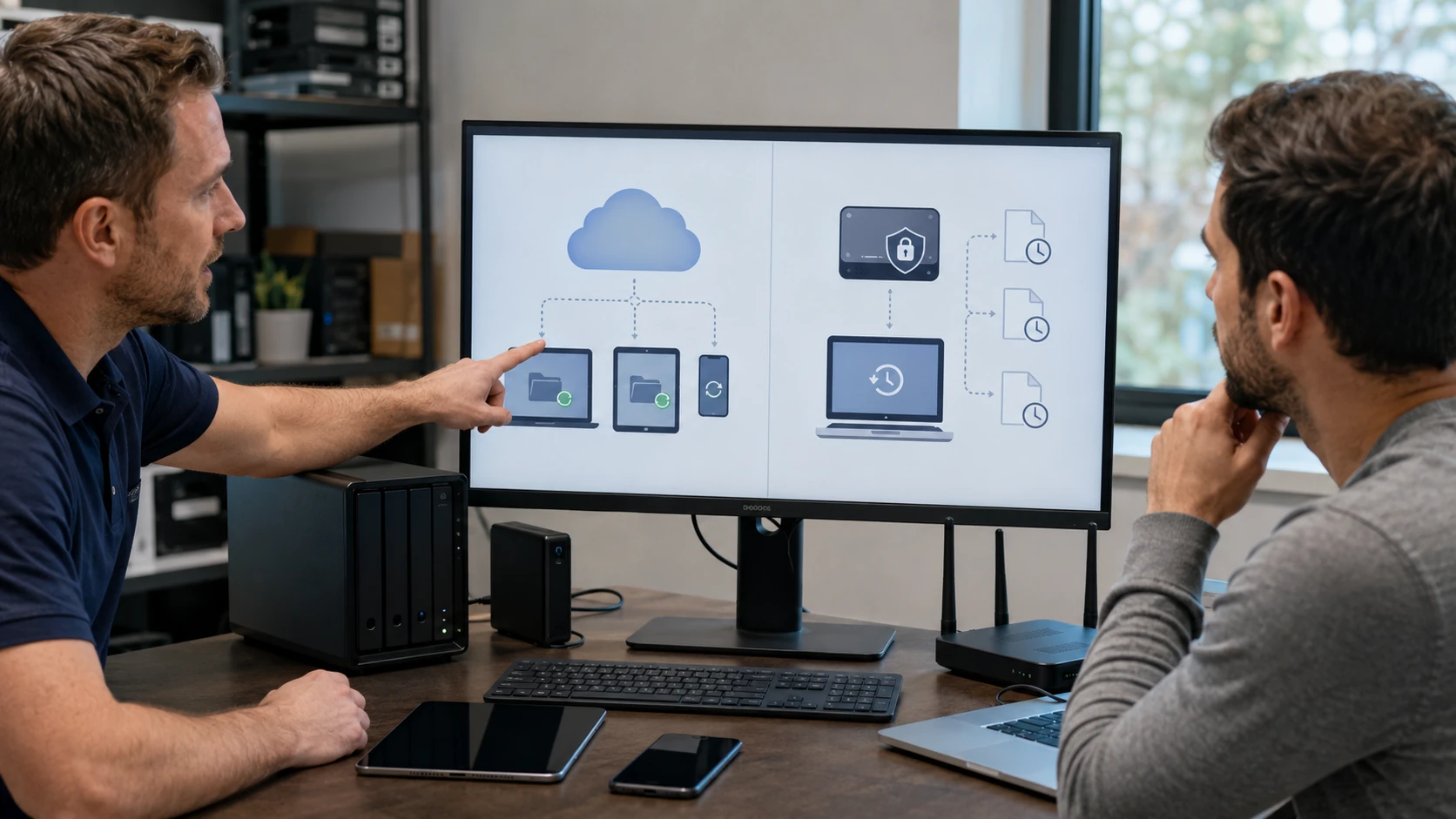
Sync is not a backup
OneDrive, Google Drive, and iCloud sitting mounted all day will encrypt the cloud copy when ransomware encrypts the PC. That is sync. A backup is a copy ransomware cannot also eat — versioning, or a drive you unplug. We will tell you which you have today. Related: data backup.
Microsoft files that follow you
OneDrive and SharePoint are how a lot of King offices share Word and Excel. We set the account, the folders that should sync, and the ones that should not (a 200 GB photo dump on a 256 GB laptop is a bad day). Personal vault and known-folder move included when you actually want them.
Google Drive and Docs
Chromebooks, Gmail households, and people who live in Docs. We set Drive on the PC and the phone, sharing that is not “anyone with the link,” and Photos versus Drive so you are not paying twice for the same vacation. Collaboration without making the whole internet an editor.
Apple devices that actually talk
iPhone, iPad, Mac. Photos, iCloud Drive, Find My, and the Apple ID that holds the house together. We turn on what you will use and leave off the rest. If the Apple ID is someone else’s, that is Activation Lock, not a cloud-setup ticket.
One account, every device
PC, Mac, phone, tablet. The usual mess is three clouds and none of them complete. We pick one primary for files and one for photos if they have to be different, then we put it on every screen you actually use.
Backup that runs without you remembering
A real backup product — versioned, scheduled, not just a sync folder. We set it, we test a restore of one file, and we show you where the versions live. A backup you never restore-tested is a story you tell after the fire.
Getting the files back
Offsite only matters if you can restore. We walk a test restore, not a green checkmark. After a crash, a theft, or a flood in Walnut Cove, this is the copy that still exists. We will also say when the upload will take three days on your rural link so you are not surprised.
A NAS in the house
Your files, your box, your LAN — plus remote access if you want it. Not a replacement for offsite, a complement. We size disks, RAID vs not, and who in the family can see which share. See backup and networking.
Lock the account that holds everything
The cloud account is the keys to the house. 2FA you can still use next Tuesday, recovery codes on paper, and no reuse of the email password. If a scammer is already in Drive or iCloud, that is DSIR, not a setup ticket.
What customers said
Public Google reviews. Names as published. Dates omitted. Google Business Profile · all reviews
“Took my computer to B.Y.C.T.L. for repair. He was very knowledgeable and professional. He fixed it and upgraded it at a very reasonable cost. He even found that my crashed hard drive was under warranty. He sent it off and when it arrived at his shop, he called me and I brought my computer to his shop and he installed it as a backup drive, at no additional cost.”
Howell J. Osborne
“Excellent PC Repair Shop! The tech was very patient and helped sort out the issues between my phone and desktop PC. I dropped off one computer for a Windows upgrade and another computer to have my music library recovered.”
Preston Matlock
“Paul is awesome!! He’s one of the only people I trust with my computer. His prices are awesome and he is very thorough. He explains everything so I always know what’s going on.”
Shannon Middleton
Cloud FAQ
1. Can you configure OneDrive, Google Drive, Dropbox, or iCloud?
Yes. And we will say out loud that sync is not always a complete backup.
2. Which cloud should I use?
Usually the one already in your phones and 365 tenant. We are not paid to shuffle you for no reason.
3. Can cloud replace an external drive?
Sometimes as part of a plan. Not if you need ransomware versions and an offline copy. That is backup design.
4. Business sharing permissions?
Yes — the ‘everyone with the link’ accident is a real ticket.
5. Is OneDrive a backup?
Not by itself. Files that are syncing live will encrypt in the cloud too if ransomware hits the PC. Versioning, or a copy that is not mounted, is the backup. We will show you which you have.
6. Can you set 2FA on the cloud account?
Yes. Authenticator apps beat text messages when we can. Recovery codes on paper. See security and passwords.
7. Do you keep my cloud password?
No.
Want the files on every device — and a copy that lasts?
Submit a ticket. Do not show up unannounced.