
King, NC · Danbury · Pinnacle · Tobaccoville · Germanton · Walnut Cove
Tune-up and maintenance in King, NC
A slow PC is sometimes dust, sometimes seventeen startup apps, sometimes a dying disk. We clean what is clogged, update what is safe, and tell you when a tune-up is not the honest fix. Not a registry cleaner.
Monday–Friday 9:00 AM–7:00 PM by appointment. Drop-off is scheduled when your ticket is near the top of the queue.
Maintenance, not magic
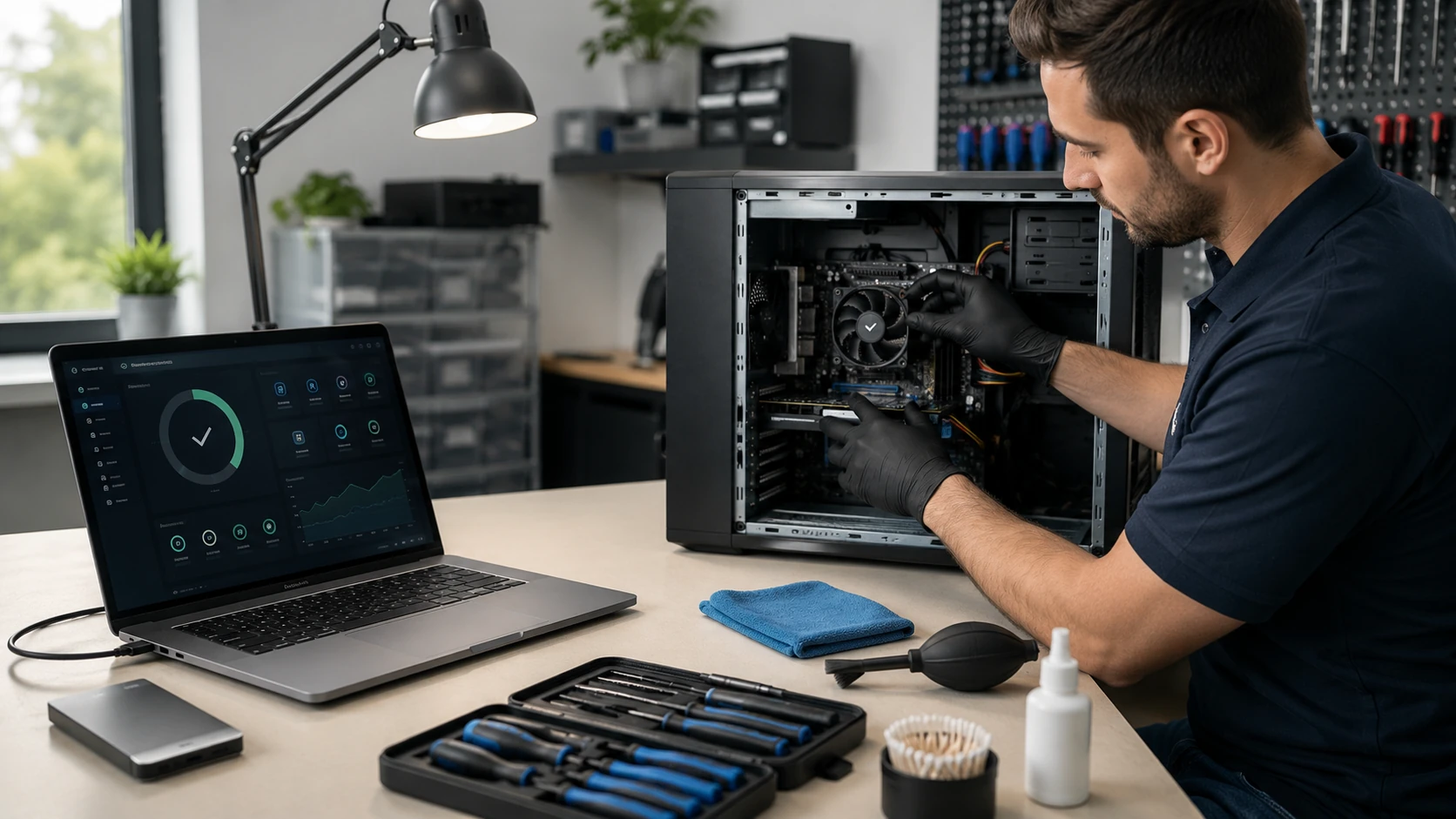
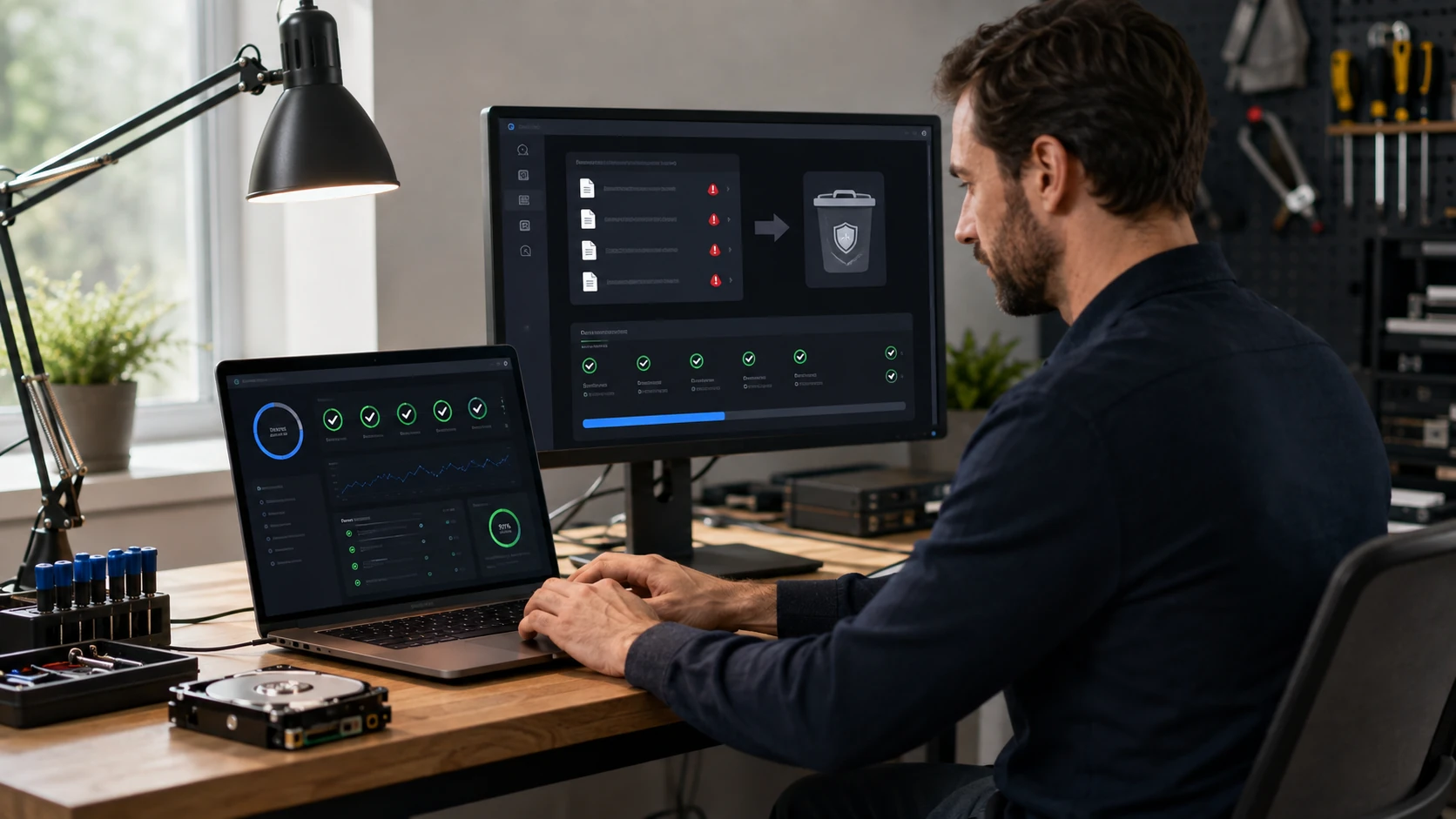
We do not sell a “registry boost.” We clean cooling, trim startup, check OS integrity, update drivers from the maker, and scan for malware. If the disk is dying, the ticket becomes backup or recovery. If the OS is too far gone, it becomes a clone and a reload.
Before-and-after notes go in the report so you can see what changed.
What we actually work on
 Fans & dust | 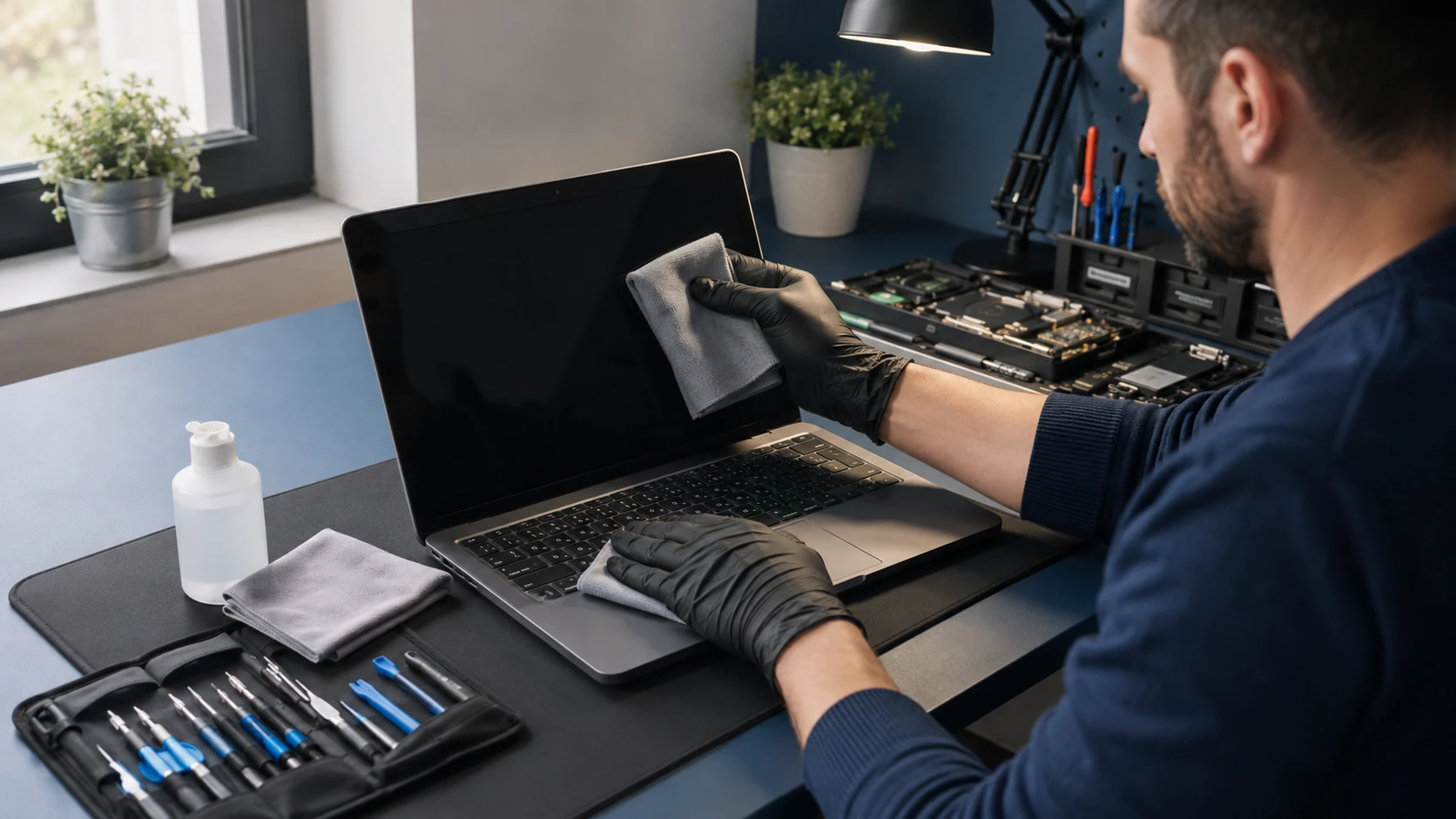 Physical cleaning |
 Startup apps |  Temp files |
 OS integrity |  Drivers |
 Firmware |  App updates |
 Malware scan |
How the work actually goes
Fans, vents, and dust
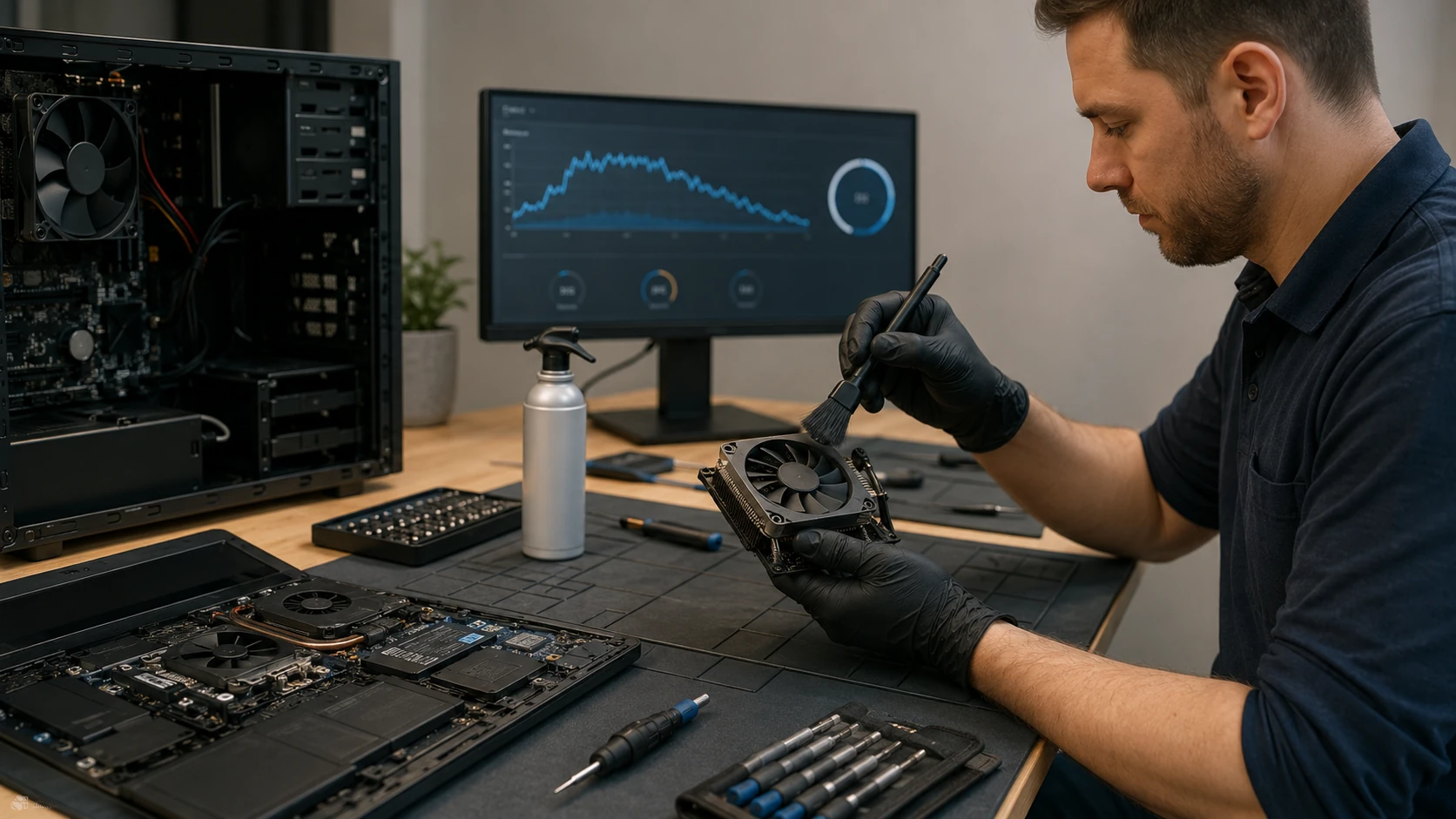
Pet hair and Piedmont dust do not season a laptop. They insulate it. We clean fans and heatsinks, check paste, and say when a cooler is done. Heat that is ignored becomes a dead GPU. Not a can of air through the vents in the parking lot.
The outside and the inside
Keyboard, screen, case, and the board when it needs it. Sticky keys from a decade of snacks are a different job than a tune-up, and we will say so. We do not spray household cleaner into the laptop.
What launches when you log in
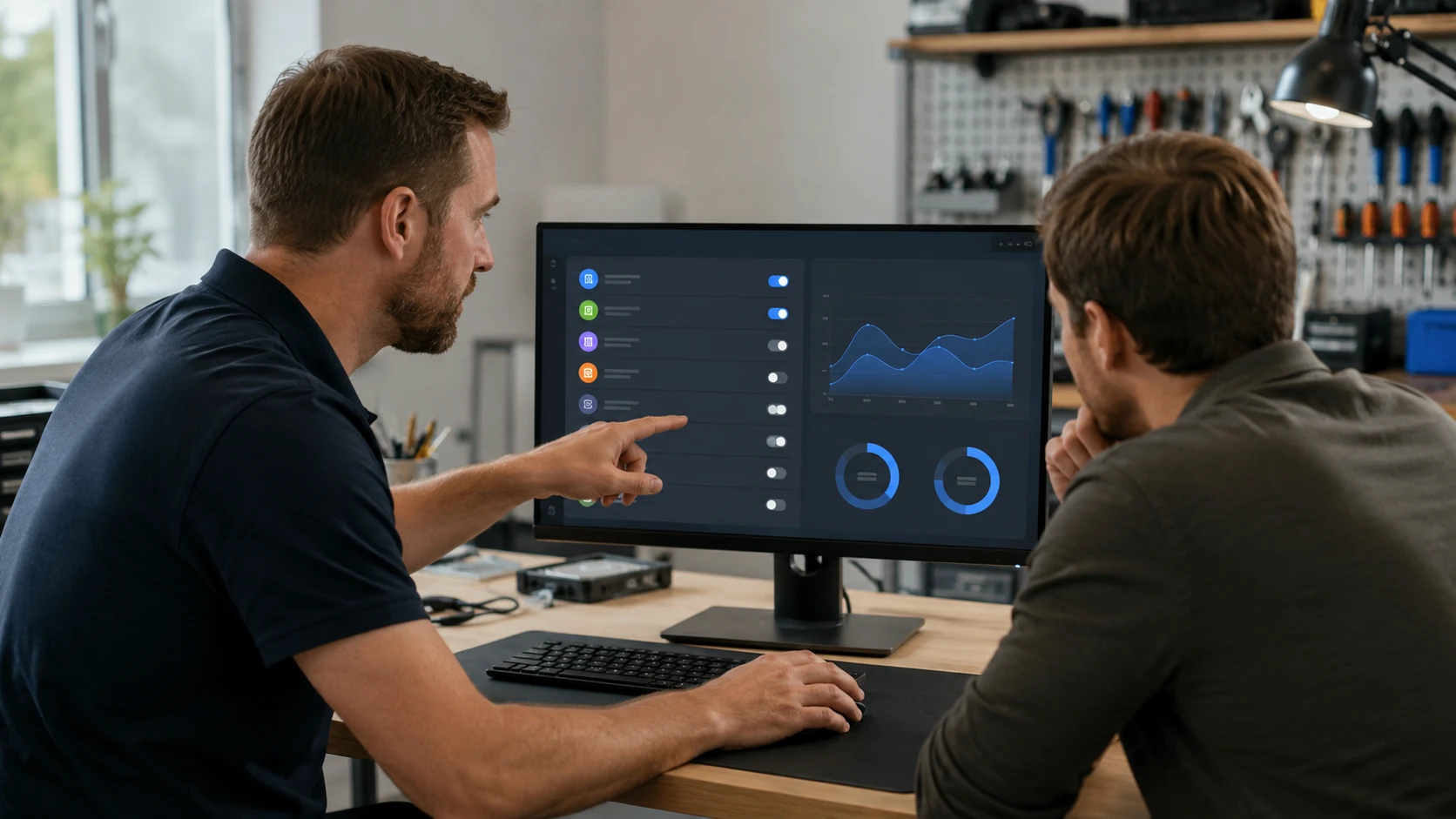
Seventeen trays, three updaters, and a vendor “helper” that is not helping. We leave what you use. We document what we disabled so you are not guessing next month.
Temp files and junk profiles
Windows Update leftovers, installer caches, a user profile that is 80 GB of browser cache. We free space without deleting your photos. A registry cleaner is not on this list. We do not run those.
Is Windows (or macOS) actually healthy?
File checker, component store, update stack. A slow PC is sometimes a broken OS, not “needs a tune-up.” If a reload is the honest path, we clone first. OS install.
Drivers from the maker
Chipset, GPU, Wi-Fi, storage. From the manufacturer or Windows Update, not a driver-pack website. Wrong GPU drivers are how a tune-up turns into a black screen.
BIOS / firmware when it is worth it
Some updates fix USB-C charging or a boot bug. Some are a brick if the power blinks. We read the notes. We do not “update BIOS” as a personality.
The software you actually use
Browser, Office, PDF, accounting. We update what is on the machine and we skip the toolbar that came with an old printer. Licensed software only.
A real scan, not a scare screen
If we find an infection, the ticket becomes virus removal — we will say so before we pretend a tune-up cleaned a remote-access tool. Same infection inside 90 days is no labor charge on that cleanup.
What customers said
Public Google reviews that mention tune-up, cleaning, or a slow PC. Names as published. Dates omitted. Google Business Profile · all reviews
“Super fast and great price! 5 Star Service was performed on my HP Laptop. They replaced the aging and slow hard disk drive to a fast solid state drive and optimized Windows 11 for the best possible performance. I appreciated the fact that they took the time to explain the storage drive options available including brands, speeds and warranty differences. The technicians I worked with were extremely knowledgeable. It was certainly worth the trip from Winston Salem to work with such a great company.”
William Zwigard
“Fixed my Windows 11 laptop fast.”
Bonnie Stewart
“They do a great job in maintaining our computer systems at work. Very fast response time.”
Wayne Barneycastle
Tune-up FAQ
1. What does a tune-up actually include?
Security-software review, malware and PUP scanning, manufacturer BIOS/driver checks, OS security updates, common app updates, browser-security review, startup optimization, storage health, Windows SFC or macOS Disk Utility, fan/heatsink cleaning, temperature evaluation, and before-and-after documentation.
2. Do you use registry cleaners?
No. Automated registry cleaning is not a performance service. It can remove valid entries and create new problems.
3. Will a tune-up make an old computer fast again?
Sometimes, if the slowness is startup junk, duplicate AV, dust, or corruption. It will not turn a 2012 CPU into a new one. We will say when RAM, SSD, or replacement is the real answer.
4. What if you find a failing drive?
We stop and call you. Optimizing an OS on a dying disk is a bad idea. Clone, replace, or recover — we explain which.
5. What if you find malware?
PUPs can be part of maintenance. Active infection that needs real remediation changes the scope. We explain before extra work. See virus removal.
6. Do you update drivers?
When appropriate, from the manufacturer. Not from generic updater utilities.
7. Do you clean the inside?
When needed. Heavy nicotine, soot, or shop dust may be extra beyond a routine tune-up.
8. Before-and-after information?
Yes — summaries, software lists, scans, boot times, temps, storage, internal photos when useful.
9. How do I know if it is overheating?
Loud fans, high temps, throttling, surprise shutdowns, heat at the vents, visible hair. We compare temps before and after rather than promising a magic number.
PC slow, hot, or noisy?
Submit a ticket. Do not show up unannounced.