
King, NC · Danbury · Pinnacle · Tobaccoville · Germanton · Walnut Cove
Computer diagnostics in King, NC
The first symptom is rarely the whole story. We test hardware, storage, memory, cooling, malware, firmware, and logs — then you approve the repair. Written findings. Not a verbal shrug.
Monday–Friday 9:00 AM–7:00 PM by appointment. Drop-off is scheduled when your ticket is near the top of the queue.
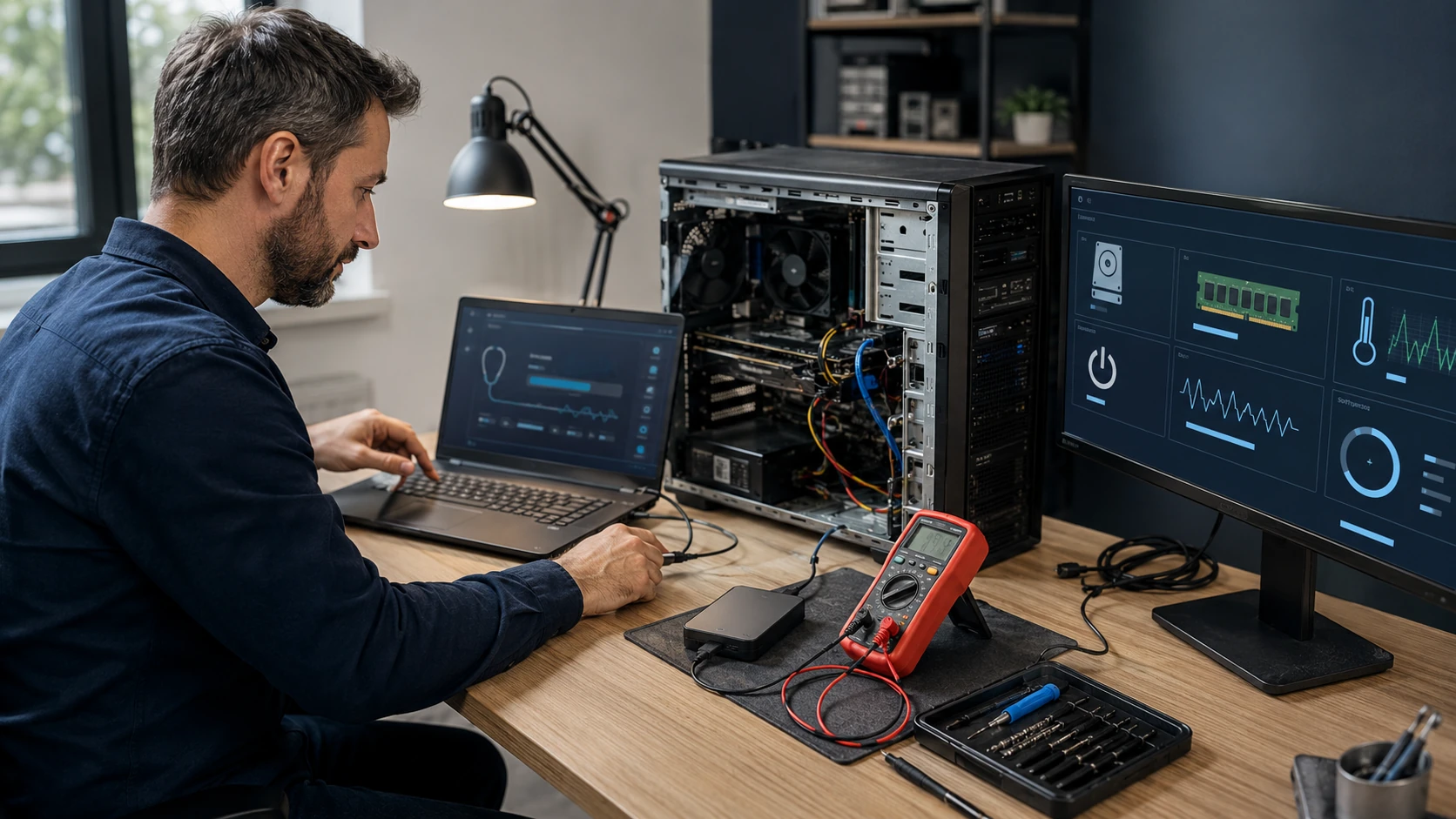
A real evaluation, not a free glance
When a computer will not start normally — or is unstable, slow, or crashing — we begin with a full professional diagnostic. That is a structured process so the recommendation is the actual cause, not the first part that looks guilty.
We use physical inspection plus professional software, including PC Doctor Service Center. You can verify we are listed by searching zip 27021 at pcdservicecenter.com/locator. No single program diagnoses everything. We compare methods.
Shop diagnostics are a flat-rate evaluation quoted by device type before we start. If you approve the recommended repair, that diagnostic applies toward the labor. Onsite is a different conversation: tests that have to sit and run are billable time plus mileage, so the shop is almost always the better value. The quote is on the ticket.
Labor on the completed repair is covered for 90 days. Parts we supply keep the manufacturer or vendor warranty; we file the RMA with the original invoice.
What we actually work on
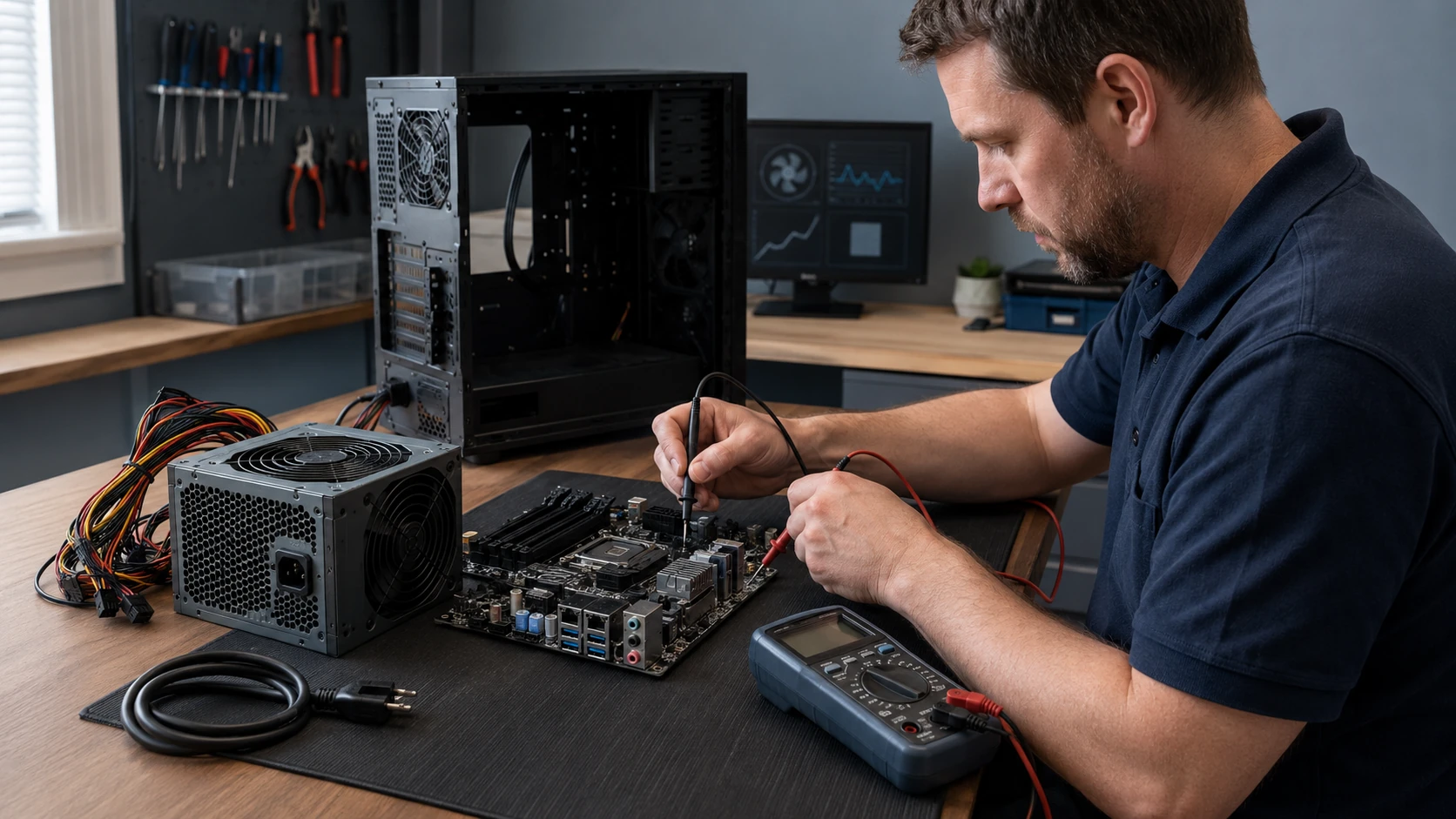 No power | 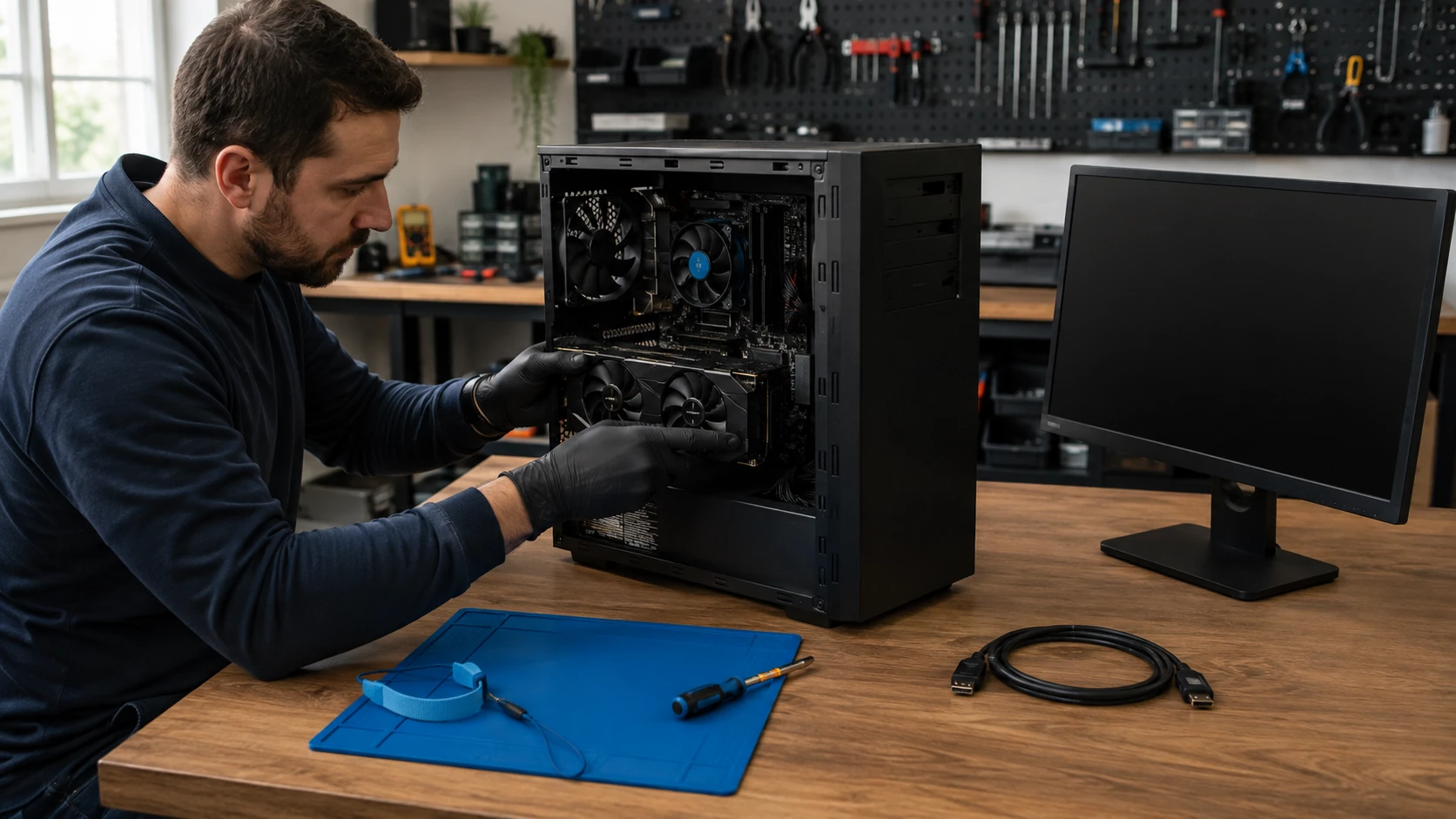 No video |
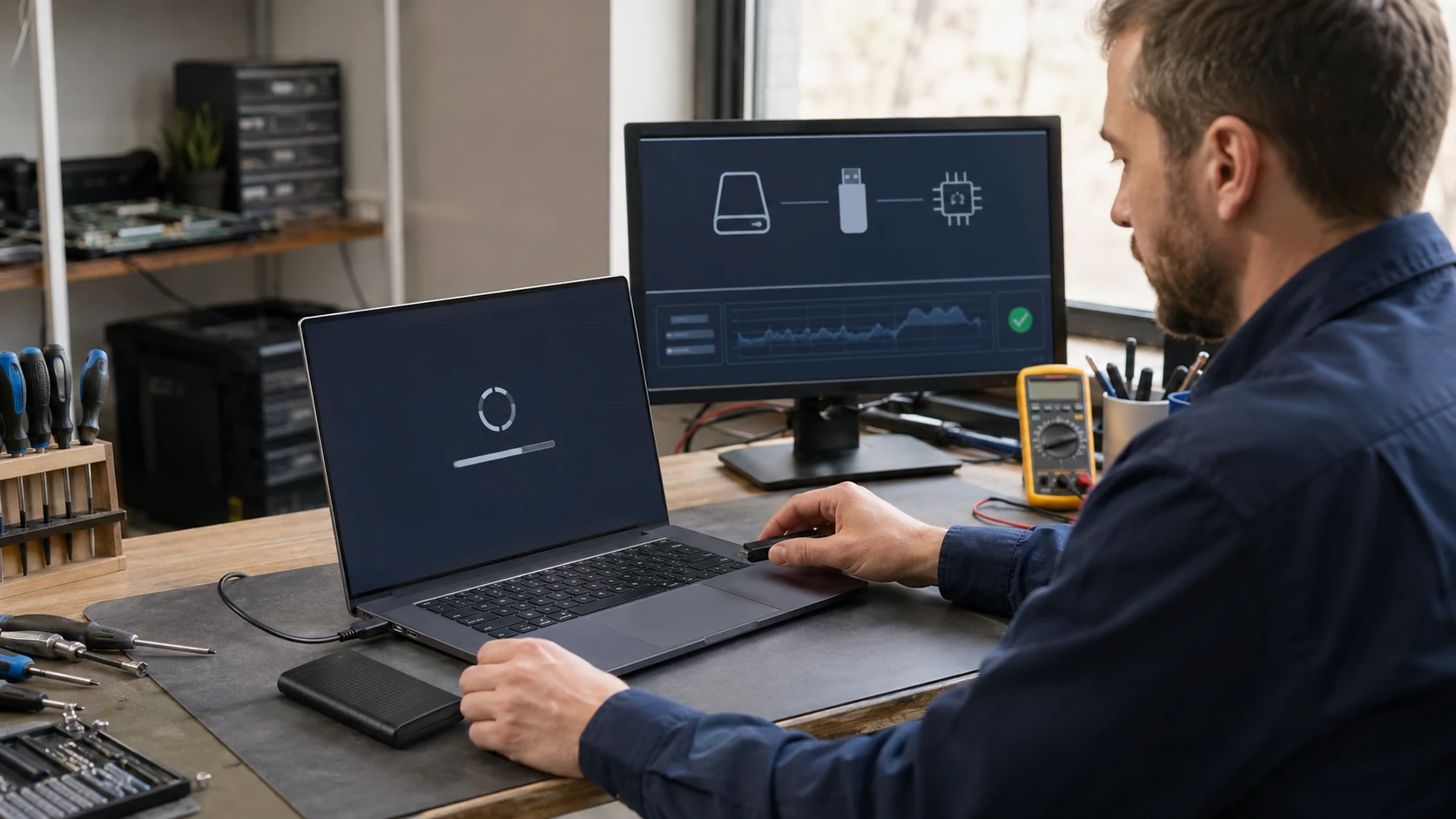 No boot | 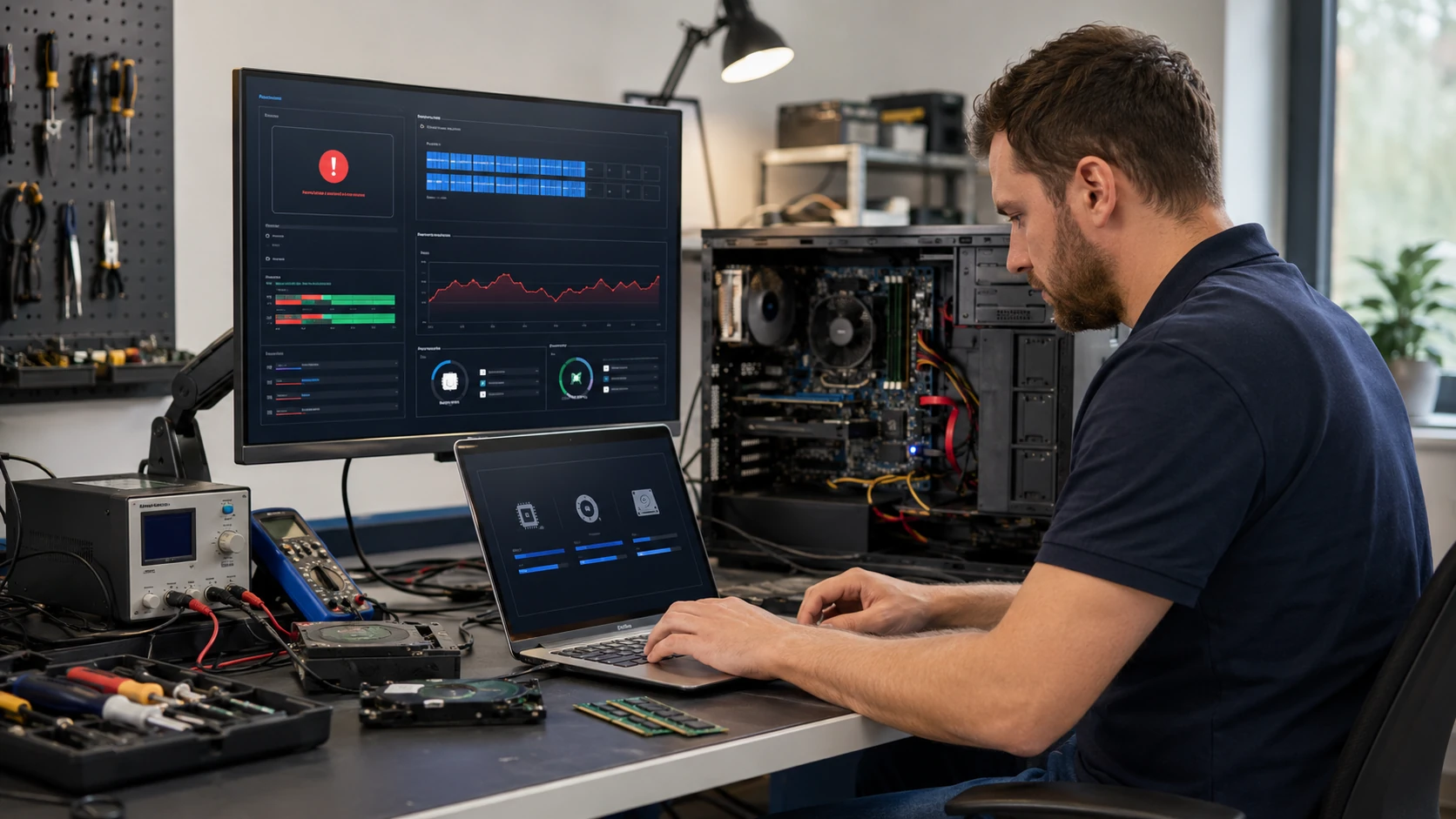 System crash |
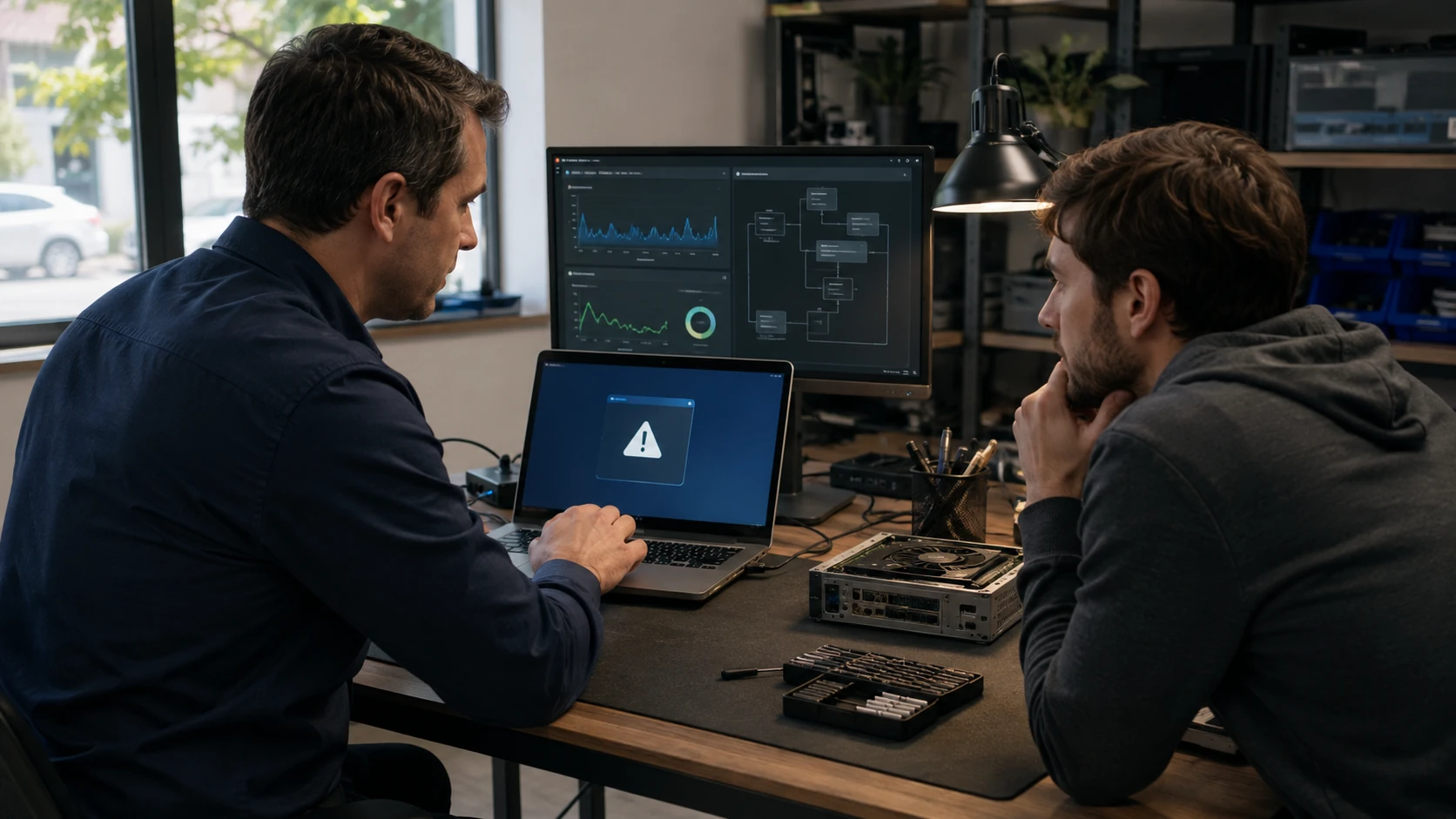 App crash |  Slow computer |
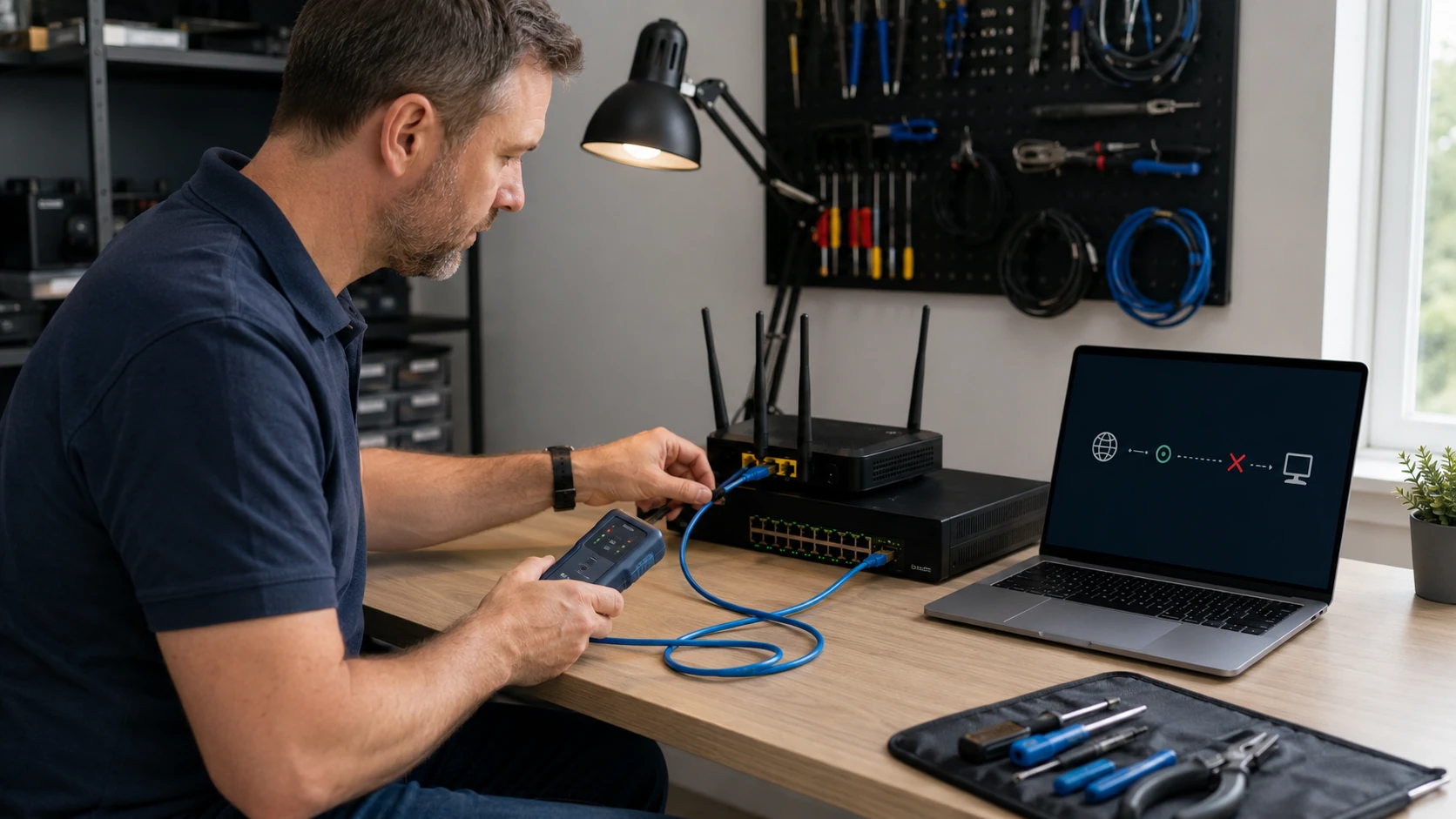 No network | 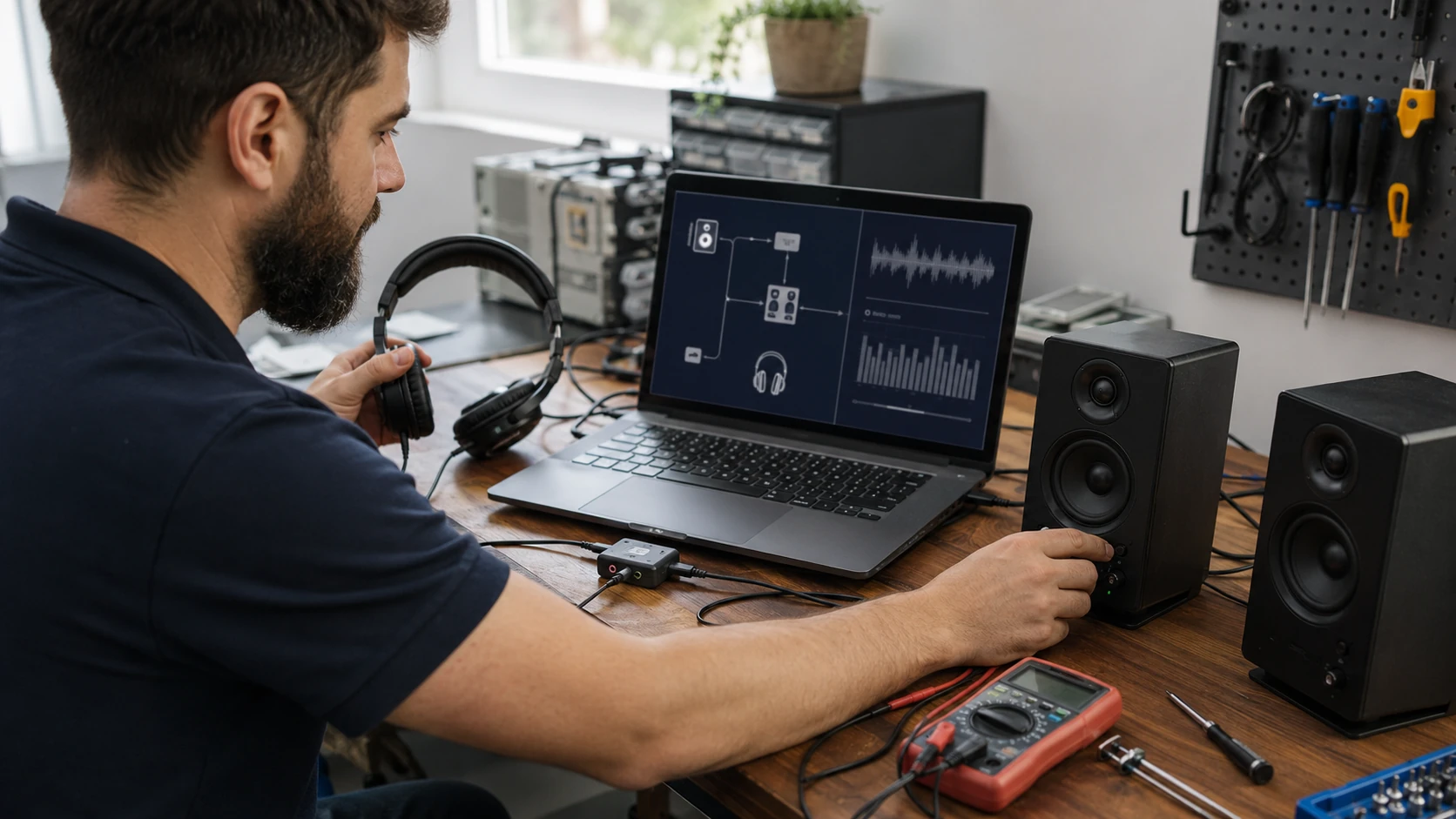 No sound |
 Liquid damage |
How the work actually goes
No power
No lights and no fans is not automatically a dead power supply or a dead board. We meter the cord and the brick, test the supply, and look at the board, RAM, GPU, and front-panel wiring before we sell you a box. A damaged AC cord can look like a “dead computer.”
Power, but no picture
Fans spin, the drive light blinks, and the screen stays black. RAM seating, a GPU that is not posting, a lid switch on a laptop, a dead panel vs a dead board. We test on a known-good display when we can before we order glass.
Will not boot
POST is not the same as Windows. Beeps, blink codes, a logo that never leaves, or a loop of automatic repair. We separate firmware, storage, and the OS so you are not buying a disk for a CMOS battery. If the disk still reads and a reload is the path, we clone first — OS install.
Crashes, BSODs, random reboots
Event logs, dump files, memory tests, temps. A crash that only happens after an hour of work is why we stress the machine instead of guessing from a description. Intermittent problems get extra time because that is the only honest way to catch them.
Apps that open and die
Not always a virus. Corruption in Windows, a bad Visual C++ redistributable, a GPU driver, or two programs that hate each other. We try to reproduce it at intake when we can. Files stay unless the disk is already dying.
Slow, but it still turns on
Startup pile-up, a spinning disk, heat, malware, or an OS that is falling apart. A tune-up is not a diagnosis. We find which of those it is, then point at tune-up, virus removal, or a drive clone — not a registry cleaner.
No network
Wi-Fi, Ethernet, or “the internet is down.” We test the NIC, the cable, the gateway, and whether this is the PC or the house. Sometimes the answer lives on networking or the internet page. We will say which.
No sound
Muted OS, a disabled device, a Realtek driver that Windows Update replaced, or a jack that physically failed. HDMI audio vs speakers. We check the cheap causes first, then the board.
Liquid damage
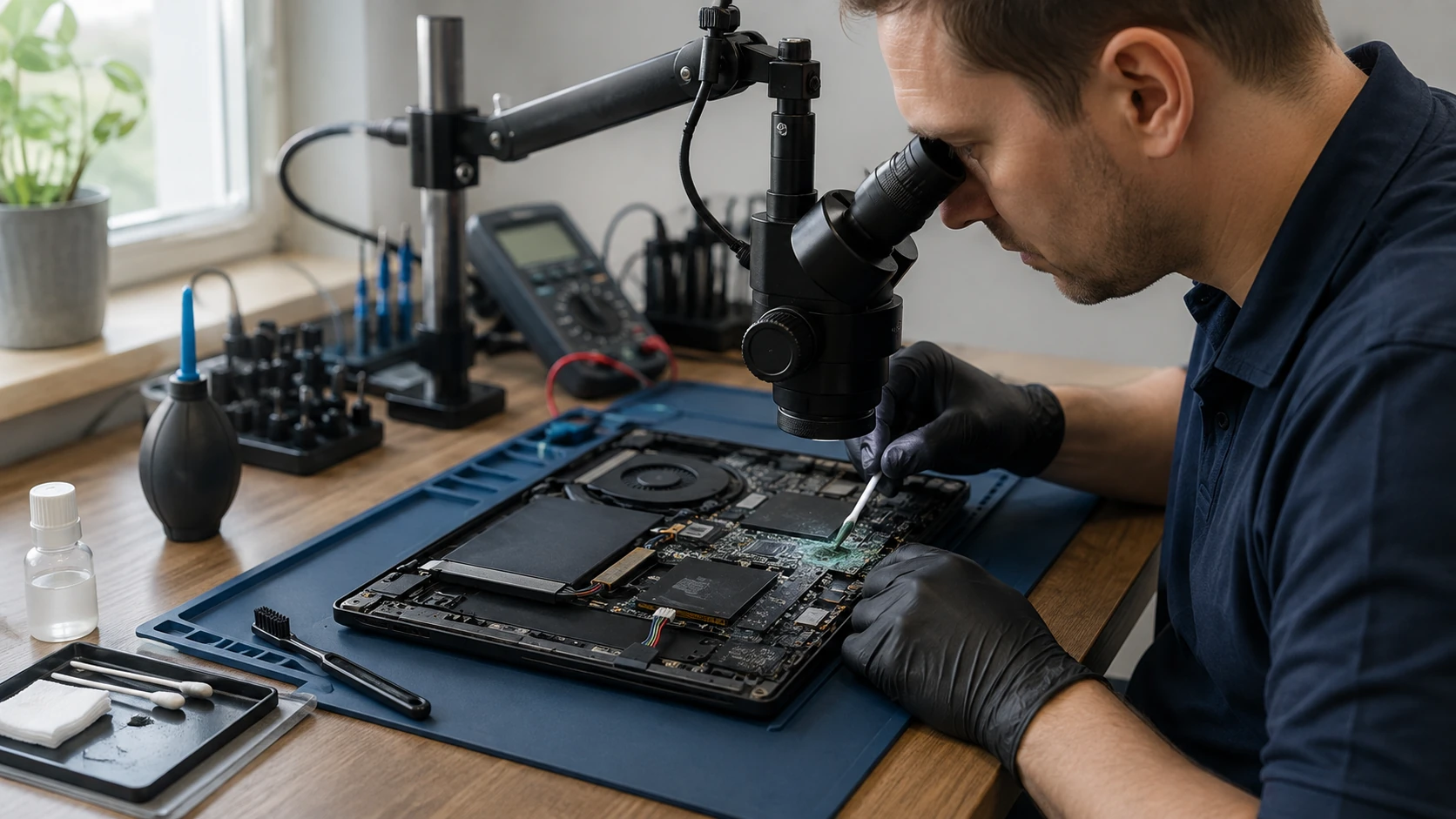
Coffee, a pet bowl, a laptop that went into a bag with a bottle. Power it off. Do not dry it with a hair dryer and try again. We open it, document corrosion, and tell you what is salvageable before you spend. Accidental damage is not the same as a warranty claim — see the guarantee.
What customers said
Public Google reviews about thorough diagnostics. Names as published. Dates omitted. Google Business Profile · all reviews
“I was having issues with apps in Windows 10 disappearing from my computer or opening and then immediately closing or crashing. I was convinced I had a virus! I spoke with the technician who was very knowledgeable and explained the process of their diagnostic. He didn’t rule out an infection or virus as being a possibility but did a quick scan while I waited which didn’t reveal anything. The ability to replicate my issues with the tech during the intake process was nice. I was impressed with how thorough the diagnostic was which was completed in a couple days. My specific issue was corruption in the Windows Operating System that was repaired without having to format my drive or loss of files.”
Natalie Summers
“Paul really is an expert technically. Restored my HP from what I thought was impending hard disk failure. Turned out to have conflicting software as well as lots of extra junk. He cleaned it up in record time (I have to use my computer for work) and was very reasonable.”
Cheryl Kiser
“Took my computer to B.Y.C.T.L. for repair. He was very knowledgeable and professional. He fixed it and upgraded it at a very reasonable cost. He even found that my crashed hard drive was under warranty.”
Howell J. Osborne
Diagnostics FAQ
1. What does a diagnostic actually include?
A full evaluation — not a glance. Hardware tests, stress and temperature monitoring, cooling inspection, malware scan, OS integrity and updates, manufacturer drivers and firmware, BIOS/UEFI, event logs, and known-good parts when we need them. We use professional tools including PC Doctor Service Center. You can confirm we are listed by searching zip 27021 at pcdservicecenter.com/locator.
2. Why is this not a free look?
Many shops advertise free diagnostics. In practice that is often a visual check that misses intermittent and deeper problems. This takes time, equipment, and judgment. Replacing the first part that looks guilty is not a diagnosis. We want the complete problem, not a bounce-back ticket.
3. How is the shop diagnostic billed?
It is a flat-rate shop evaluation, quoted by device type before we start — standard desktop/laptop, then a higher tier for All-in-Ones, prebuilt gaming, and most custom builds, and a separate quote for open-loop water cooling because the loop may have to come apart. If you approve the recommended repair, that diagnostic applies toward the labor. If you decline, the diagnostic is still due. The amount is quoted on the ticket before we start.
4. Shop or onsite?
Some checks can happen at your desk. Many tests have to run on their own. In the shop we can work on other machines while those scans run. Onsite, that wait is billable time plus mileage. Shop is almost always the better value. Motherboard replacement, microsoldering, and other board-level work stay here — that gear does not ride in the van.
5. Can you diagnose intermittent problems?
Yes, sometimes with extra time. We try to reproduce the issue: extended stress, temps, logs, repeated boots, your actual workload. Description-only diagnoses are how people buy the wrong part.
6. What if there is more than one problem?
We document all of it and explain options. A new power supply that boots the PC can still hide a dying disk. Power coming back is not “done.”
7. Is storage-drive analysis included?
A device diagnostic finds what is stopping the computer from running normally. It does not include a full storage-drive analysis or data-recovery evaluation. If the drive itself needs specialized testing, that is a separate service: removal when required, testing, documentation, and coordination with our recovery partners. That fee is not the cost of recovery. See data recovery.
8. Why are gaming PCs, All-in-Ones, and customs a different tier?
More disassembly, mixed manufacturers, cooling loops, fat GPUs, or a display that has to come off to reach the RAM. Open loops may need drain work. We quote that before we start.
9. Will I get the results in writing?
Yes — findings, recommendations, and logs or photos when they matter. Not a verbal shrug.
10. If I decide to repair?
The diagnostic applies toward the labor. We order parts from the quoted vendor, keep the invoices, and you get them with the service report. Labor on the completed work is covered for 90 days. Parts we supply keep the manufacturer or vendor warranty; we file that RMA. Client-supplied parts: no part warranty from us. Guarantee · terms.
11. If I decide not to repair?
The diagnostic is still due. If the machine is not worth repairing, you can have it recycled: pay, sign the E-Waste Recycle Release, and it is not returned. We recycle it properly.
12. Do you always wipe the drive?
No. A diagnostic is not a reload. If the honest path is an OS repair or a clean install, we say so after we know — and we clone when the disk still reads. OS install.
Ready for a real diagnostic?
Submit a ticket. We will tell you when to bring the machine. Do not show up unannounced.