
King, NC · Danbury · Pinnacle · Tobaccoville · Germanton · Walnut Cove
Tablet repair in King, NC
iPad, Galaxy Tab, Surface, Fire, and the slate that lives in the kitchen. Screens, batteries, charge ports, and board work — if the part can be sourced and the repair is worth it, we will say so before we order.
Monday–Friday 9:00 AM–7:00 PM by appointment. Drop-off is scheduled when your ticket is near the top of the queue.
Tablets fail like phones, and like computers
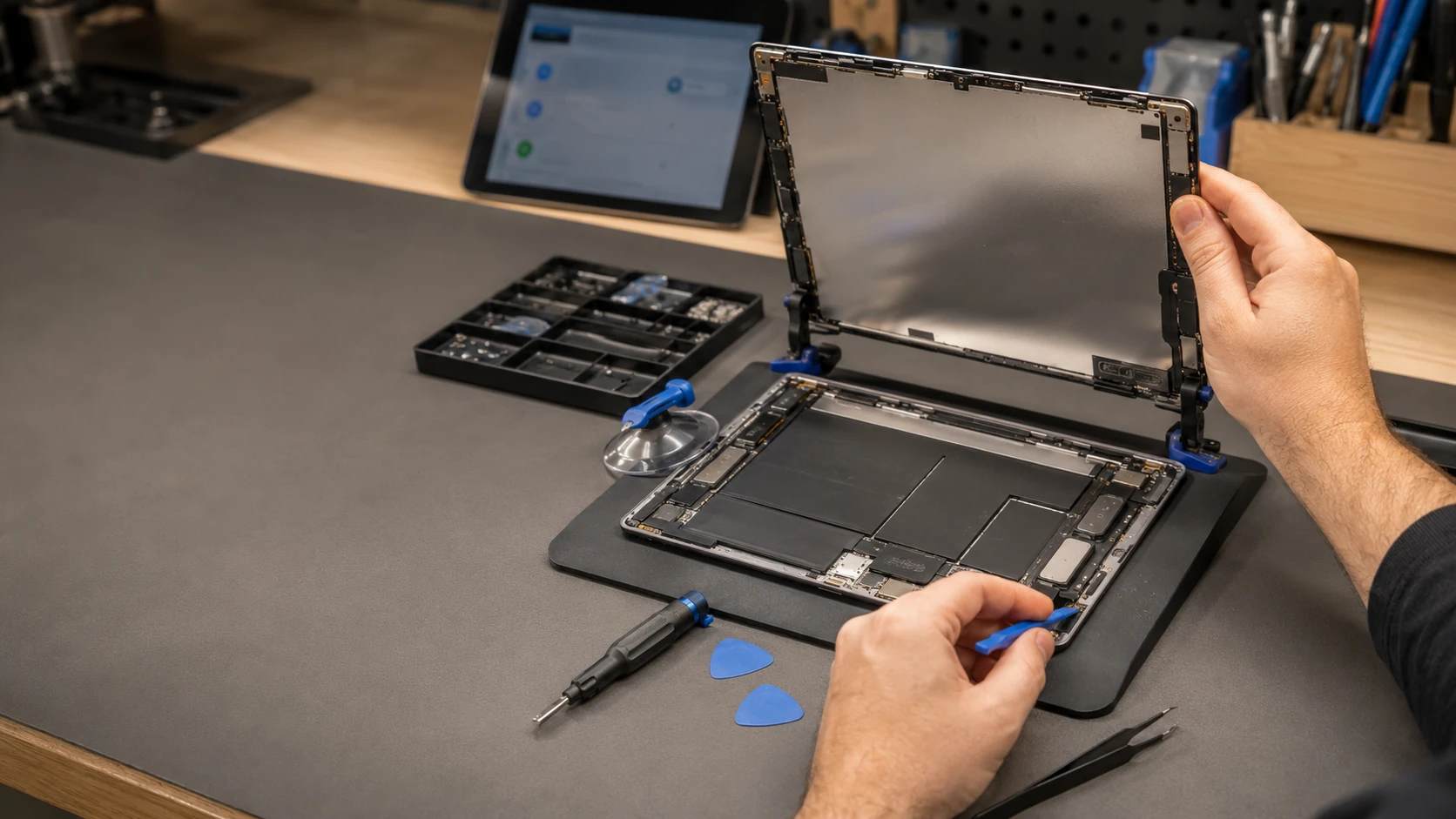
A kitchen iPad, a Surface that is someone’s only PC, a Fire the kids dropped. Screens and batteries are the usual tickets. Glue, paired parts, and soldered storage are why two tablets with the same screen size have very different bills. Labor on the completed service is covered for 90 days.
We do not bypass Activation Lock or school management. Personal tablets we can often bring back. You approve the work.
What we actually work on
 Screen replacement | 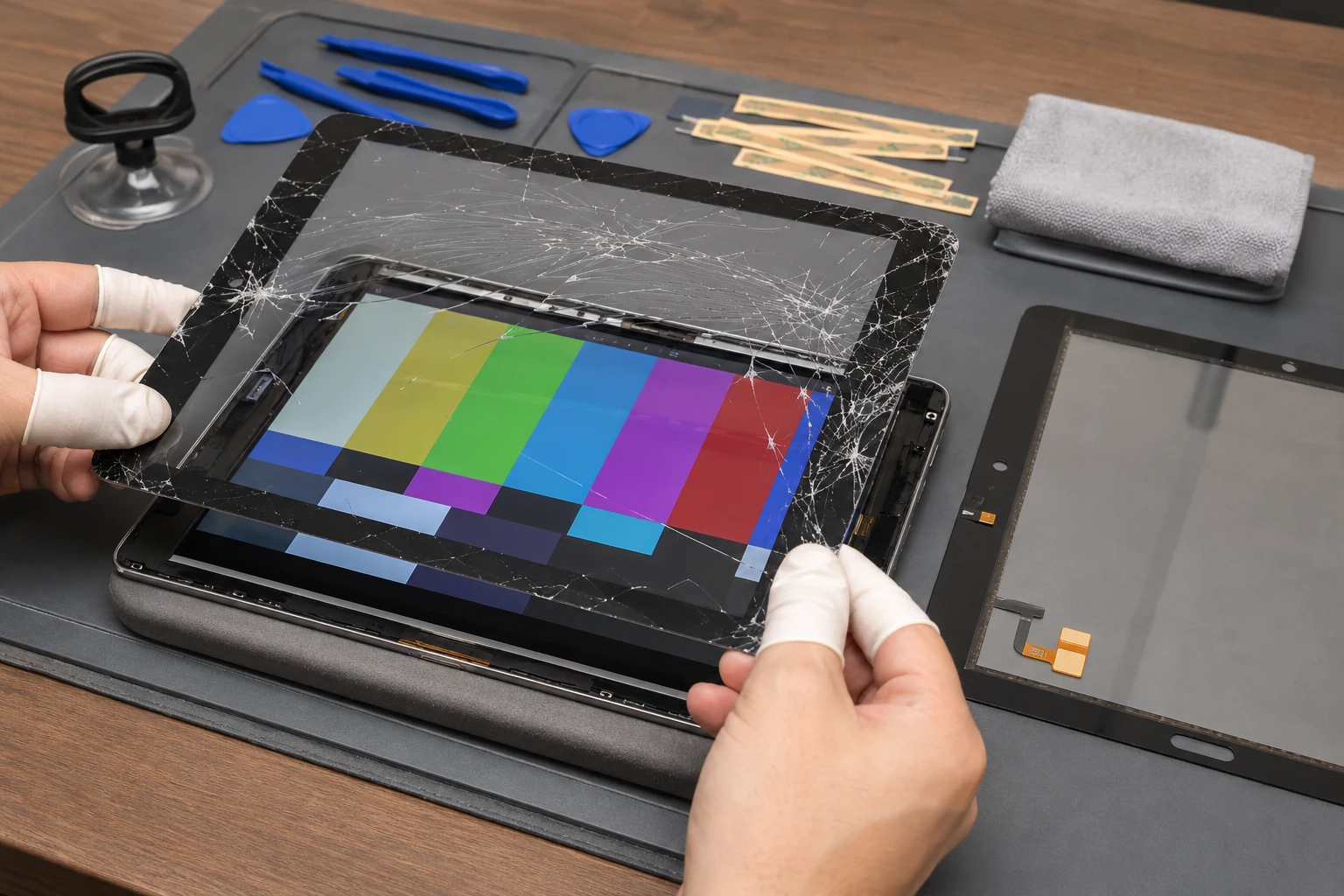 Digitizer / touch |
 Battery | 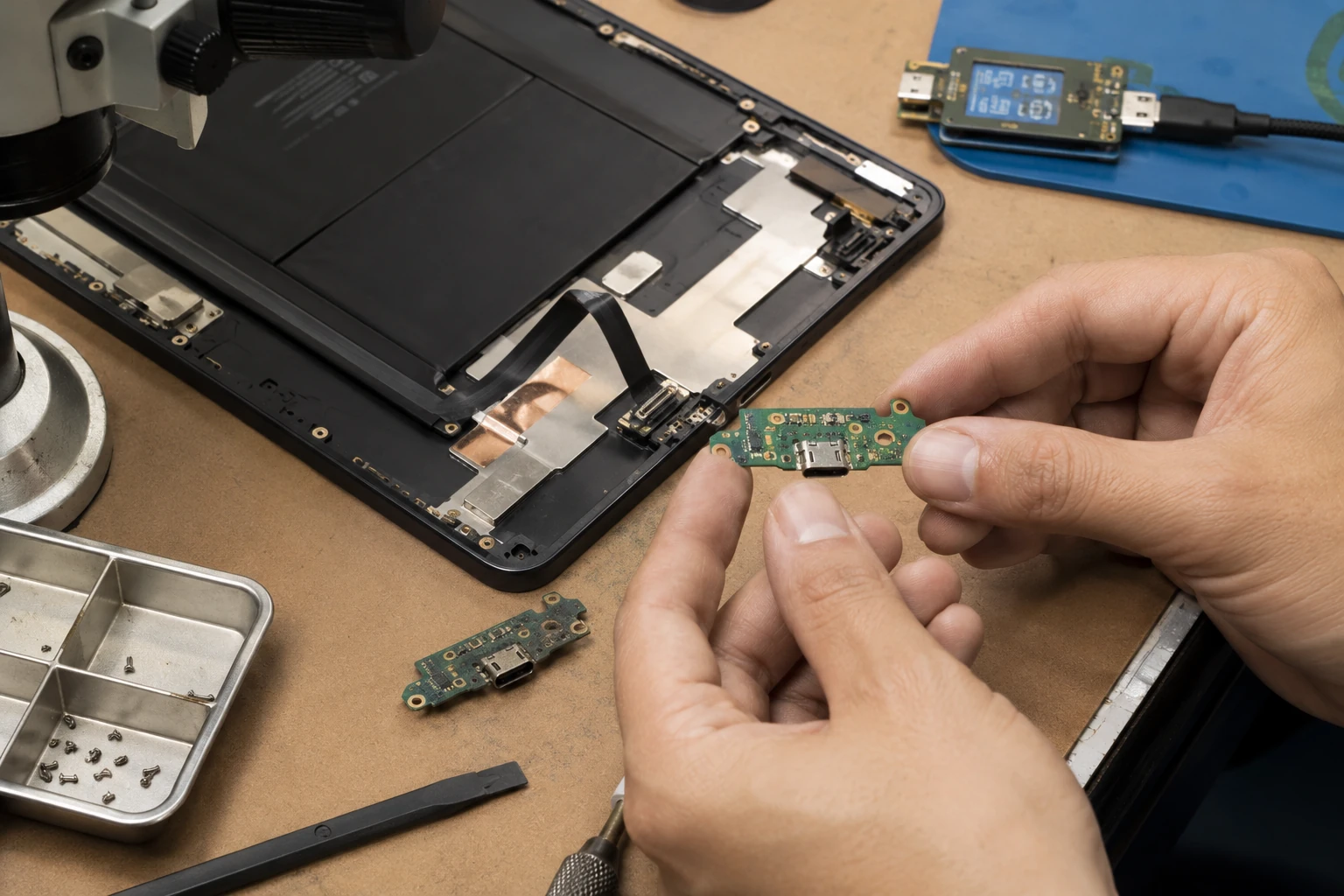 Charge port |
 Logic board | 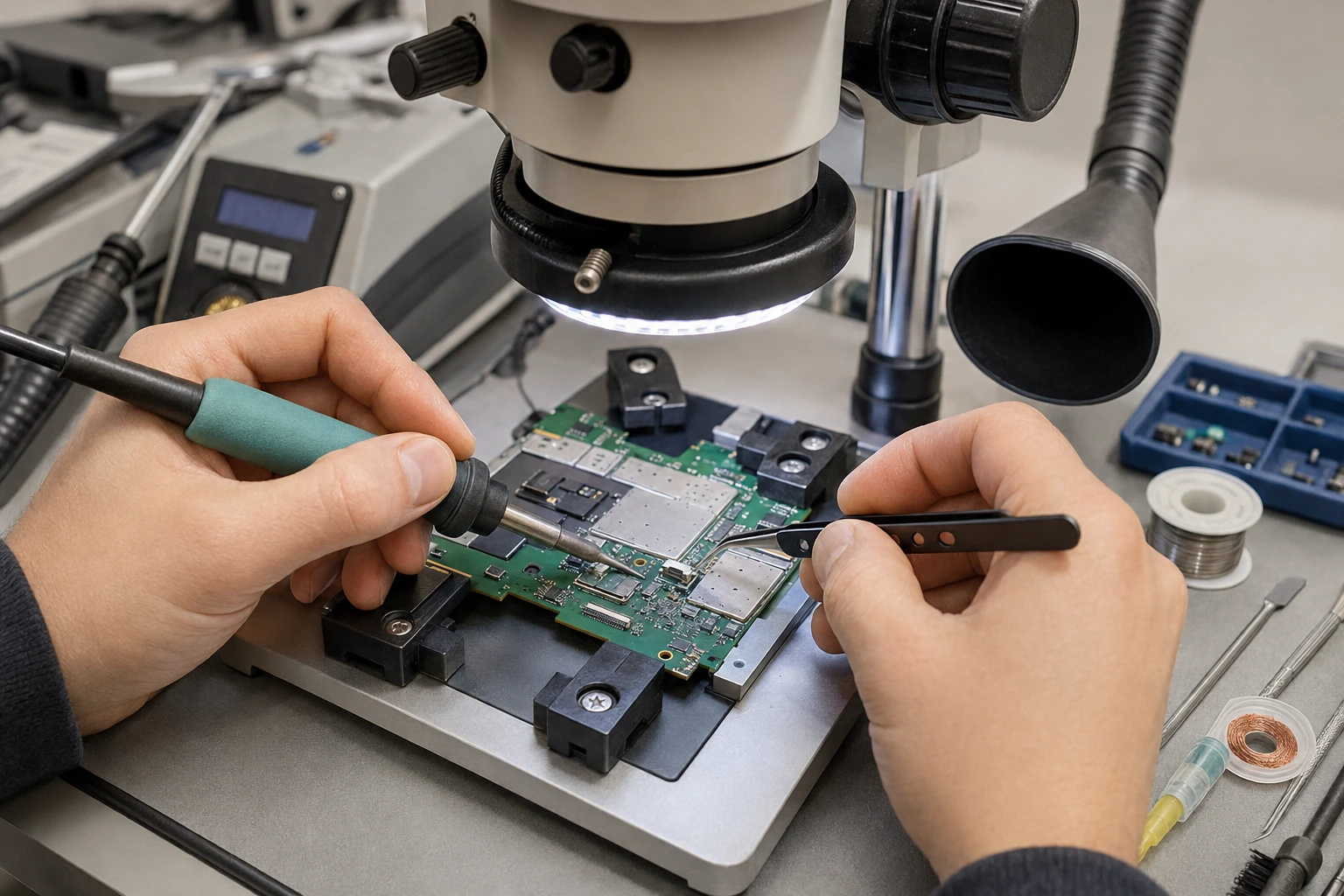 Microsoldering |
 iPadOS, Android, Windows | 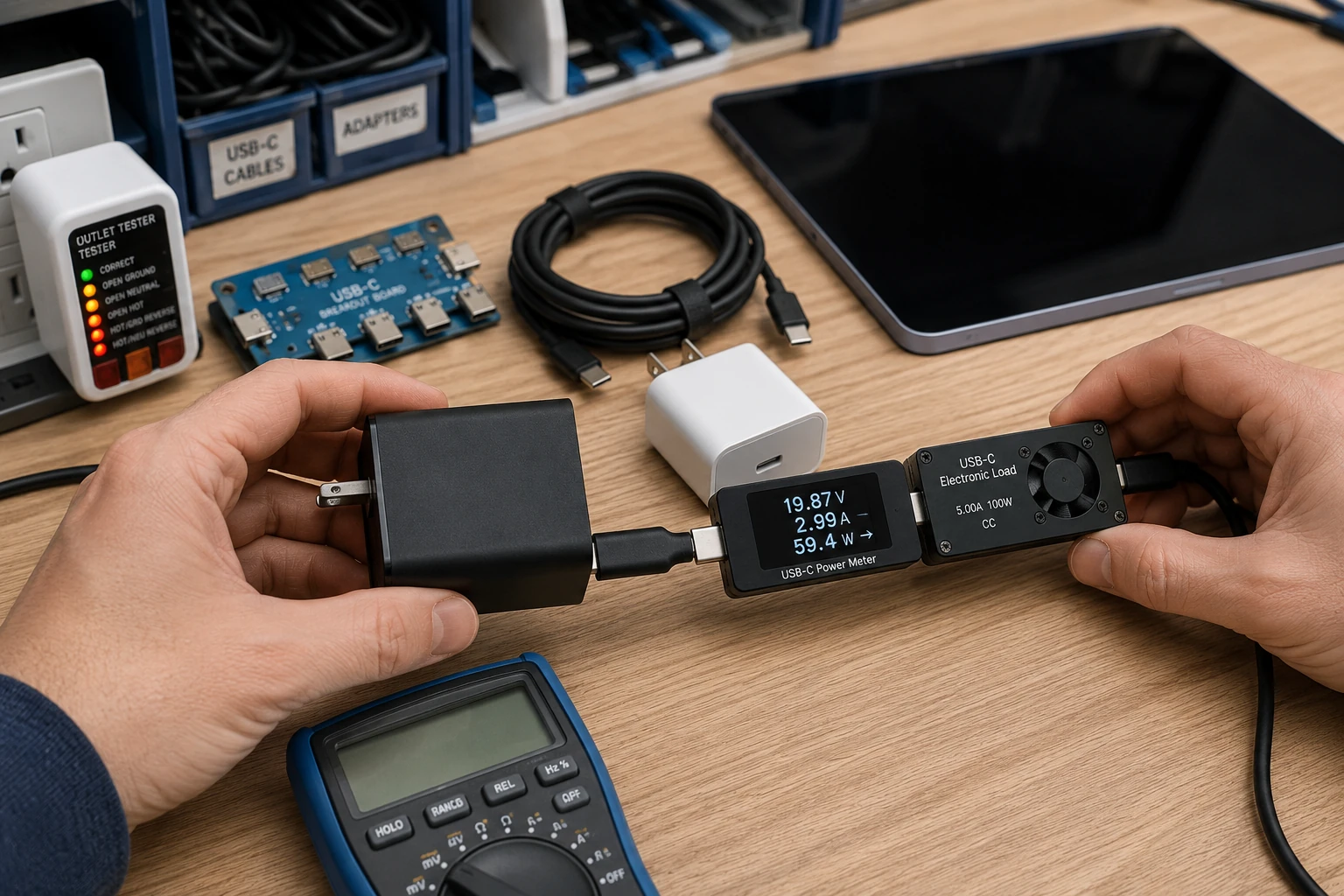 Charger |
 Accessories |
How the work actually goes
Broken glass, black display, lines
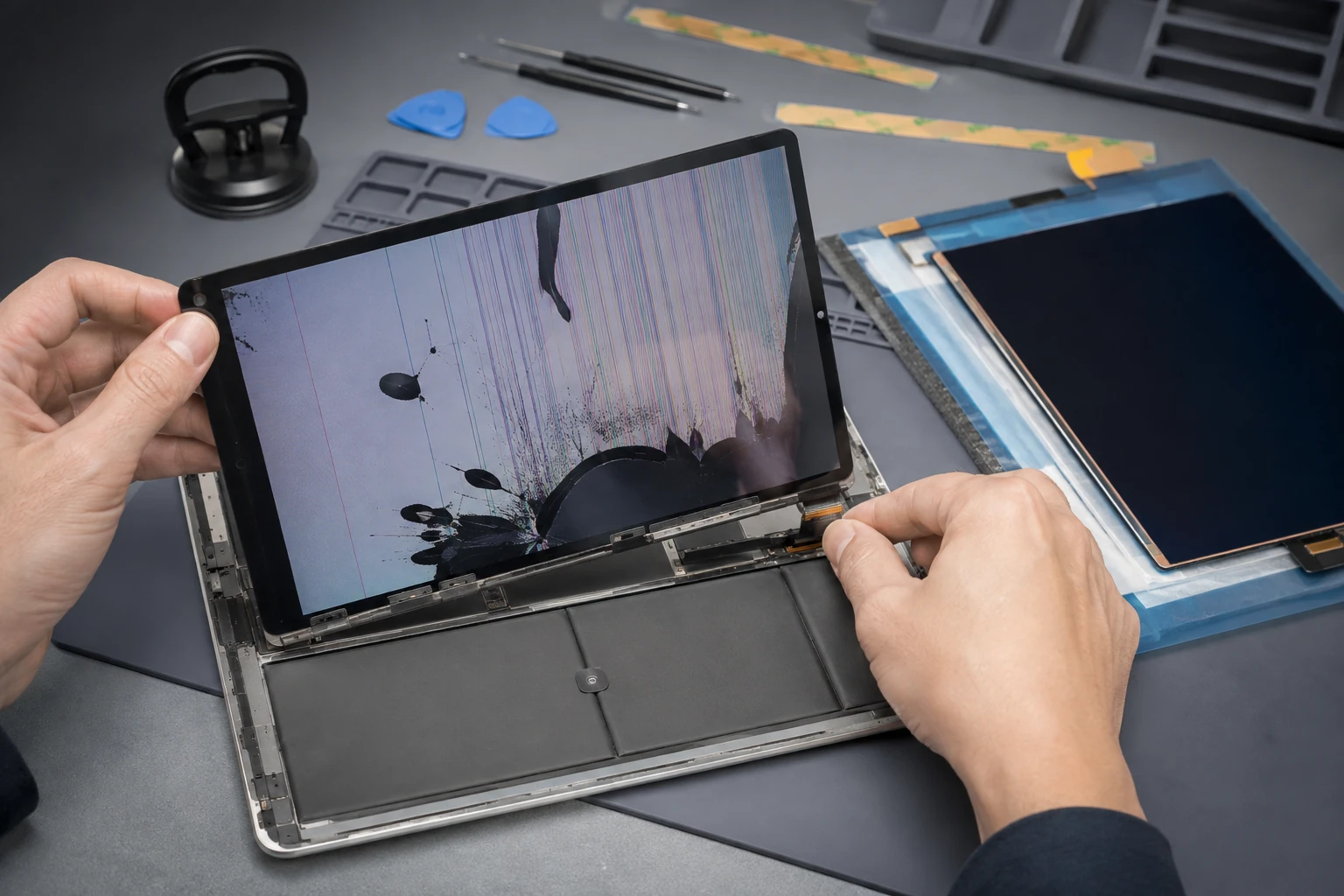
iPad, Galaxy Tab, Surface, Fire, and the no-name slate from the grocery aisle. The panel has to match size, bonding, and connector. Some iPads are a complete display assembly. We source from trusted U.S. vendors and quote before we order. Cracked glass with a working picture is still a cut hazard.
Touch or Pencil that does not track
The picture is fine and the touch is not. On many tablets the glass and LCD are fused. Surface and some Android slates are not. Pencil / S Pen issues can be the digitizer, the board, or the pen. We test the pen on a known-good screen when we can before we order glass.
Battery — including swollen packs
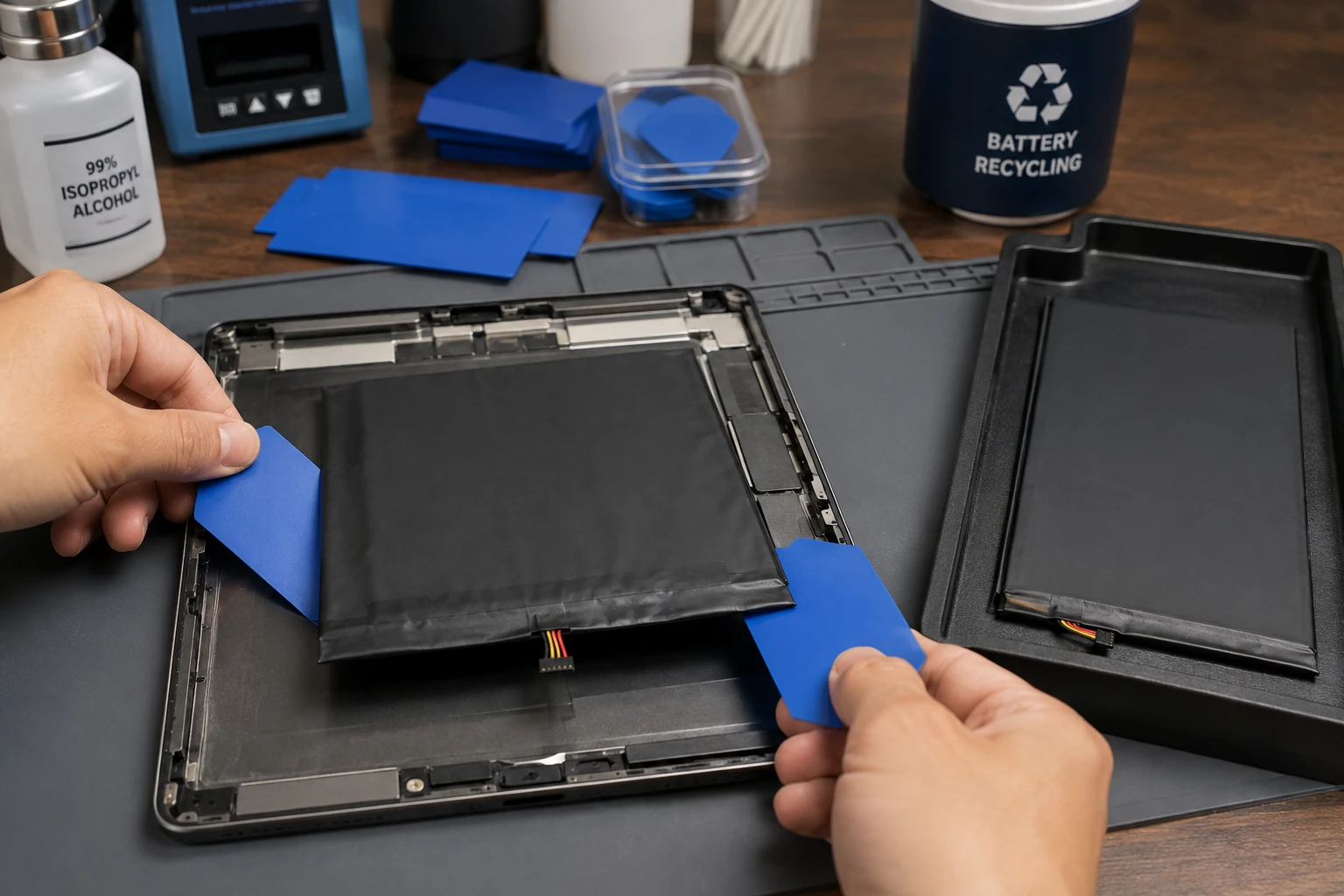
A tablet that lasts forty minutes, or a back that is no longer flat. Swollen cells lift the glass. Stop charging it. We replace the pack and recycle the old one. Glue-heavy construction is why some “simple” battery jobs risk the display — we say that up front.
Will not charge, or only charges at an angle
Kids and charging cables are a documented force of nature. USB-C, Lightning, or the barrel jack on an older slate. Port, daughterboard, then charging circuit. We meter the brick. A cheap surprise charger is how boards die.
Logic-board repair
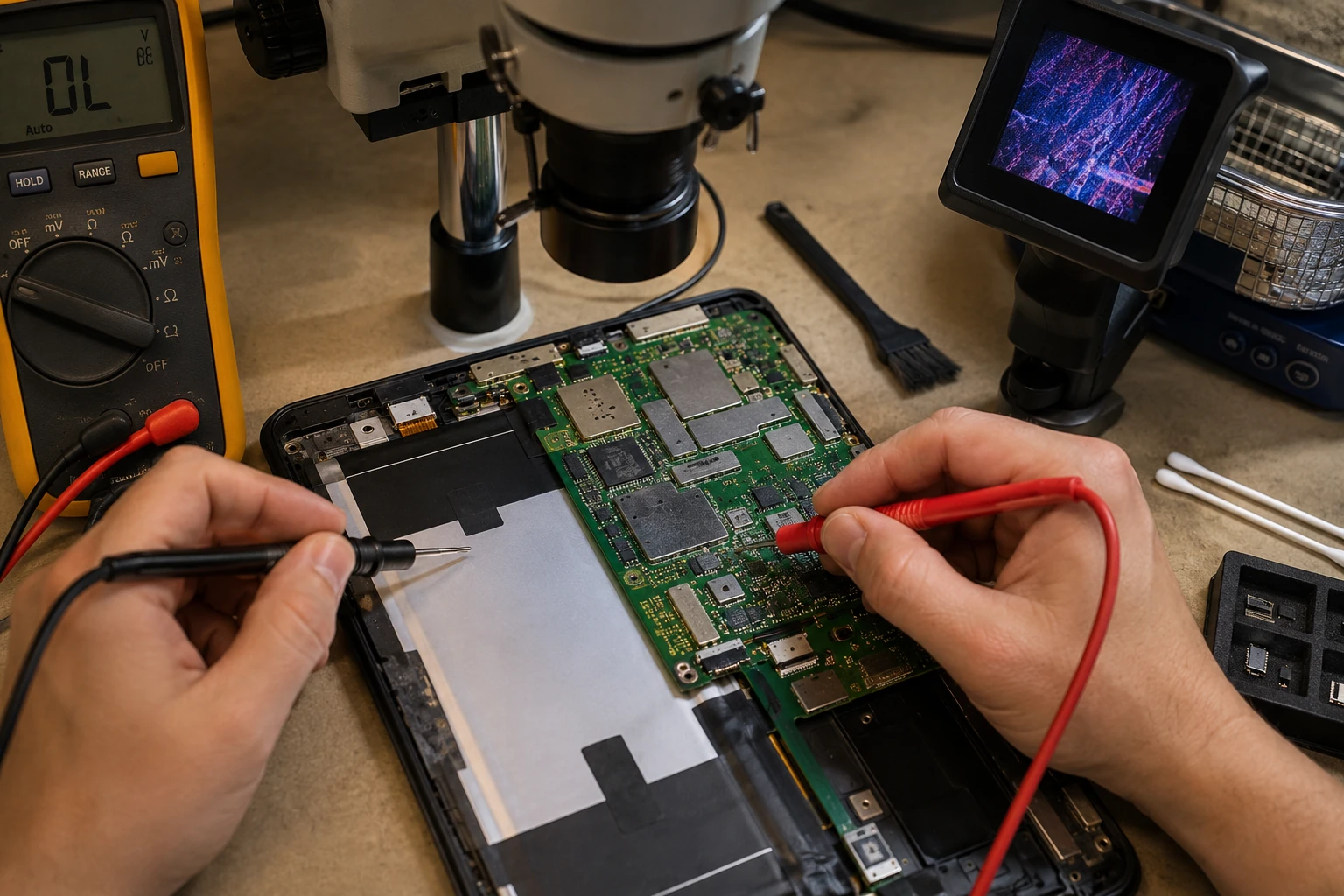
No power, boot loops, or a tablet that only lives on the charger. Parts availability is the usual limit, not the brand. Amazon Fire boards and some older slates are often not worth a board swap. We will say that before you spend.
Microsoldering
Torn charge connectors, backlight, and board-level work under a microscope. We do not solder a cracked LCD. When a manufacturer pairs a replacement part and we cannot complete that process honestly, we explain the limitation instead of installing a screen that leaves True Tone or the pen dead.
Software that will not boot
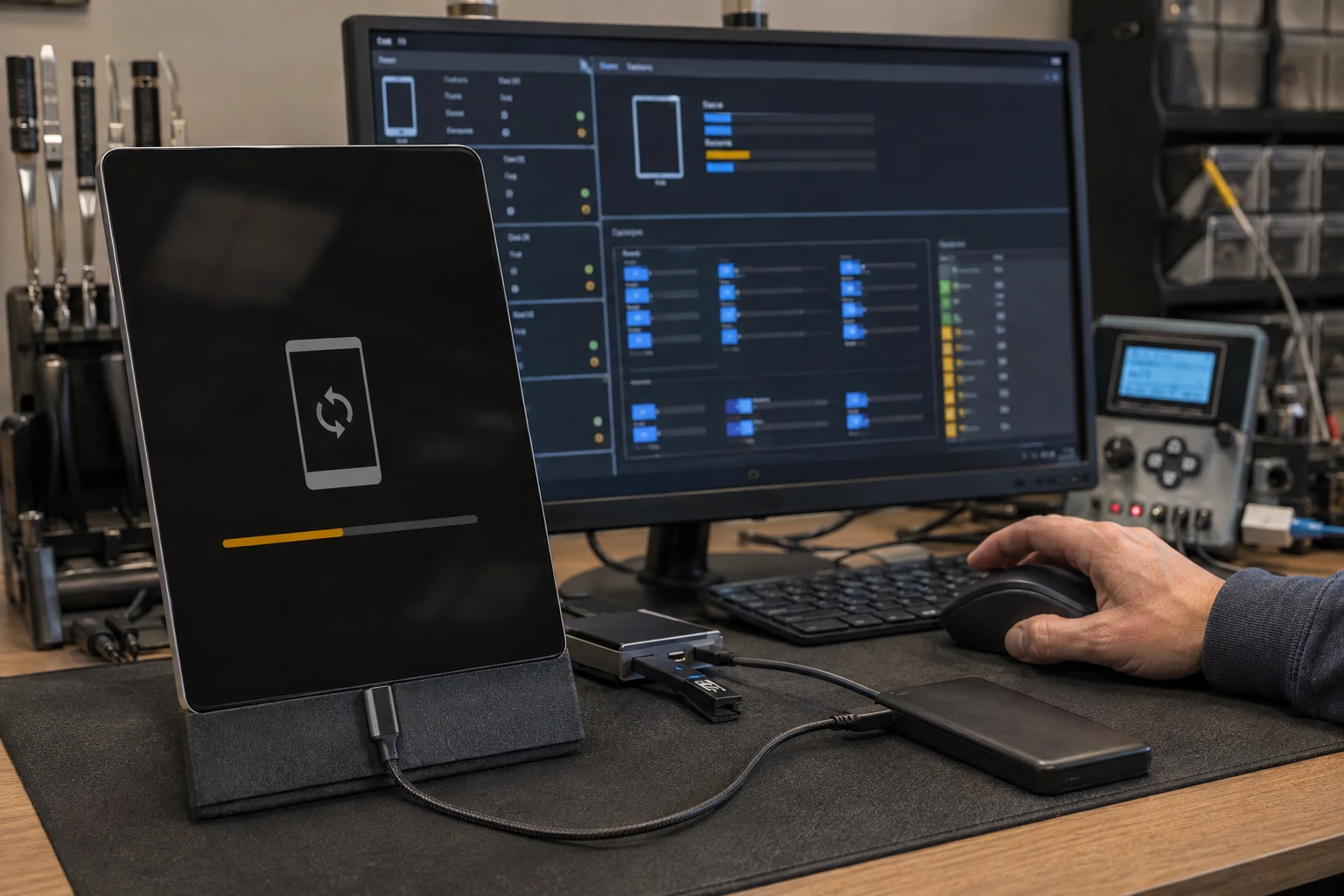
iPadOS, Android, Fire OS, Windows on a Surface. Update loops and “this tablet is supervised by an organization.” We try to repair without wiping when the data matters. School-managed iPads are not unlock jobs. Personal tablets we can often bring back. Passwords / Activation Lock is a different page.
Chargers
We meter what you brought. OEM when we can get it. Wrong wattage on a Surface brick is a common “it will not charge” ticket. After a port repair we prefer you leave with a known-good charger.
Cases, glass, and kids’ tablets
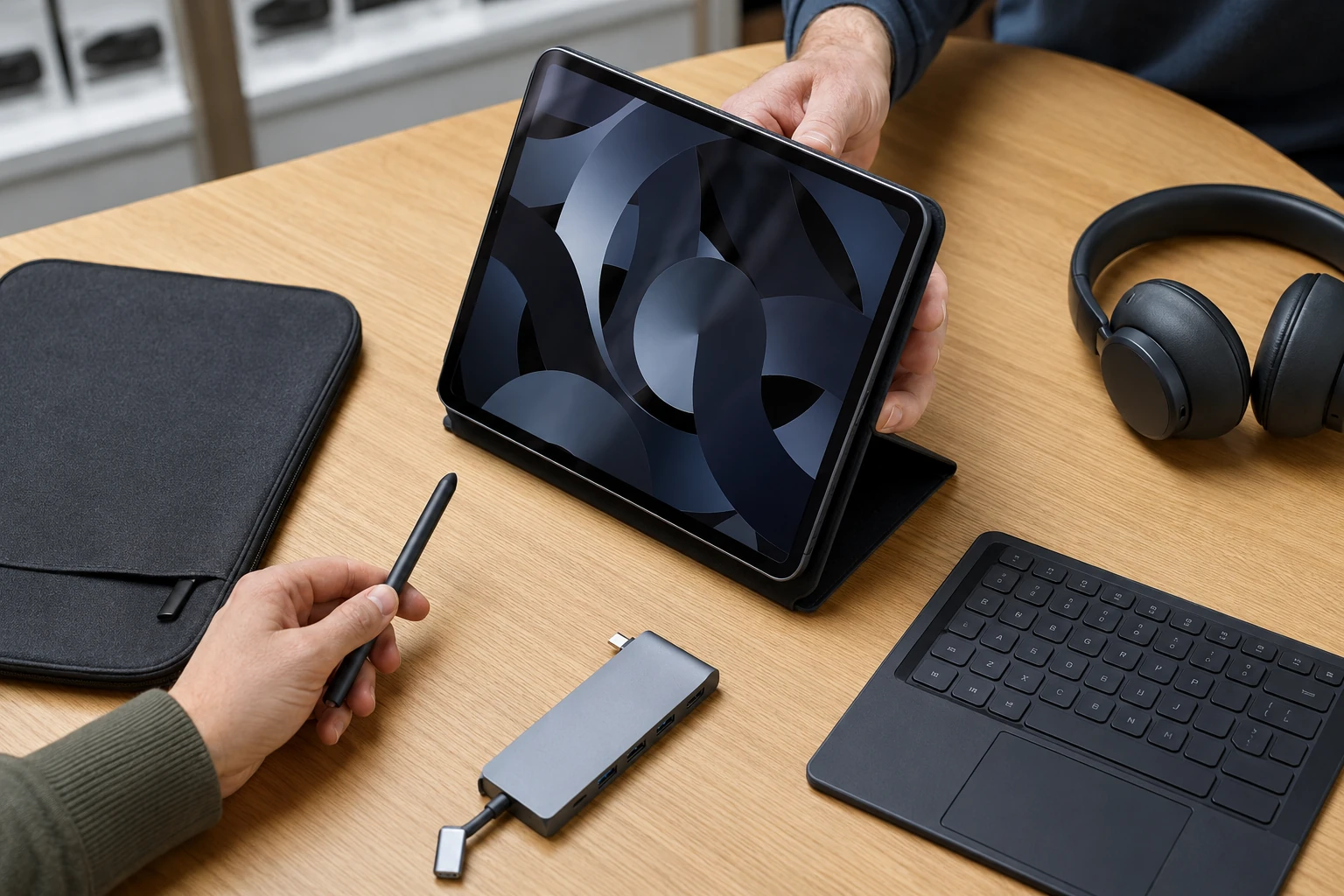
After a screen job we will often recommend a protector so the next drop kills a film, not another glass panel — especially kids’ tablets and work slates. Keyboards and covers for Surface and iPad when they actually fit this generation.
What tablet customers said
Public reviews. Names as published. Dates omitted. Google Business Profile · all reviews
“I have had great experiences with Bringing Your Tech to Life. They replaced some screens in 2 of my iPads and did an excellent job. They also troubleshooted my HP Desktop and did a good job fixing a fan issue that no other computer tech could get right.”
Steve Nash
“Paul did a great job for us. We were very impressed with his knowledge and his professional and personable demeanor. He replaced the screen on an Apple phone and replaced the audio speaker and battery on a Droid. Also he was very patient in answering all our questions.”
Jeanne Perkins
“Paul is awesome!! He’s one of the only people I trust with my computer. His prices are awesome and he is very thorough. He explains everything so I always know what’s going on.”
Shannon Middleton
Tablet repair FAQ
1. What tablet problems do you repair?
Screens and digitizers, batteries (including swollen), charging ports and USB-C, daughterboards, motherboards and microsoldering, cameras, speakers, mics, buttons, flex cables, chargers, Android / iPadOS / Windows / Fire OS, data recovery, liquid evaluation, and accessory advice — if the part can be sourced and the math works.
2. What brands?
Apple, Samsung, Microsoft, Amazon, Lenovo, Acer, ASUS, RCA, and others. The limit is usually parts, not the name. Fire and Kindle parts are thinner on the shelf; sometimes a donor tablet with a different failure is the path.
3. iPads?
Yes — iPad, Air, mini, Pro. Displays, batteries, ports, buttons, cameras, speakers, logic boards, software, data, microsoldering. Some parts are electronically paired. We will say when that matters.
4. Galaxy Tab and Android?
Yes. Hardware, batteries, charging, software, data — when parts exist. These are a large share of what we see.
5. Microsoft Surface?
Yes. Some generations require the display off to reach a battery. That can crack the glass, especially if the pack is already swollen. We explain that risk before we start.
6. Amazon Fire or Kindle?
When we can find the part. Stock is limited. Alternate vendors or a donor board/screen from a wrecked unit are sometimes the only option. Parts scarcity can end the job.
7. Cracked screens?
Yes. Modern tablets are usually a bonded glass+LCD assembly. Symptoms: blobs, lines, no image, flicker, color issues, cracked glass, dead or ghost touch. We replace the assembly as designed.
8. Digitizer only?
Sometimes, on older designs. We do not peel bonded displays in-house.
9. Battery replacement?
Yes, if the correct cell exists. Swollen: stop charging, keep it out of heat, bring it in.
10. Will not charge?
Cable, brick, port, daughterboard, battery, charging ICs, solder. We test the path instead of guessing the expensive part.
11. Loose USB-C?
Reflow, replace the connector, replace the daughterboard, or board-level — depending on what is actually broken.
12. Liquid damage?
Sometimes. Corrosion and shorts can be cleaned and soldered. On many tablets a full revival is not economical; board work may be for data only.
13. Motherboard repair or replace?
Whichever is saner: board cost, labor, damage, tablet value, whether storage is soldered, how badly you need the files.
14. Microsoldering?
Yes — ports, power, corrosion, pads, traces, small parts, biometric transfers. Heavier chip work may go to a specialist partner.
15. Cameras, speakers, mics, buttons?
Yes, when the replacement will actually work. Some parts need pairing or calibration.
16. Touch ID / Face ID / fingerprints?
Sometimes. Those sensors are often married to the original device. Lose the original and the feature may be gone — by design, for theft and privacy. We transfer originals when we can. If only an authorized shop can calibrate it, we will tell you before you spend.
17. Operating-system problems?
Android, iPadOS/iOS, Windows (including 11 S Mode), Fire OS. Boot loops, failed updates, crashes, corruption. Data-preservation talk happens before a wipe when we can.
18. Reset or reload?
Yes — corruption, failed updates, resale prep, junk software. Process depends on the maker.
19. Data from a tablet that will not boot?
Harder than a PC. NAND is often soldered and encrypted to that board. Worst case is moving original chips onto a donor board long enough to copy files to a USB/SSD. That is recovery, not a daily-driver repair. Data recovery.
20. Data with a broken screen?
Often, if the tablet still runs. Temporary display, screen replacement, connect to another system, backups. Encryption and damage decide the method.
21. Chargers?
We test yours first. OEM preferred. Third-party only with the right voltage, amperage, wattage, and connector.
22. Cases, keyboards, styluses, protectors?
Buy common accessories yourself. After we replace a screen we will still push a protector so the next drop is cheap.
23. Diagnostics?
Not every cracked screen needs a full workup. No power, liquid, intermittent faults, and board damage do. Quotes match what you described. Crushed or bent on arrival is a new conversation.
24. Is it worth repairing?
Age, replacement cost, OS support, parts, structure, data, how you use it. Budget RCA-class tablets often lose that math. We will say so. You can still ask us to do it.
25. Bent or crushed tablets?
Sometimes. A bent frame can take the display, battery, board, port, cameras, and alignment with it. We reassess before we start the “just a screen” you were quoted on the phone.
26. Warranty?
90 days on labor. Parts we supply follow the vendor warranty; we keep the invoice and can run the RMA. Your parts: no parts warranty from us. Guarantee.
27. My own part?
Yes. If we buy it, you pay what we paid (card fees passed through), we check fit, we handle DOA and eligible returns. If you supply it, wrong/damaged/defective is yours unless you hire us to fight the vendor.
28. Documentation?
Written report: findings, parts, notes, logs, photos of internal damage when useful, recommendations. Passwords are not stored.
29. Manufacturer locks?
Pairing and calibration can block displays, cameras, biometrics, and boards. If we cannot complete it legitimately, we say so before you pay for a feature that will never come back.
30. Why does repairability matter when I buy the next one?
Two tablets with the same spec sheet can have wildly different repair bills: glue, paired parts, soldered storage, battery buried under a a small card0 display. Cheap to buy is not cheap to own. Ask before you checkout.
Ready to start a tablet repair?
Submit a ticket. We will tell you when to bring it. Do not show up unannounced.